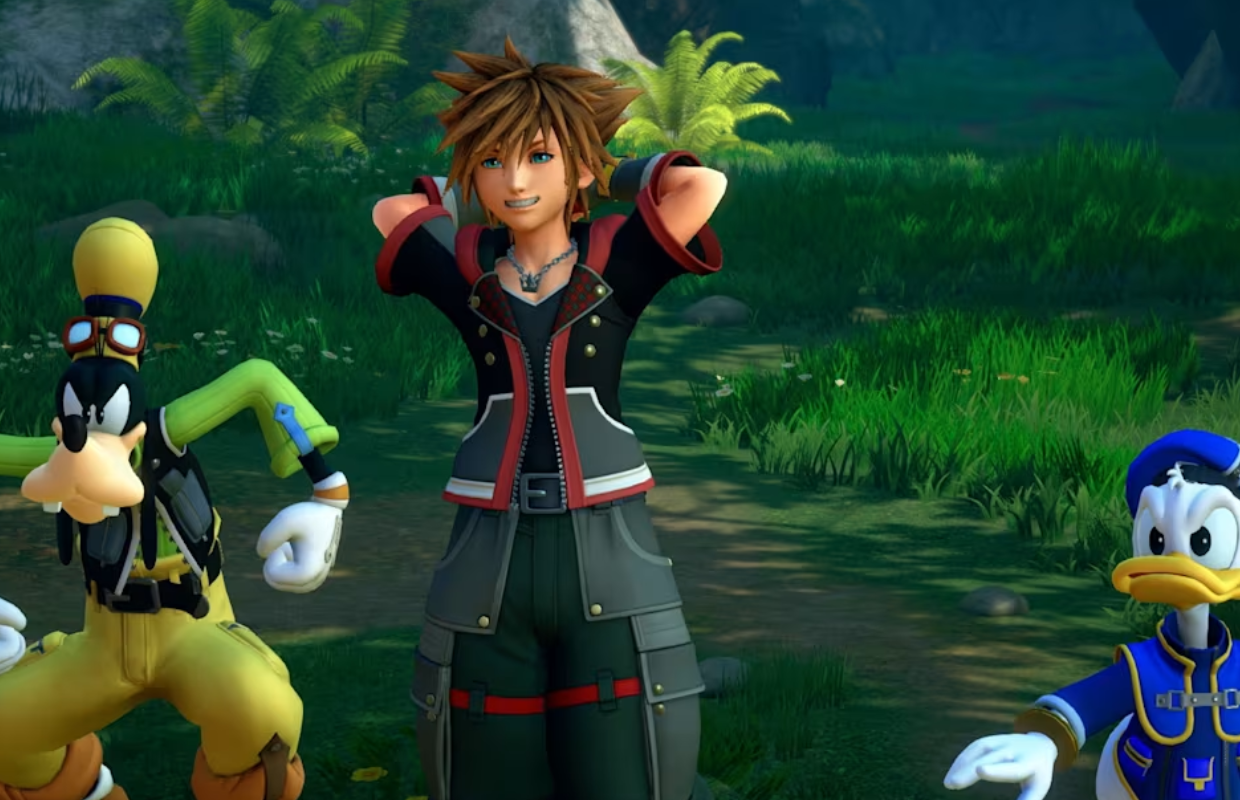
After the Nintendo Direct, Square Enix made a free demo of Kingdom Hearts III + Re Mind DLC available on the Nintendo Switch 2. As a long-time fan who’s played Kingdom Hearts III on many different systems, I wanted to see how it would perform on this new version. This is the first time the game has been released on current-generation hardware, and the Switch 2’s power suggested it could look and run even better than the original PS4 and Xbox One versions. However, after trying the demo, I was a little disappointed with the performance, although some things were still impressive. Since it’s just a demo, the full game might get performance updates, similar to what happened with Final Fantasy VII Rebirth, but we’ll have to wait and see.
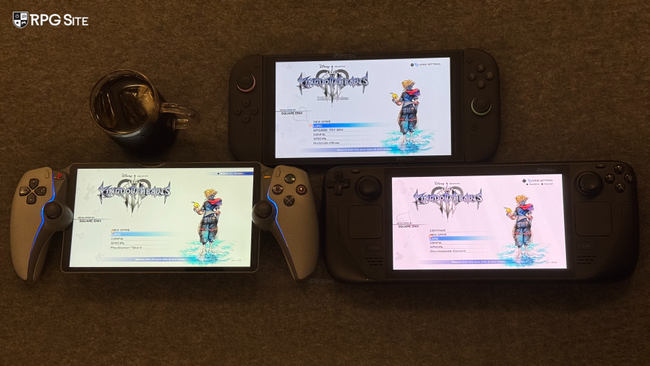
I’m planning a detailed comparison of the new Kingdom Hearts games on PS5, PS5 Pro, Xbox Series X, and Switch 2 when the consoles launch. For now, I’ve focused on the latest version of Kingdom Hearts III while testing the Switch 2 demo. I revisited the beginning of the game on PS4 (played on PS5), the PC version using the Steam Deck, and both docked and handheld modes of the Switch 2 demo. I’ll be highlighting the visual differences between the Switch 2 and PS4 versions, comparing the handheld experience on the Switch 2 to the Steam Deck, and outlining what improvements I’d like to see Square Enix make beyond just performance tweaks.
Kingdom Hearts III Switch 2 vs PS4 and state of the console versions
When Kingdom Hearts III comes to the new Switch 2 in October, it will also be natively available on PS5 and Xbox Series X. However, the demo is currently only available on Switch 2. I originally played Kingdom Hearts III on Xbox One X instead of PS4 Pro because the Xbox version had better support for smooth visuals. The PS4 Pro version felt clunky unless you lowered the resolution, and the standard PS4 version was too unstable. Now, playing the PS4 and Xbox One versions on PS5 and Xbox Series X respectively gives you a consistent 60 frames per second with the visual quality of the PS4 Pro and Xbox One X. Because of this, the Xbox One version on Xbox Series X has been the best way to play Kingdom Hearts III on consoles – it looks sharper than the PS5 version and runs at a smooth 60fps.
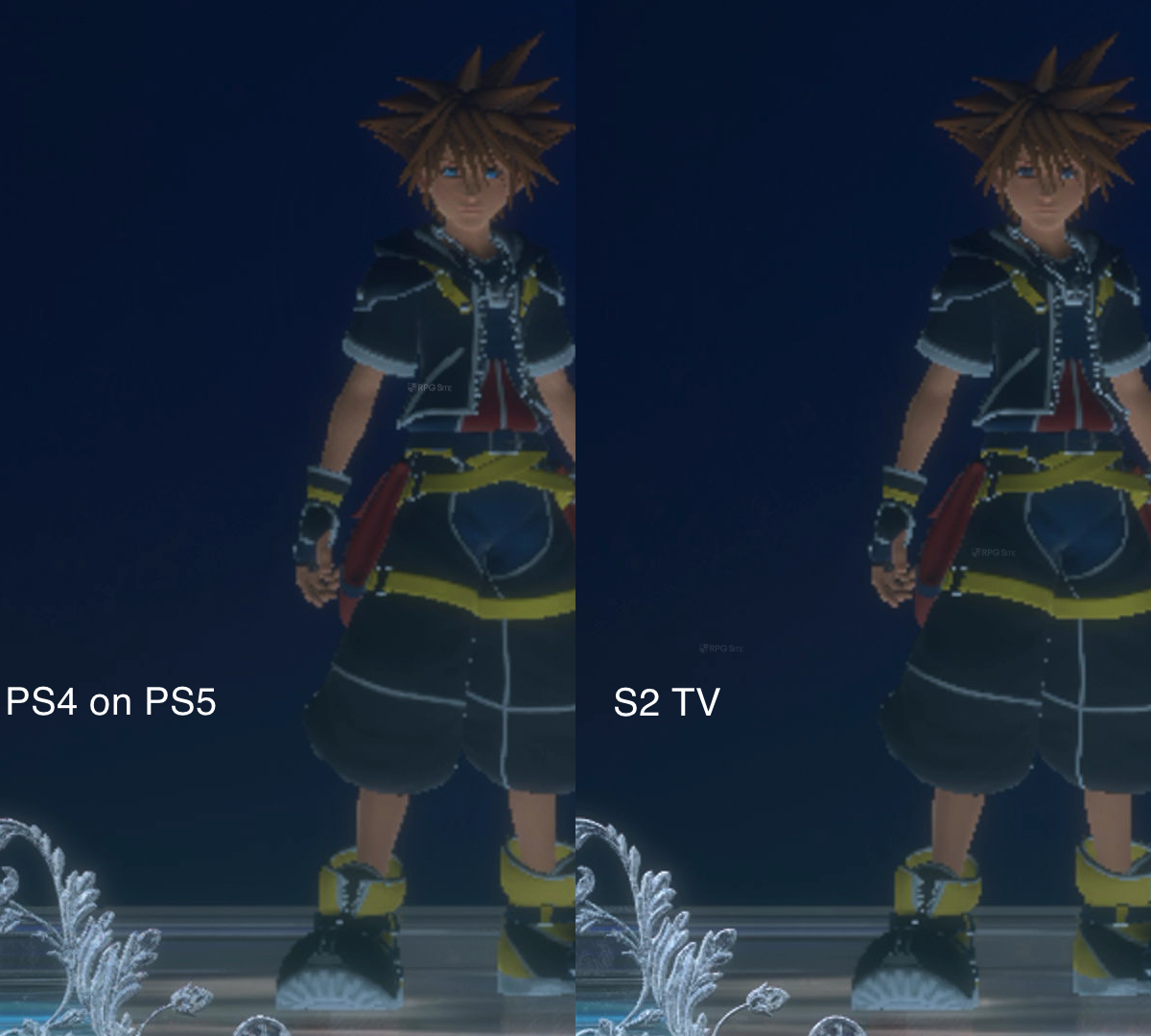
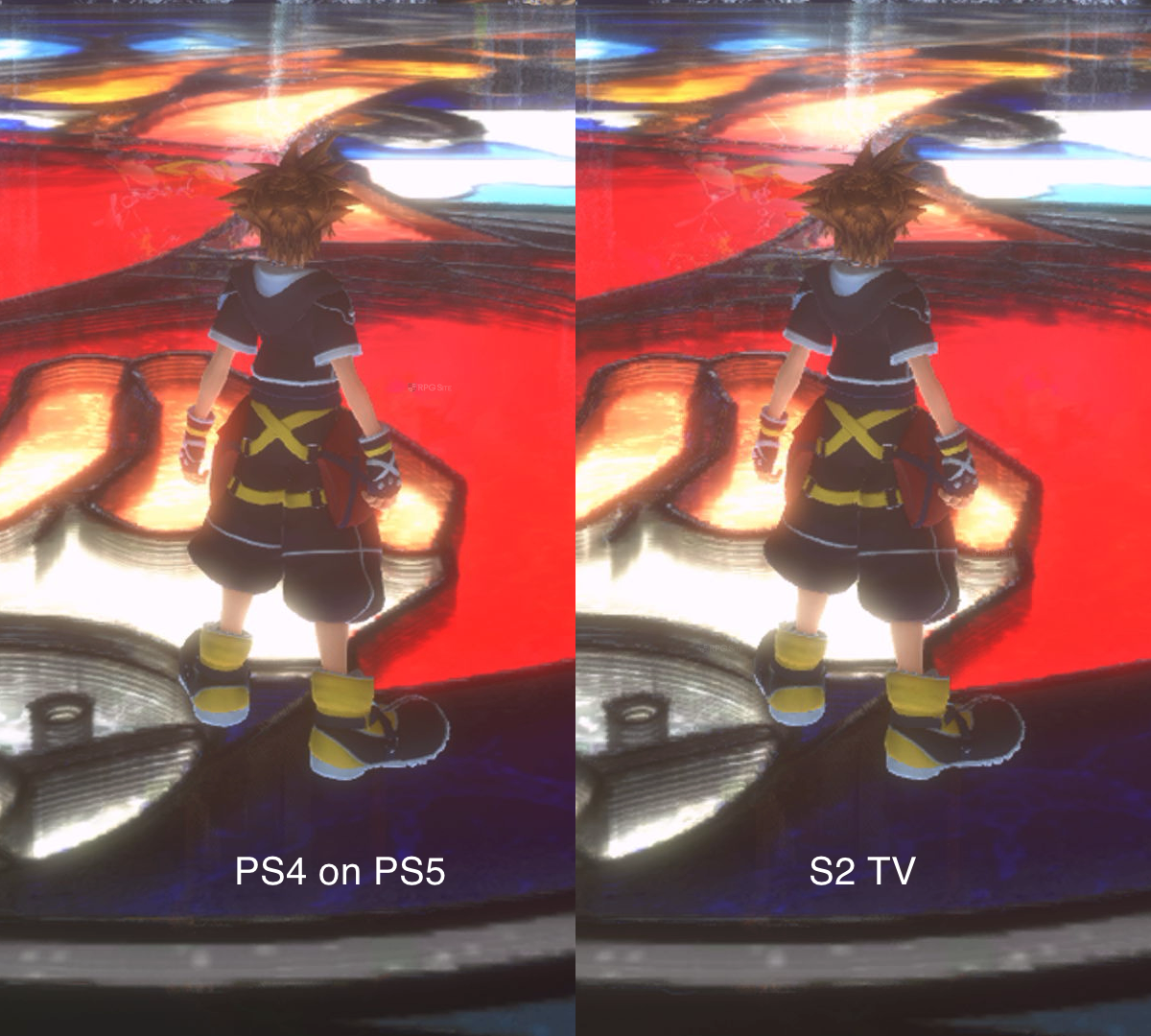
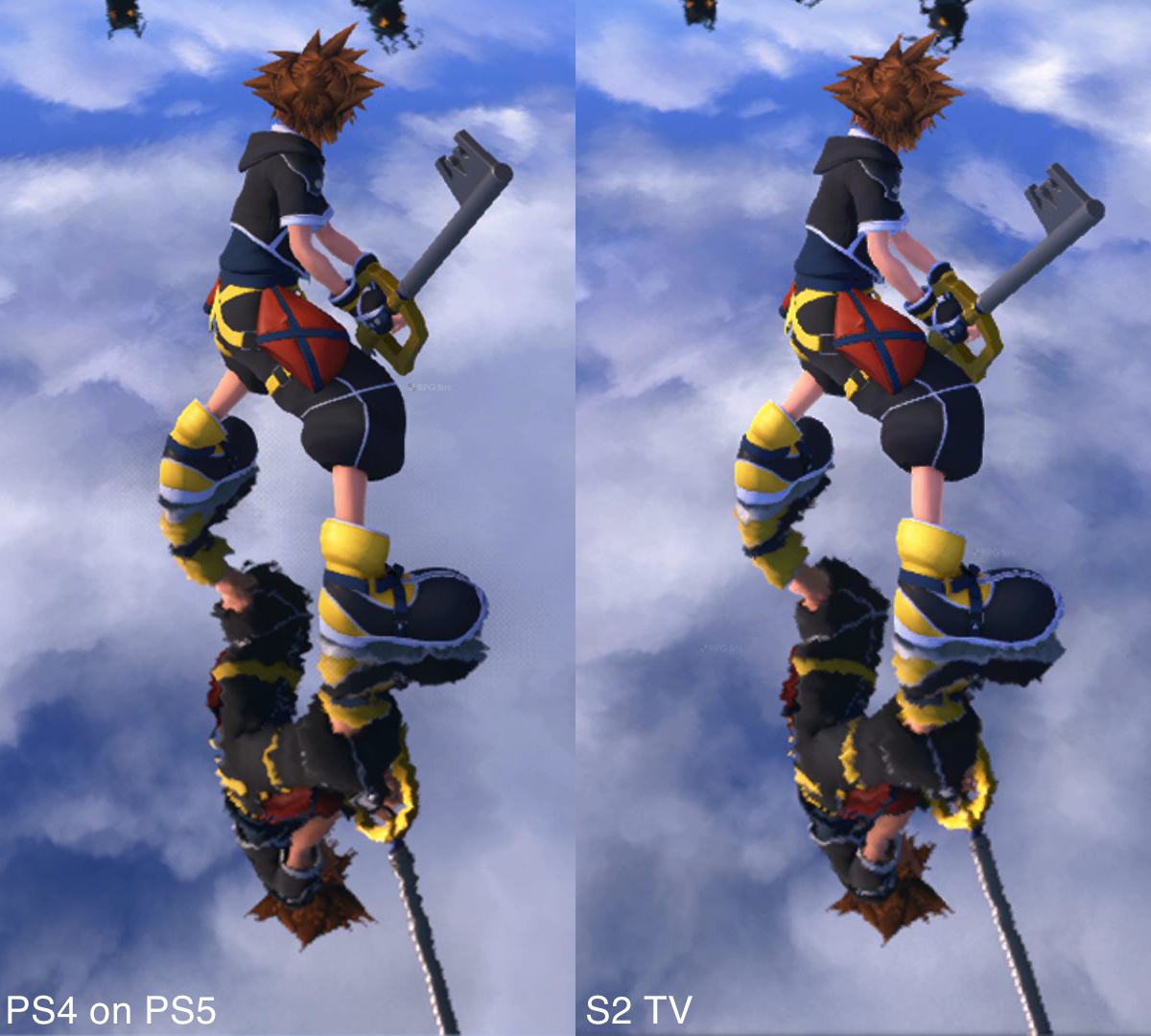
Just so you know, for comparing games running in docked mode and on PlayStation 4 versus PlayStation 5, I used a 4K capture card to record footage of both PS4 games on the PS5 and Switch 2 gameplay while docked. Then, I cropped the images to clearly show how things look on each platform.
The PS4 Pro version looked less sharp than the Xbox One X, generally rendering at a resolution below 1440p. When I tested it on a PS5 using backward compatibility, it output around 1296p, which aligns with the maximum resolution it achieved on the PS4 Pro, according to Digital Foundry’s original tests.
Considering the Switch 2’s hardware, I expected the game to look as good as or better than it did on the Xbox One X. However, the current version seems to fall somewhere between the PS4 Pro and Xbox One X in terms of visual quality. Specifically, in the first few hours of gameplay while docked, Kingdom Hearts III uses a dynamic resolution, meaning the image quality fluctuates. In my tests across four areas, the resolution ranged from 1080p to 1296p, but these numbers aren’t definitive, as I didn’t test every location and this isn’t the final game version. It appears to be visually closer to the PS4 Pro version than the Xbox One X version.
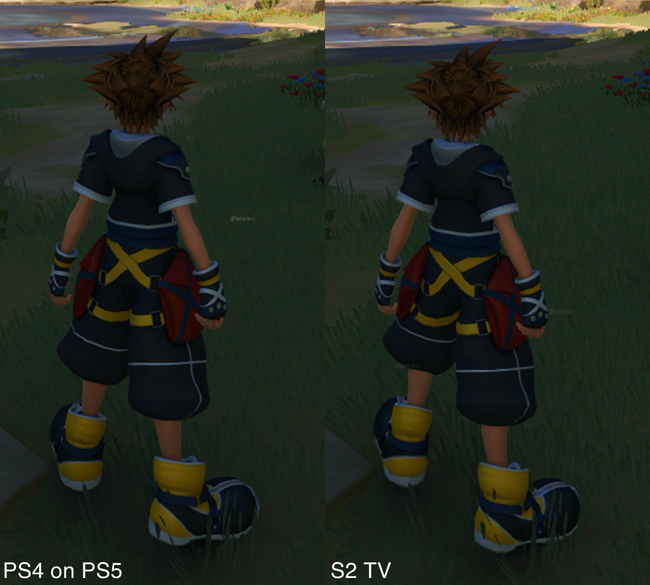
Okay, so I’ve been playing Kingdom Hearts III on the new Switch 2 and honestly, the performance is kinda all over the place. It bounces between 30 and 60 frames per second, sometimes hitting 60 in easier parts or if I’m just looking at a wall, but during actual gameplay it’s really inconsistent. Even areas that seem to run better don’t stay locked at 60fps. Some people might not notice or care too much, but I would have loved the option to cap it at 30 or 40fps – and honestly, a little more optimization overall would have been great. It’s weird because this version actually runs better than the PS4 and Xbox One versions when docked! Hopefully they can smooth things out with updates, because visually I’m happy with how Kingdom Hearts III looks and loads on Switch 2, but right now, the frame rate is definitely a weak point. The one thing it nails though? Load times are way faster than on the PS4 Pro, which I’ll talk about later.
Kingdom Hearts III Switch 2 vs Steam Deck handheld
I had hoped Kingdom Hearts III would play well on the handheld device with its variable refresh rate screen, but the performance is currently too inconsistent for me. While playing handheld, the game’s resolution changes dynamically, sometimes dropping as low as 720p, and averaging around 900p in my limited testing. I only checked a few areas, and plan to do more thorough tests with the final game version, but I wanted to get a general idea of how the current build performs. Despite the fluctuating resolution (and a sharp 1080p user interface), Kingdom Hearts III still looks quite good on the device.
When playing Kingdom Hearts III on the Steam Deck, achieving a consistent 60 frames per second at 720p resolution, even with the lowest graphics settings, isn’t possible. I recently replayed the game for its release on Steam and found that limiting the frame rate to 40fps on the Steam Deck LCD screen, or 45fps on the OLED screen, with some adjusted settings, provided a much smoother experience. A stable 40fps is preferable to the fluctuating 30-50fps you’d otherwise get.
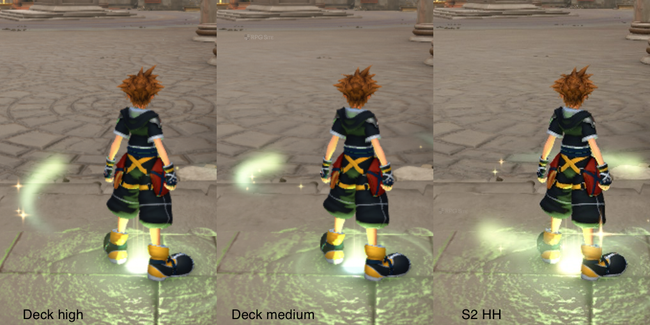
Just so you know how I did the comparison, I took screenshots using the Steam Deck’s built-in tool and the Switch 2’s capture feature. Then, to make it fair, I cropped the pictures so we were looking at the exact same spot in the game on both consoles. Also, when testing the Steam Deck, I set it to high graphics settings at 720p resolution, and it ran around 50-55 frames per second.
While some areas of the Kingdom Hearts III demo run smoothly at 60 frames per second, that’s not consistent throughout the game. Considering Kingdom Hearts III was originally made for older consoles, I hoped the Switch 2 version would perform better. A stable 40fps experience in handheld mode should be easily achievable for a game like this, but unfortunately, the port doesn’t quite deliver.
Currently, Kingdom Hearts III looks better on the Nintendo Switch 2 handheld version, but runs more consistently on the Steam Deck. I tested the game on two Steam Decks after seeing a video claiming performance was struggling even on low settings – it appeared to barely hit 30 frames per second. However, I found I could comfortably achieve 45fps at 90hz using the medium graphics preset. The high preset also performed well, averaging around 40fps. Even with all settings maxed out, I managed a stable 30fps in the four areas of the game I tested. I’ll share more detailed Steam Deck recommendations once I’ve fully compared it to the Switch 2 version, but for now, I recommend using the medium preset to get a smooth 45fps experience on the Steam Deck OLED.
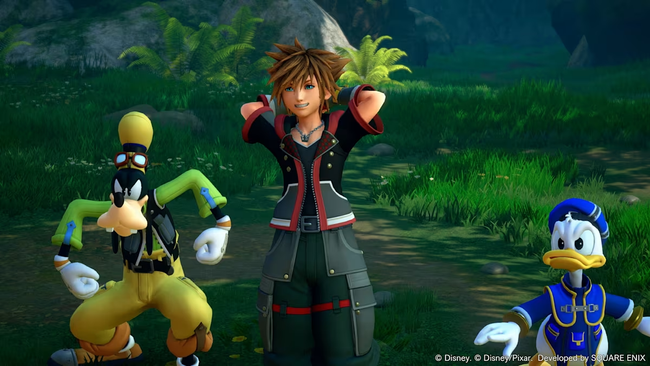
Kingdom Hearts III load times compared on Switch 2, Steam Deck, and the PS4 version tested on PS5
I wanted to see how quickly Kingdom Hearts III loads on different systems, so I installed it in several ways: on a PS4 Pro’s built-in hard drive, the original PS4 version on a PS5 with both an external and internal hard drive, the PS4 version on a PS5 Pro’s internal storage, the PC version on the Steam Deck, and finally, the Switch 2 version on its own internal storage. Kingdom Hearts III starts with several unavoidable loading screens that make the initial load times longer than they actually are. I timed how long it took to get from the console dashboard to the game’s title screen, as well as how long it took to load an early save file on each platform. The timings below are shown in seconds.
| Platform | Dashboard to title | Loading save |
| Switch 2 Demo | 32 | 23 |
| PS4 Pro | 45 | 38 |
| PS4 on PS5 HDD | 34 | 32 |
| PS4 on PS5 SSD | 31-34 | 24-26 |
| PS4 on PS5 Pro SSD | 32 | 25-26 |
| Steam Deck | 40 | 26 |
The Switch 2 demo loads saved games and the title screen noticeably faster than the PS4 and Steam Deck versions. It matches the speed of the PS4 version when that’s running on a solid-state drive (SSD). This is a significant improvement over the PS4 and PS4 Pro, and also quicker than the Steam Deck. We’ll have to wait and see how the PS5 and Xbox Series versions perform, as they’re also designed for SSDs. Overall, these early results are very promising for the Switch 2.
What Square Enix needs to fix in Kingdom Hearts III on Switch 2 for launch
To make Switch 2 games look as good as they do on PS4 Pro, Square Enix needs to improve how smoothly those games run. Ideally, I’d like to see options for playing at 1440p with a frame rate of 30 frames per second, or at a dynamic resolution with 60 frames per second when the Switch 2 is docked. When played handheld, a consistent 40 frames per second at 120Hz would be great too. While the current graphics are acceptable – similar to what you’d see on PS4 Pro – the performance isn’t quite there yet. I hope we get some improvements in the final game and an update for the demo before it releases.
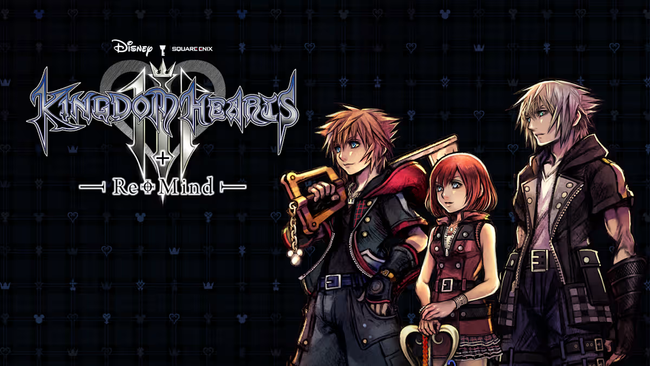
You can play Kingdom Hearts III on PlayStation 4, Xbox One, and computers running Steam right now. It will be released on PlayStation 5, Xbox Series X|S, and Nintendo Switch 2 on October 8th.
Read More
- Netflix’s Little House On The Prairie Reboot: Release Date, Cast & Everything We Know
- Off Campus Season 1 Soundtrack Guide
- Silver Rate Forecast
- Brent Oil Forecast
- Prime Video’s New R-Rated Spy Thriller Is Officially No.1 On Streaming Despite Poor Reviews
- Infinity Nikki Candlelight Reverie Challenge and Rewards Guide
- Gold Rate Forecast
- Bulgakov’s Take: Koreans Bet the Farm on Chips, Crypto, and Chaos
- EUR ZAR PREDICTION
- KPop Demon Hunters Meets Avatar: The Last Airbender In Netflix’s 3-Part Fantasy Series
2026-06-14 17:29