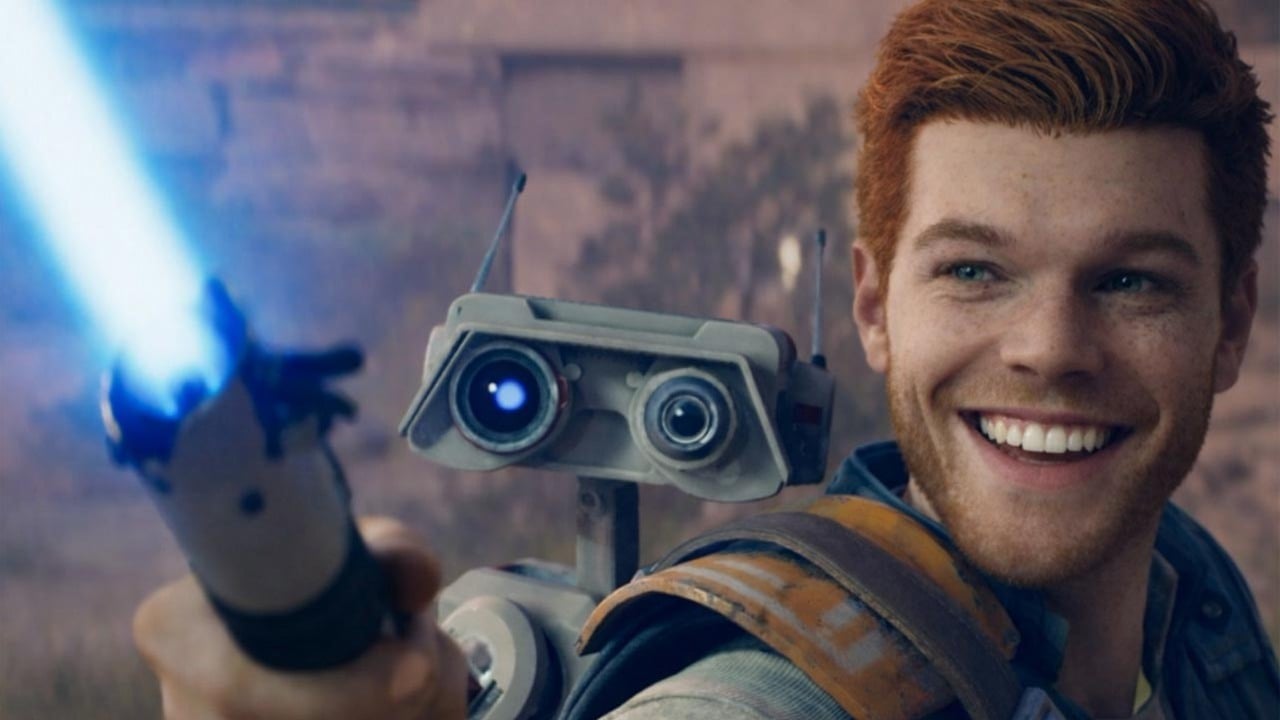
While Star Wars Jedi: Survivor is a fantastic game overall, its initial release was plagued with technical issues, particularly on PC. Even now, nearly three years later, those problems haven’t been fully resolved, and it’s unlikely the developers will address them. Thankfully, the community has taken the initiative to fix the game themselves.
I stumbled across this awesome mod by a creator called Atlash – it’s called “Camera and Animation Stutter Fix.” It’s not the first mod to try and boost performance in this game, but honestly, it’s the first one that actually fixed the weird, jerky movements of the characters and camera. It makes a huge difference!
- Download Camera and Animation Stutter Fix
It’s important to note that Atlash isn’t the only one who deserves credit for this fix. The solution wasn’t created solely by the modder; it’s based on a recent discovery by Alex Battaglia of Digital Foundry. Battaglia was bothered by ongoing stuttering in the PC version of Star Wars Jedi: Survivor, even though the game consistently hit 60 frames per second. He realized this wasn’t a typical performance problem. He observed that the camera moved erratically, with slight variations in distance between each frame. This issue was particularly noticeable on PCs with less powerful processors.
The discovery happened while Battaglia was testing DLSS 4.5 with games made in Unreal Engine, using a tool called Unreal Engine Unlocker by Franz Bouma. This led him to find a command called ‘respawn.InterpolatedRendering’ within the game Jedi Survivor. It’s turned off by default on the PC version, and he believes it was likely created for the 60 frames-per-second console versions, as it creates two rendered frames for every frame processed by the CPU.
Turning on this feature on PC gave Battaglia a noticeable performance increase, but more importantly, it smoothed out the camera movement, making the game much more comfortable to play. A modder named Atlash has now made this improvement easily available to everyone through a simple mod.
While this mod doesn’t completely eliminate all performance issues – things like slow shader loading can still cause problems – it makes a significant difference overall. If you’re playing Star Wars Jedi: Survivor on PC right now, installing the Camera and Animation Stutter Fix is definitely recommended.
Read More
- Netflix’s Little House On The Prairie Reboot: Release Date, Cast & Everything We Know
- Off Campus Season 1 Soundtrack Guide
- YouTuber arrested after viral AI bodycam videos spark real police complaints
- Silver Rate Forecast
- Prime Video’s New R-Rated Spy Thriller Is Officially No.1 On Streaming Despite Poor Reviews
- Brent Oil Forecast
- Peaky Blinders: The Immortal Man’s Tommy Shelby Is a Better Father Than Michael Corleone
- Gold Rate Forecast
- Bulgakov’s Take: Koreans Bet the Farm on Chips, Crypto, and Chaos
- EUR ZAR PREDICTION
2026-03-01 16:02