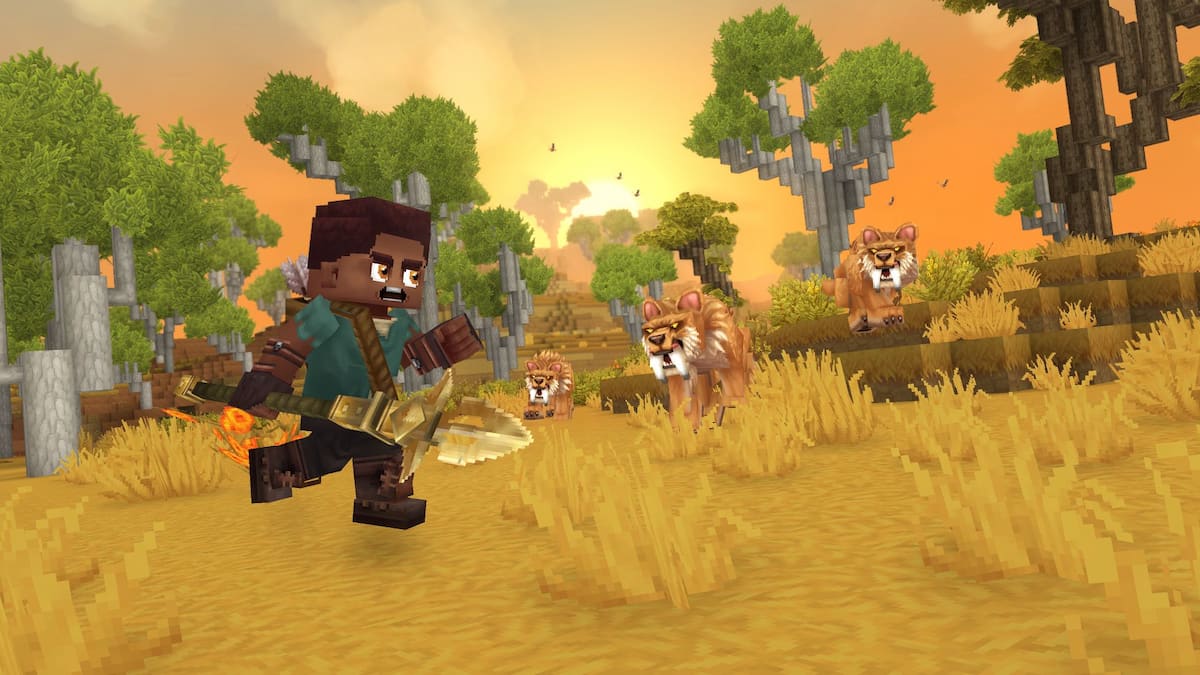
If you’re interested in the latest Hytale updates or want to connect with other players, the official Hytale social media channels are the best place to be. This guide provides links to the official Hytale Discord server and other social media accounts, so you can easily join the community and stay informed about Hytale and Hypixel.
What is the Hytale Discord Link
You can join the official Hytale Discord server using the invite link shared below:
- Hytale Discord Server
You can find all the newest Hytale updates on the Information channels. The development team shares official news in the #announcements channel. While the #patch-notes channel is currently empty, it will soon contain details on hotfixes, patches, and big updates. For exclusive first looks at what’s coming to the game, visit the #showcase channel.
Feel free to chat about all things Hytale in the #game-discussion channel. We also have dedicated channels for those interested in specific game types, like explorers, builders, and modders.
Official Hytale Social Media Links
Stay up-to-date with Hytale by joining our Discord server and following us on social media! You can find links to all our official accounts below.
- Hytale X/Twitter – The most active social media account of Hytale and a must-follow.
- Hytale Instagram – The devs occasionally post showcases/gameplay footage.
- Hytale TikTok – Currently no posts.
- Hytale Facebook – Regular posts that showcase the game and share news.
- Hytale Bluesky – Regular posts that share news and updates about the game.
Don’t forget to visit the official Hytale website while you’re exploring social media! The blog has fascinating information about the game’s history, story, and key features. Plus, you’ll need to go there to download the game and update your Hytale Edition when necessary.
Hytale FAQs
Is there an official Hytale wiki?
Currently, there isn’t an official Hytale Wiki. We’ll post a link here as soon as the developers create and release one. In the meantime, you can find all the information you need in our Hytale guides.
To report someone on the Hytale Discord server, simply go to any channel and type the command /report to submit your complaint.
There isn’t a Discord server for Hytale support. If you need help with the game, please submit a support ticket through the official Hytale website.
Read More
- Netflix’s Little House On The Prairie Reboot: Release Date, Cast & Everything We Know
- Off Campus Season 1 Soundtrack Guide
- YouTuber arrested after viral AI bodycam videos spark real police complaints
- Silver Rate Forecast
- Prime Video’s New R-Rated Spy Thriller Is Officially No.1 On Streaming Despite Poor Reviews
- Brent Oil Forecast
- Gold Rate Forecast
- Bulgakov’s Take: Koreans Bet the Farm on Chips, Crypto, and Chaos
- Peaky Blinders: The Immortal Man’s Tommy Shelby Is a Better Father Than Michael Corleone
- EUR ZAR PREDICTION
2026-01-13 17:21