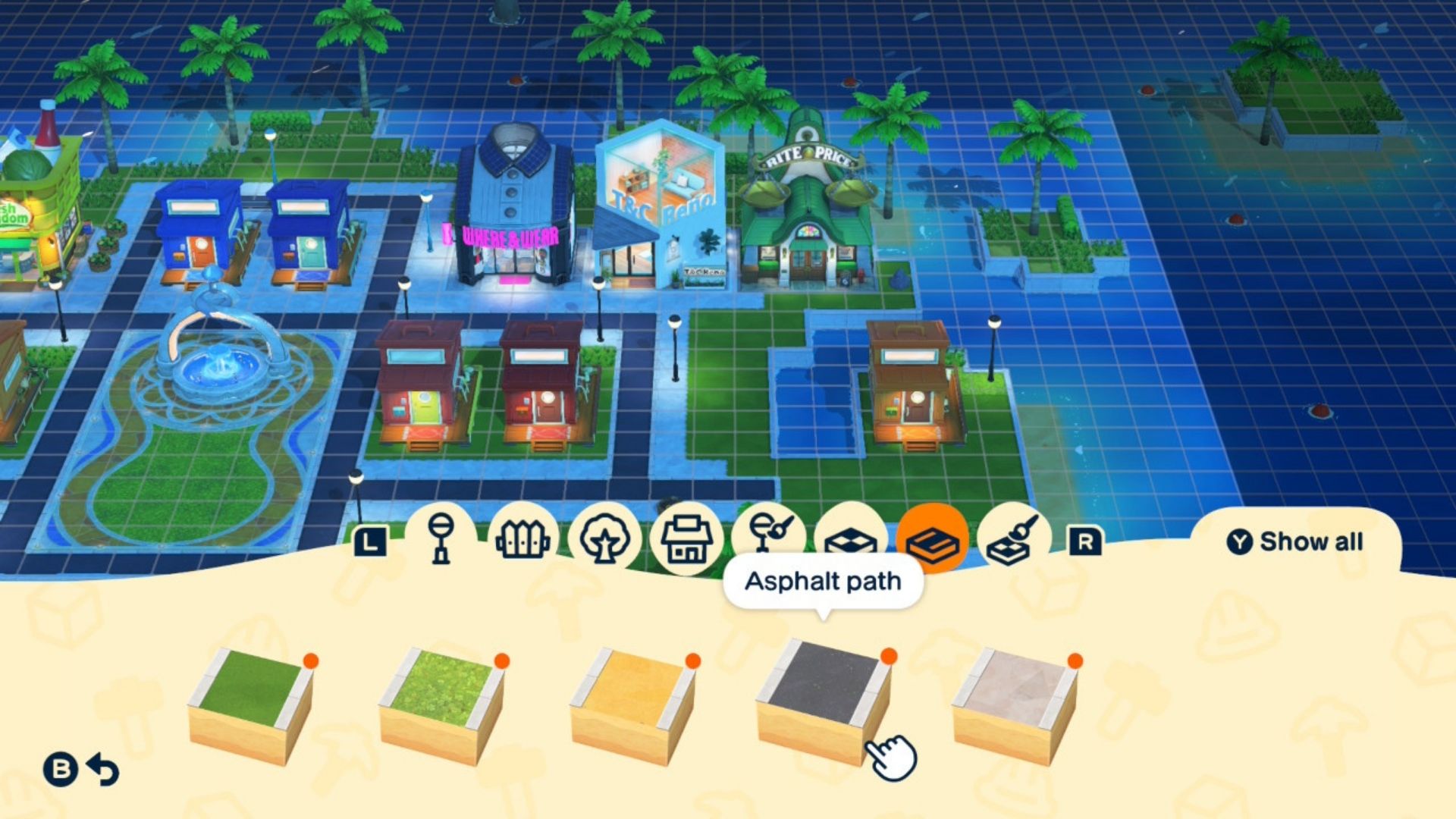
Tomodachi Life: Living the Dream is more than just letting your Mii characters chat. It’s about building and customizing your own island paradise.
Customizing your land isn’t quite as detailed as in Pokémon Pokopia, but there are still plenty of options. You won’t have access to these features right away, though – you’ll need to progress in the game a bit before you can start designing and personalizing your island.
Many of the cool things you can do in Living the Dream happen naturally as you play. However, some features, like getting supplies from T&C Reno, aren’t immediately obvious. Fully unlocking the Island Builder in Tomodachi Life is one of those less intuitive features. But don’t worry! This guide will walk you through exactly how to unlock it and explain everything it offers.
Unlocking the Island Builder in Tomodachi Life: Living the Dream
As your island gets more residents, you’ll need more space for everyone. That’s where expanding your island and using the Island Builder become important.
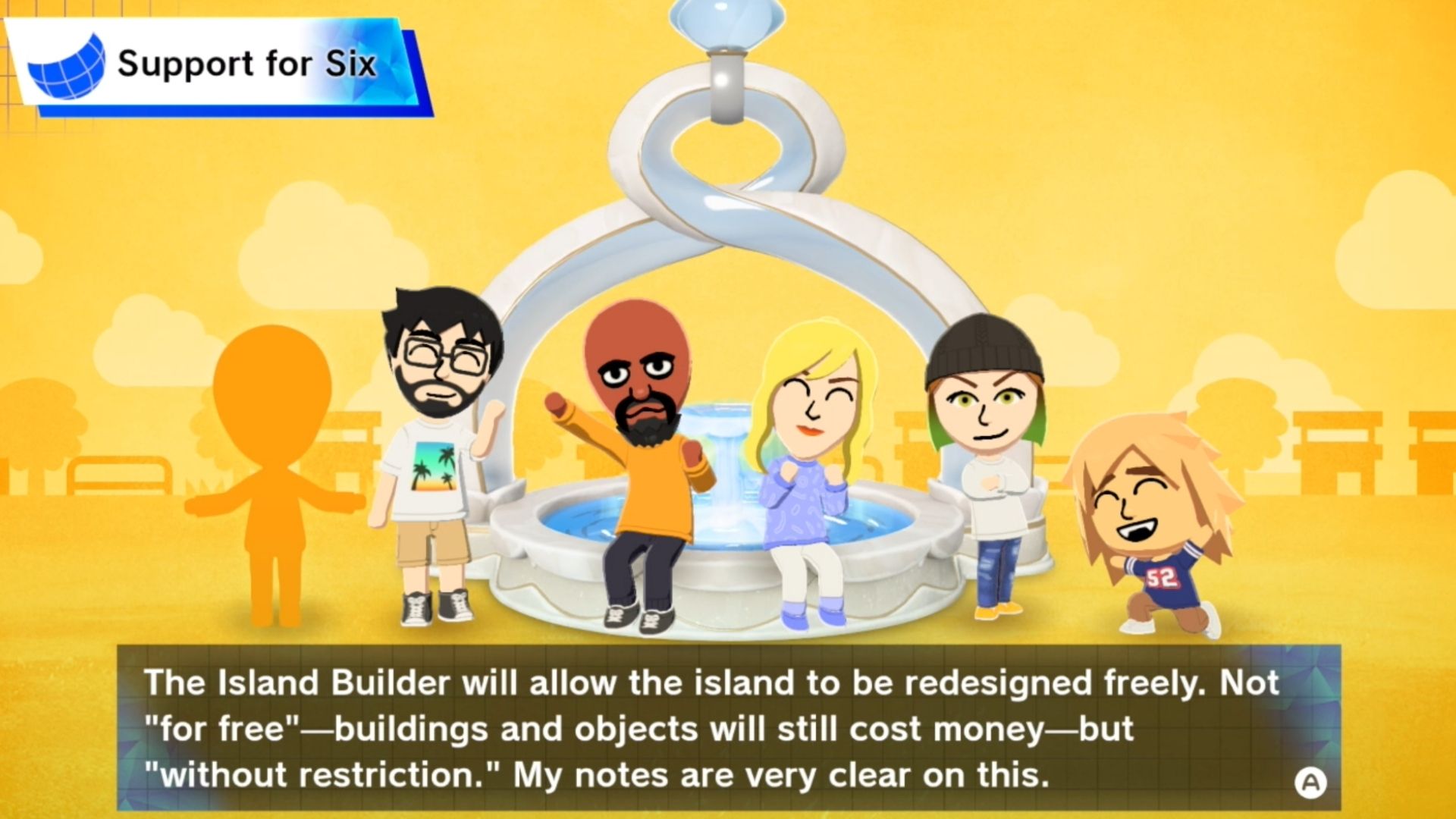
Okay, so once I finally made my sixth Mii, the game started letting me mess around with the Island Builder. But here’s the catch – I couldn’t actually use it properly until that sixth Mii actually moved onto the island. Gotta wait for them to settle in before I can start building!
It can be a little confusing, particularly with the announcement about the Island Builder. But try to see it as practice for what’s coming.
What is The Island Builder in Tomodachi Life: Living the Dream?
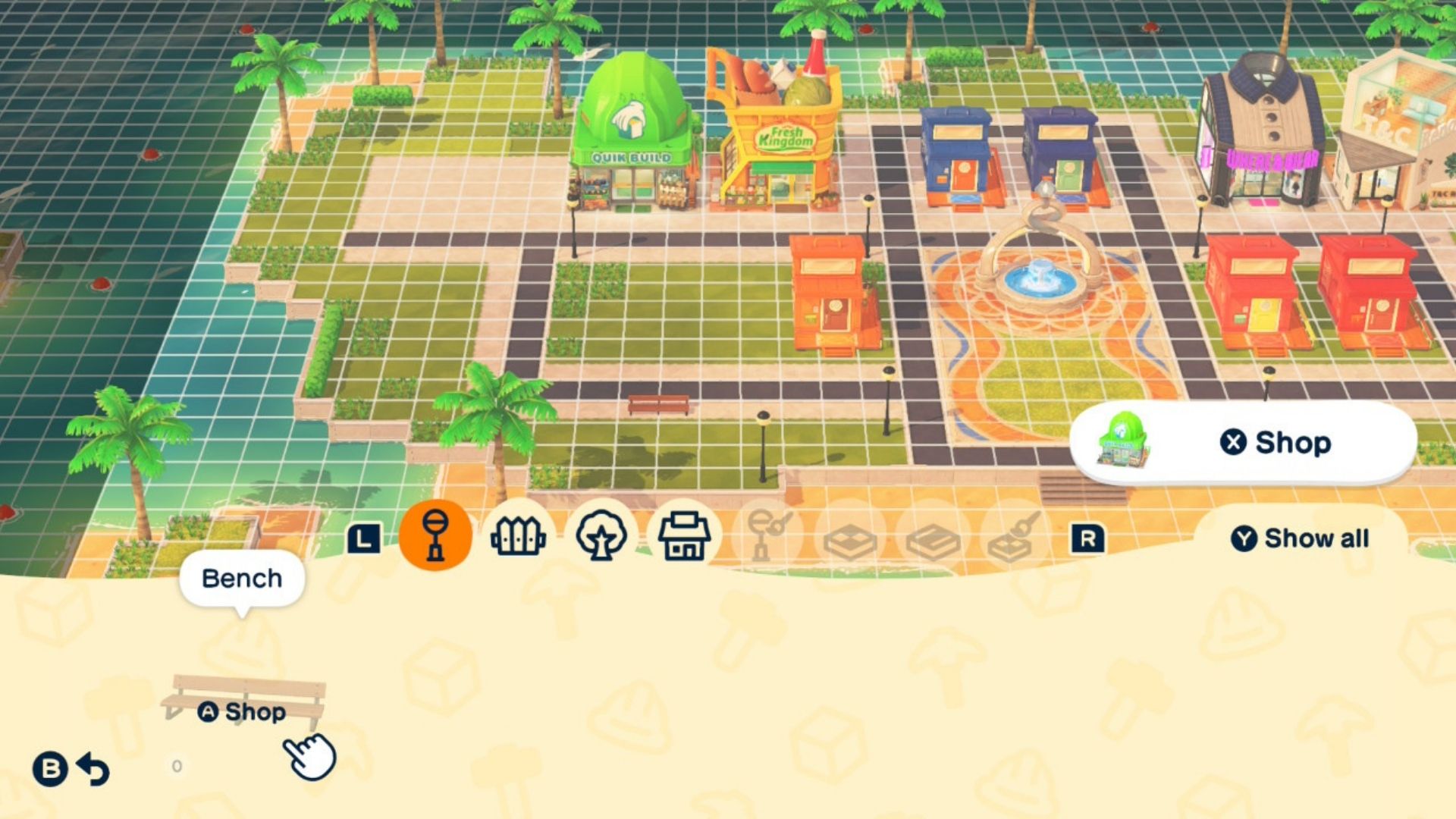
Now that your sixth Mii resident has arrived, you can start customizing your island using the Island Builder tool.
Okay, so this is how I get to totally shape my island! I can change the ground, make paths wherever I want, and even buy decorations and buildings from this Quik Build shop to make everything look awesome. It’s basically my island-designing toolkit!
Items purchased from the shop cost you money
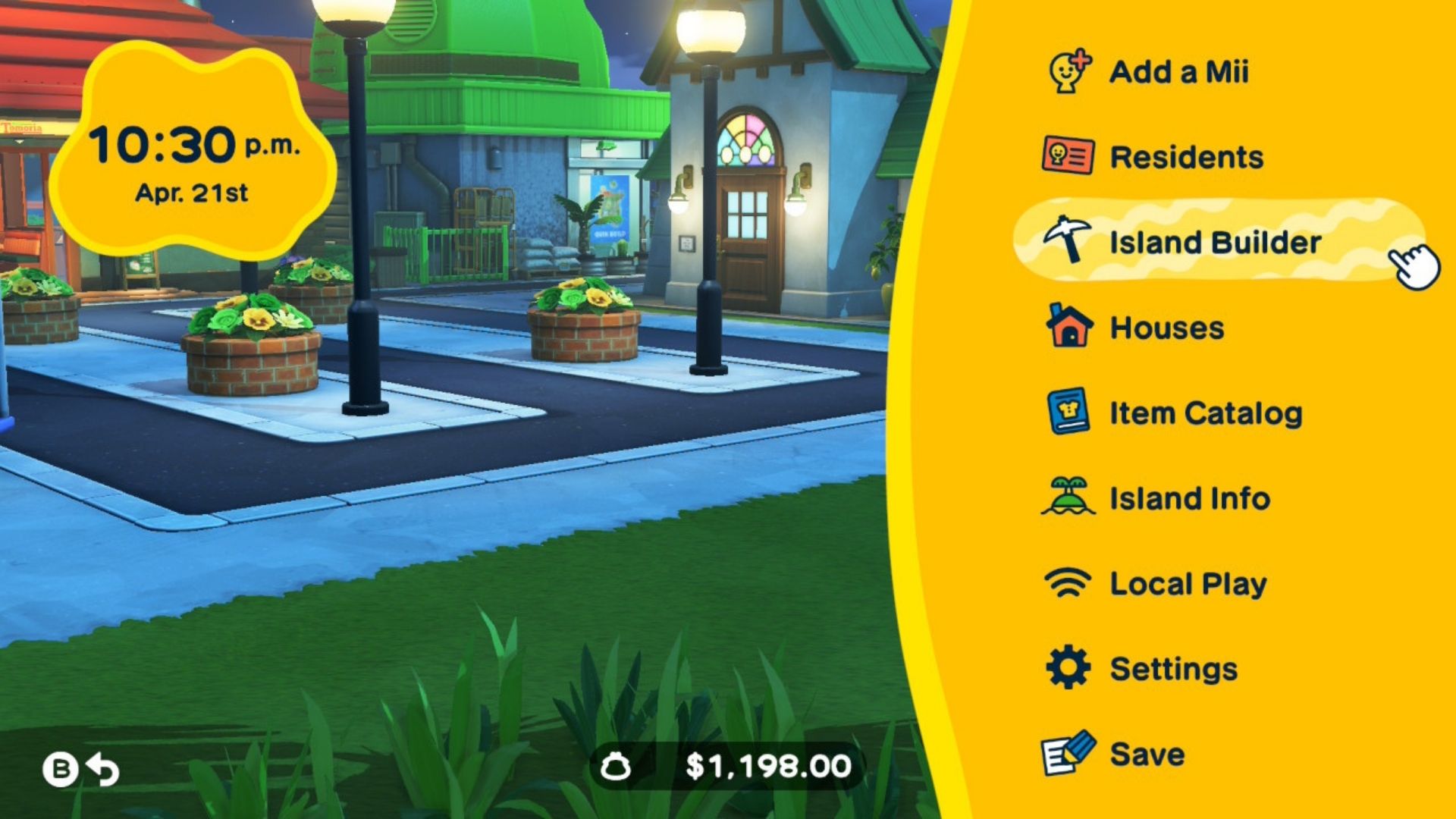
To open the Island Builder, look at your island and press the X button to open your menu. Then, choose the “Island Builder” option.
Now you can fully customize your island! A helpful grid will automatically appear to help you align buildings and decorations. You’ll have lots of different items to choose from to build and design your perfect island, including:
- Interactable and cosmetic objects such as street lights and benches
- Flowers, trees, rocks, and other nature-related cosmetic items
- Buildings and shops
- Custom items you created from the Palette House
- Add different terrain types, such as grass, a sandy beach, or water
- Add in various paths, such as an asphalt path, a brick path, and more
Making Your Island Bigger in Tomodachi Life: Living the Dream
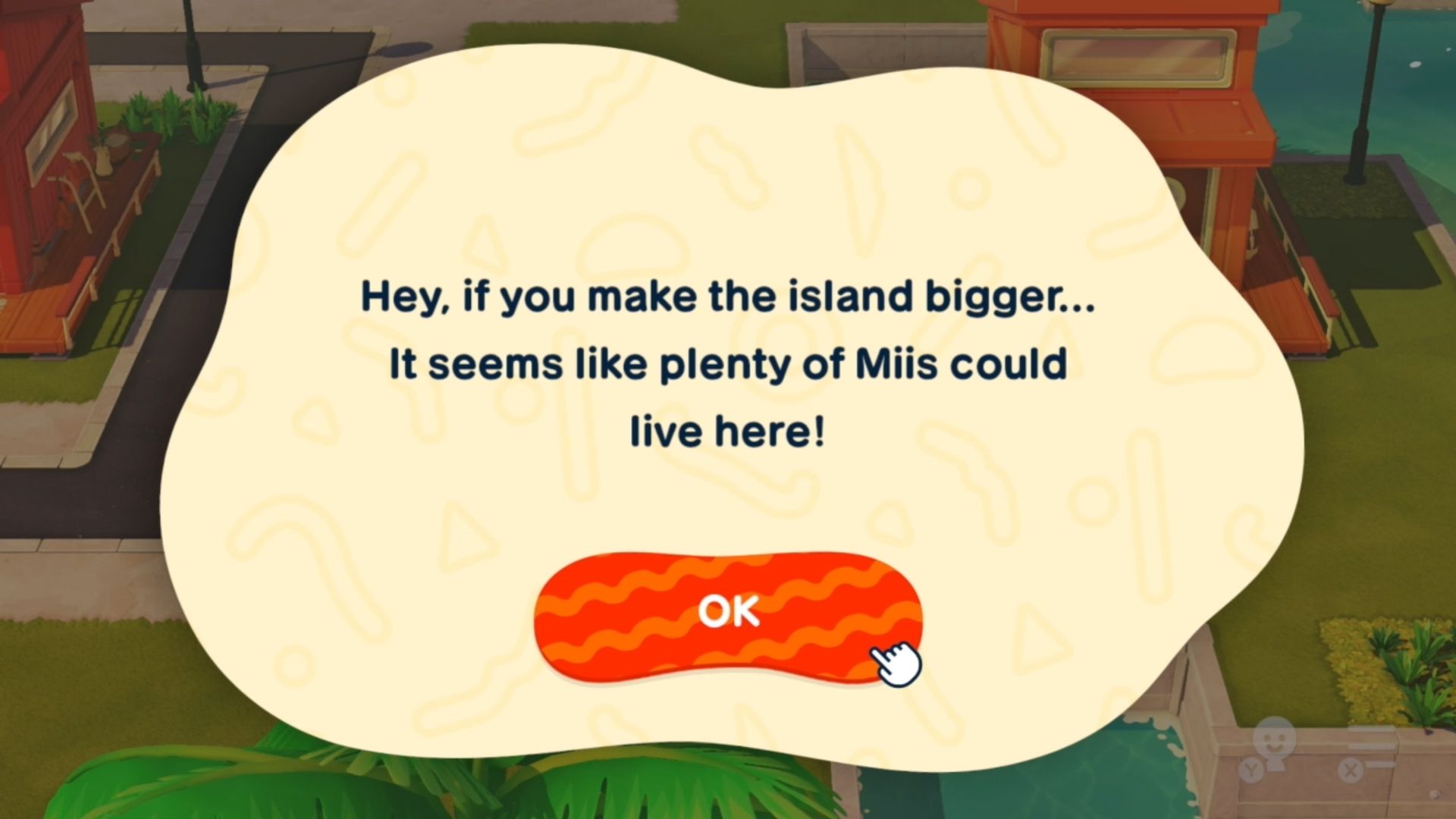
As your island gets busier, you’ll need more space. Luckily, it can now expand to three times its original size – just like the Grinch’s heart growing bigger!
Subscribe for Island Builder tips and game guides
Here’s how you unlock more space on your island in Tomodachi Life: Living the Dream
Once you’ve unlocked the Island Builder in Tomodachi Life, you can start designing your perfect island! Throughout the game, you’ll have the chance to expand it up to three times, as detailed in the following information.
| Size Increase | Number of Miis Necessary |
|---|---|
| 1st size increase | 8 Miis on your island |
| 2nd size increase | 20 Miis on your island |
| 3rd size increase | 35 Miss on your island |
Read More
- Netflix’s Little House On The Prairie Reboot: Release Date, Cast & Everything We Know
- Off Campus Season 1 Soundtrack Guide
- YouTuber arrested after viral AI bodycam videos spark real police complaints
- Silver Rate Forecast
- Prime Video’s New R-Rated Spy Thriller Is Officially No.1 On Streaming Despite Poor Reviews
- Brent Oil Forecast
- Peaky Blinders: The Immortal Man’s Tommy Shelby Is a Better Father Than Michael Corleone
- EUR ZAR PREDICTION
- Bulgakov’s Take: Koreans Bet the Farm on Chips, Crypto, and Chaos
- Gold Rate Forecast
2026-04-22 13:39