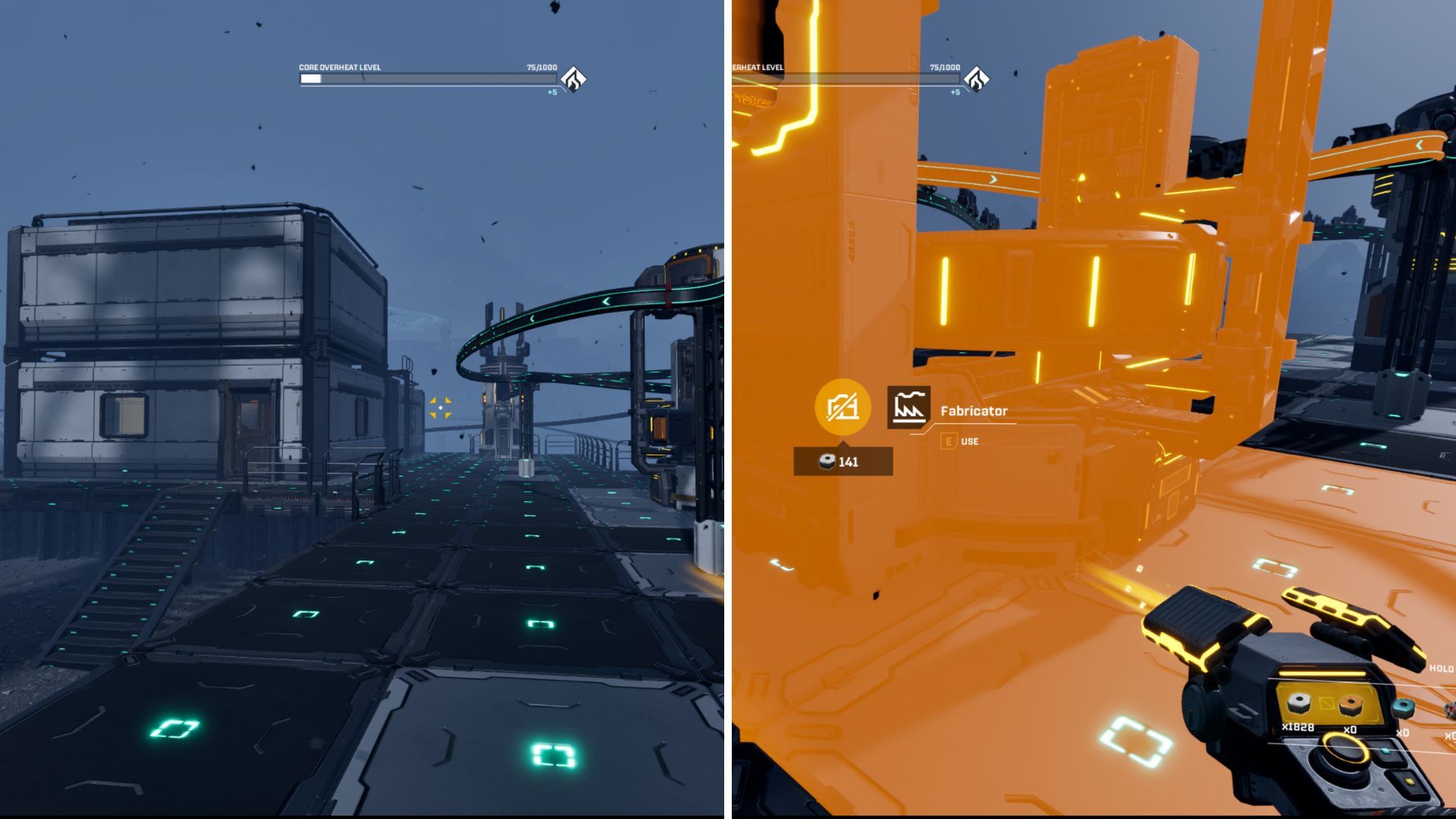
Most survival games let you build things like tools, weapons, and shelters. StarRuptures is similar – you can construct a large, futuristic base on a dangerous alien planet.
You’ve spent time building up your base, but now you realize you need space for something new. Expanding your base and rearranging things would be great, if only you knew how to remove existing structures!
Here’s a guide to demolishing buildings in StarRupture, so you can clear space for new ones.
Destroying Buildings in StarRupture
You’ve spent a lot of effort gathering Wolfram Ore and Titanium, turned them into Basic Building Material, and finally started building a base to protect yourself.
It looks like you need to clear some space – maybe you built something in the wrong location, or you just want to rearrange things. Don’t worry, deleting your creations is simple!
To open the building tool and start creating structures for your base, press the B key. If you want to remove something, first press the F key.
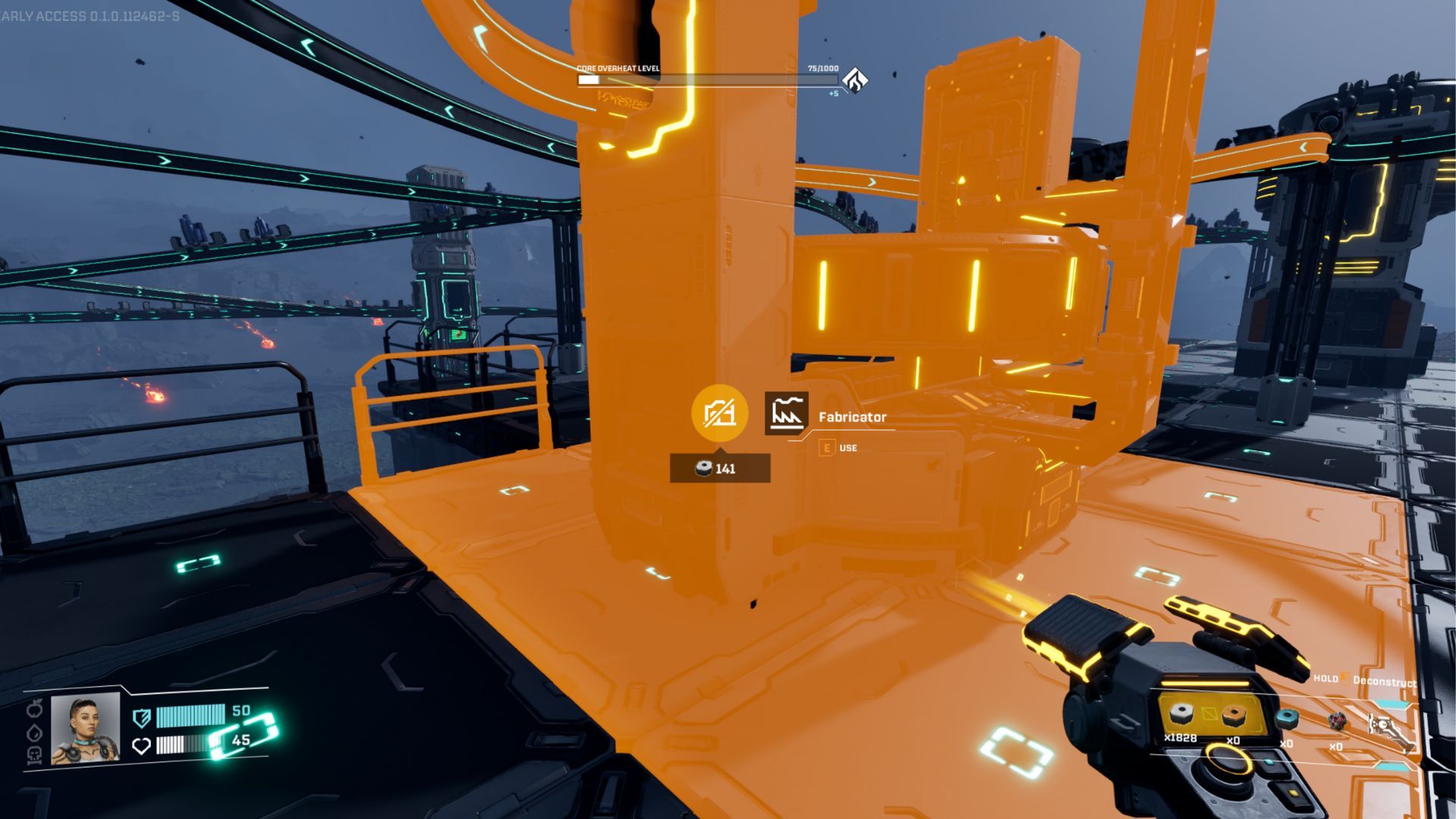
This action will open a tool similar to the one you use for building, but with a slightly altered appearance. When you use it, any structure you aim at will glow orange.
When you’re using this tool, you can delete a structure by aiming at it and holding down the left mouse button. A meter will start to decrease, and once it’s empty, the structure will be removed forever.
Okay, so I learned the hard way that if you get rid of something like a fabricator or smelter, everything inside it disappears too! Also, be super careful when deleting a building that’s holding other things up – it’ll take everything it’s supporting down with it. Just a heads-up for anyone building big things!
When you demolish a building, you’ll see how much material you get back. This amount is displayed near the targeting cursor as you select the structure.
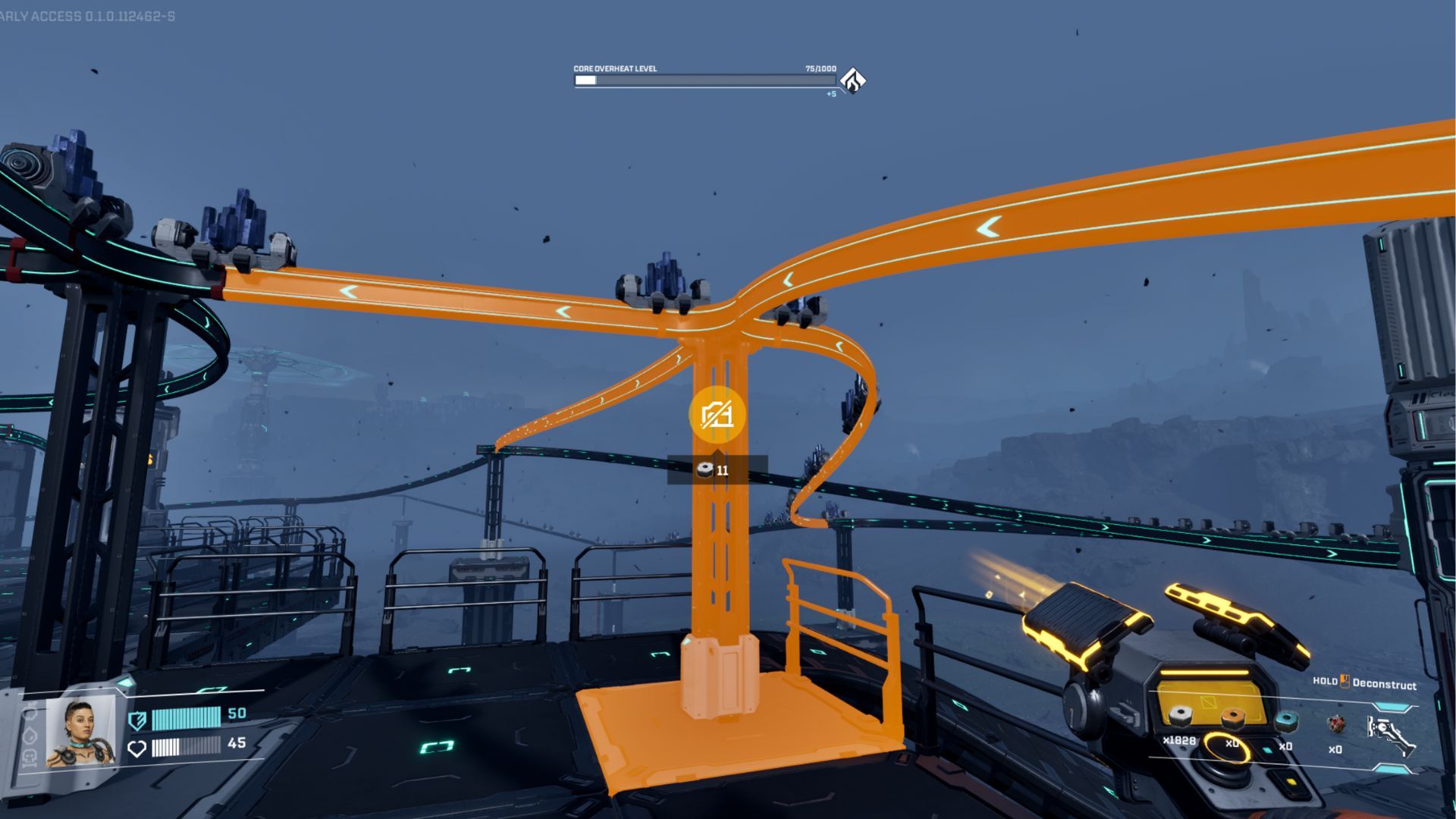
You can remove certain parts of structures, like rails, one piece at a time. However, deleting a rail that connects multiple pieces will also delete everything connected to it. You can also delete multiple structures in a line quickly by clicking and dragging with the left mouse button. This is especially useful for removing floors to reroute power.
Can You Edit Buildings?
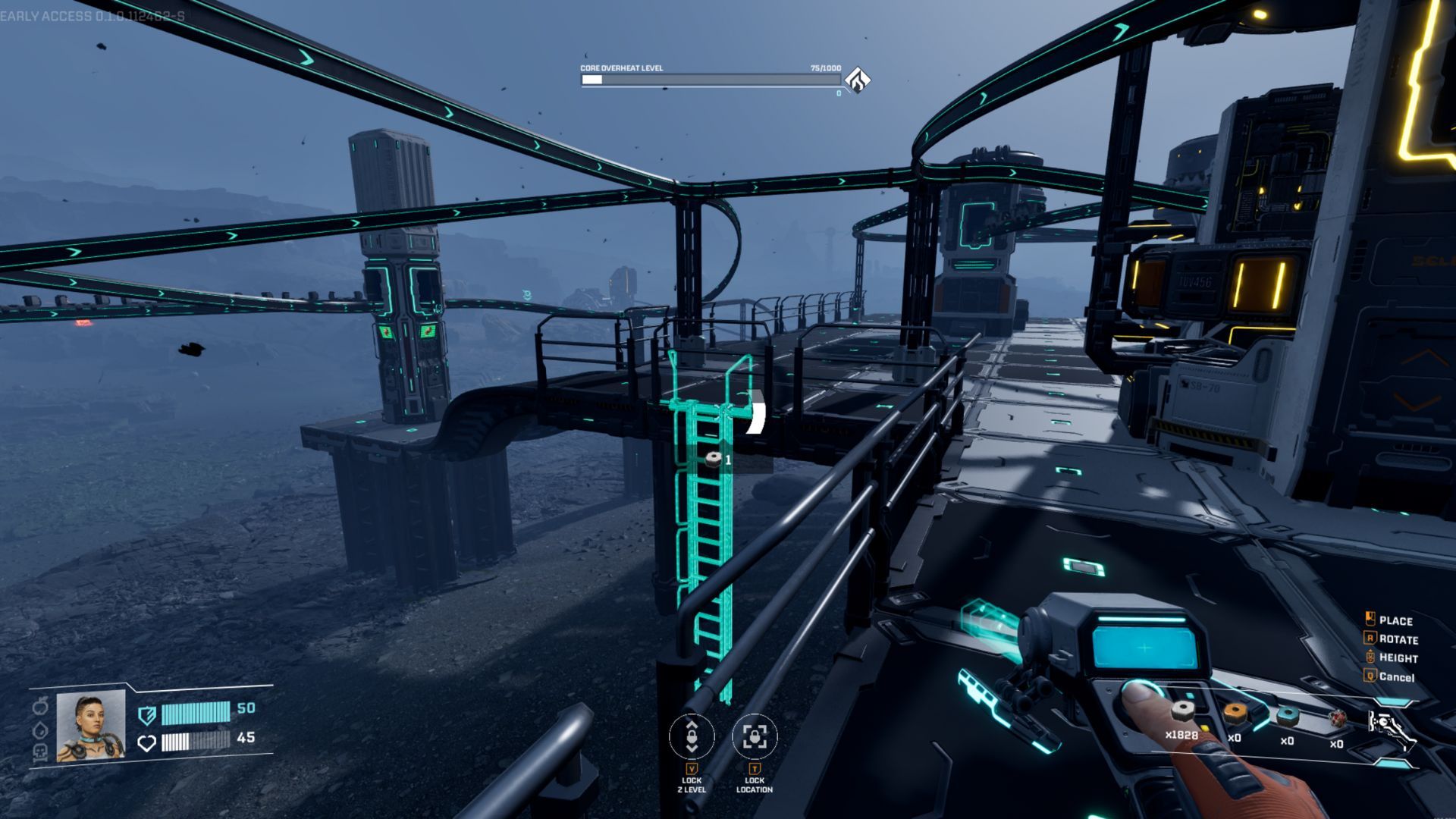
So, I was trying to rearrange my base, and I realized I can’t actually rotate or move buildings after I place them. It’s a bit annoying, honestly – you can only delete and rebuild. Hopefully, the developers add that feature in a future update, but right now, it’s just not possible in StarRupture.
Subscribe for Practical StarRupture Building Tips and Tools
While creating a structure, you can easily rotate it, connect it to other structures, and adjust its height. However, once it’s built, you can’t change it directly. If you want to make adjustments, you’ll need to demolish the existing structure and rebuild it the way you want.
Because the game is still in development, the ability to modify buildings might be added later, but it isn’t possible right now.
Read More
- Netflix’s Little House On The Prairie Reboot: Release Date, Cast & Everything We Know
- Off Campus Season 1 Soundtrack Guide
- Infinity Nikki Candlelight Reverie Challenge and Rewards Guide
- Gold Rate Forecast
- Brent Oil Forecast
- Prime Video’s New R-Rated Spy Thriller Is Officially No.1 On Streaming Despite Poor Reviews
- Silver Rate Forecast
- EUR ZAR PREDICTION
- KPop Demon Hunters Meets Avatar: The Last Airbender In Netflix’s 3-Part Fantasy Series
- 币安人生 PREDICTION. 币安人生 cryptocurrency
2026-01-09 16:39