Demonschool, the tactics RPG from Ysbryd Games and Necrosoft Games, has received a new update! Players can now enjoy a New Game Plus mode, extra character dialogue, a text log for reviewing the story, and the option to play using only a mouse. The game is available on PlayStation 5, PlayStation 4, Xbox Series X|S, Nintendo Switch, and PC (via Steam and Epic). You can find our detailed review here and a comparison of the game on different platforms—including visuals and loading times—here.
Ysbryd Games and Necrosoft Games have released details about the latest Demonschool update, including the full patch notes, which you can find below.
Hi everyone! We really appreciate all the support you’ve shown for Demonschool. It’s been great hearing from players who connect with the characters, enjoy the combat, and love spending time in the game’s world.
As we mentioned before, we had some extra ideas for the game if we had more time. So, we’re releasing a new update as a thank you! Just to be clear, this update focuses on improving the overall experience with lots of small details and interactions – it’s not a major addition to the story. However, we think you’ll find it worthwhile.
Here’s what you’ll find.
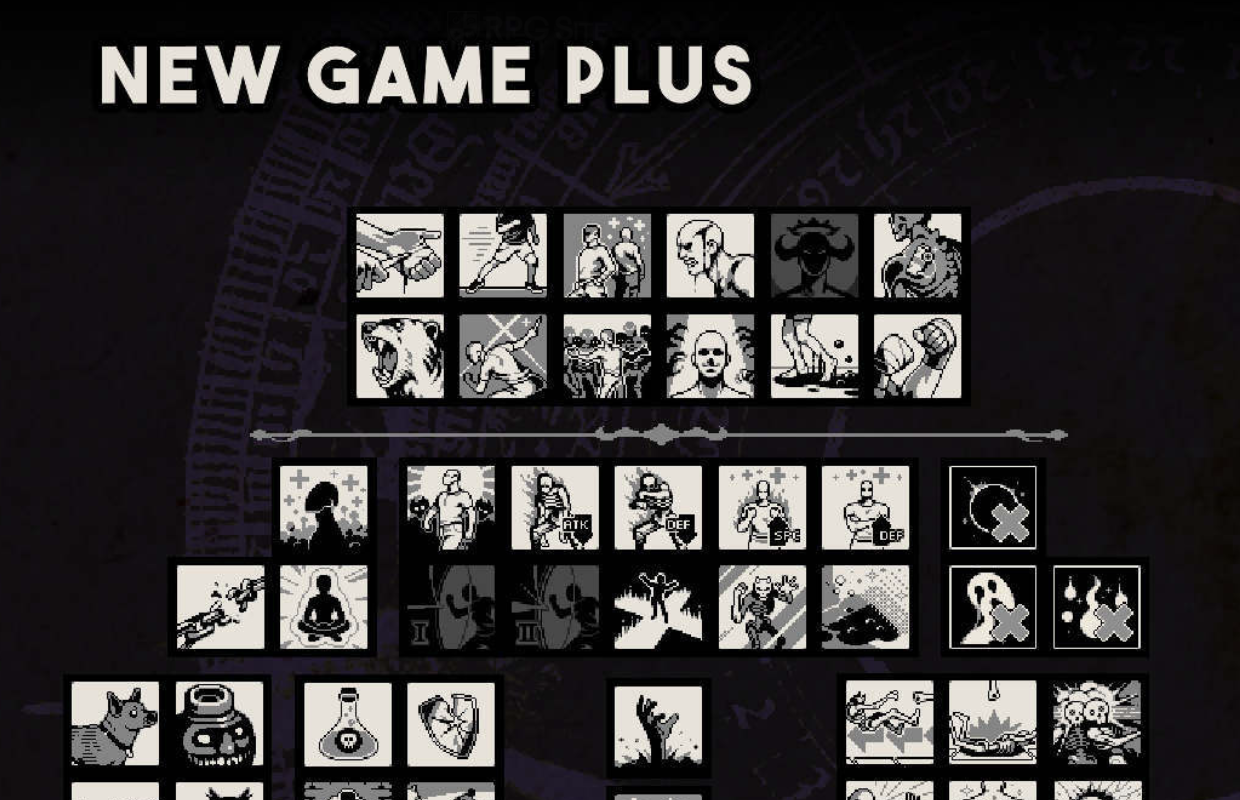
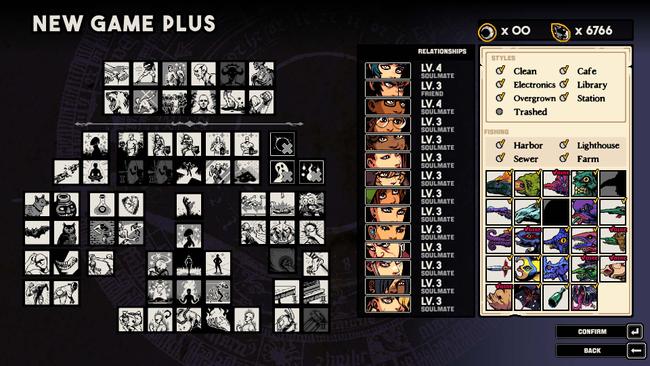
New game plus
Once you’ve finished the game, you can start a New Game+ using your saved progress. This lets you replay the entire game from the beginning, but you’ll keep all the progress you’ve already made – like your abilities, collected opals and credits, relationships, clubhouse customizations, upgrades, and all the fish you’ve caught.
Once you’ve built a complete team – around late week 10 – all characters become available for use. This lets you use characters in battles even before they’re normally unlocked.
Narrative:
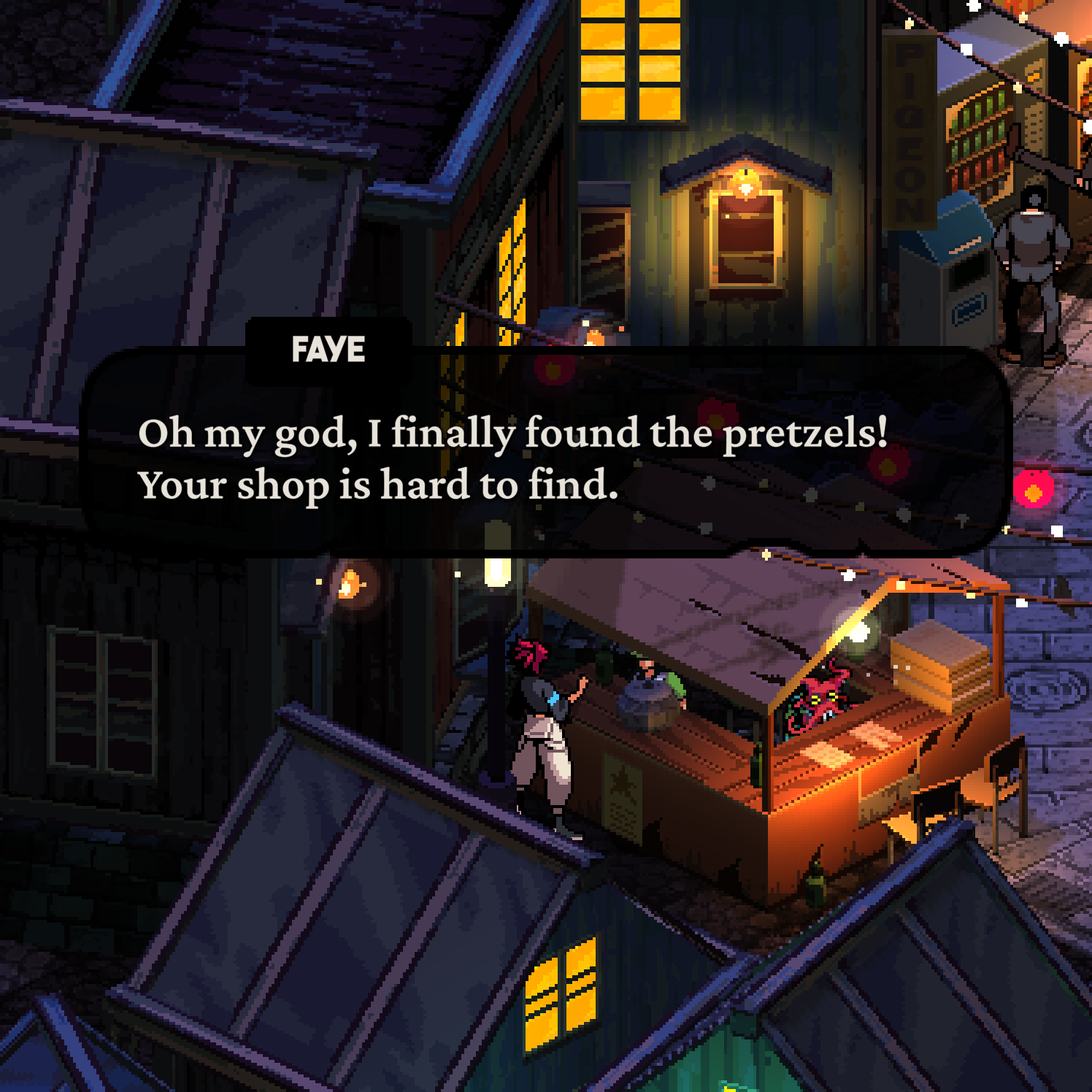
Early in the game, Faye tells us she wants a pretzel from the alley. We made a promise to let her get one if we received 500 reviews, and we’ve reached that goal! So, starting on Mondays in week 9, Faye will finally be able to buy her pretzel from the alley.
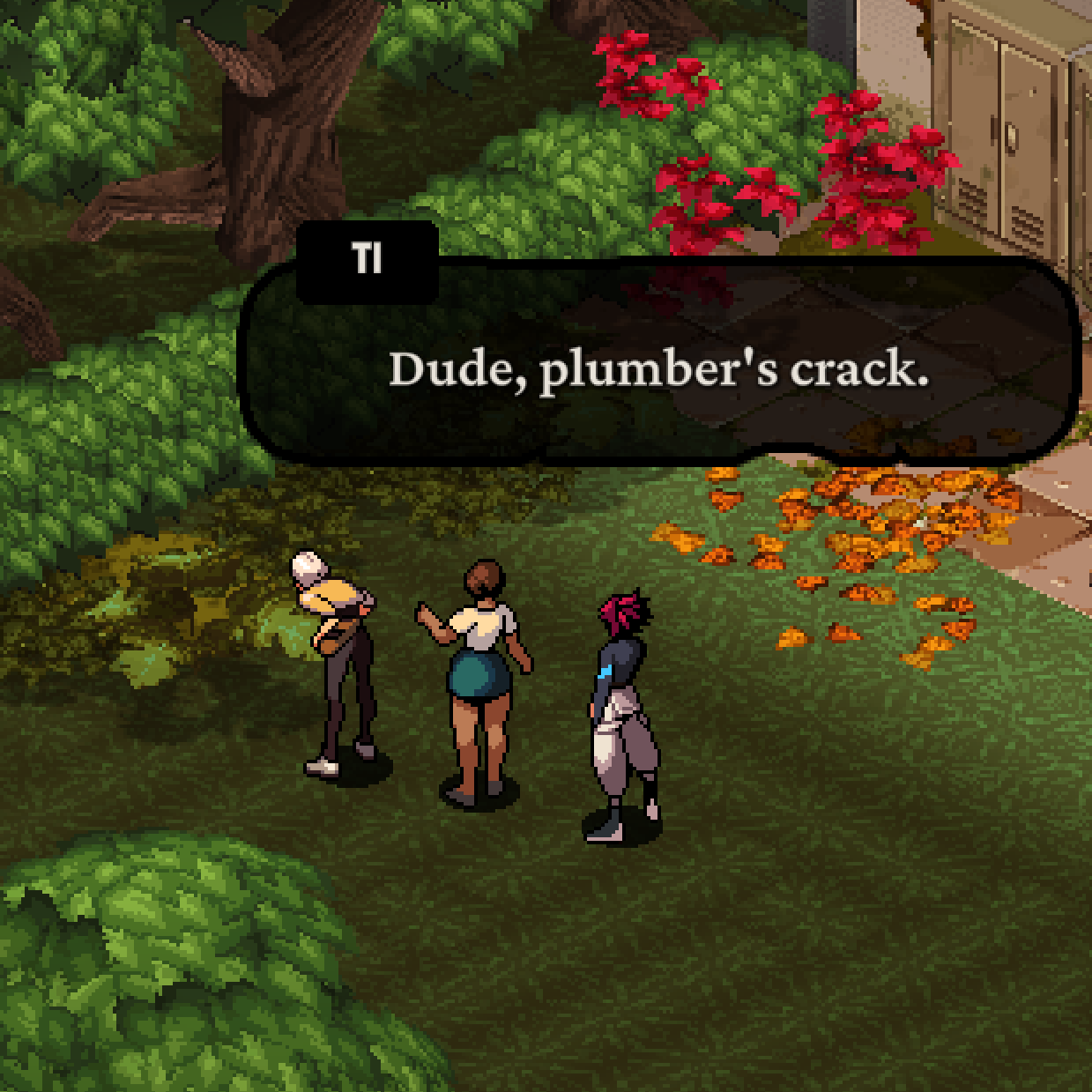
Now, when characters who aren’t Faye fight alongside each other, they’ll have a quick, two-line conversation near the clubhouse. There are 182 of these little chats, with a unique one for each pair of characters. You create these connections simply by having the characters team up in battle together. They’re just a small addition to add more life to the game.
The clubhouse characters now have over twice as many lines of dialogue. Before, they only commented on events happening that week. Now, they also react to the clubhouse’s current style and what they’re doing, leading to a lot more fun and quirky lines.
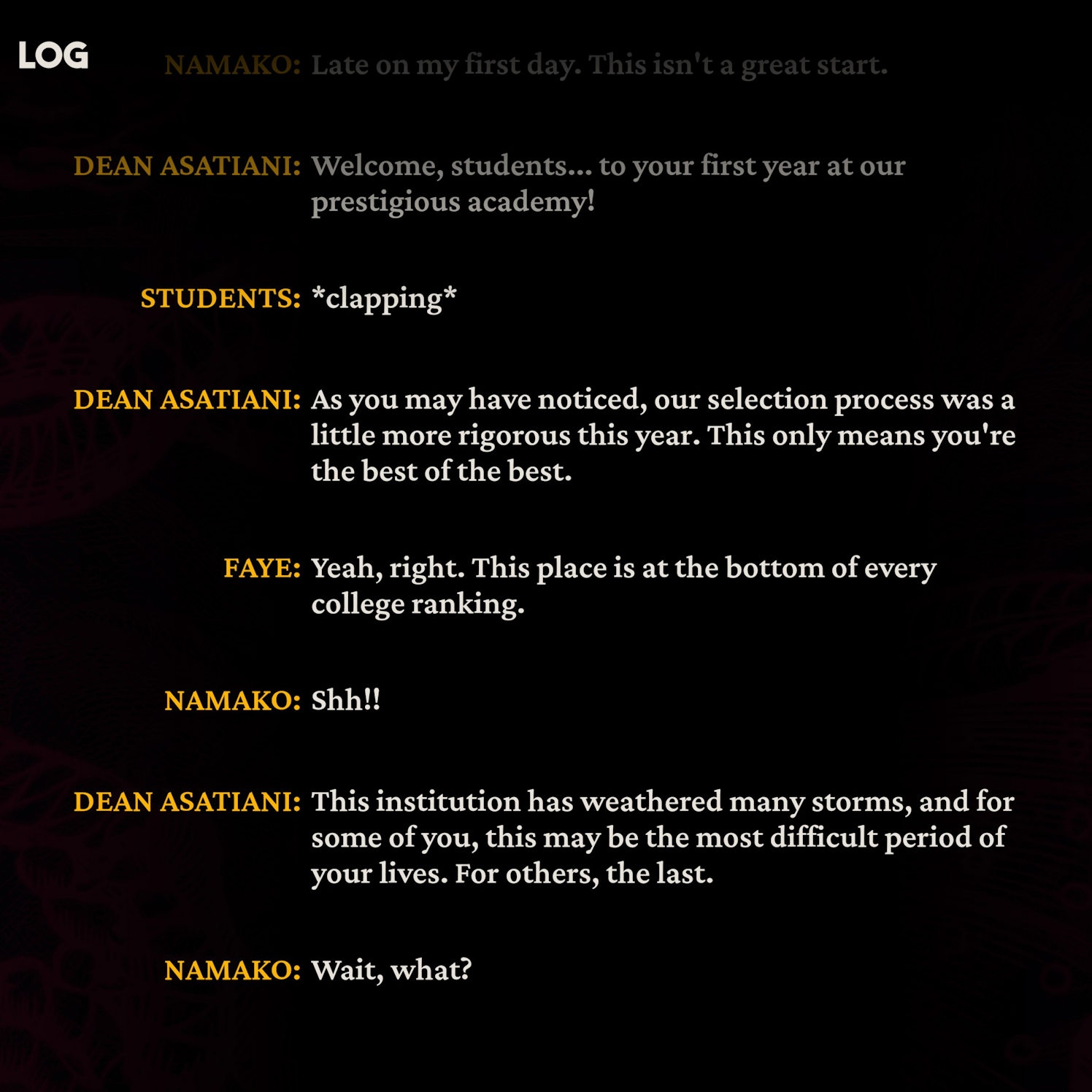
We’ve now included a conversation history feature, as many of you requested! You can now review the last 20 messages from your chats.
Over the past few weeks, we’ve made cutscenes and character animations run more smoothly and quickly, with a particular focus on improving the pacing in areas that felt slow.
I’ve just finished a thorough grammar check of the main story and all the NPCs’ dialogue. I was really focusing on making sure all the commas and periods were used correctly. We’re planning to do the same for the sidequests and how everything connects later on, but the main story is polished now!
Gameplay additions and fixes:
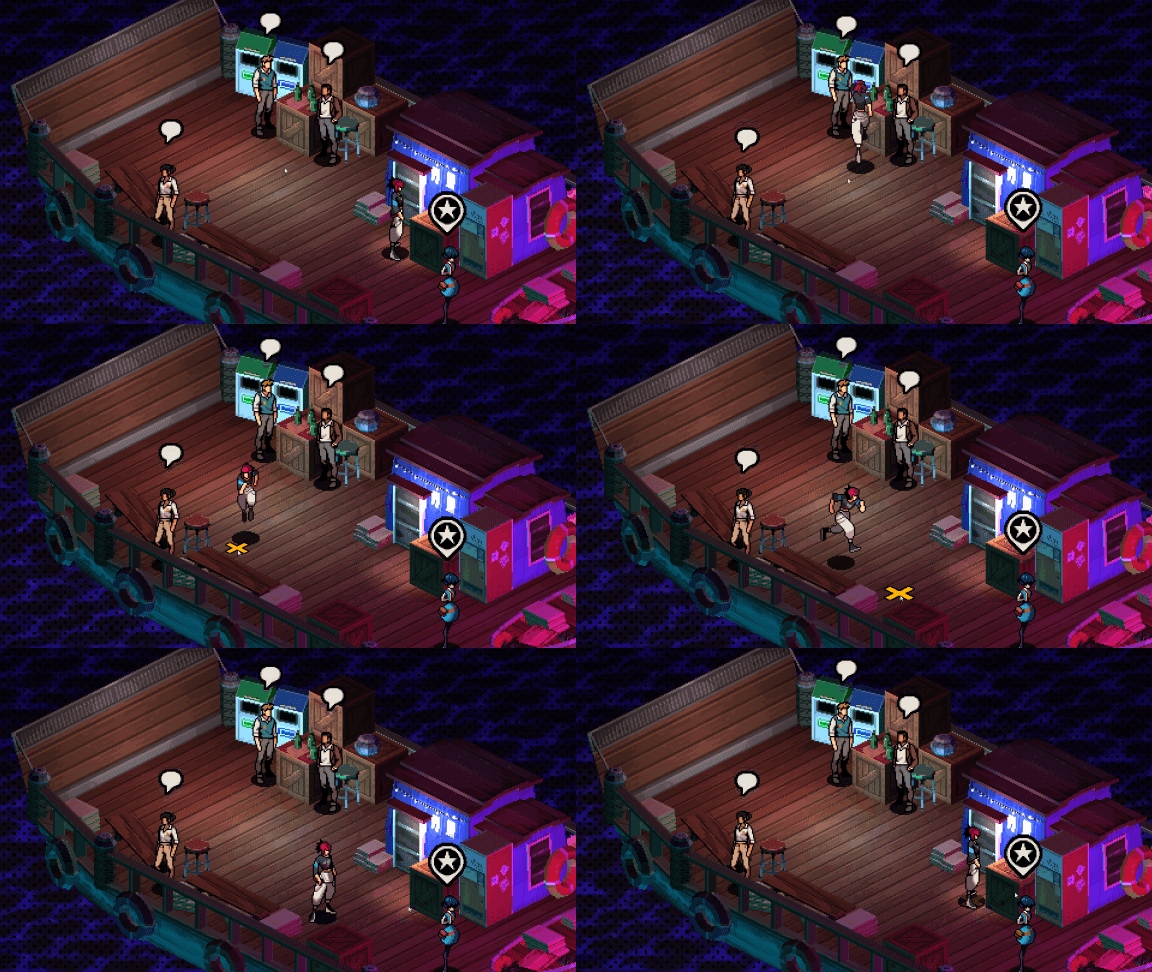
You can now control the game using only your mouse! Left-click to make Faye run to that spot, or right-click and drag to have her follow your cursor.
There are tons of fixes to minigames, battles, achievements, abilities, et cetera.
You can see the full list of changes below:
Patchnotes –v1.10 – 7ACC2E37F8 [2026/05/23]
Updates
Added New Game+ mode
Added a dialogue history log (finally!)
Added in full overworld mouse movement
Added the Pretzel store
Added Friendship dialogues around the clubhouse
Week 0: Updated character acting & SFX on Monday
Okay, so this week I really focused on making things feel better. I updated the character portraits during conversations to look sharper, tweaked the timing of animations to be smoother, and just generally pumped up the visual and audio effects – added a bunch of new ones all over the place. It’s starting to really come alive!
This week, we improved the character dialogue scenes with new artwork and refined the timing of animations. We also added more visual and sound effects to enhance the overall experience.
Week 4: Corrected typos
Week 5: Updated character acting
Week 7: Updated character acting & SFX during Thursday Night, Friday Evening
In Week 8, we improved the background characters and fixed an issue where some dialogue appeared prematurely. We also refined the acting for certain characters.
Wk11 extras dialogue, and position edits
Endings: Improved fadeout effect used on most endings
Grammar pass on all weeks and npc lines (outside of clubhouse)
Primrose Connections: Updated some portraits
Aina Connections: Updated availability & character acting
Namako Connections: Updated availability & character acting
Pangxie Connections: Updated availability & character acting
Ti Connections: Updated some character acting
Destin Connections: Updated some character acting & availability
Knute Connections: Updated some character acting & availability
Ocean Connections: Updated some character acting
Varka Connections: Updated some character acting & availability
Connections: Corrected typos in Aina, Destin, Jem & Knute’s connection quests.
Optimised gangster sprite atlases
Fixes
Fixed characters with only 3 levels of relationship ending on “Friend” rather than “Soulmate”
During Week 2, on Tuesday nights and Friday evenings, we’ve made it simpler to begin the quests by adjusting how they’re started.
Week 2: Fixed map location availability during the week
Week 4: Wednesday Evening – Fixed the gangster in the harbour not being interactable
Fixed the south exit in the Town Alley not being visible during the riot state
Fixed a full-screen flash when opening the newspaper
Fixed an exploit in Beetle Racing
Fixed softlock if you cheat and win/lose at the Beetle Race at the same time
made big buttons on the party invite screen for minigames mouse-clickable
Fixed some mouse interaction issues when equipping techniques in the profile menu
Made the error screen work with mouse
Improved the clubhouse style selection screen’s mouse interactions
A visual issue where the background flickered or glitched has been resolved. This happened when clicking the ‘Planner’ or ‘Profile’ buttons on the map screen using a mouse.
Fixed the map screen sometimes breaking overworld lighting
Fixed selection sound playing when it shouldn’t be in dialogues
Fixed Faye able to walk through a wall on the rightmost side of Bunker Room #10
We’ve fixed a visual issue in the Mansion Entrance where characters were sometimes seen passing through the stairs.
Fixed clipping into pipes in the bunker hospital
Resolved an issue where the cancel button (using Escape, ‘B’, or the circle button) wasn’t working as expected on the main menu after visiting a submenu. It now correctly selects the ‘exit’ option.
Improved default screen resolution detection
Fixed a rare crash when primrose is missing in the clubhouse
Battle
Aina: Fixed some availability/unlock issues during week 7
Hey everyone, just wanted to share some good news! The developers fixed a really annoying bug that would sometimes cause the game to freeze up during phaser moves in the Harbour battles. It happened when you’d hit something you couldn’t move and pull an enemy into the crowd at the same time. Super glad they got that sorted out – it was a pain! Now those battles should run much smoother.
This update resolves an issue where players would be unexpectedly returned to the title screen when performing a knockback attack on a stunned enemy, then finishing off that same enemy with another character, particularly if the enemy didn’t have a death animation (like the Unfinished Being).
Fixed grunts clipping through the floor in the Queen boss battle
Resolved an issue where the game would crash during the lava column attack from the boiler boss if the team was defeated while Faye had the Immortal item equipped.
I was so relieved to see the bug where the game would incorrectly show a ‘Game Over’ screen when I was playing as Faye, had an Immortal item, and my whole team was wiped out in a double battle, was finally fixed! It was super frustrating, and now it seems to be working perfectly.
When Henk’s items are destroyed by the skeleton finger attack, they now display the correct death animation instead of a burst of blood.
Henk items are now affected by boiler boss lava waves
Henk items are now affected by lamprey boss push attack and can properly fall into death pits
Fixed Henk receiving 1 healing when placing an item when Self Heal is not equipped
Hey everyone, thanks so much for playing Demonschool, whether you’re just starting out or you’ve been with us for a while! If you’re enjoying the game, I’d really appreciate it if you could leave a review on Steam. Honestly, negative reviews can really hurt us, especially when we have a sale going on like we do now. More positive reviews help balance things out and get us noticed. We’ve been working hard on updates, and hope you’re having fun with them!
Read More
- Netflix’s Little House On The Prairie Reboot: Release Date, Cast & Everything We Know
- Off Campus Season 1 Soundtrack Guide
- YouTuber arrested after viral AI bodycam videos spark real police complaints
- Silver Rate Forecast
- Prime Video’s New R-Rated Spy Thriller Is Officially No.1 On Streaming Despite Poor Reviews
- Brent Oil Forecast
- Peaky Blinders: The Immortal Man’s Tommy Shelby Is a Better Father Than Michael Corleone
- Gold Rate Forecast
- Bulgakov’s Take: Koreans Bet the Farm on Chips, Crypto, and Chaos
- EUR ZAR PREDICTION
2026-05-23 19:30