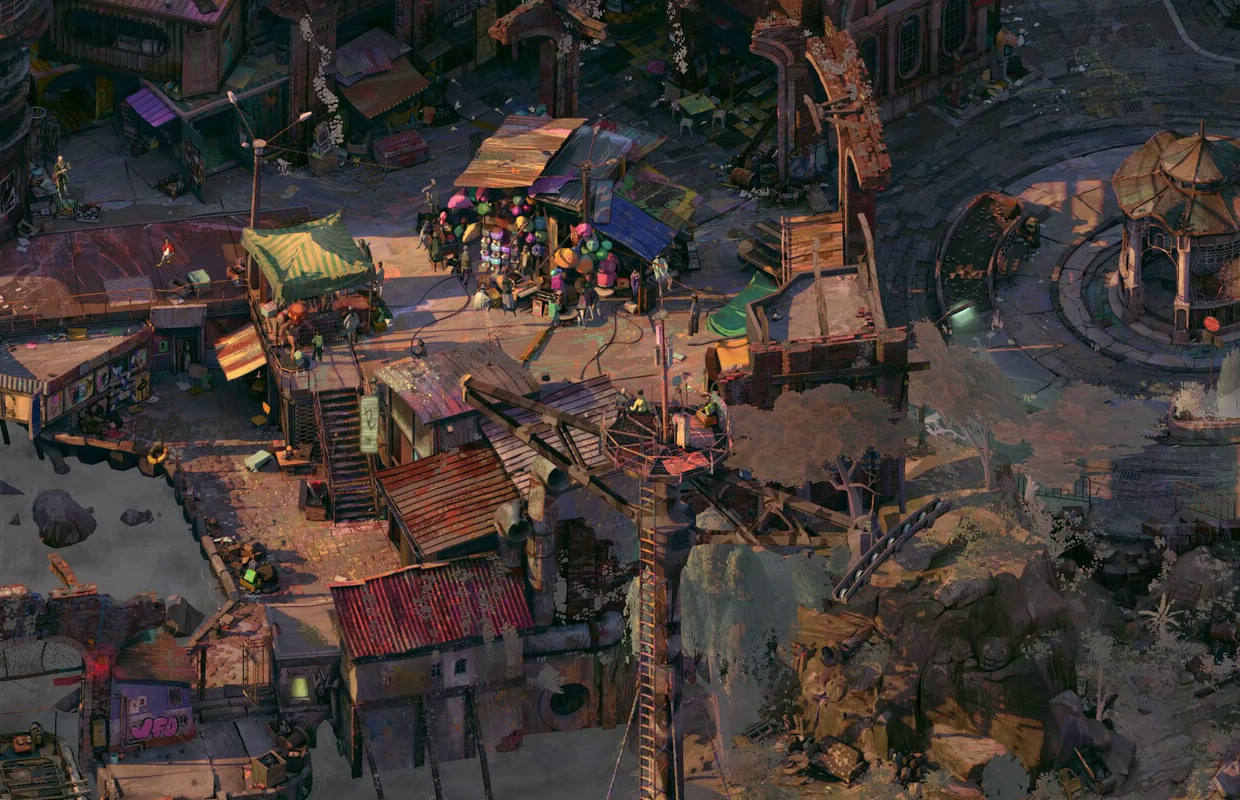
ZA/UM’s new game, Zero Parades: For Dead Spies, comes out this week on PC (through Steam). I’ve been testing it on both the OLED and LCD Steam Deck to see how well it runs, figure out the best settings for the handheld, and check if there are any camera problems like those in Disco Elysium. This is based on my experience with the first few hours of the game.
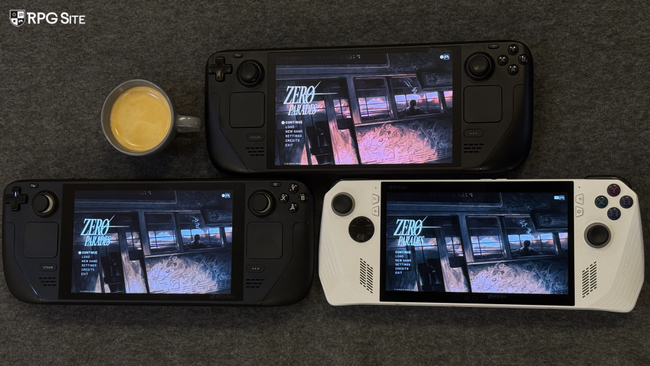
Zero Parades: For Dead Spies Steam Deck impressions
I love playing Disco Elysium on the Steam Deck, so I was excited to try Zero Parades on it. While the game had some pre-release patches, I’ve been generally impressed with how it runs on Valve’s handheld. The biggest problem right now is occasional stuttering when exploring outdoor areas – the developers are already aware of this and are working on a fix. Otherwise, Zero Parades plays well on the Steam Deck, running at a 16:10 aspect ratio and delivering a smooth 45 frames per second at 90hz on the OLED model, and 40fps on the LCD version.
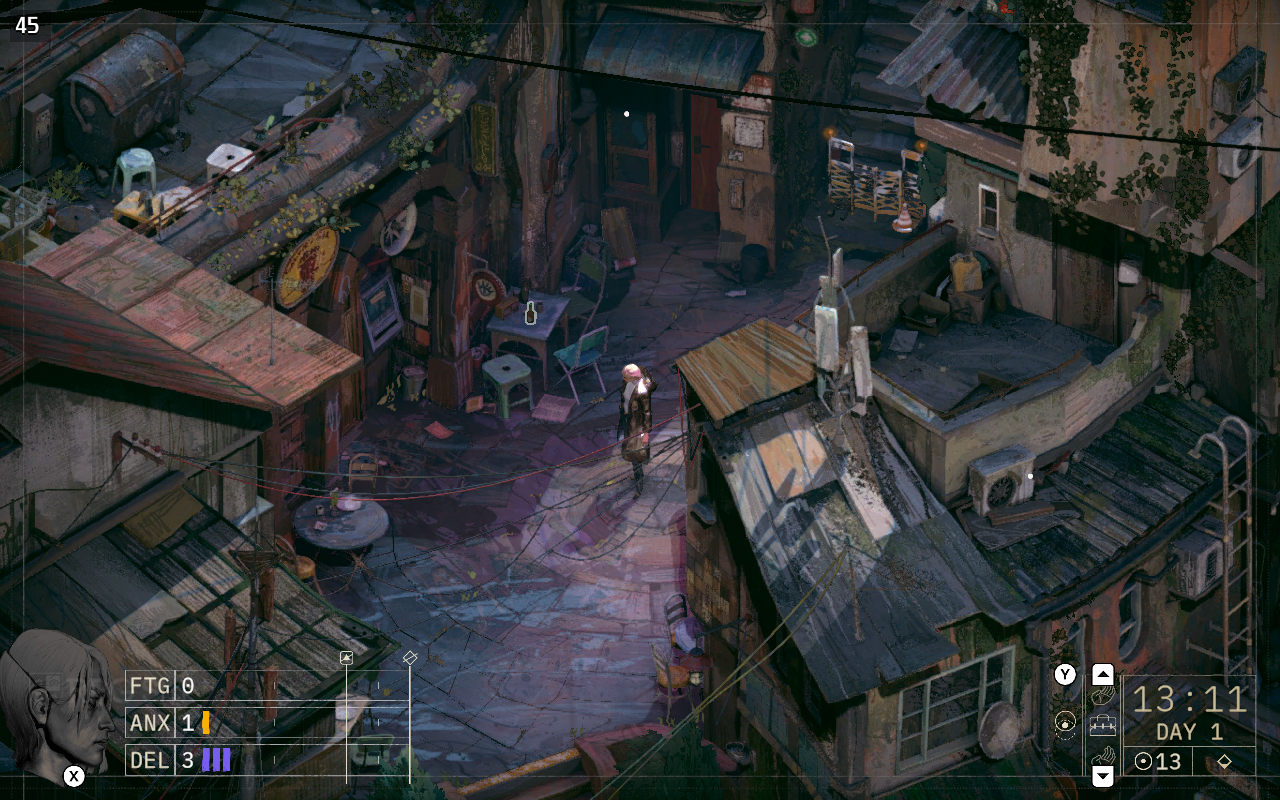
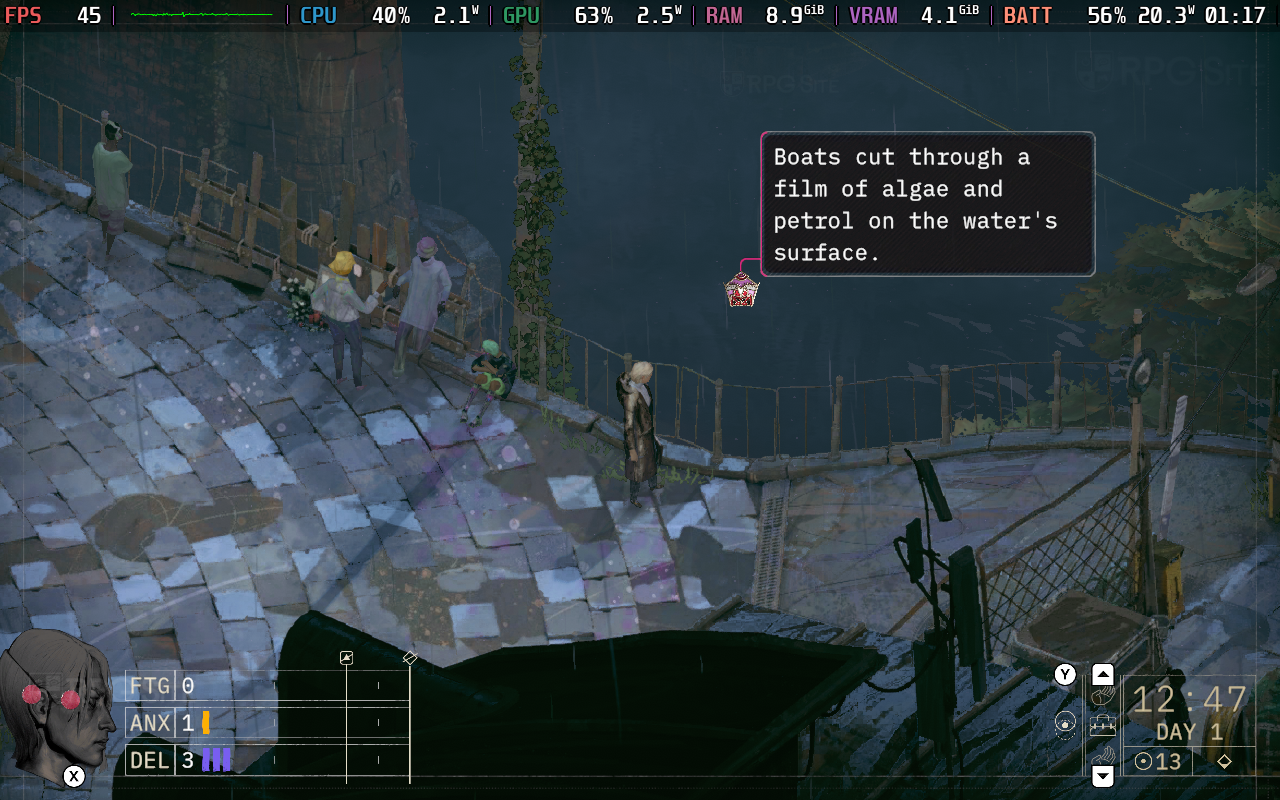
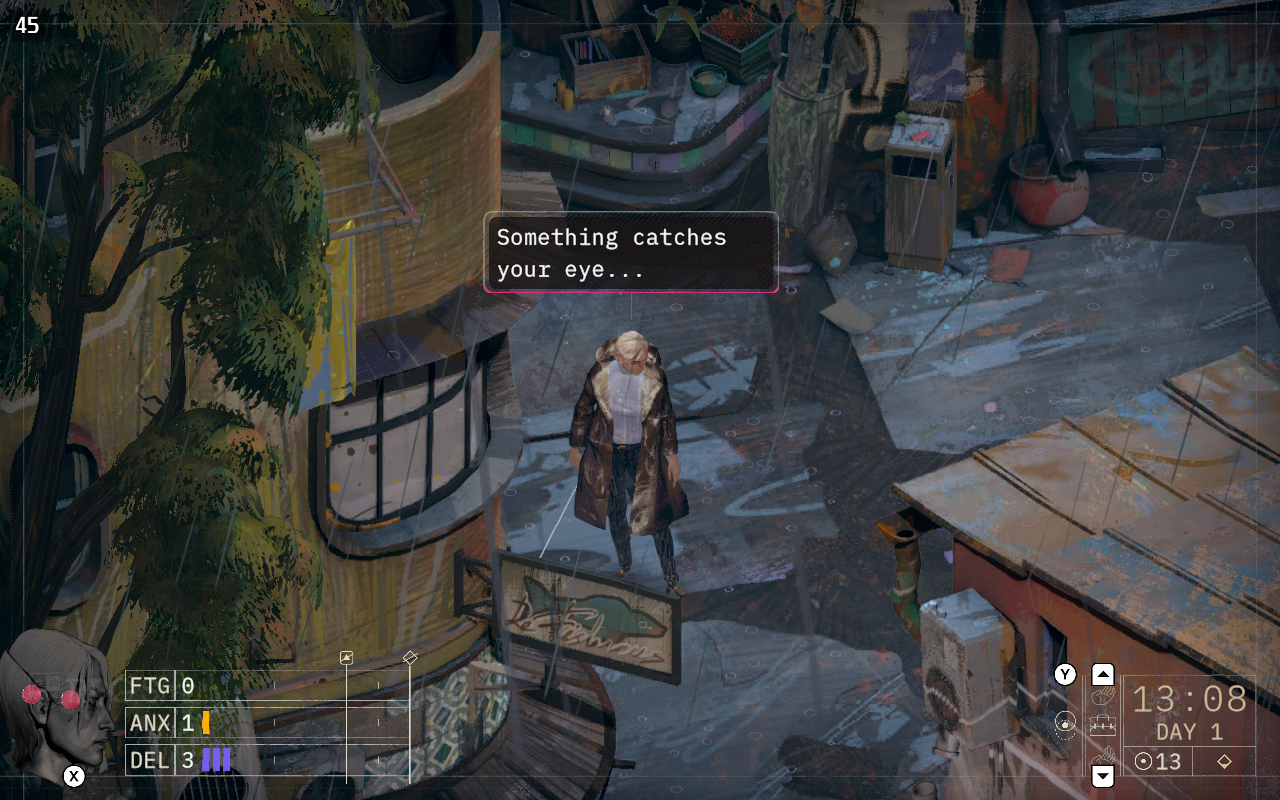
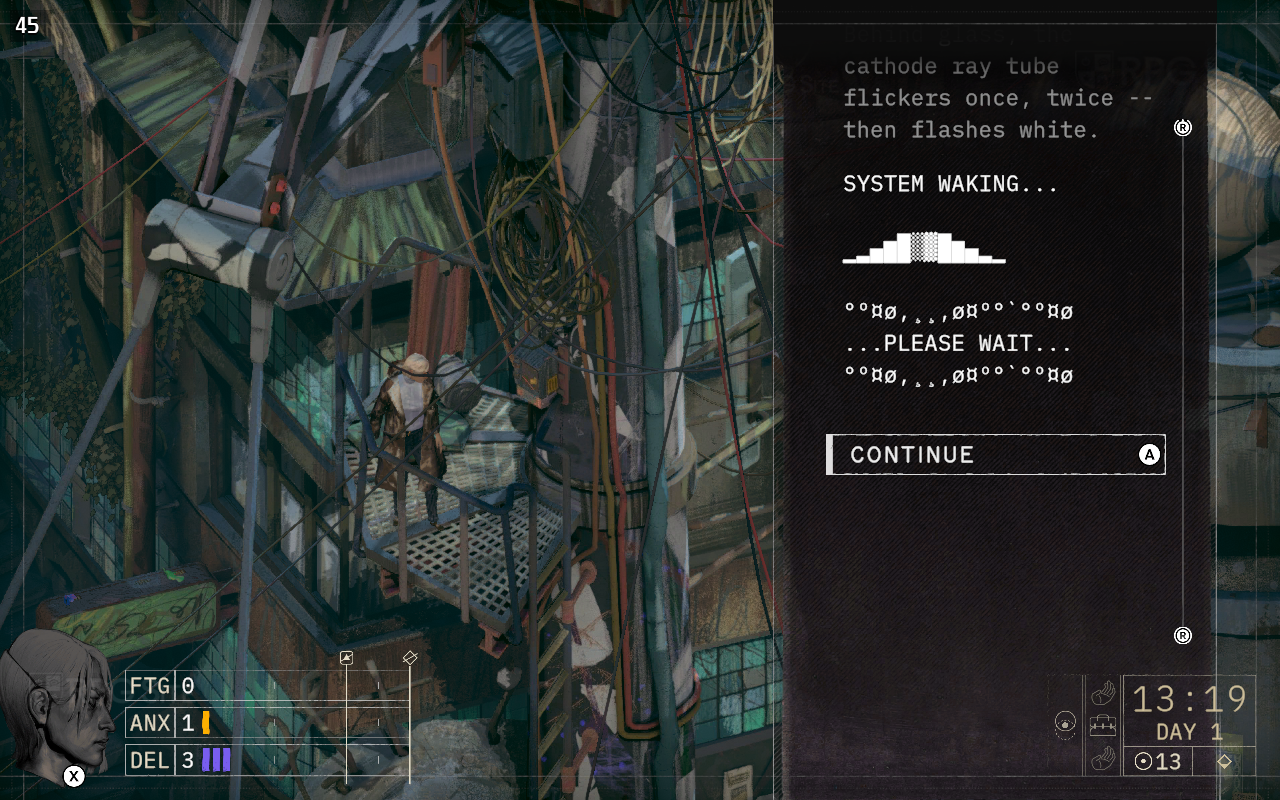
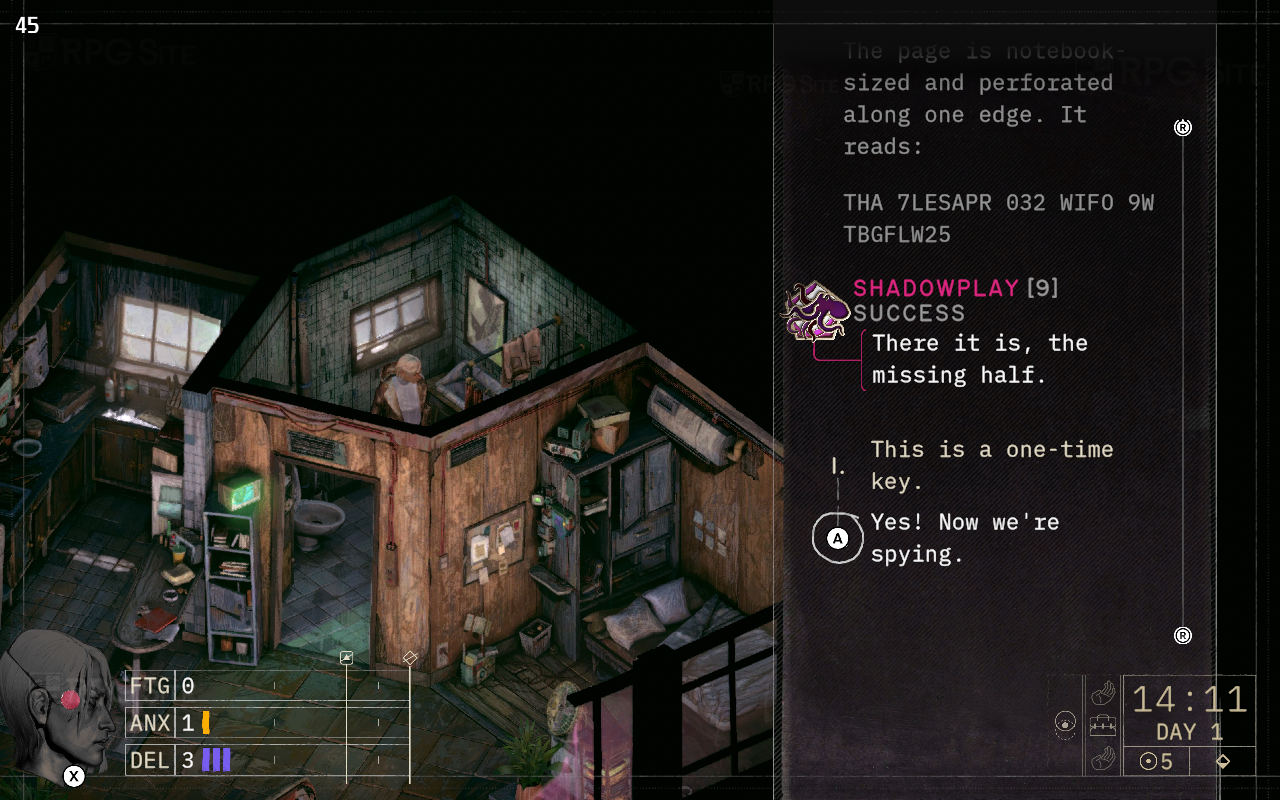
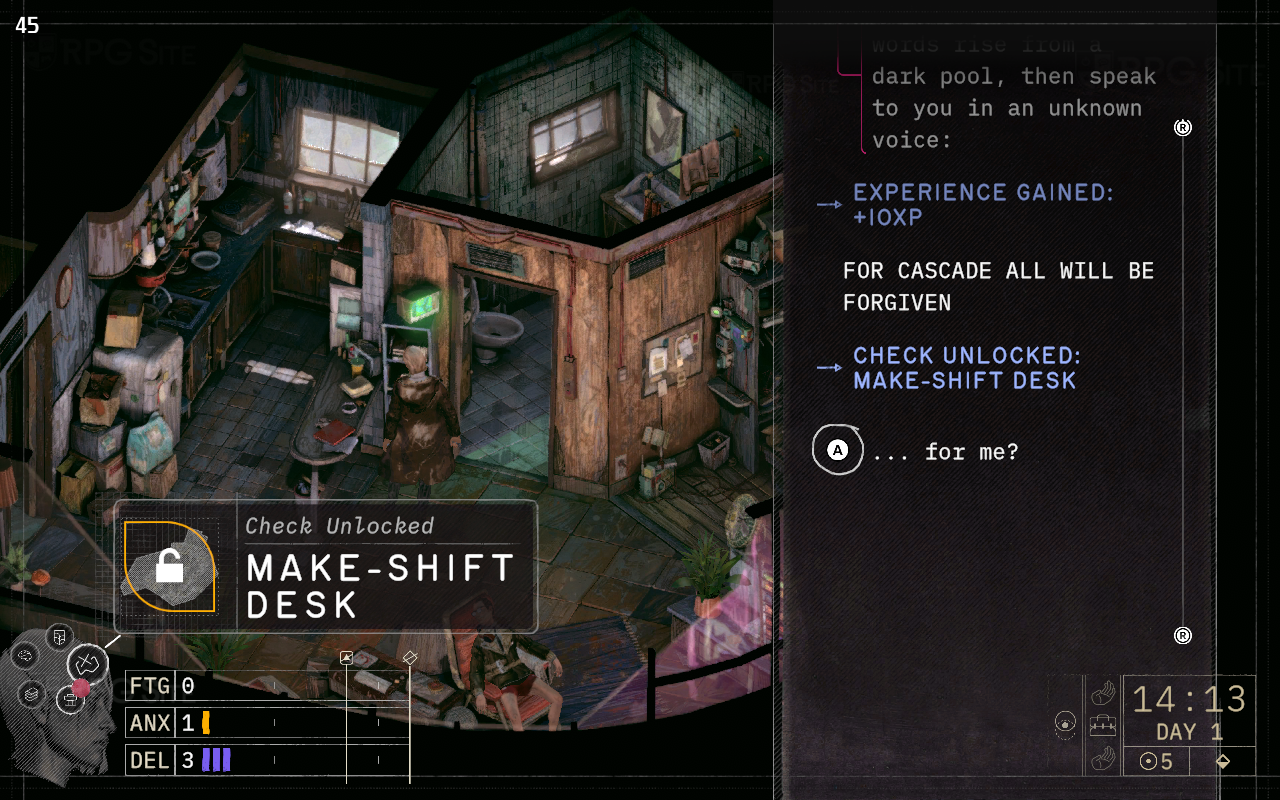
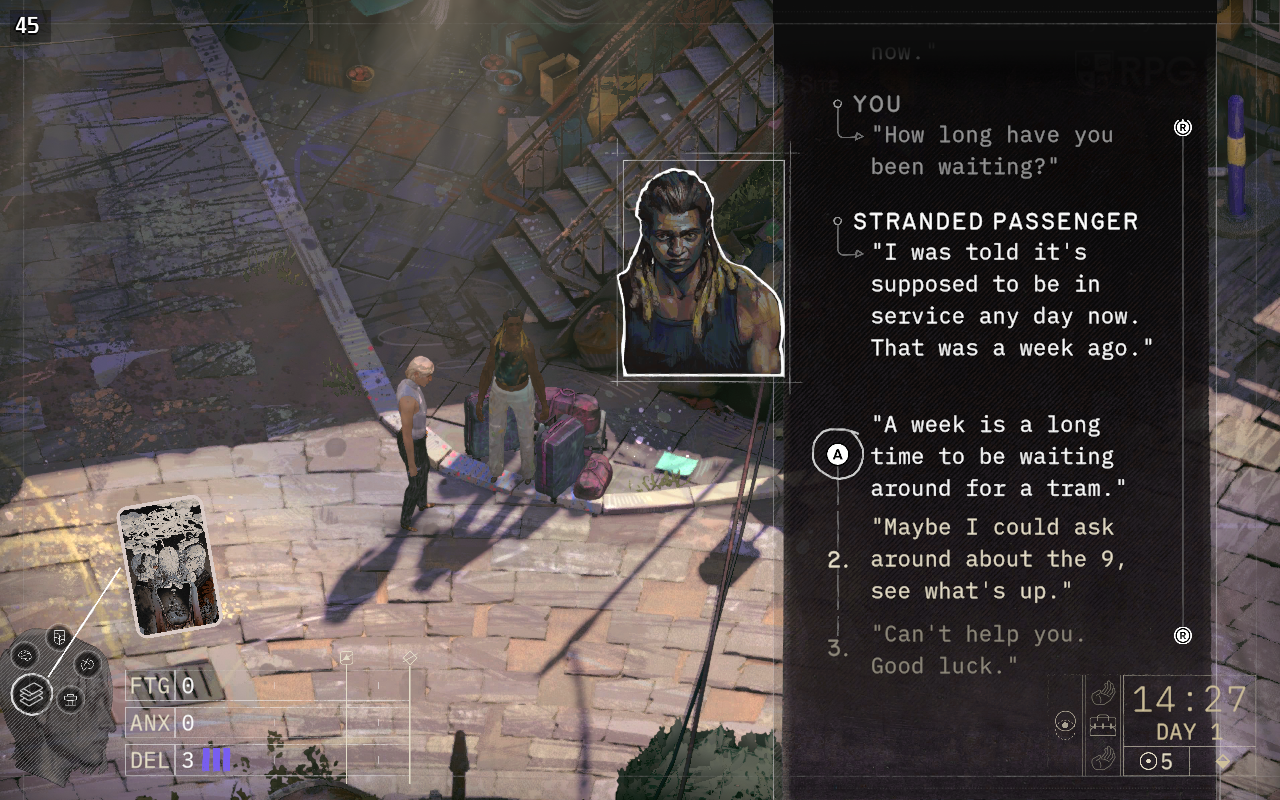
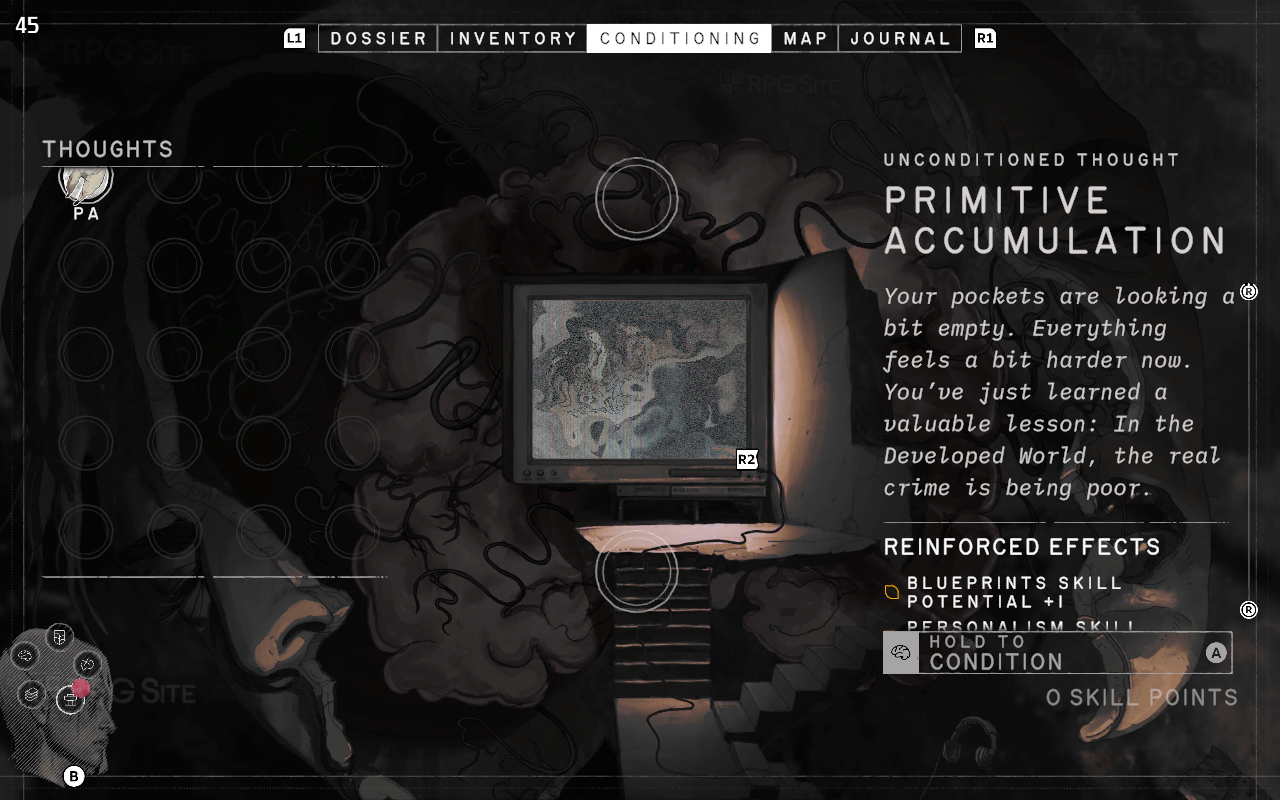
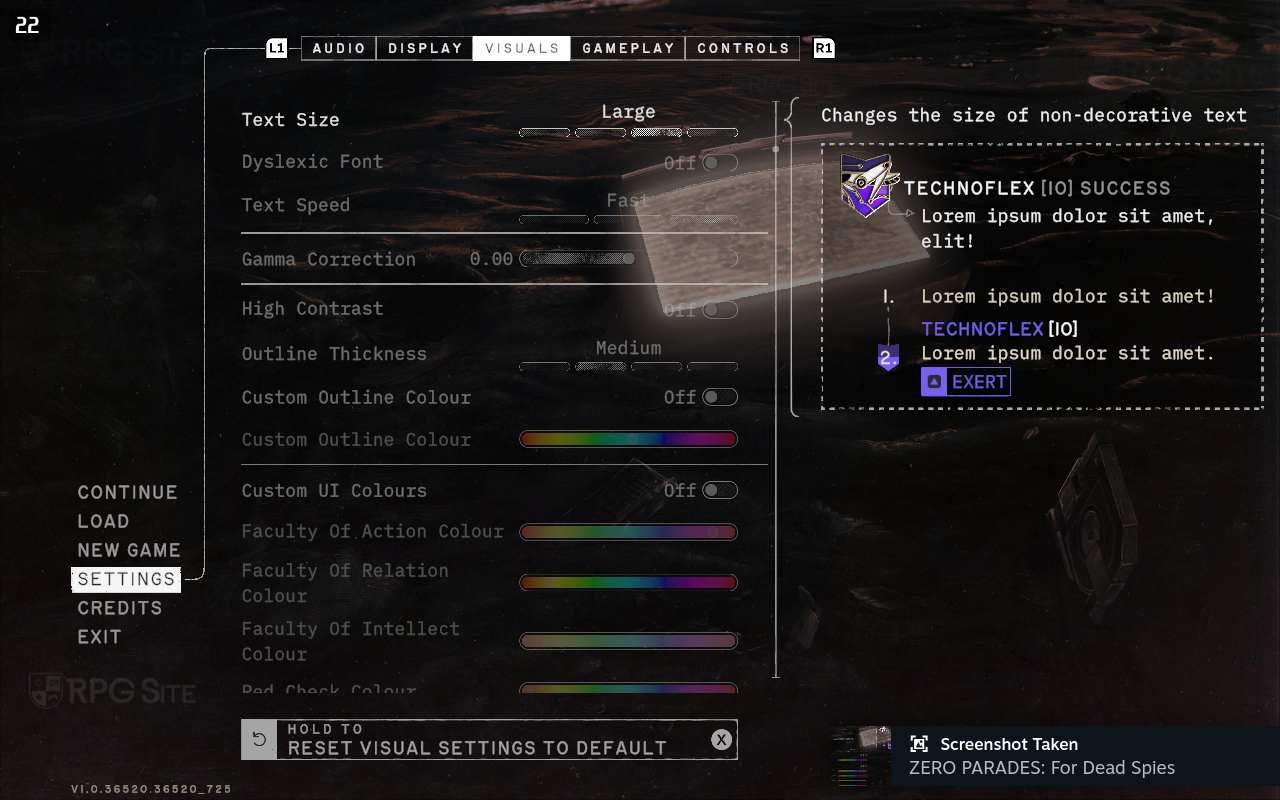
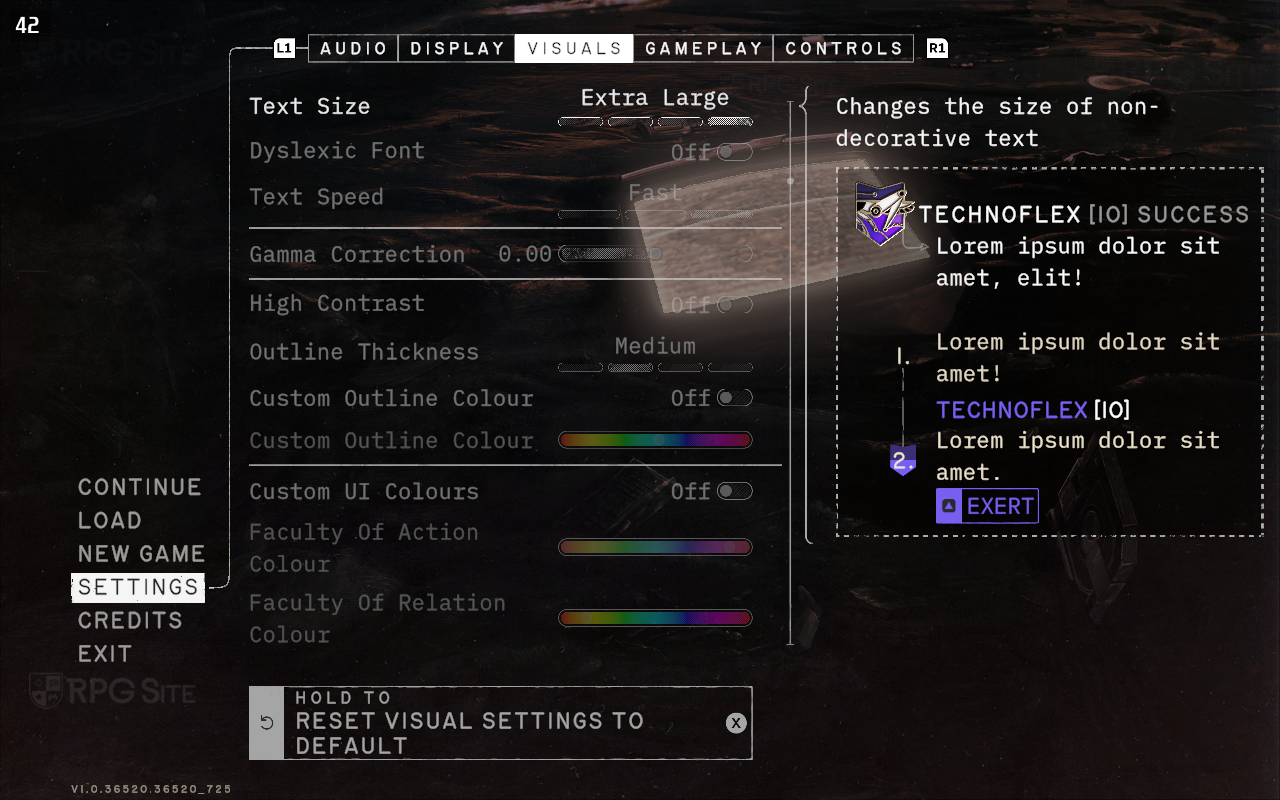
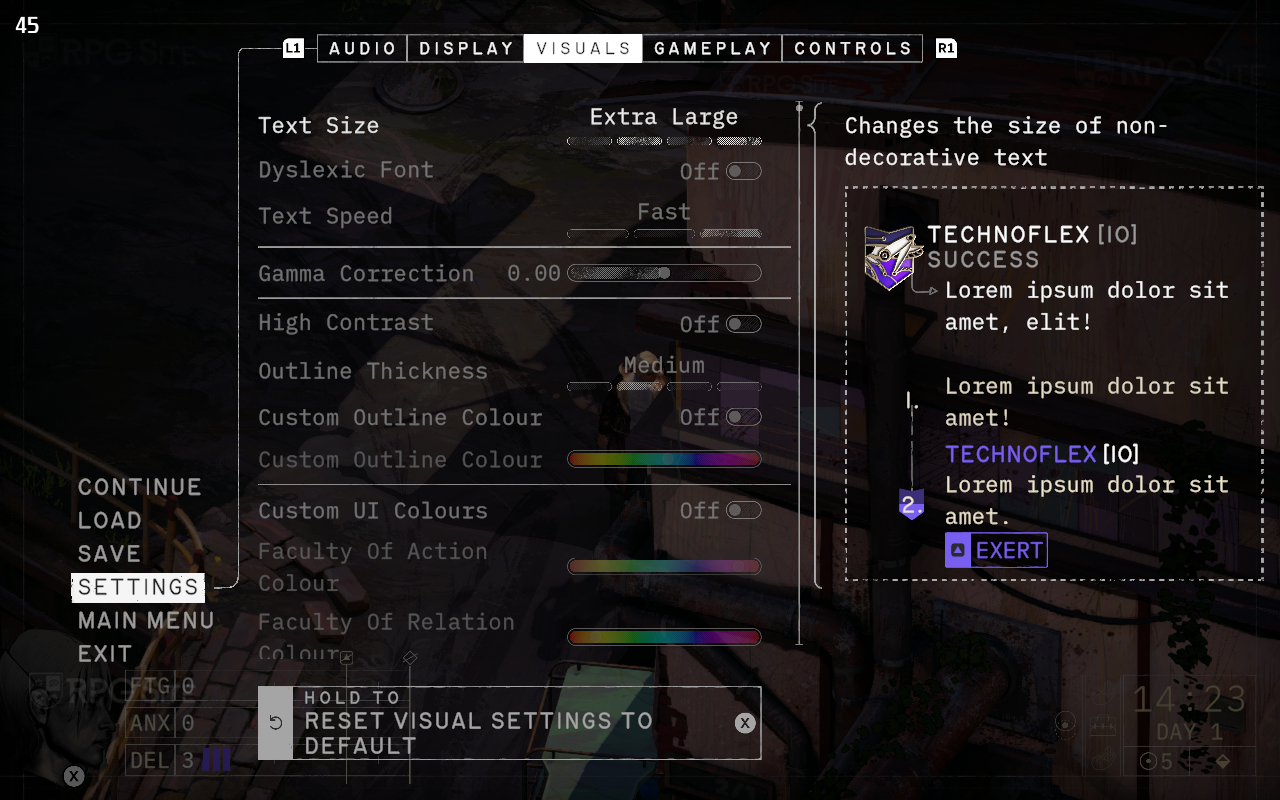
I was initially worried about the text size, remembering how long it took Disco Elysium to get it right. Thankfully, Zero Parades offers several text scaling options that affect all text, including menus. The ‘Extra Large’ setting works especially well on handheld devices. I’ve included pictures to show how the different sizes compare. Just be aware that some text can get cut off in menus when using the ‘Extra Large’ or ‘Large’ options. Hopefully the developers will fix this before or shortly after the game releases.
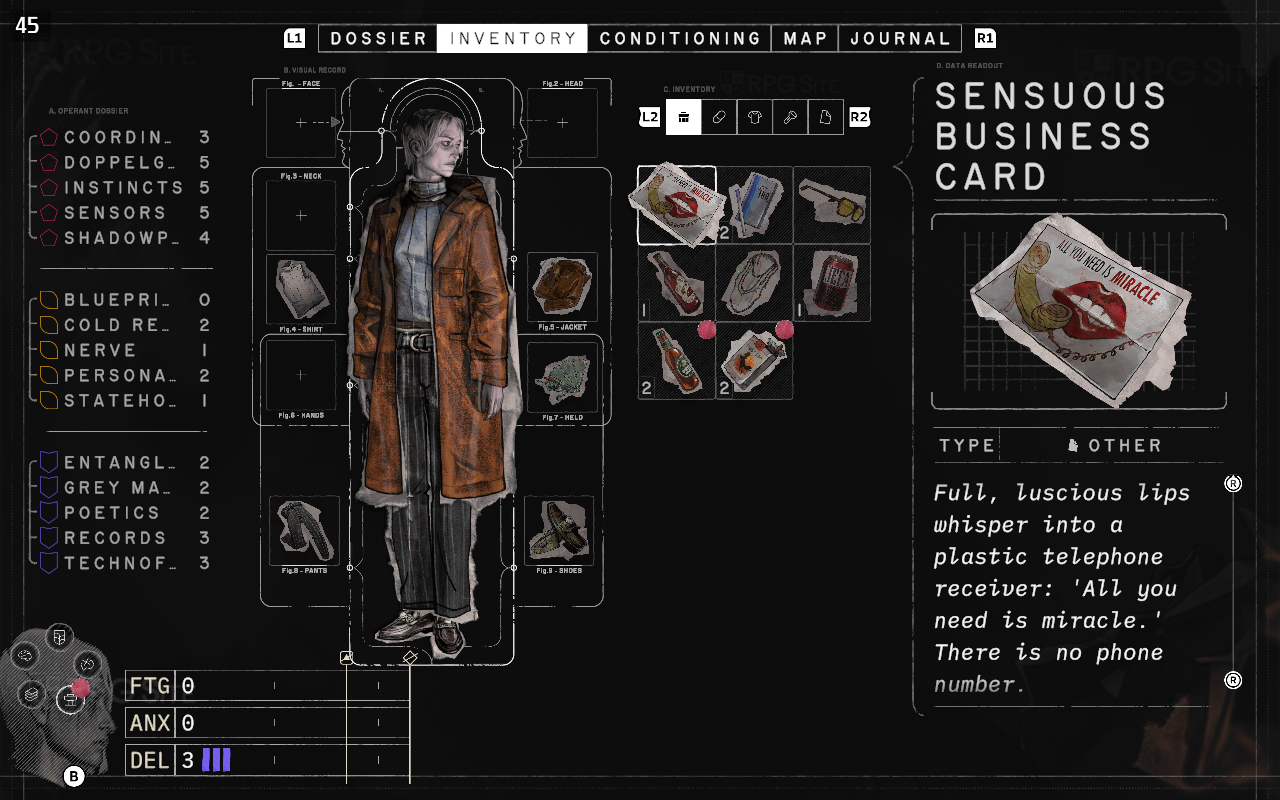
Zero Parades: For Dead Spies Steam Deck recommended settings
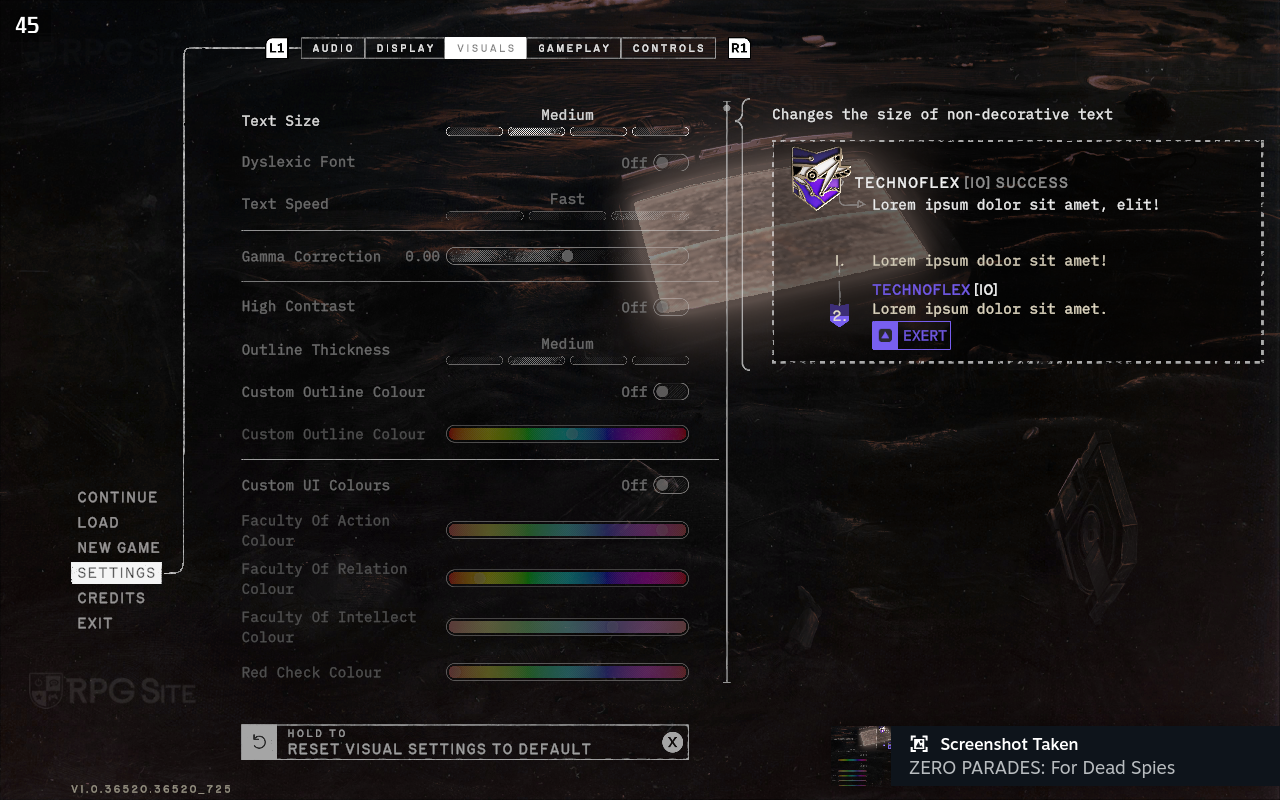
For the best experience on the Steam Deck, I recommend setting Zero Parade’s render quality to high, allowing the frame rate to run freely or capping it at 60/90fps (depending on your Steam Deck model), and using a resolution of 1280×800 with extra large text. Importantly, use the Steam Deck’s Quick Access Menu to control the frame rate and refresh rate, instead of the in-game settings. Lowering the render quality to low doesn’t significantly improve performance. Currently, achieving a consistent 60fps on the Steam Deck isn’t possible. These settings should give you a stable 45fps at 90hz, with only occasional minor dips in performance.
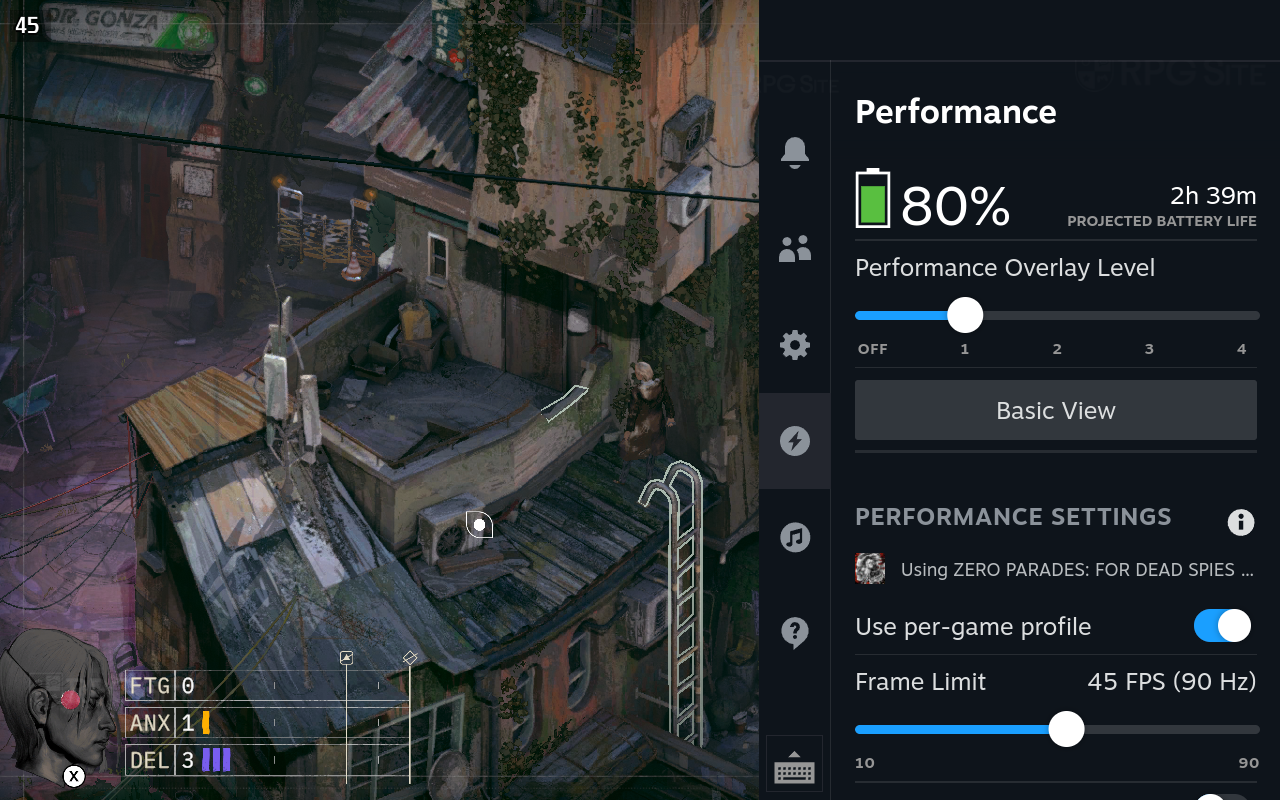
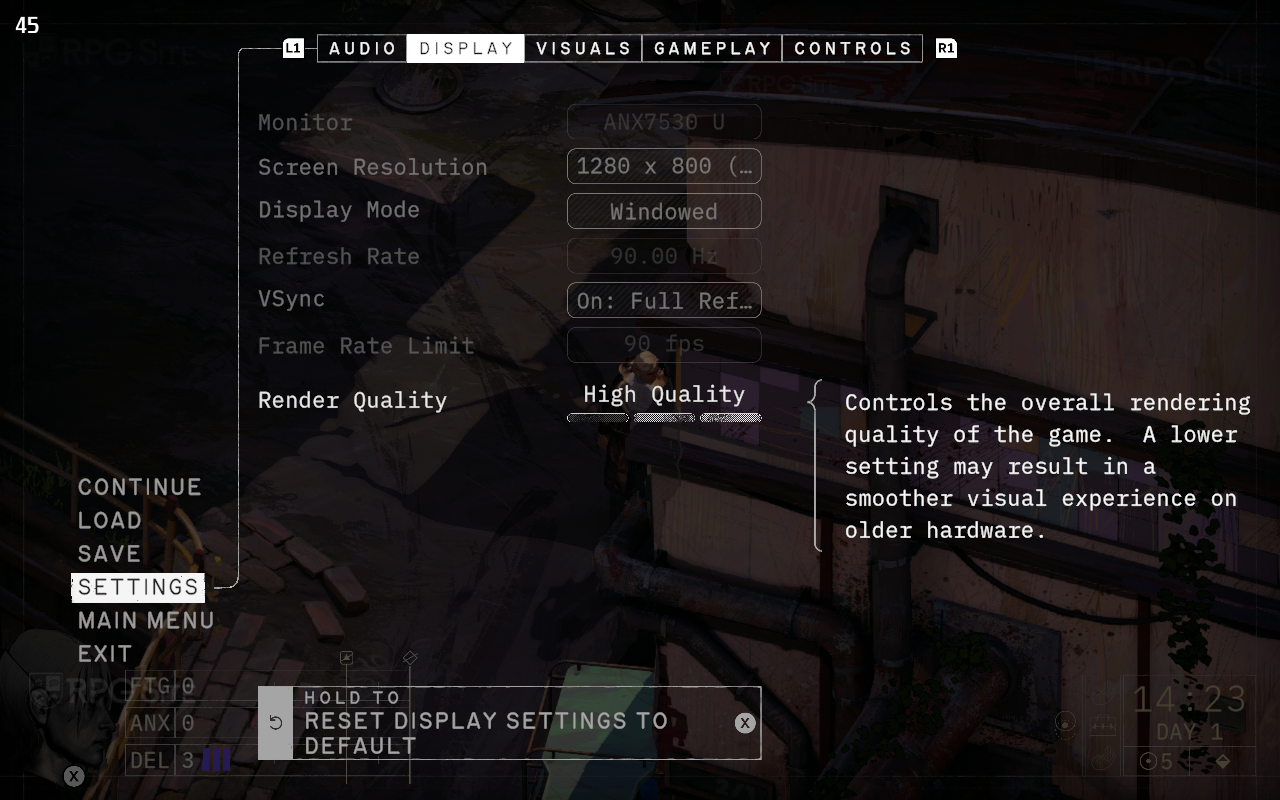
Zero Parades: For Dead Spies Steam Deck recommended control settings
Zero Parades plays well with controllers, but the Steam Deck offers even more options. I suggest combining the standard controls with the trackpads and back buttons. Specifically, set the right trackpad to act like a mouse and assign a back button for left-clicking. This lets you switch between precise trackpad control, full controller support, and the convenience of using the touchscreen to click, move, or select things in the game.
Zero Parades: For Dead Spies ROG Ally impressions
I tested Zero Parades on my ROG Ally (Z1 Extreme, running at 25W turbo mode) and got between 30 and 40 frames per second at 1080p with the lowest graphics settings. Lowering the resolution to 720p improved performance, but it still frequently dipped into the 40s, and even the high 30s, causing noticeable stuttering. While the Steam Deck also had some stuttering when moving around the map, it wasn’t nearly as bad. I played for about an hour on the ROG Ally hoping for a stable 60 frames per second – it runs better on the Steam Deck – but that wasn’t achievable. I’ll check back later to see if any updates improve performance.
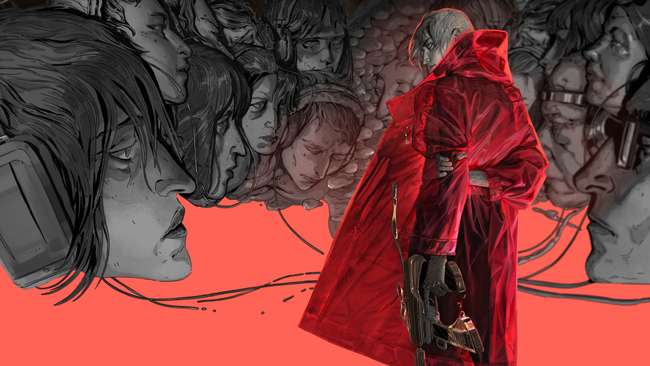
Zero Parades currently runs very well on the Steam Deck, though there are a few minor issues. It’s much more stable technically than Disco Elysium and thankfully avoids the same Unity-related problems that Disco Elysium still has across all platforms. Although Valve hasn’t officially checked it yet, I anticipate Zero Parades will soon be Steam Deck Verified.
We’ll be sharing our complete review of Zero Parades: For Dead Spies soon! The game comes out on PC (via Steam) on May 21st, and a version for PlayStation 5 will be available later in 2024.
Read More
- Off Campus Season 1 Soundtrack Guide
- Euphoria Season 3’s New R-Rated Sydney Sweeney Scene Proves The Show Is Trolling Us
- Gold Rate Forecast
- DoorDash responds after customer uses AI to make food look bad and get a refund
- Brent Oil Forecast
- How to Get to the Undercoast in Esoteric Ebb
- What is Omoggle? The AI face-rating platform taking over Twitch
- 8 Funniest Billy Butcher Quotes From The Boys
- EUR CLP PREDICTION
- MNT PREDICTION. MNT cryptocurrency
2026-05-18 17:26