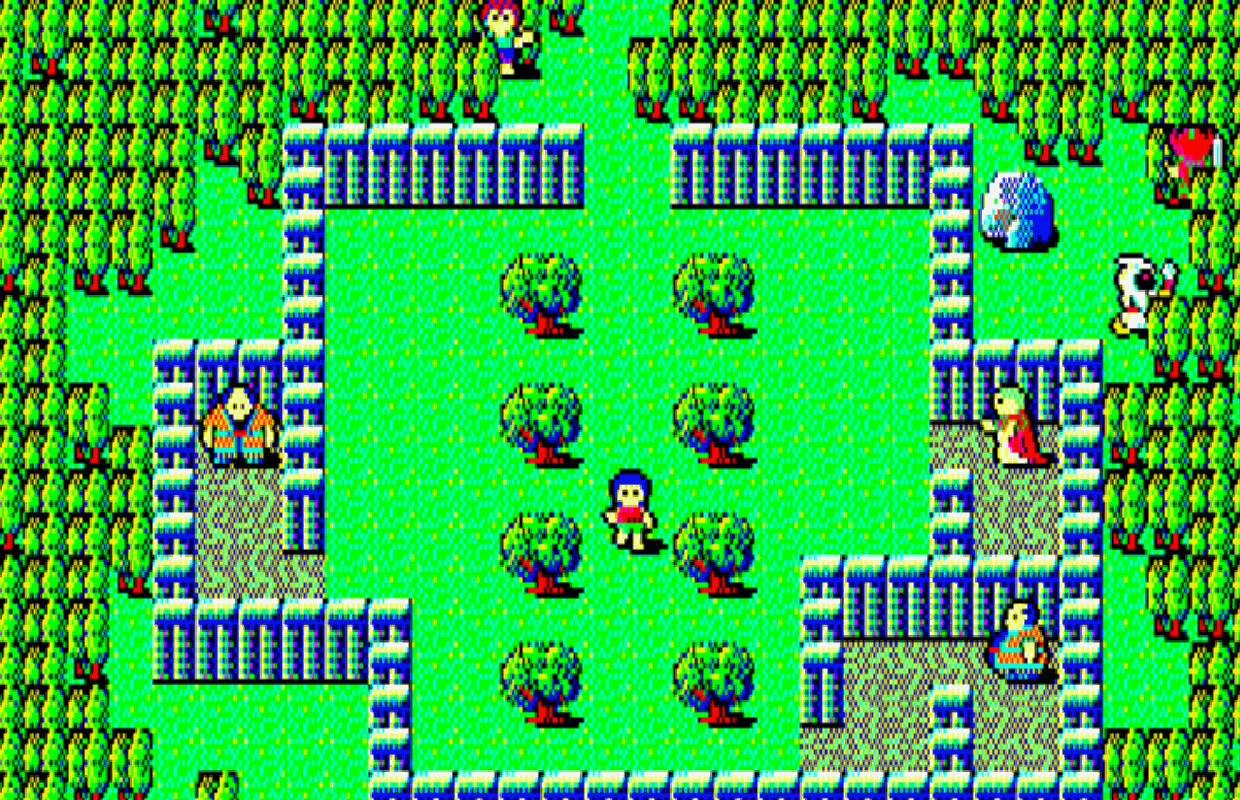
D4 Enterprise is bringing the classic 1985 PC-8801 game, Hydlide II: Shine of Darkness, to Steam. While the Steam page currently indicates a 2026 release, a recent Japanese press release reveals the port will actually launch next week on May 15.
This release is different from the Hydlide II port we saw on Nintendo Switch last year. That version was based on the game from 1986, originally made for the MSX. This new version comes from the very first release of the game, which came out in December 1985 for the PC-8801.
Below you’ll find official screenshots and details about the upcoming PC version of Hydlide II on Steam. Like the original game, most of the content will be in Japanese, but some parts, like a summary of the story, will be available in English.
Hydlide II – PC-8801 port screenshots
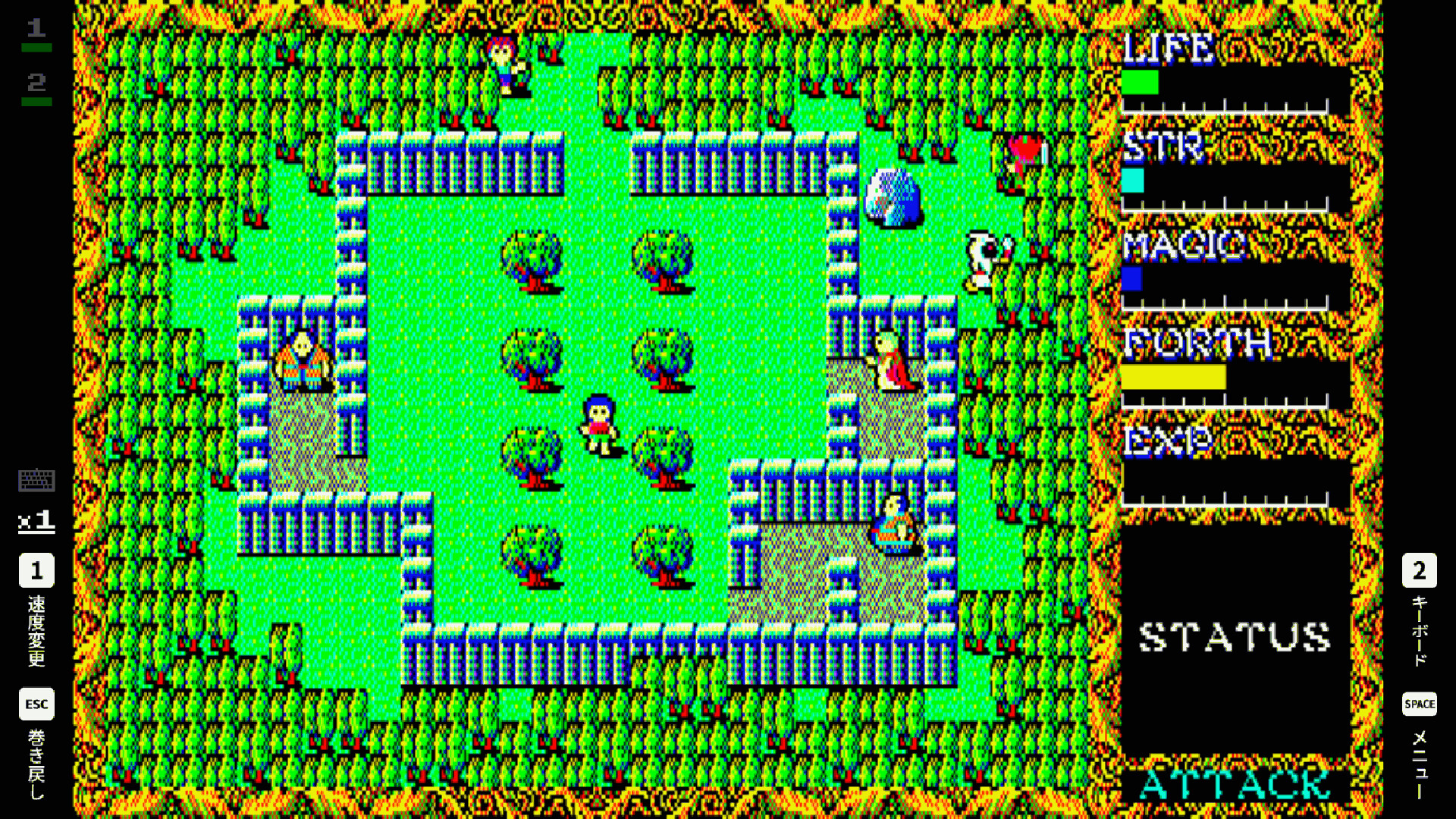
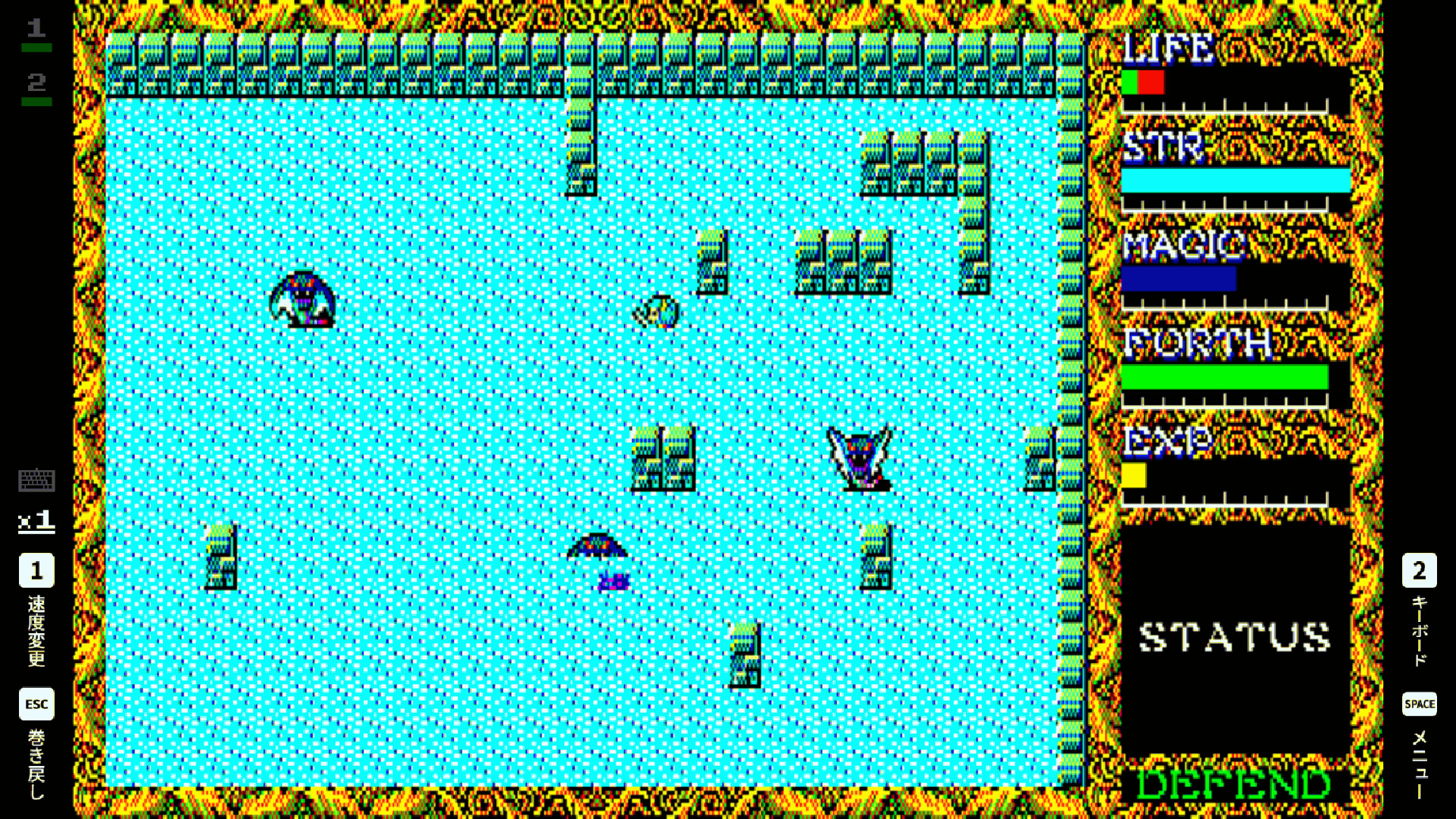
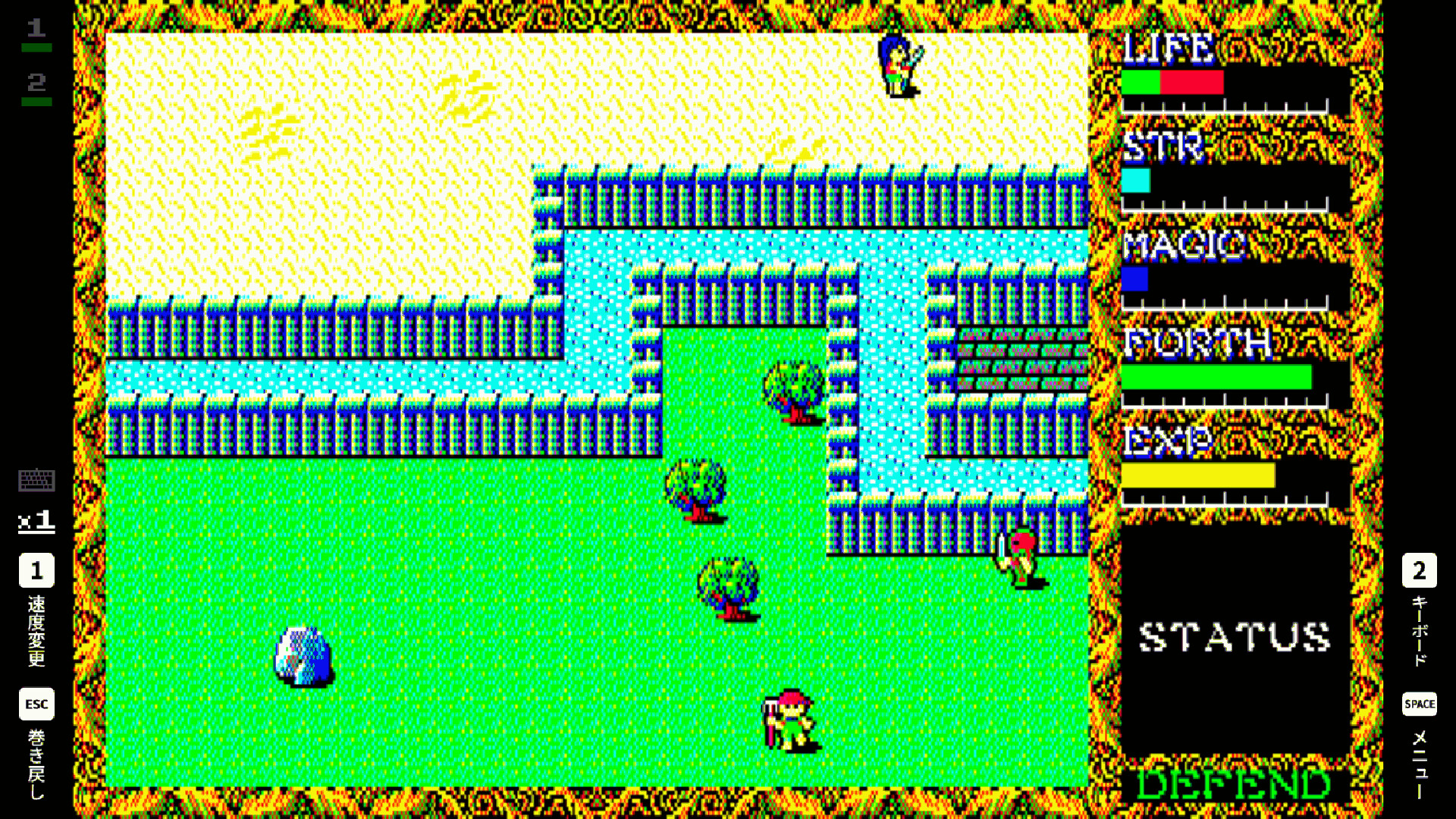
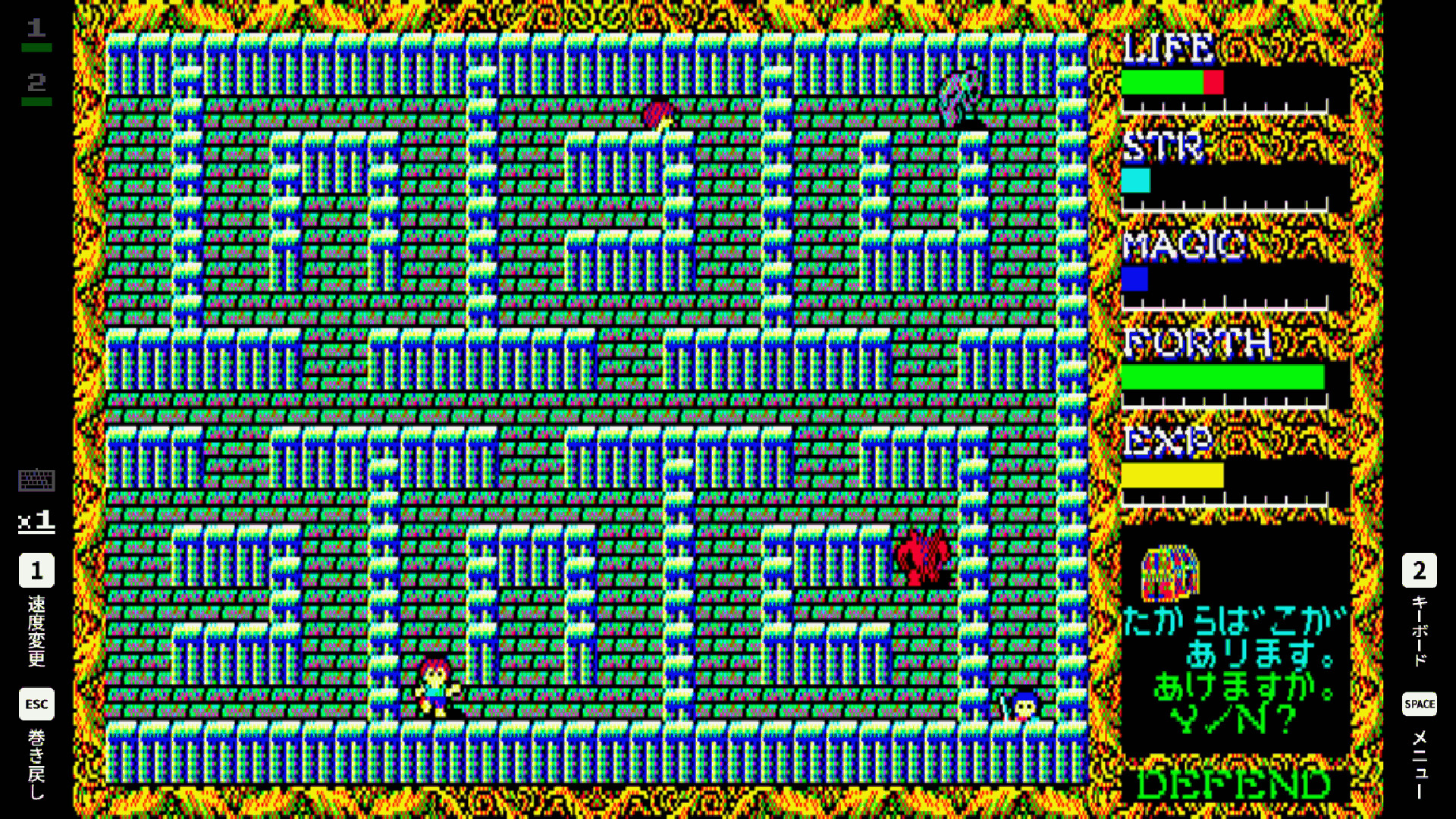
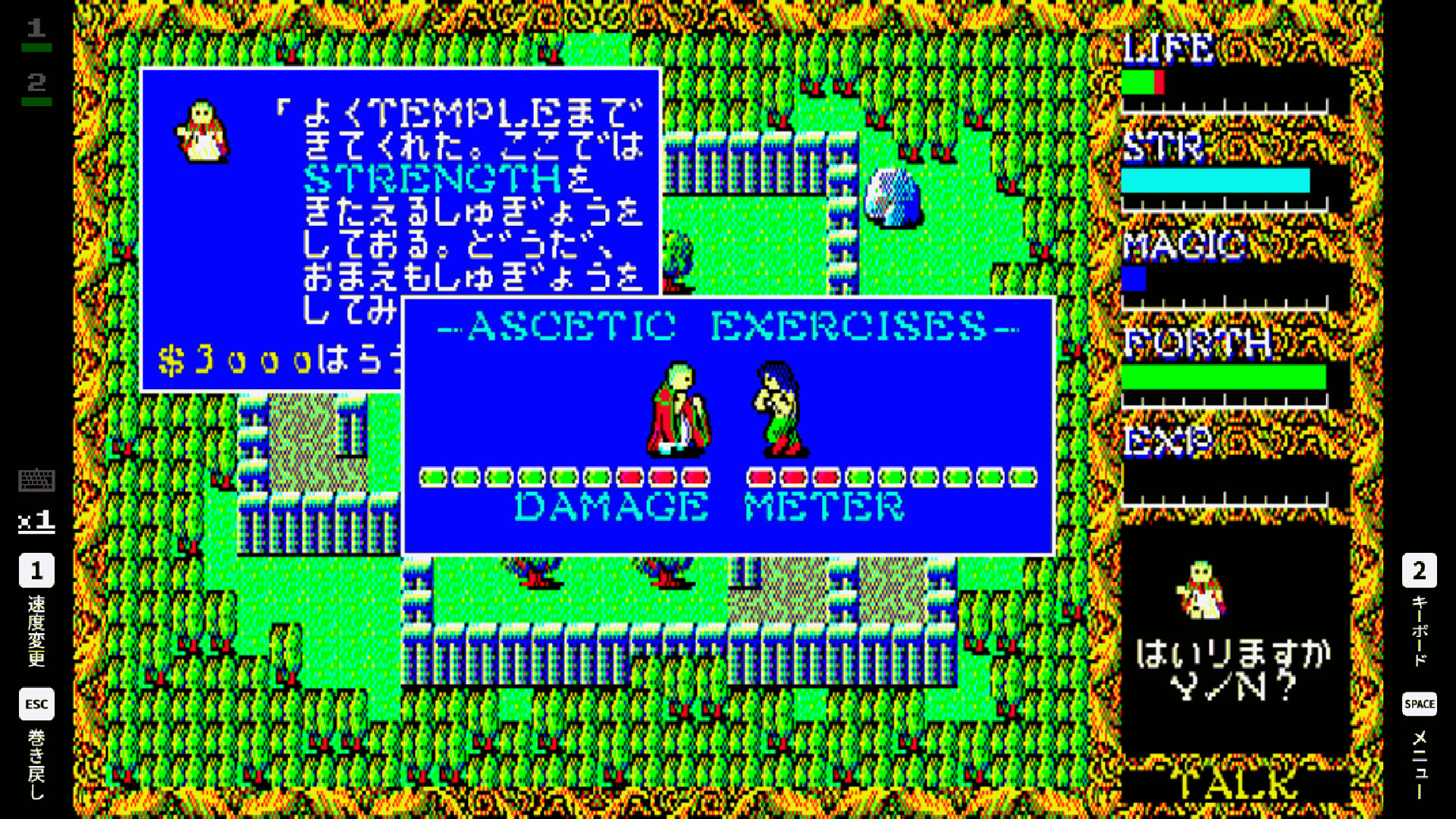
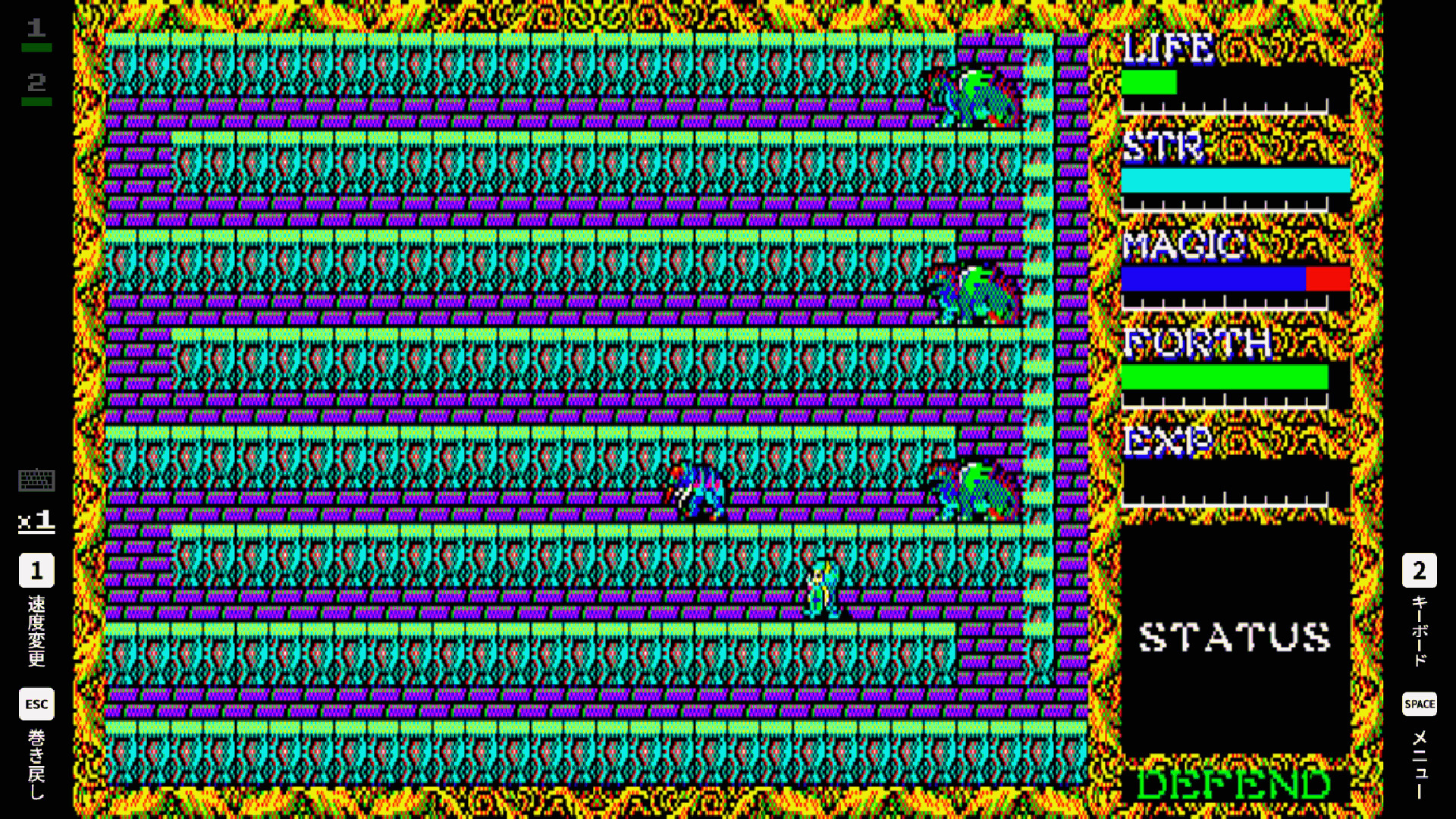
Released in 1985 by T&E SOFT, this is an action role-playing game where a hero with a pure heart is chosen by God to journey forth and defeat an evil force.
Okay, so the combat system I loved from the last game is back – you still smash into enemies, which is awesome. But now they’ve added a bunch of cool magic like fire, ice, water waves, and even a jump spell! They’ve also introduced something called ‘FORTH,’ which basically represents your character’s conscience, and it affects whether you lean towards good or evil. Besides fighting, you can chat with people to get info, buy stuff in towns, level up your character, and the world is HUGE – like, six times bigger than the last game! Seriously, it’s a massive improvement in every way.
This game, originally categorized as an Action RPG, focuses heavily on fast-paced combat. Players actively switch between attacking and defending while battling monsters. Winning these fights earns experience, letting you level up and become more powerful. If you take damage, simply resting on the ground will restore your health.
The main game and gallery screen (*Gallery) are in Japanese version.
Other menu screens and “How to play” screens are in English.
■ How to Toggle Full Screen Mode
Press Alt+Enter to switch between Full Screen and Window Mode.
In Steam Big Picture Mode, the game runs in Full Screen only.
■ Controls
You can play this game using an Xbox, PlayStation, or Nintendo Switch controller, or by using a keyboard connected to your PC.
For the best experience, we recommend playing with a controller.
Please note that keyboard behavior changes depending on whether a controller is connected.
[When no controller is connected (PC keyboard controls)]
Z / X / A / S: Xbox controller A / B / X / Y
Q / W: Xbox controller LB / RB
1 / 2: Xbox controller LT / RT (Speed Change / Virtual Keyboard)
3 / 4: Xbox controller LS / RS (Virtual Keyboard Settings)
Esc: Xbox controller View (Rewind)
Space: Xbox controller Menu (Pause Menu)
[When a controller is connected]
The PC keyboard functions as the same input as the virtual keyboard.
Read More
- Gold Rate Forecast
- What is Omoggle? The AI face-rating platform taking over Twitch
- Wartales Curse of Rigel DLC Guide – Best Tips, POIs & More
- The Strongest Mortal Kombat II Movie Characters, Ranked
- Audible opens first ‘bookless bookstore’ in New York
- How To Grow Money Trees In Animal Crossing: New Horizons
- The Devil Wears Prada 2 Cameos You May Have Blinked and Missed (Plus Lady Gaga)
- What is Managed Democracy? A Helldivers Guide
- Daughter asks Warner Bros. to keep father’s ashes in prop house
- 10 Classic 2000s Anime That Aren’t As Good As You Remember
2026-05-08 15:28