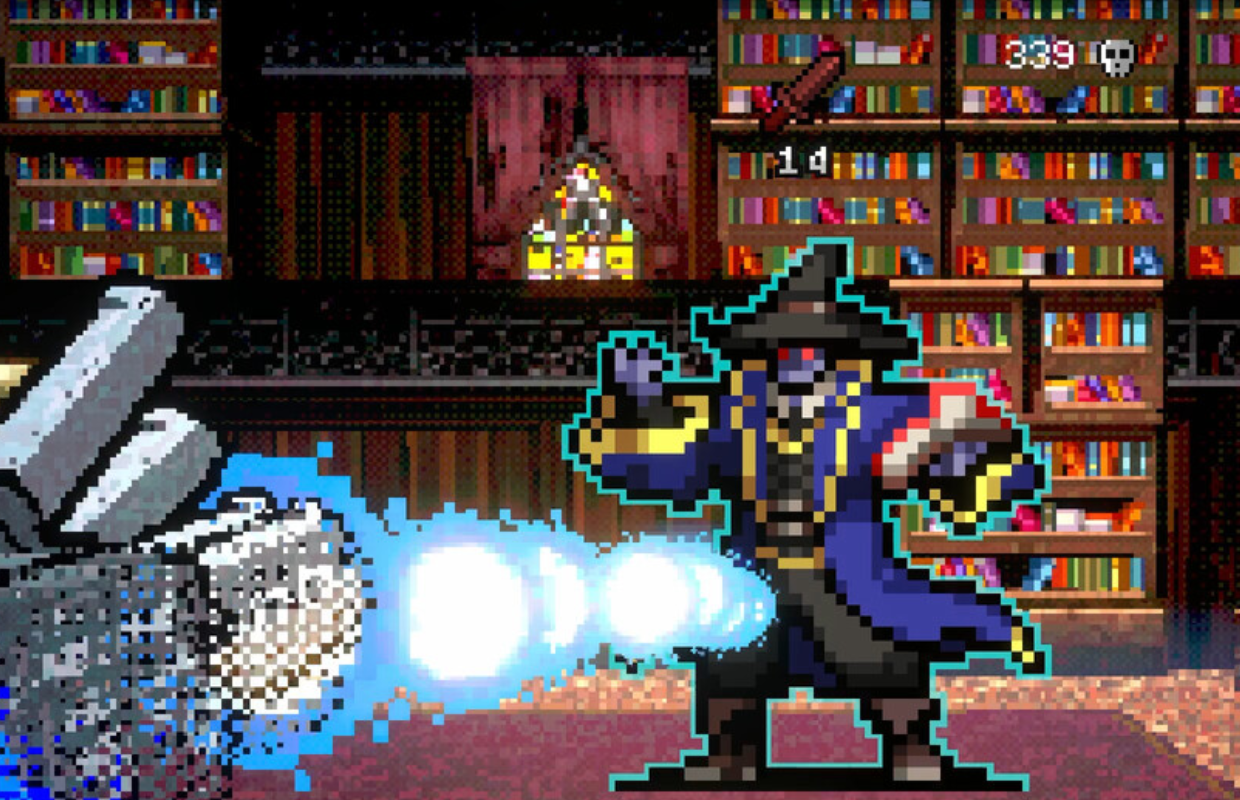
This week, poncle released Vampire Crawlers: The Turbo Wildcard from Vampire Survivors on PC and consoles. I’ve spent over 30 hours playing the Switch version and have also tested the game on various platforms. I initially tried the Steam demo on my handheld PC, then played every version available – including on Switch OLED and the new Switch 2, PlayStation 5 and PS5 Pro, Xbox Series X and ROG Ally, and Steam Deck – to compare performance and see how well it runs on each system.
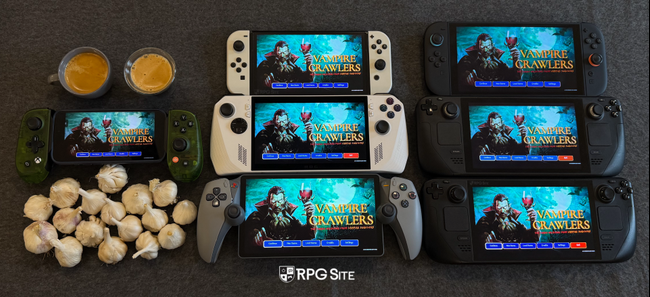
Vampire Crawlers feature differences across platforms
Vampire Crawlers offers the same gameplay experience on all platforms, but includes extra features tailored to each system. For example, the Switch and Switch 2 versions have touch controls, while the Switch 2 also supports mouse controls using the Joy-Con 2. Xbox Series and PC players benefit from Quick Resume and Play Anywhere, and PC users have a variety of input options to choose from.
Poncle has announced that cross-save will be added to Vampire Crawlers, likely around the time the mobile versions are released. Based on my extensive experience with Vampire Survivors on various platforms, here’s what players can expect: cross-save isn’t available on PlayStation. I’ve successfully linked my progress between Switch, Steam Deck, iOS, and Xbox. While it’s unknown if Vampire Crawlers will support cross-save on all platforms, it’s something to consider if you plan to play on multiple devices.

Vampire Crawlers visuals and performance differences across PS5, Xbox, Switch 2, PC, and Switch
Aside from features unique to each system and potential save file problems, the main differences between the console versions are how they look, how smoothly they run, and how long it takes to load. The PS5 and Xbox Series X versions look exactly the same, even when using the upgraded PS5 Pro. I directly compared screenshots taken in 4K and found no visual differences. The Switch versions, both on the original Switch and the newer Switch 2, seem to aim for the same resolution when played on a TV. This was unexpected, as the Switch 2 is usually more powerful and should offer a sharper image. Hopefully, a future update will fix this. Below are some close-up comparisons of screenshots taken in 4K on each console, showing how the pixel art looks at that resolution.

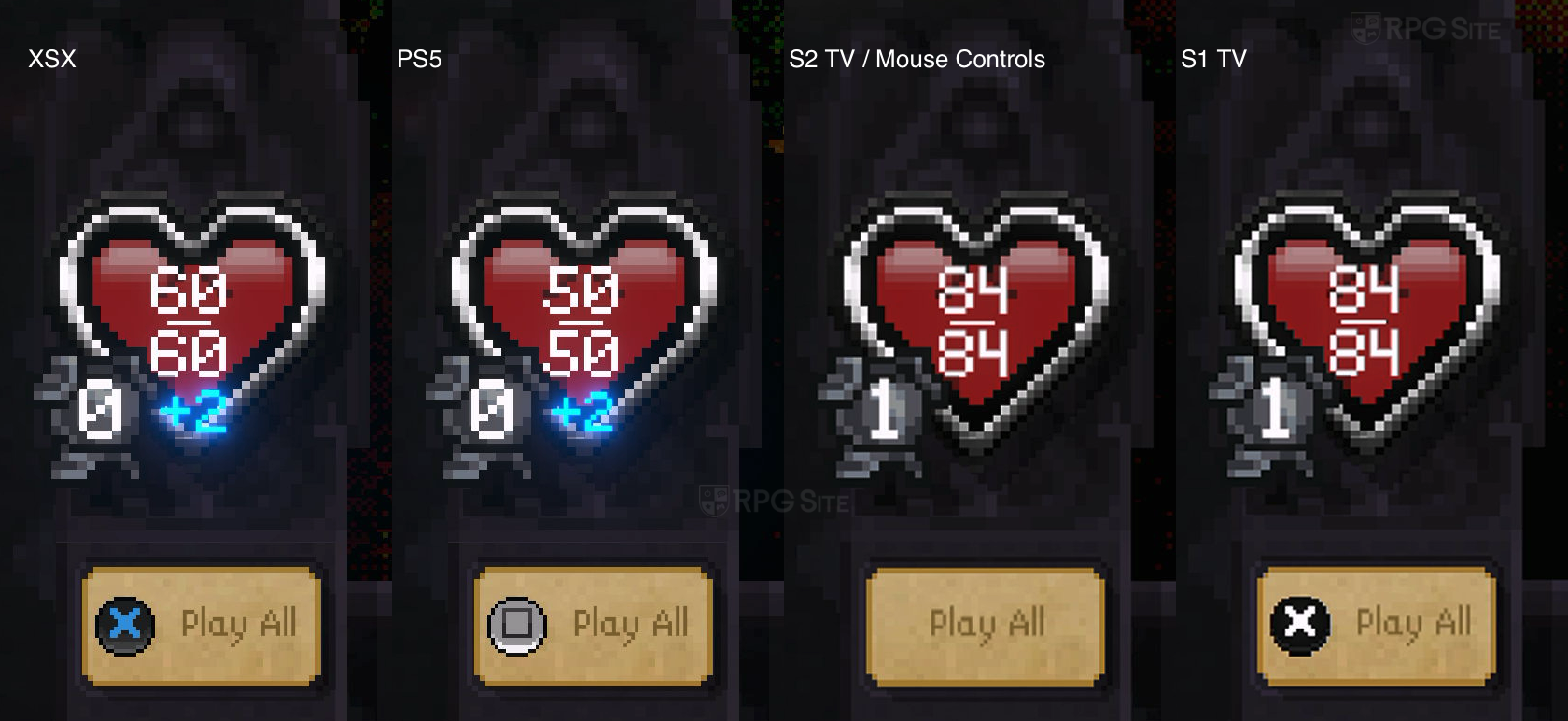
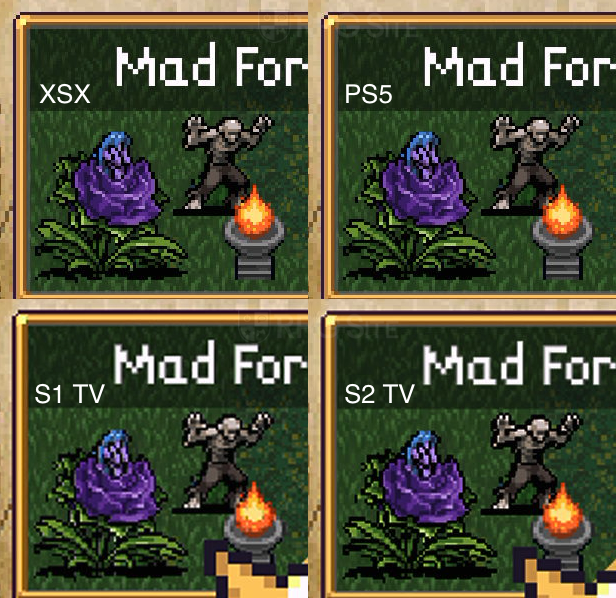
I was surprised to find that the new Switch 2 version of the game runs at a lower resolution in handheld mode than the original Switch version when played using a performance boost setting. While the boost improves performance, it disables touch controls. I suspect this is an error that will be corrected in a future update. Although it might not be noticeable in this particular game, the lack of proper scaling for the user interface and menus makes the visuals appear less sharp.
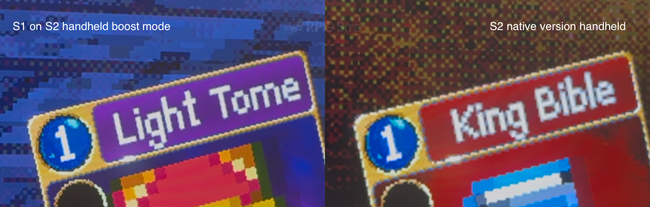
I tested the game on both the original Switch and the newer Switch 2. Even with reduced visual effects, the original Switch struggled during some of the more action-packed battles, but was still playable. The Switch 2 offered a much smoother experience, especially in handheld mode using boost mode. The original Switch version feels noticeably slower and has an inconsistent frame rate. While it plays better on Switch 2 thanks to backward compatibility, it’s not flawless. The native Switch 2 version generally maintains a stable 60 frames per second, although certain special attack animations sometimes run at a lower frame rate. This applies when playing on a TV or while the console is docked.
The PlayStation 5 and Xbox Series X versions of the game aim for a smooth 120 frames per second, and I confirmed this isn’t just a trick to display a lower frame rate. While a slower frame rate might be acceptable in a turn-based dungeon crawler with grid movement, I hoped the Switch 2 version would also support 120fps, given the PS5 and Xbox versions do.
Okay, so when I’m playing on the go, the ROG Ally and Steam Deck OLED are definitely the powerhouses, which isn’t surprising. But honestly, the Switch 2 version plays pretty well handheld – I don’t have any big issues with it. The original Switch, though? It really struggles, even in handheld mode, and takes forever to load things, which I’ll get into later. As for playing on PC, it runs super smooth, even on handheld gaming PCs, and I could even get unlimited frame rates in my tests.
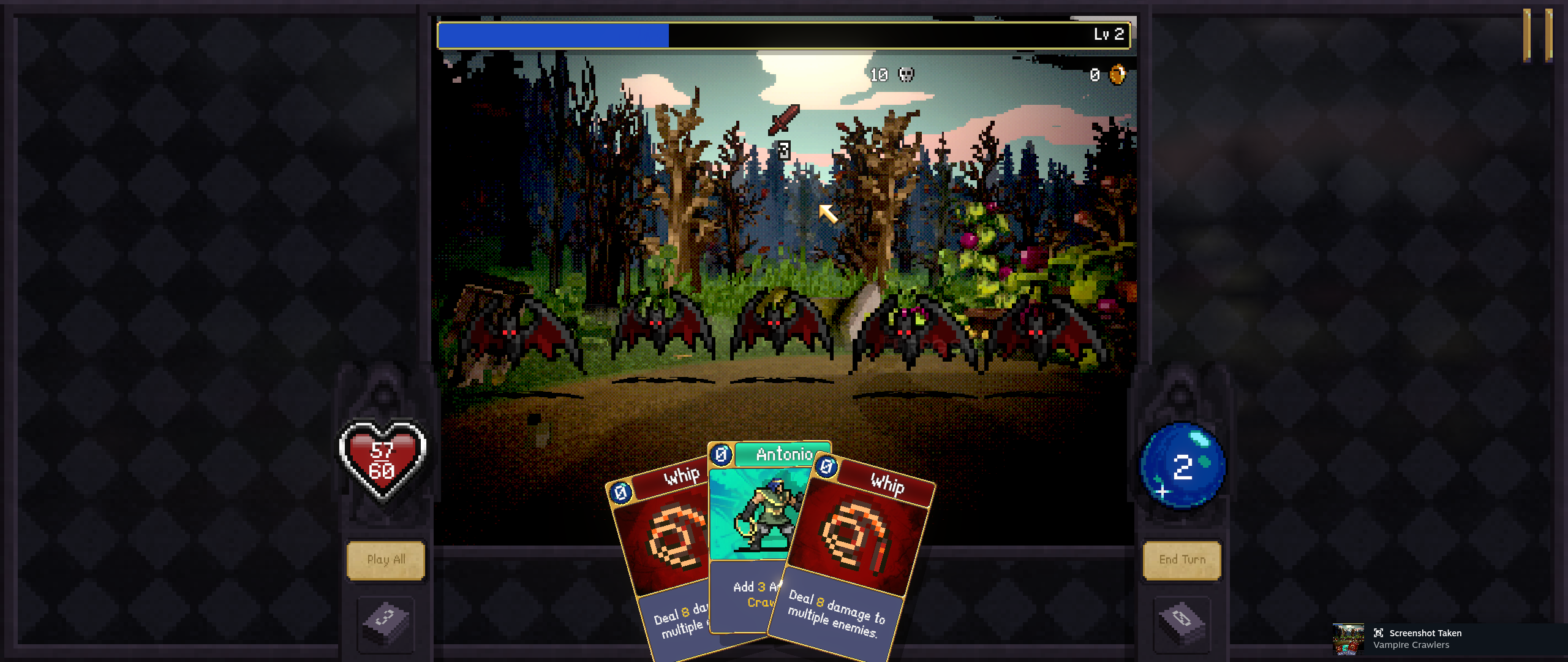
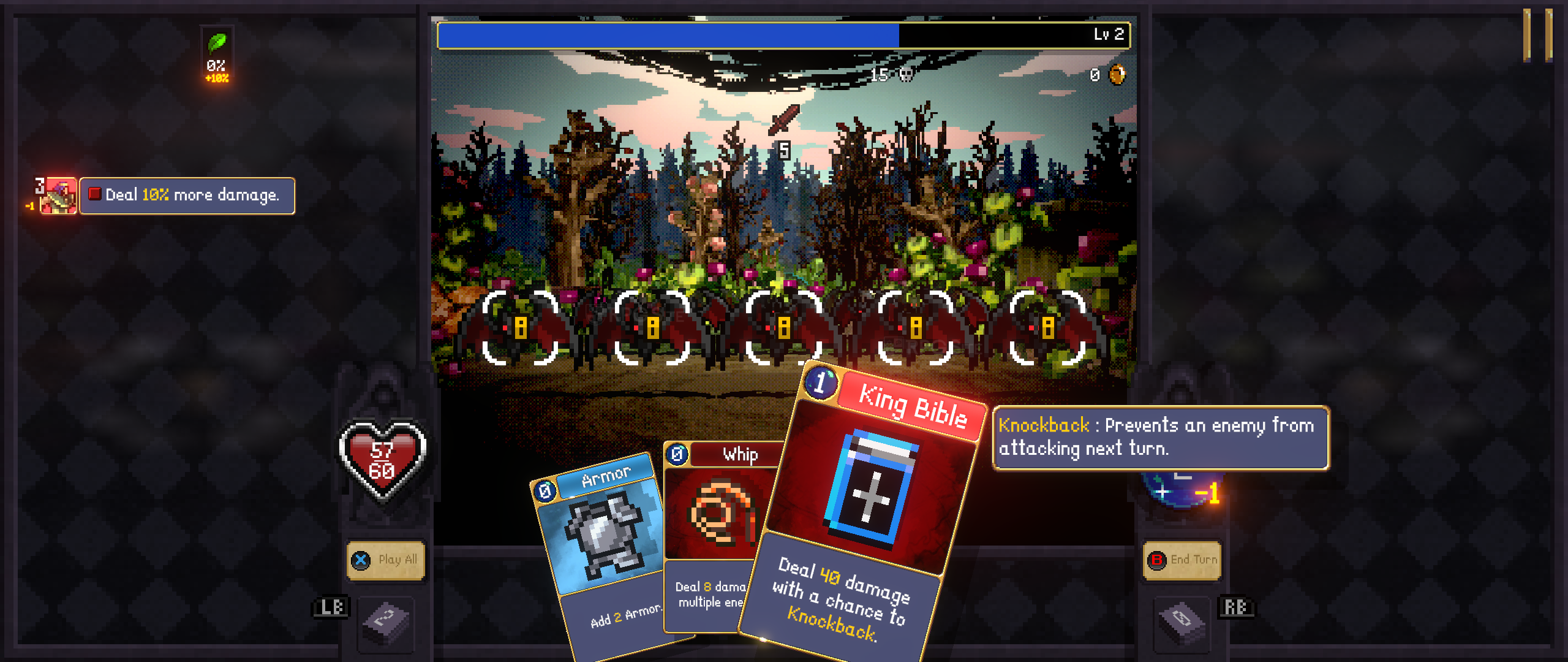
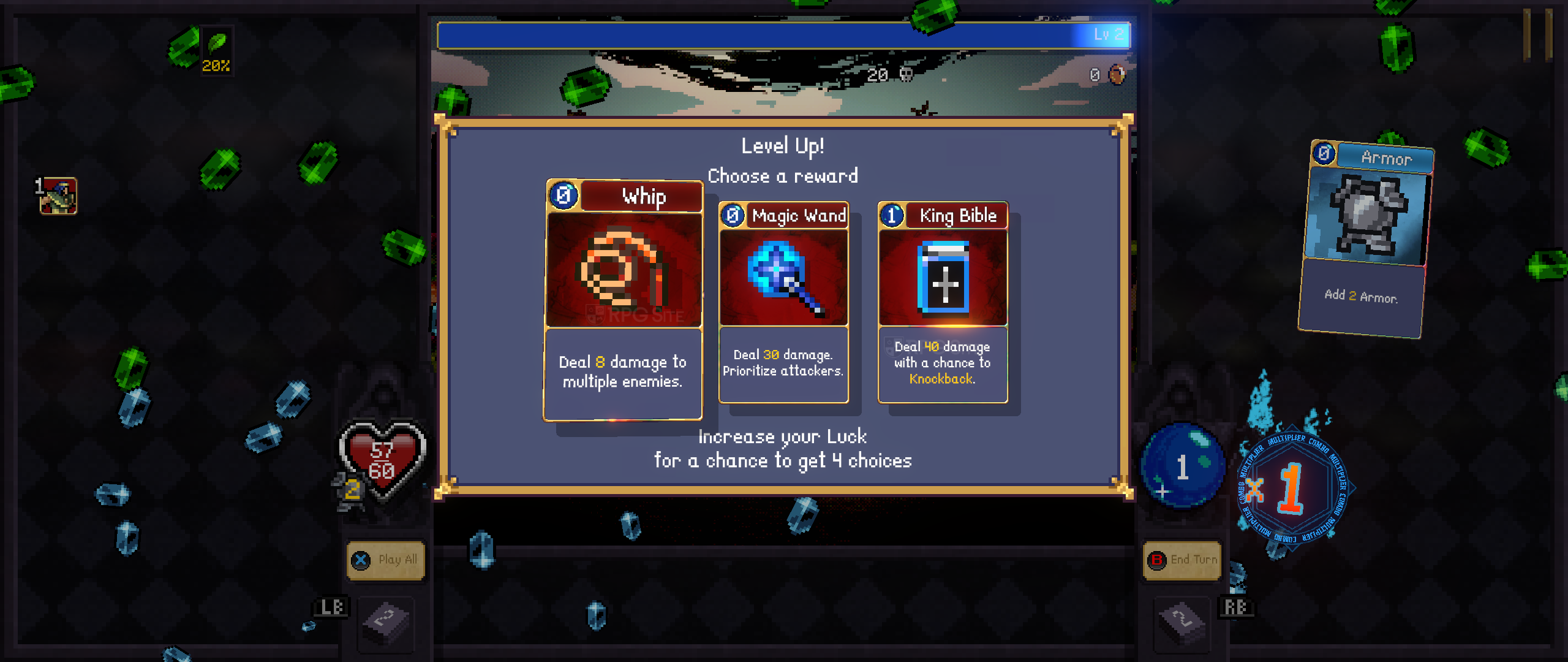
Vampire Crawlers ultrawide PC gameplay
Vampire Crawlers looks great on ultrawide monitors (21:9), and the developers did a decent job adapting the user interface for the wider format. However, the actual gameplay remains focused in the center of the screen, which is consistent across all versions of the game. While I anticipated this, it’s worth mentioning. Hopefully, a future update will add support for 16:10 aspect ratios.
Vampire Crawlers load times across Switch 2, PS5, Steam, Xbox, Xbox on PC, and Switch
I tested how quickly Vampire Crawlers loads on different systems. I installed the Switch version on both the Switch OLED’s SD card and the Switch 2’s internal storage, the PS5 version on both PS5 and PS5 Pro internal storage, the Xbox version on Xbox Series X internal storage and ROG Ally, and the Steam version on Steam Decks and ROG Ally. I timed how long it took to reach the title screen after the initial warning and also how long it took to load a game while already in progress. I found that loading a saved game to the main hub took roughly the same amount of time on all platforms, which is a good indication of the typical loading experience since players can pause and suspend gameplay even during battles. The loading times, measured in seconds, are shown below.
| Platform | Dashboard to title | Loading dungeon save |
| PS5 | 3-4 | 2-2.5 |
| PS5 on PS5 Pro | 3 | 2-2.5 |
| Xbox Series X | 12-13* | 3 |
| Switch 2 | 5-6 | 7-8 |
| Switch 1 on S2 | 6-7 | 6 |
| Switch 1 | 15 | 17 |
| Steam Deck | 13-15 | 4 |
| ROG Ally Steam | 9-11 | 3 |
| ROG Ally Xbox App | 16-20* | 3 |
Keep in mind that the Xbox console and PC apps sometimes take a while to sync up, and even when everything is running smoothly, they generally take longer to load initially compared to other consoles.
The PlayStation 5 loads everything the quickest overall. While the original Switch model on a newer Switch console loads in-game dungeon saves slightly faster, no console is noticeably slow except for the original Switch. The ROG Ally and Steam Deck both took longer than all current consoles when starting up the game for the first time.
Which version of Vampire Crawlers is the best?
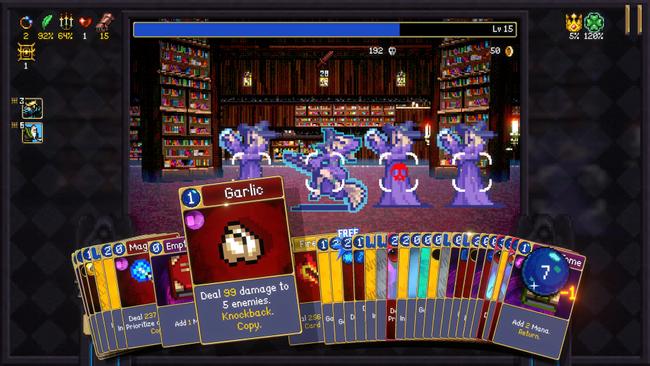
If you plan to play Vampire Crawlers mostly on a TV or monitor, the PlayStation 5 version is the best choice. However, for playing on the go, the original Switch version running on the newer Switch model in handheld mode actually looks and performs better. Until a patch fixes this, the Switch version on the upgraded Switch is the recommended console option for portable play.
Similar to Vampire Survivors, the Steam version of Vampire Crawlers is the best option. It allows for better performance, especially on PC handhelds, and will likely receive updates and bug fixes more quickly than the console versions.
Vampire Crawlers Switch 1 and 2 upgrade purchase and save transfer
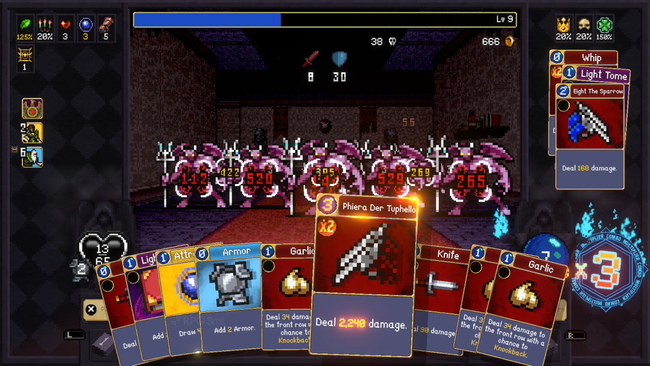
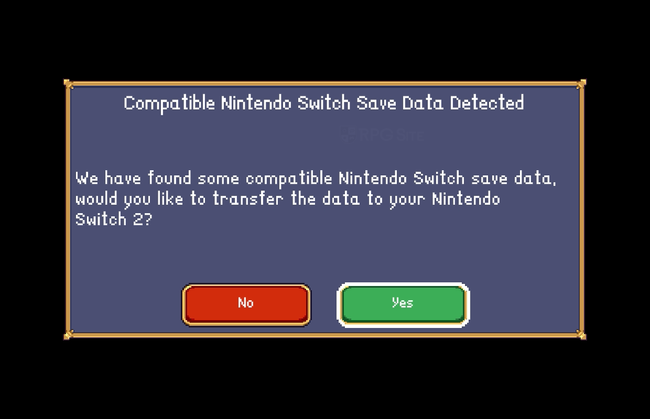
If you purchase Vampire Crawlers on the original Nintendo Switch, you can get the Switch 2 version for free through the eShop using the same account. It’s important to note this isn’t a special upgraded version like some other games. If you start playing on the original Switch and then launch the native Switch 2 version, you’ll be able to continue your game using your existing save data. However, you can’t transfer a save from the Switch 2 version back to the original Switch. I’ve also confirmed that buying the Switch 2 version doesn’t automatically give you the original Switch version. I recommend buying the game on the original Switch to ensure you have access to both versions, and this works reliably on the North American eShop.
Which version of Vampire Crawlers should you buy today?
Okay, so everyone looks for different things in a game, right? I’ve played through all the versions of Vampire Crawlers, and I wanted to give you the lowdown – basically, a quick look at what each one does well and where it falls a little short. Here’s my breakdown of the pros and cons for each version, wrapping up this whole feature.
Here’s a breakdown of the best way to play Vampire Crawlers, depending on your preferred platform:
Nintendo Switch: If you want to play on the go, buy the Switch version and you’ll get the Switch 2 version for free. While the original Switch version isn’t ideal on the original console, it runs great on Switch 2. You can try both and see which you like best, but save data only transfers from the Switch 1 version to the Switch 2 version.
Steam (PC): The Steam version is generally considered the best, offering the smoothest performance with uncapped frame rates and support for ultrawide monitors. It also works perfectly on PC handhelds and will likely receive the quickest bug fixes.
Xbox: If you have an Xbox Series console or a PC, the ‘Play Anywhere’ feature and Quick Resume are great benefits. However, initial load times are a bit slower due to syncing. It’s worth considering if you have Xbox Game Pass.
PlayStation 5: For the best experience on a TV, and if you enjoy trophy hunting, the PS5 version is the way to go. It also has the fastest load times, but doesn’t offer portable play unless you stream to a PlayStation Portal or phone.
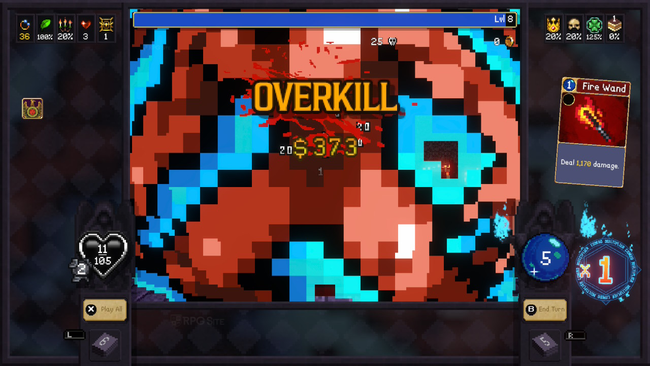
I hope this guide helps you decide where to buy Vampire Crawlers – it’s currently my favorite Switch game of 2026 and a really impressive title from poncle. I plan to update this information when significant updates are released for the Switch 2 version, and again when the mobile versions come out with cross-save compatibility.
Vampire Crawlers is out now on Switch 2, PlayStation 5, Xbox Series X/S, Switch, and PC via Steam. A mobile version for iOS and Android devices will be released later this year.
Read More
- Netflix’s Little House On The Prairie Reboot: Release Date, Cast & Everything We Know
- Off Campus Season 1 Soundtrack Guide
- YouTuber arrested after viral AI bodycam videos spark real police complaints
- Silver Rate Forecast
- Prime Video’s New R-Rated Spy Thriller Is Officially No.1 On Streaming Despite Poor Reviews
- Brent Oil Forecast
- Gold Rate Forecast
- Bulgakov’s Take: Koreans Bet the Farm on Chips, Crypto, and Chaos
- Peaky Blinders: The Immortal Man’s Tommy Shelby Is a Better Father Than Michael Corleone
- EUR ZAR PREDICTION
2026-04-23 14:58