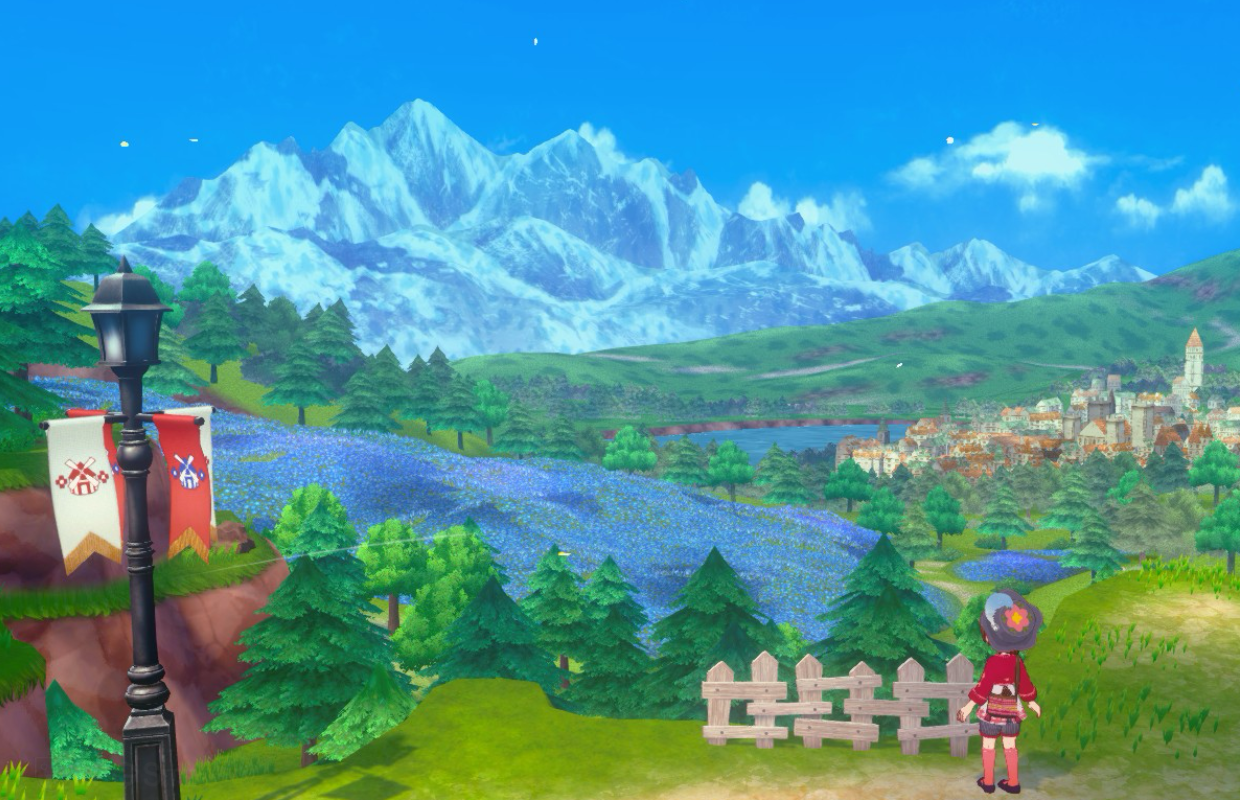
Last August, I tested how Story of Seasons: Grand Bazaar looked and performed on the Switch 2, Switch, and PC. Now that the game is available on PS5 and Xbox Series consoles, I’ve been able to compare those versions as well. I held off on this new comparison until the recent 1.5.0 update was released on PC and Nintendo consoles to ensure a fair assessment.
I wanted to check if the game had been improved with bug fixes, see how well it runs on PlayStation 5 and Xbox Series X, and determine which version is currently the best. To do this, I retested loading times, performance, graphics, and the special features on each platform. I’ve updated my initial comparison with these new results, and you can find my original tests for the Switch, PlayStation 4, and PC versions below.
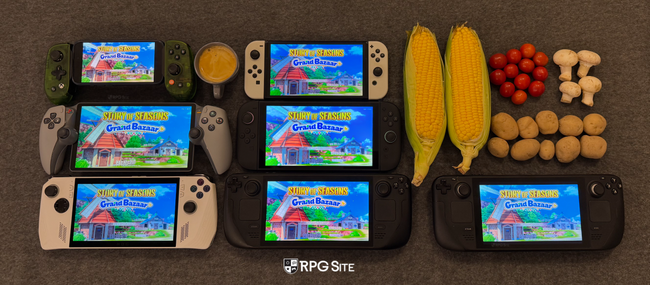
Story of Seasons: Grand Bazaar PS5 and Xbox Series impressions
The PS5 and Xbox Series versions of Story of Seasons: Grand Bazaar prioritize a stable frame rate, aiming for 60fps, and consistently achieve this in testing. The Switch 2 version, however, experienced performance drops when played on a TV. While handheld play on the Switch 2 was smooth, issues arose when docked. Additionally, a bug remains in the Switch 2 version where the game doesn’t adjust its resolution when switching from handheld to docked mode, sticking with the lower handheld resolution.
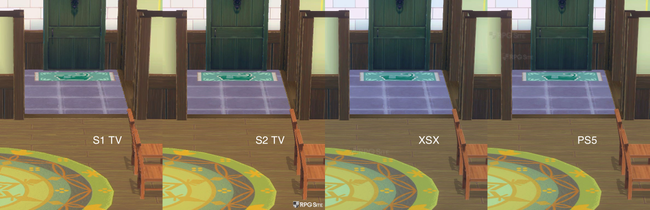
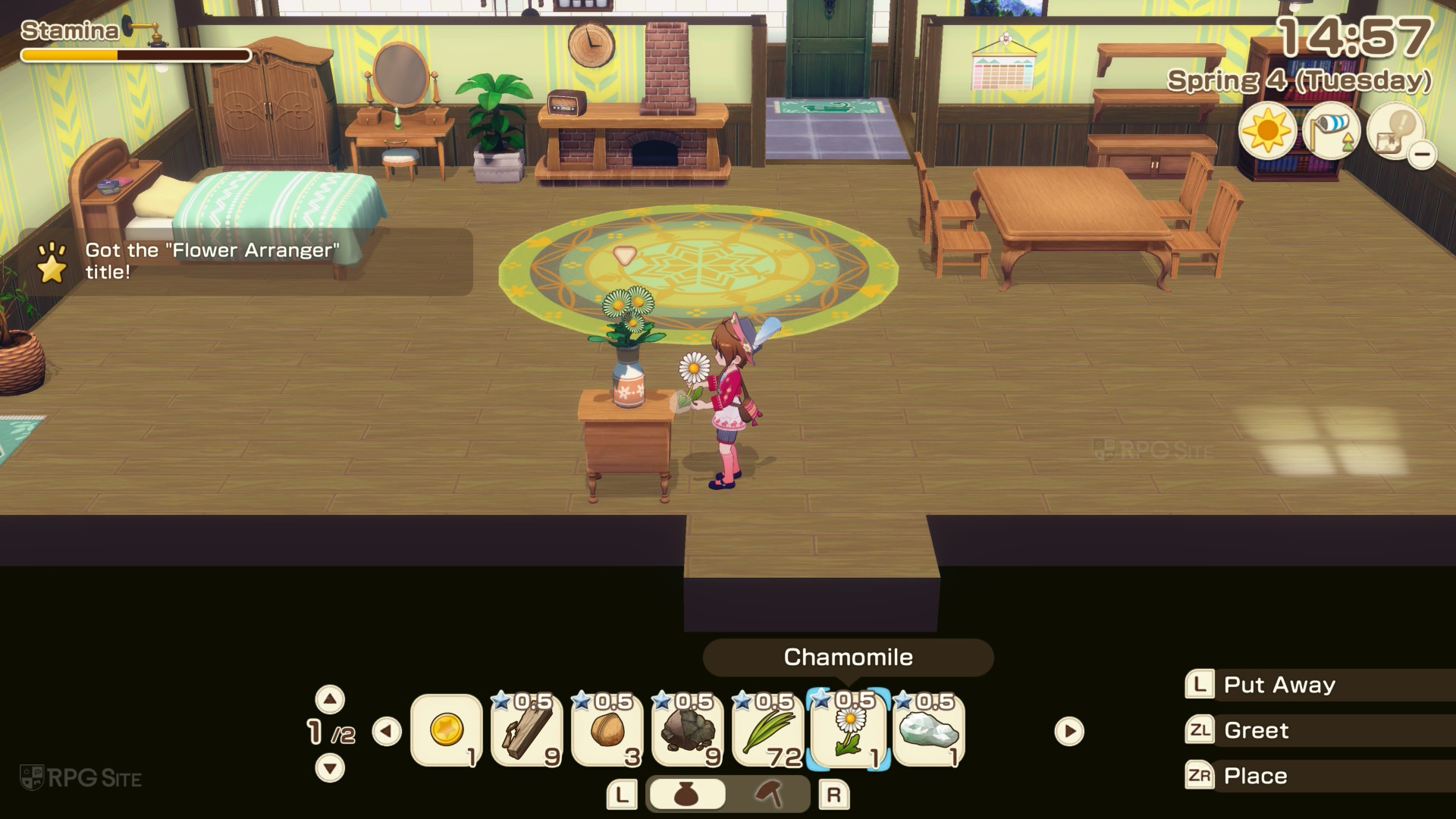
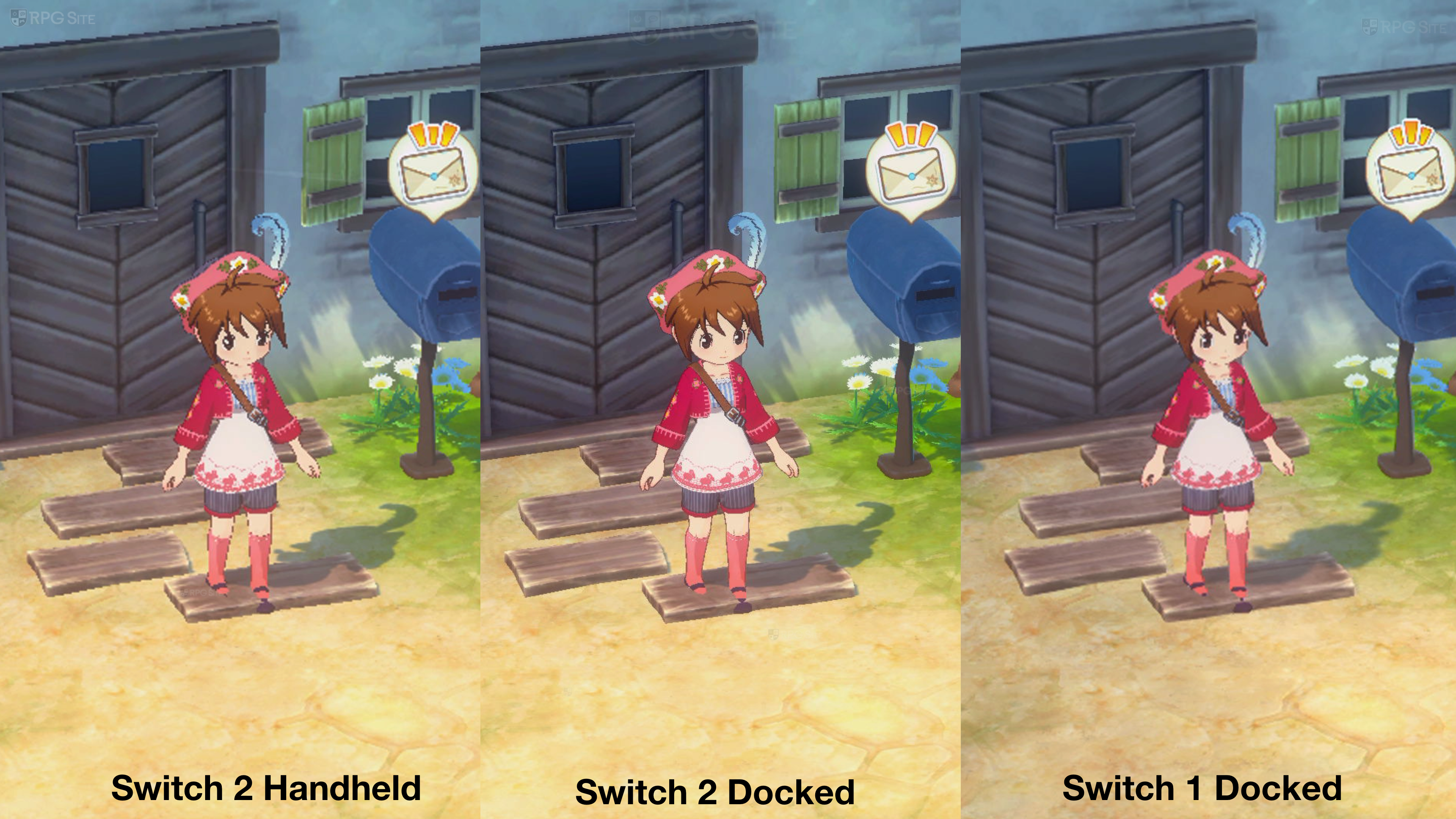
Just a quick note: the platforms weren’t compared at precisely the same moments, but pay attention to the slightly rougher edges on furniture and doors, and the less detailed mat by the door in the Switch 1 version.
Story of Seasons: Grand Bazaar loads the quickest on PlayStation 5 and takes advantage of the console’s power-saving mode. However, it doesn’t utilize the DualSense controller’s special features and doesn’t seem to have been optimized for the PS5 Pro. The Xbox version offers Quick Resume, letting you jump back into the game easily, but it’s a shame there’s no Play Anywhere support. This feature would be perfect for continuing your progress on a PC handheld like the ROG Ally. Overall, the Xbox Series X version is very similar to the PS5 version.
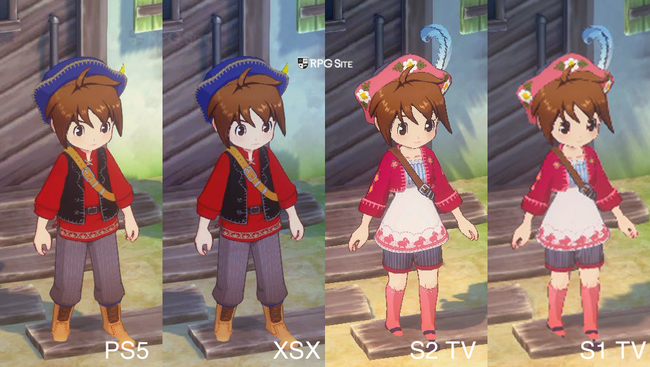
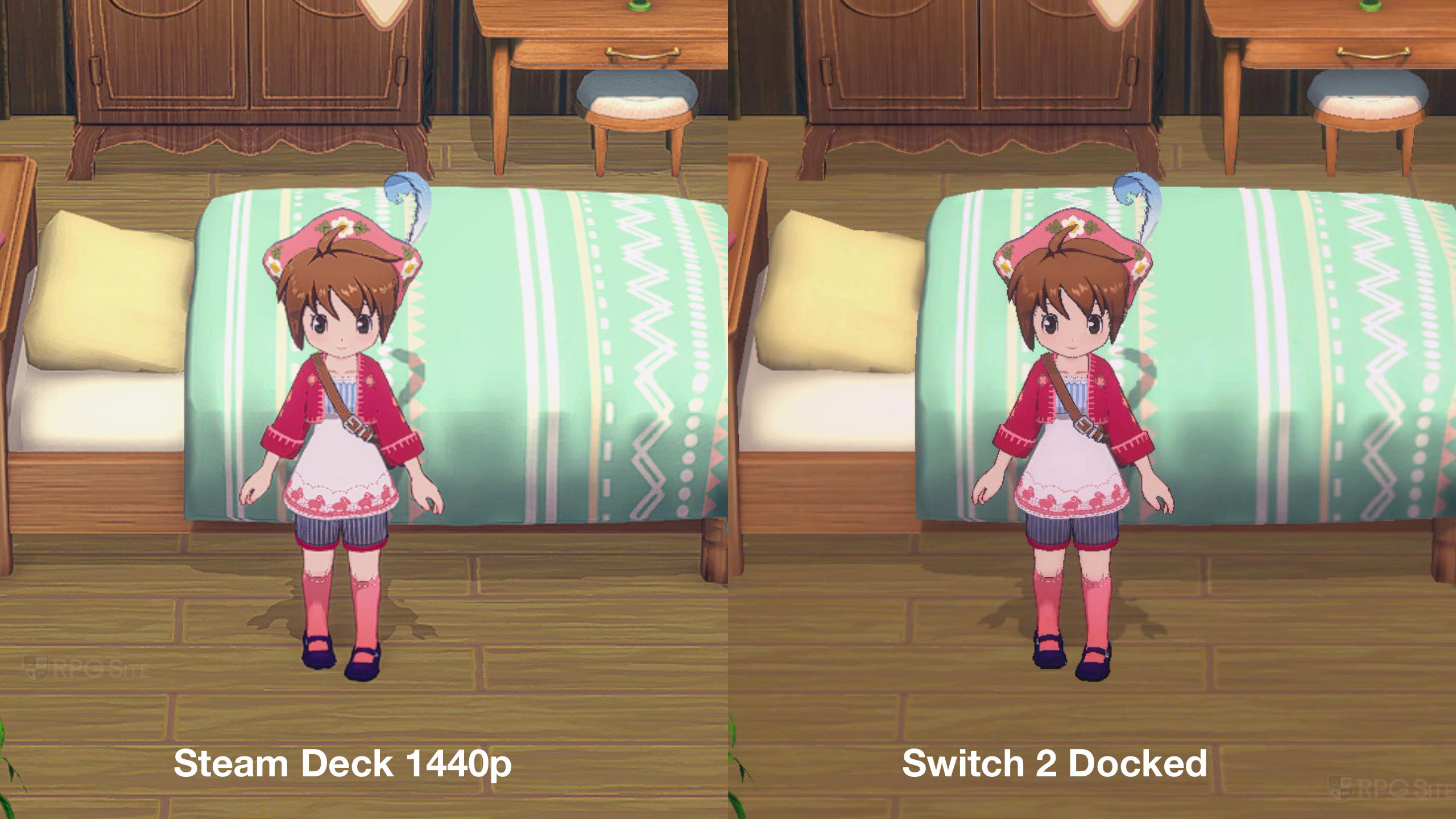
Just so you know, this comparison uses a different character and time of day than other examples. However, you can still clearly see the rougher edges on the Switch 2 and the lower detail on the original Switch when compared to the PlayStation 5 and Xbox versions.
Beyond the added features, Story of Seasons: Grand Bazaar looks noticeably better on PS5 and Xbox Series than on the Switch when played on a TV. The newer consoles have improved visuals with smoother details and anti-aliasing, which the Switch version lacks. Considering the game runs well on PCs, it’s a little surprising that the PS5 and Xbox Series versions don’t aim for a faster 120 frames per second.
Story of Seasons: Grand Bazaar load times across PS5, Xbox, Switch 2, Steam Deck, Switch 1, and PC
As a huge Story of Seasons fan, I was really curious about how fast the game loaded on different systems! So, I downloaded the latest version (1.5.0) and tested it on everything I could get my hands on: the new Switch 2’s internal storage, my Switch OLED’s SD card, both the standard and Pro PS5s, the Xbox Series X, the Steam Deck, and the ROG Ally. I wanted to see exactly how long it took to start up the game, and I’ve listed the results in seconds below.
| Platform | Dashboard to title | Loading save |
| PS5 Pro | 9 | 5 |
| PS5 | 10-11 | 5-6 |
| Xbox Series X | 14-15 | 9-10 |
| Switch 2 | 17-18 | 10-11 |
| Switch 1 | 28 | 19-20 |
| Steam Deck | 20 | 11 |
| ROG Ally | 12 | 9 |
PS5 Pro and PS5 have the quickest loading times. Xbox Series X takes a bit longer, but still loads faster than the Switch 2. The original Switch and Steam Deck have the slowest initial loading times.
Which is the best version of Story of Seasons: Grand Bazaar?
Currently, the best option depends on how you prefer to play – whether you want to play on the go or on your TV. While the Switch 2 offers a good experience for both, a persistent issue preventing TV docking while playing makes it hard to fully recommend, as this problem hasn’t been resolved for over a year.
Story of Seasons: Grand Bazaar plays well on all handheld devices, but runs even better on PC handhelds like the Steam Deck OLED and ROG Ally. If you have the original Steam Deck, the upcoming Switch 2 is a better choice, especially if you frequently play on a TV. The ROG Ally can achieve smooth, high-quality graphics at 1080p with a frame rate of 90-120fps, while the Switch 2 aims for 60fps without the same visual enhancements. The ROG Ally also takes advantage of variable refresh rate technology for an even smoother experience at higher frame rates.

If you’re playing on a TV or monitor, the PC version offers the best experience, supporting 4K resolution and frame rates well above 120fps. For consoles, the PlayStation 5 version delivers the fastest loading times and is ideal for TV play. The Xbox version’s Quick Resume feature can help offset slower loading, so that’s something to consider.
Honestly, I’m still a little bummed Marvelous hasn’t patched that Switch docking issue in Story of Seasons: Grand Bazaar, but even with that, I’d still totally recommend the game on any platform. It’s such a huge step up from the technical problems we had with Pioneers of Olive Town! I’m really hoping they focus on making the next game run smoothly at 60fps on the Switch 2 from the start, and then maybe scale it down for other consoles if needed.
Story of Seasons: Grand Bazaar is now released on PS5, Xbox Series, Nintendo Switch, Nintendo Switch 2, and PC through Steam.
Just a heads-up: the original article is available below, but I’ve removed the conclusion and thoroughly retested everything across more platforms to determine the best way to play Story of Seasons: Grand Bazaar.
Story of Seasons: Grand Bazaar Switch, Switch 2, and PC launch day comparison
This article covers Story of Seasons: Grand Bazaar, specifically version 1.0.3, as it’s currently available on all platforms. This includes the game with the initial day-one patch, which is the version players will experience when purchasing it on Steam, Switch, or Switch 2. The Switch 2 version has also benefited from some pre-release updates.
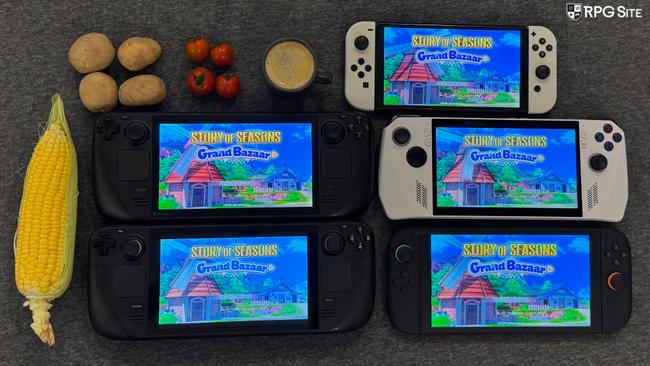
I’ve been diving into Story of Seasons: Grand Bazaar on a bunch of different handhelds, and I wanted to share what I’ve learned to help you pick the best version. I’m all about playing these farming sims on the go, so I’ve been really curious to see how well the game runs on different portable consoles. I’m hoping to give you my recommendations based on what I think is the best experience, and what version I think is the ultimate handheld choice.
Story of Seasons: Grand Bazaar Switch 2 performance docked and handheld
Before the release of Story of Seasons: Grand Bazaar for the Nintendo Switch 2, it was the version I was most eager to try. As someone who’s played all the Story of Seasons games on Switch, I wasn’t sure what improvements to expect, but Marvelous has created a fantastic handheld experience with noticeable upgrades over the original Switch version. The Switch 2 version consistently runs at 60 frames per second, whether docked or played handheld, and maintains excellent image quality in both modes, often rendering at or near its native resolution. I’ve played for around 15 hours so far and haven’t encountered any performance issues.
Playing Story of Seasons: Grand Bazaar on my Nintendo Switch (connected to a 1440p display) wasn’t flawless at first. Before the initial update, the game would frequently pause or skip animations while docked. I tried adjusting the resolution to both 1080p and 4K, but that didn’t fix the issue. After updating to version 1.0.3, the game runs better, though there’s still some occasional pausing, meaning it’s improved but not perfect.
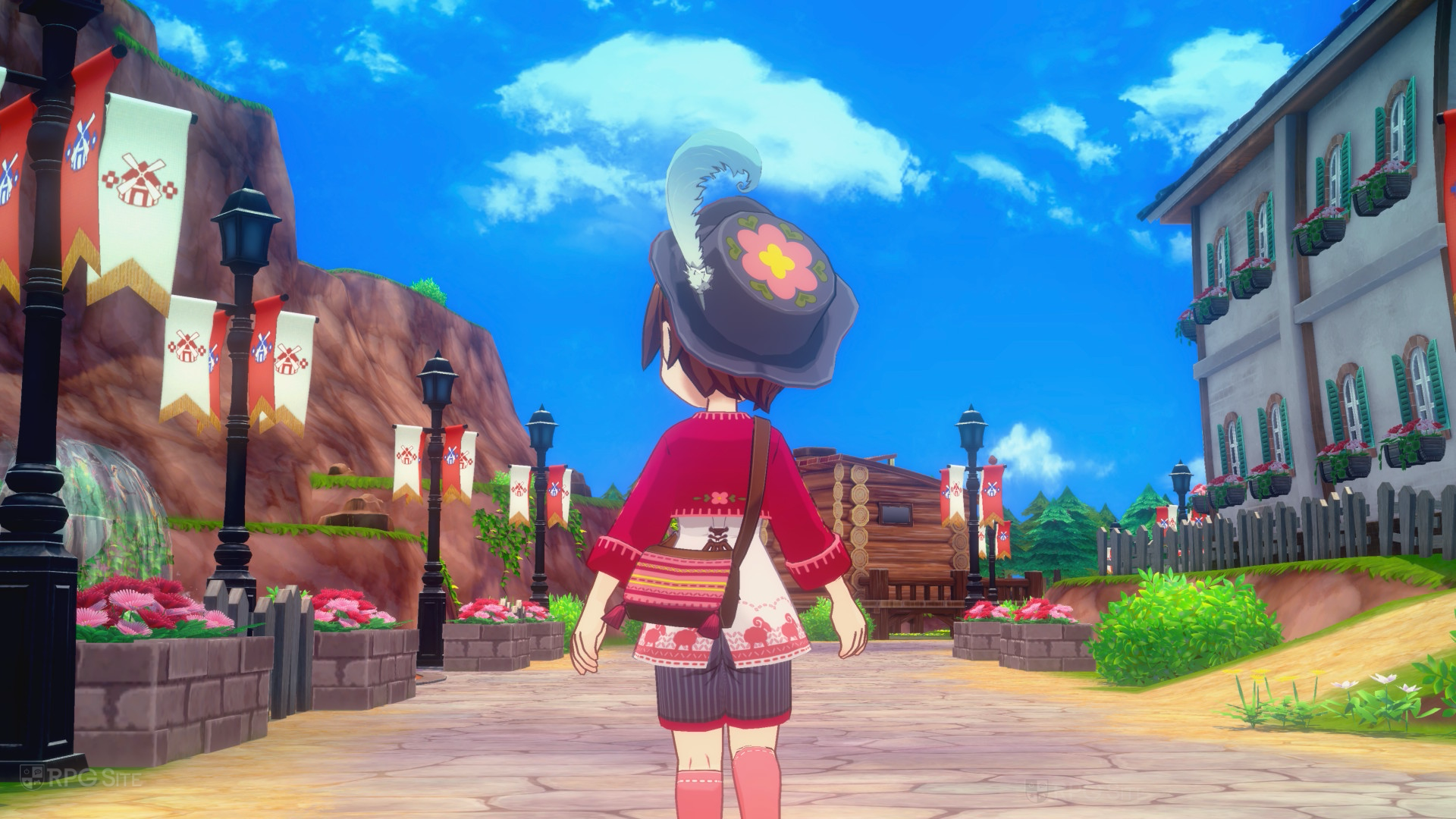

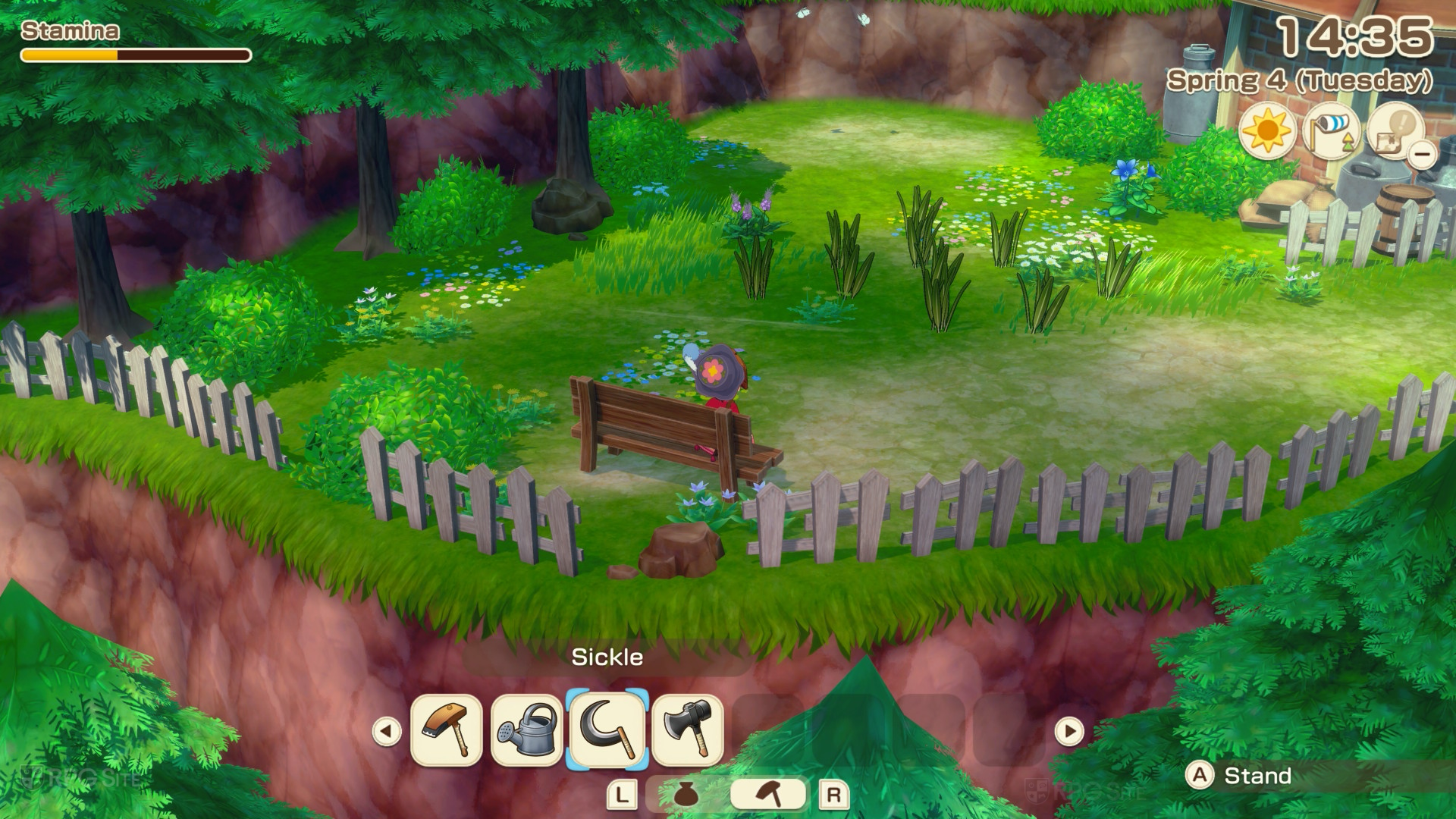
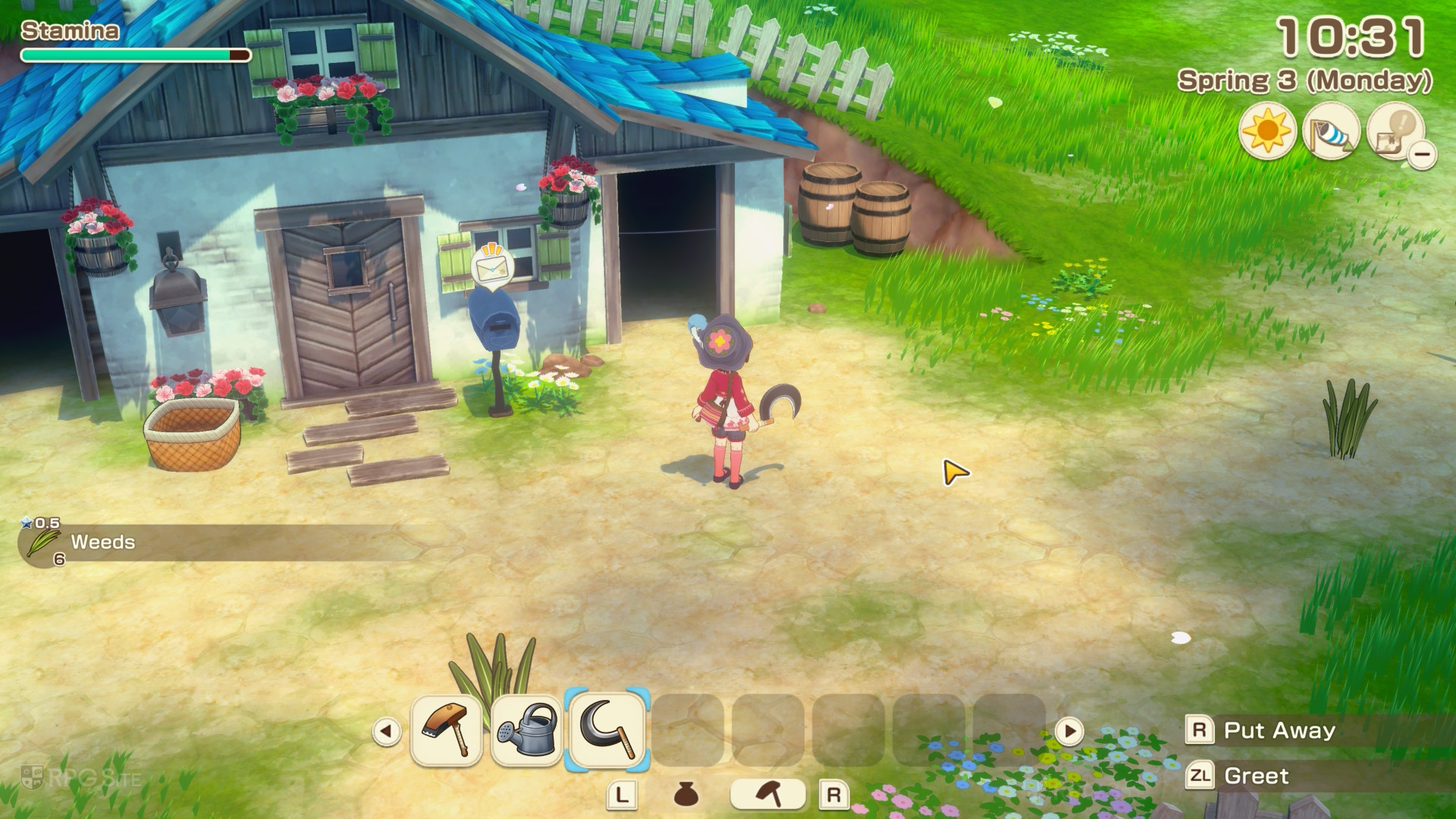

I’ve been playing Story of Seasons: Grand Bazaar on my Switch, and it looks really good when docked and displayed on my 1440p screen! However, I noticed the game doesn’t seem to have very good anti-aliasing – or maybe it’s not working at all. This means things like character models and 3D objects can look a little jagged, especially if you’re playing at a higher resolution like 1440p or 4K while docked. Even in handheld mode, the game looks sharp, but I see the same issue with the anti-aliasing – it’s just not as smooth as I’d like.
There’s currently a minor issue with the Nintendo Switch 2 version of Story of Seasons: Grand Bazaar. If you start playing in handheld mode and then connect your Switch 2 to a TV, the game doesn’t automatically switch to a higher resolution. This means it might look blurry on larger screens, but the game runs smoothly. We expect this will be patched, but for now, restarting the game after docking is the only way to get the sharper, docked visuals. Simply switching from handheld to docked while playing won’t fix it.
Story of Seasons: Grand Bazaar is fantastic to play on the go with the Nintendo Switch. When played on a TV, it’s still good, but doesn’t quite reach its full potential. Hopefully, some upcoming updates will improve performance when the game is docked.
Story of Seasons: Grand Bazaar Switch performance docked and handheld
Because the Nintendo Switch and Switch 2 versions of Story of Seasons: Grand Bazaar use the same saved game files, I could easily compare how the game runs on both consoles. While the original Switch version isn’t as visually polished or as smooth as the Switch 2 Edition, it still runs reliably and looks good whether played on a TV or in handheld mode. This is a significant improvement in performance and stability compared to the previous game, Story of Seasons: Pioneers of Olive Town.
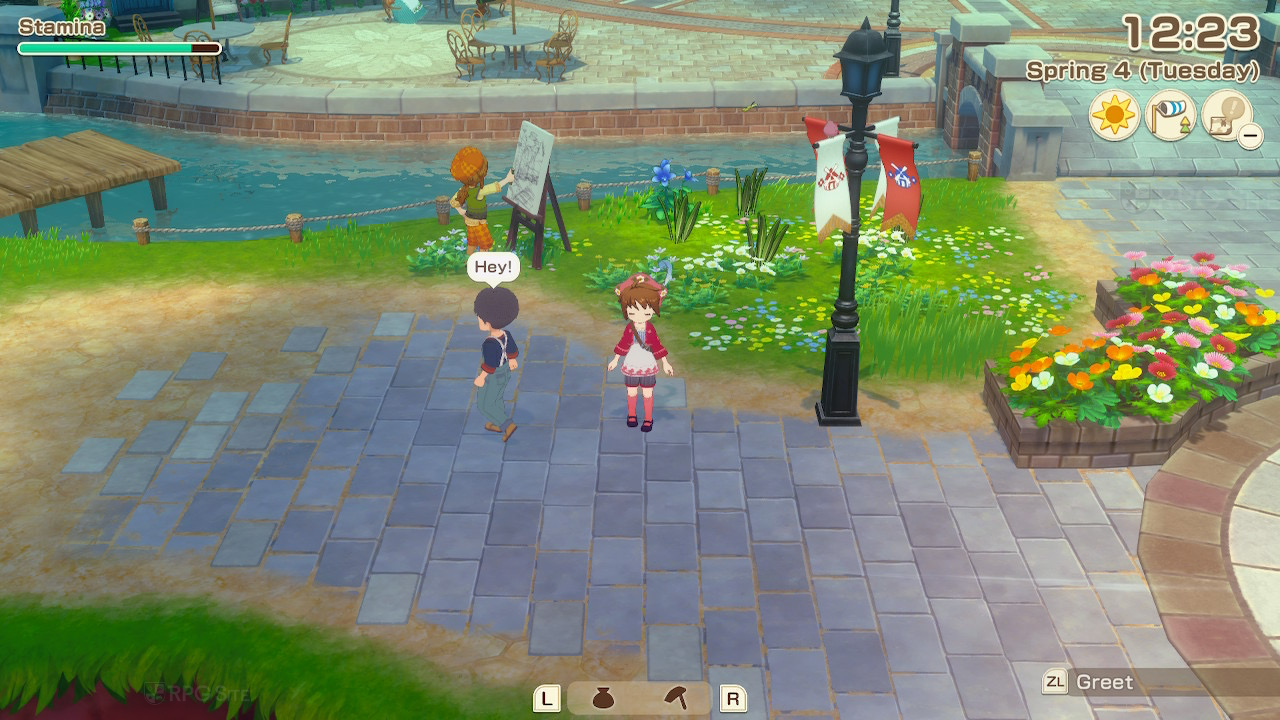
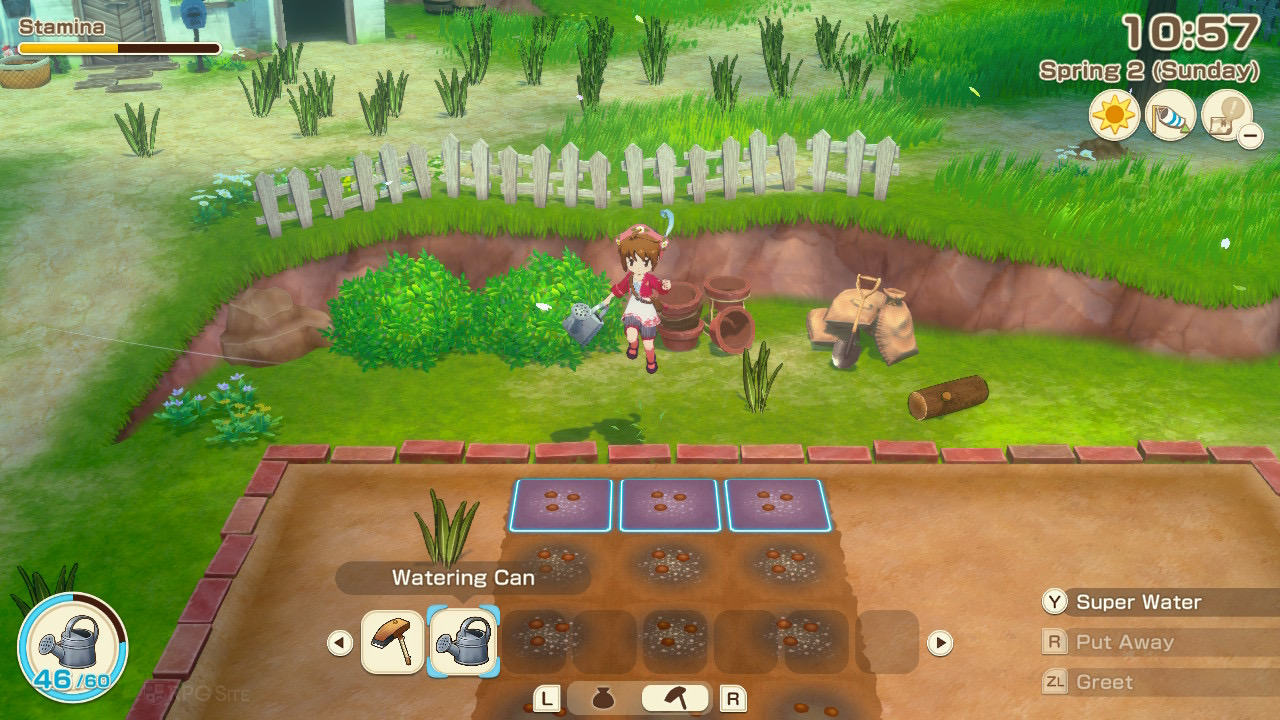

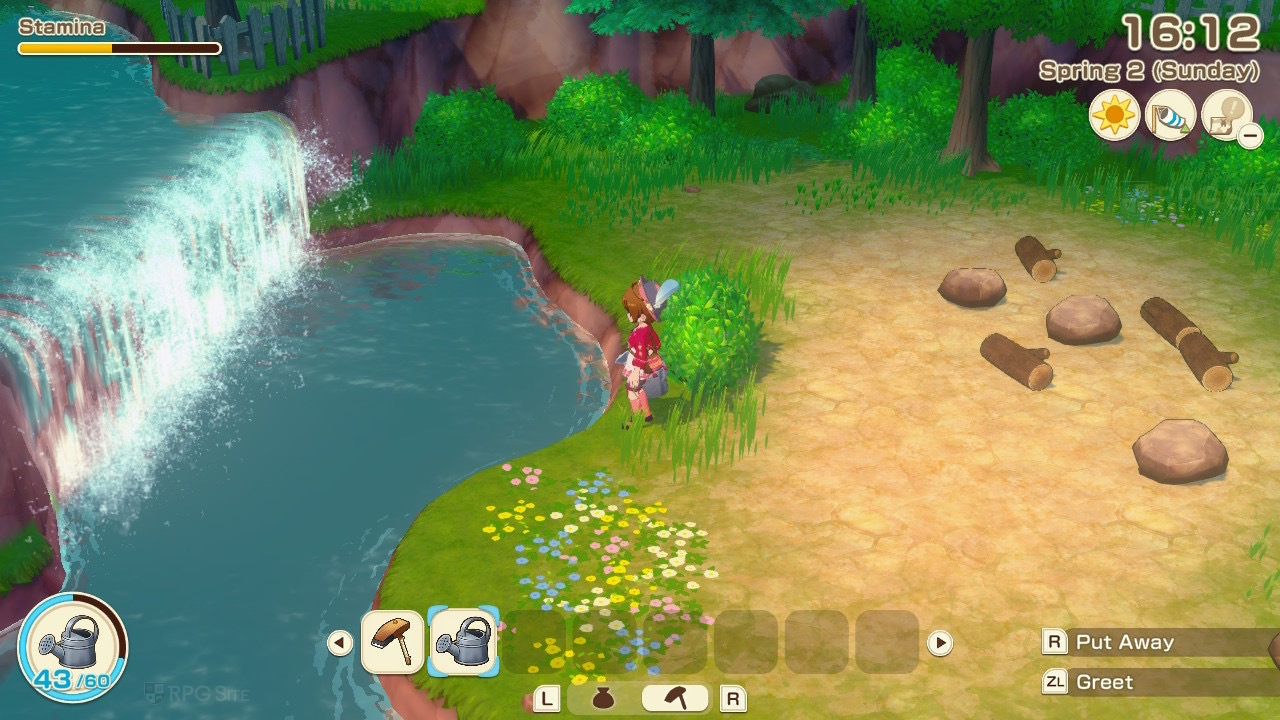
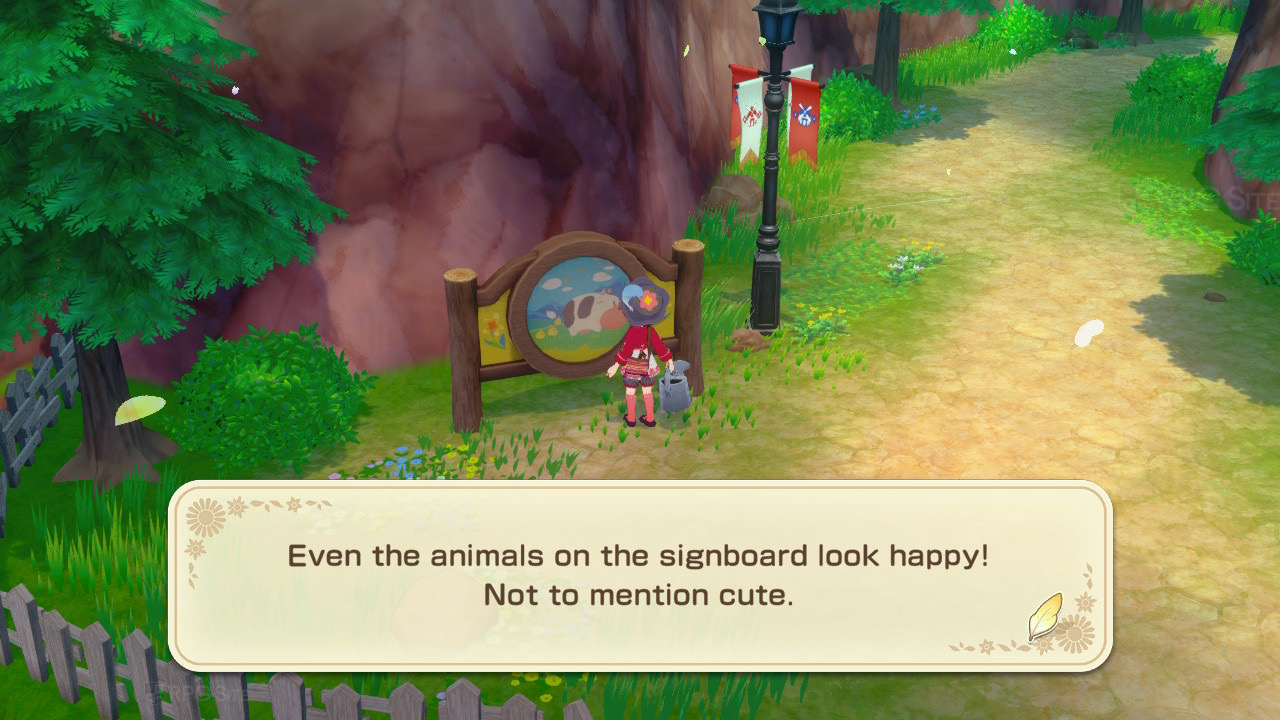
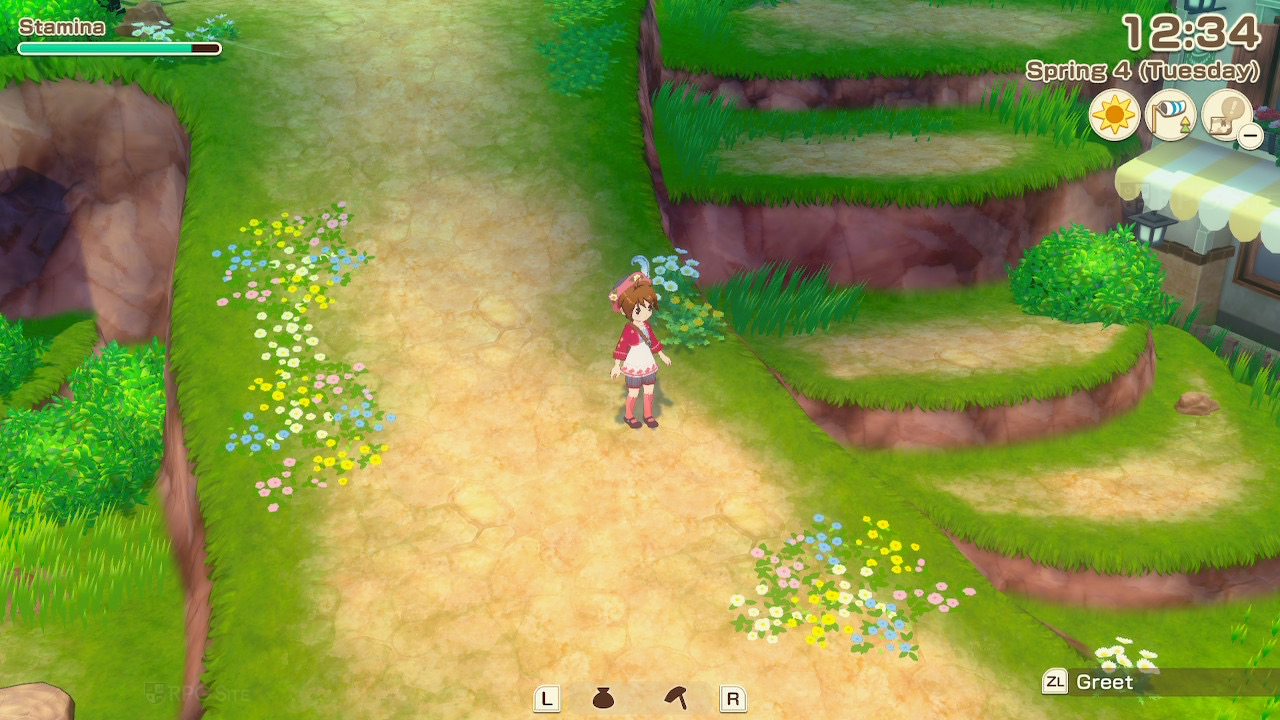
Okay, so if you only have a Switch, I can definitely say this version of the game is really good, especially if you’ve got the OLED model. The colors look amazing when playing handheld! It’s not quite as good as the newer Switch 2 Edition or playing on PC, but it runs super smoothly on the Switch hardware, which is a big plus.
Story of Seasons: Grand Bazaar PC port impressions, graphics options, and features
Okay, so I’ve been playing Story of Seasons: Grand Bazaar on PC after the day one patch, and the good news is it runs pretty well. They’ve got options to tweak things like I expected. I can run it at an uncapped frame rate and up to 4K resolution, which is awesome. There are settings for display mode – you can choose windowed, borderless, or fullscreen – and, of course, resolution options from 768p all the way up to 4K. You can also toggle v-sync and set a frame rate target (30, 60, 120, 144, 165, or unlimited). One thing that’s a bit of a bummer is that it only supports 16:9 aspect ratios, so if you’re rocking an ultrawide monitor, you’re out of luck – no 16:10 or 21:9 support here.
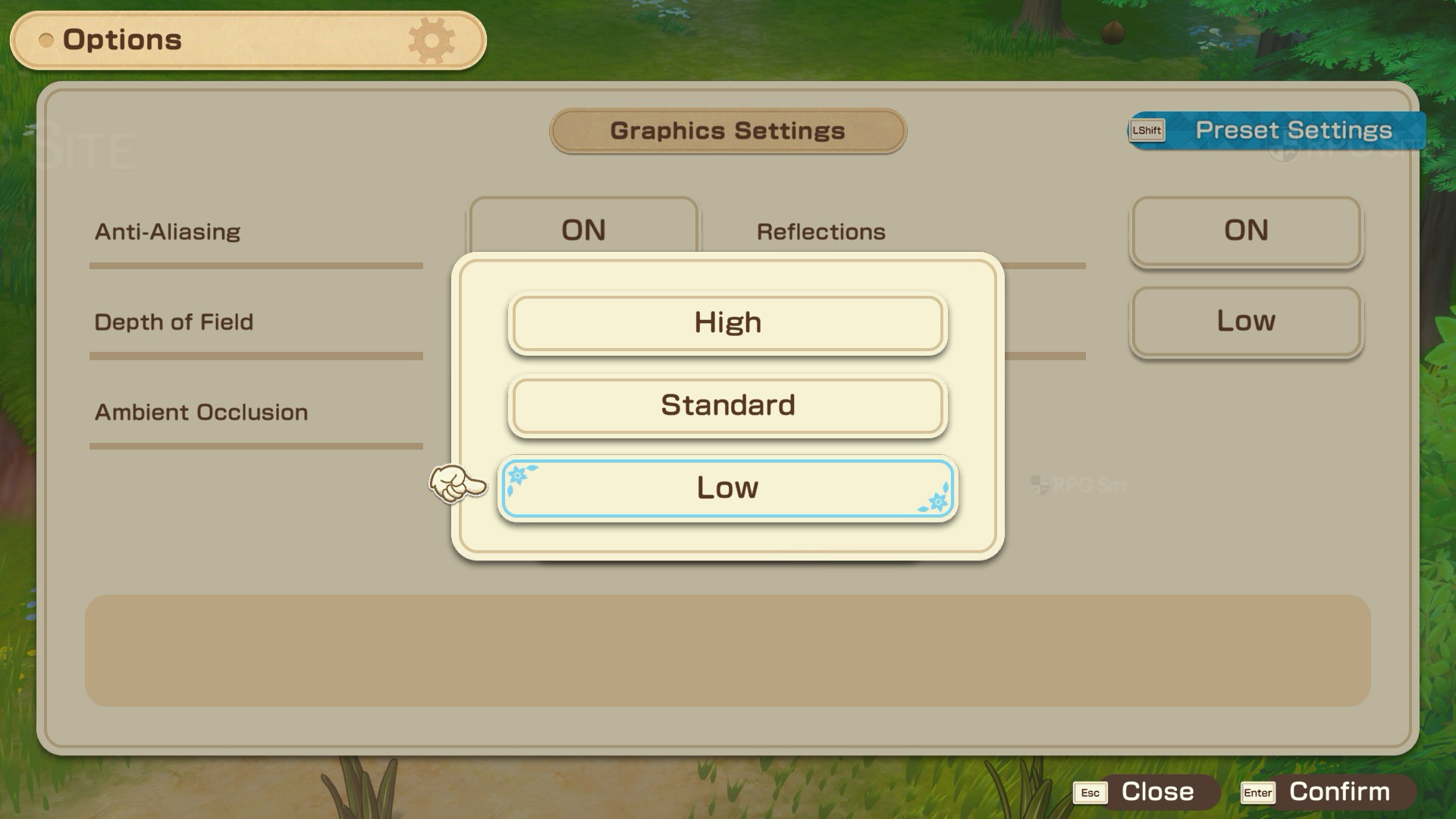
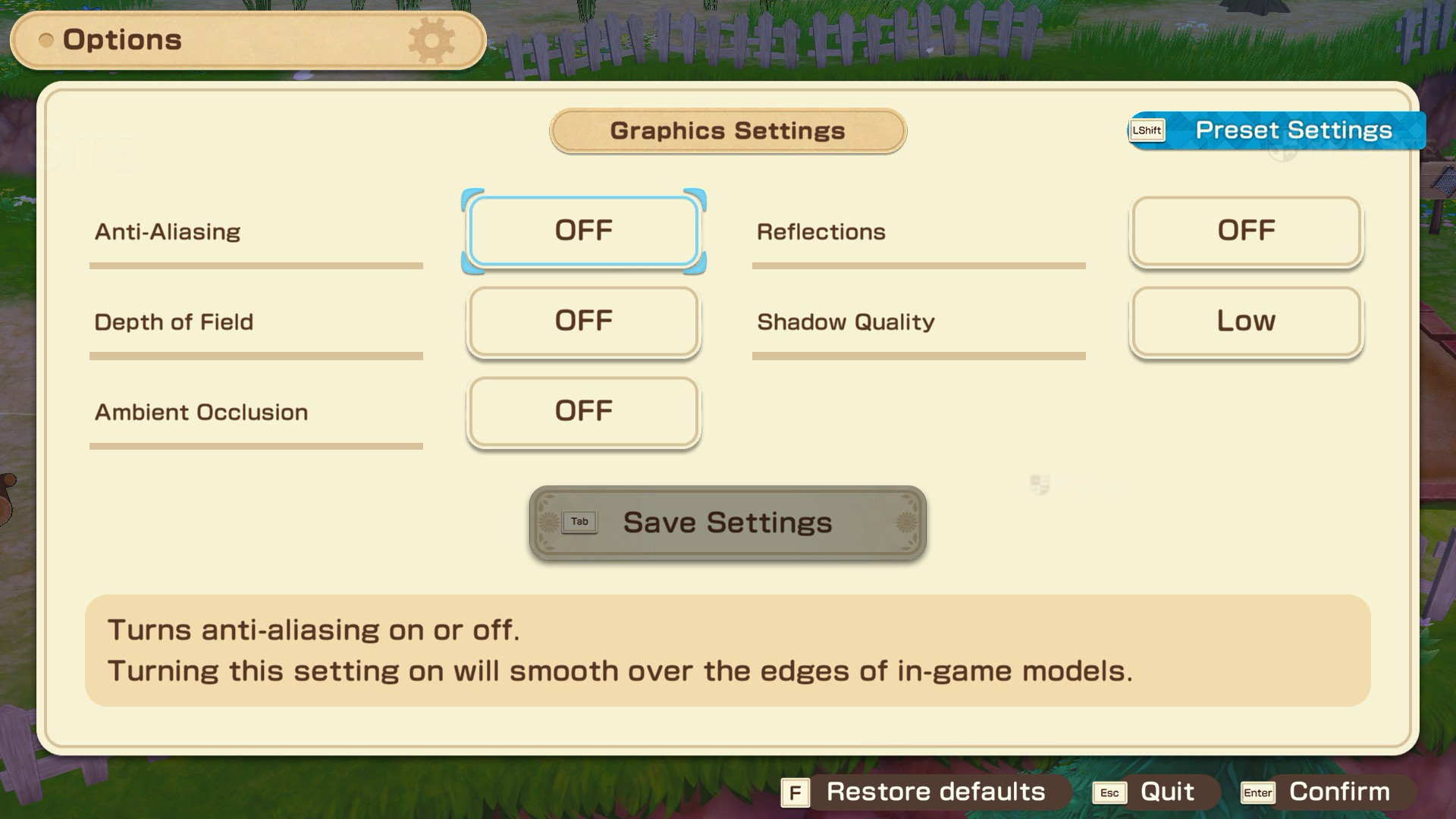
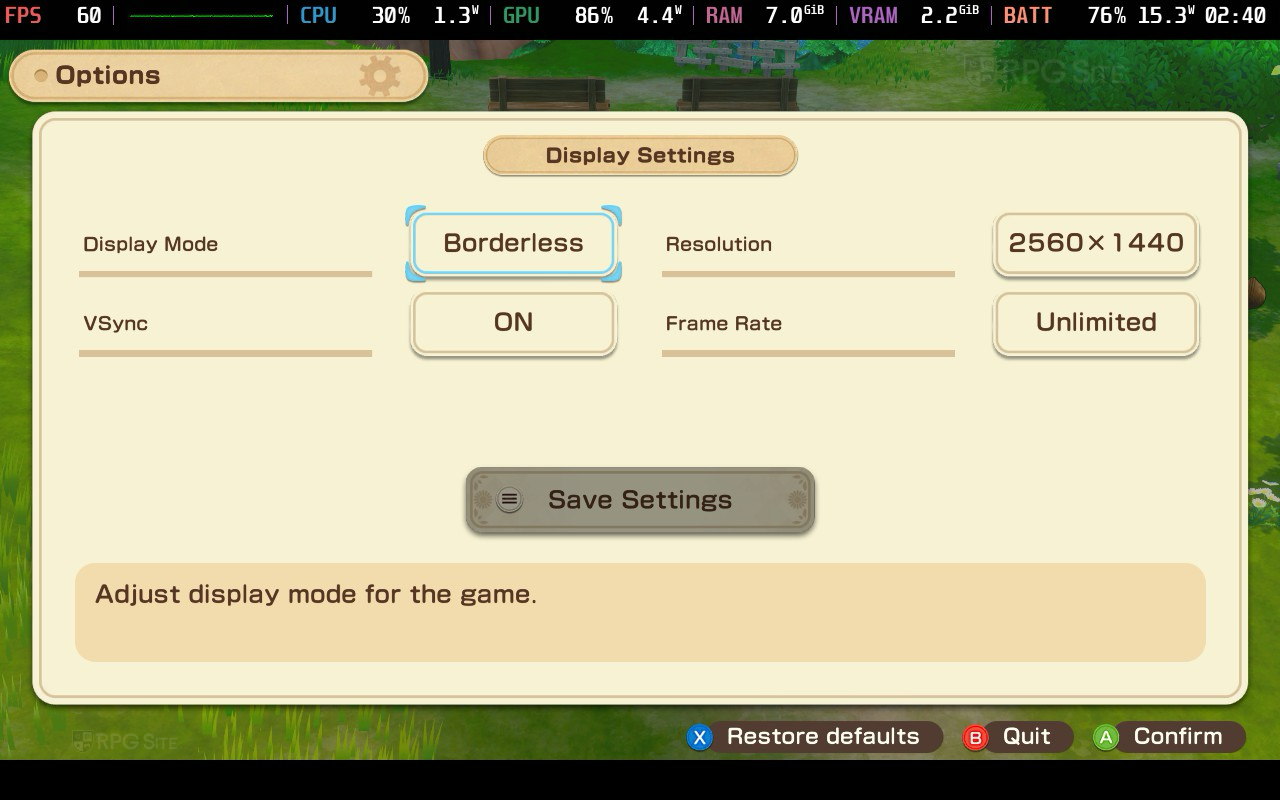
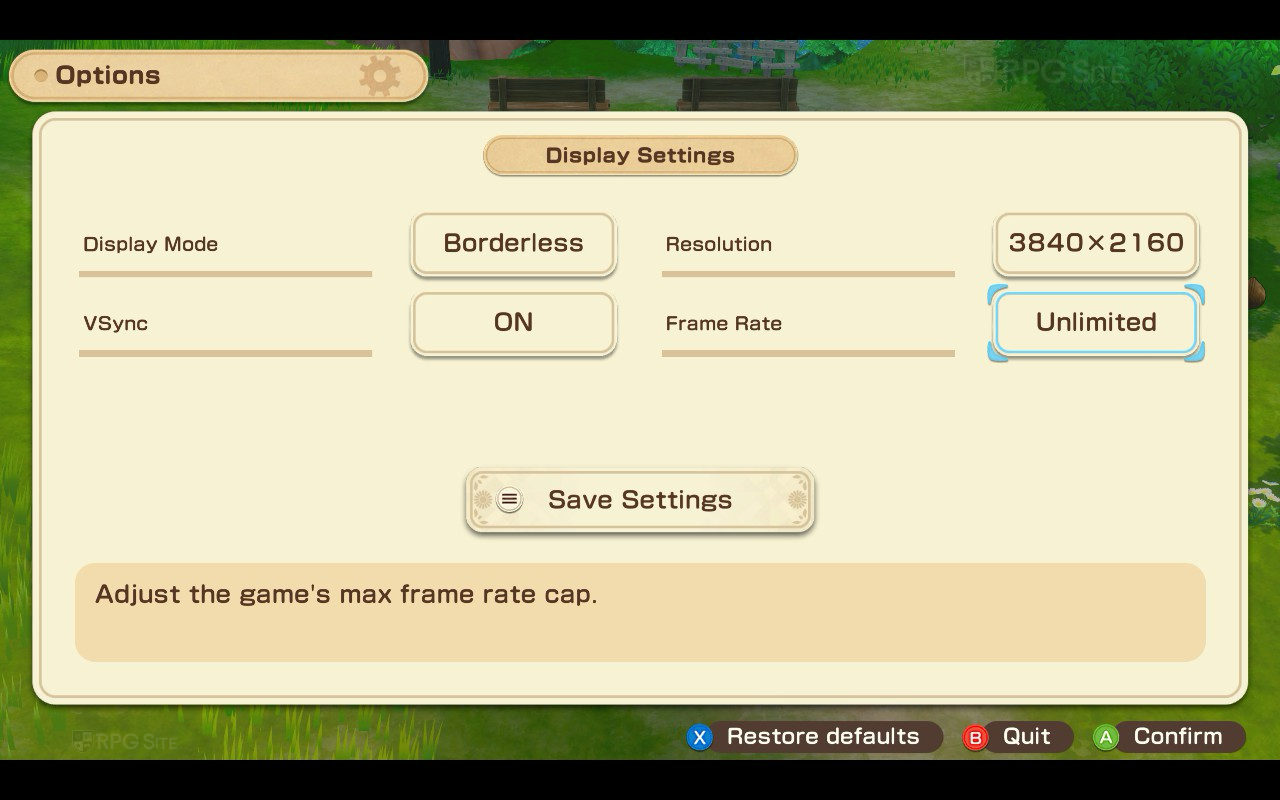
You can customize the game’s visuals by turning anti-aliasing, depth of field, ambient occlusion, and reflections on or off. Shadow quality has three settings: low, standard, and high. While the highest shadow setting looks better, it significantly slows down performance and isn’t worth the trade-off.
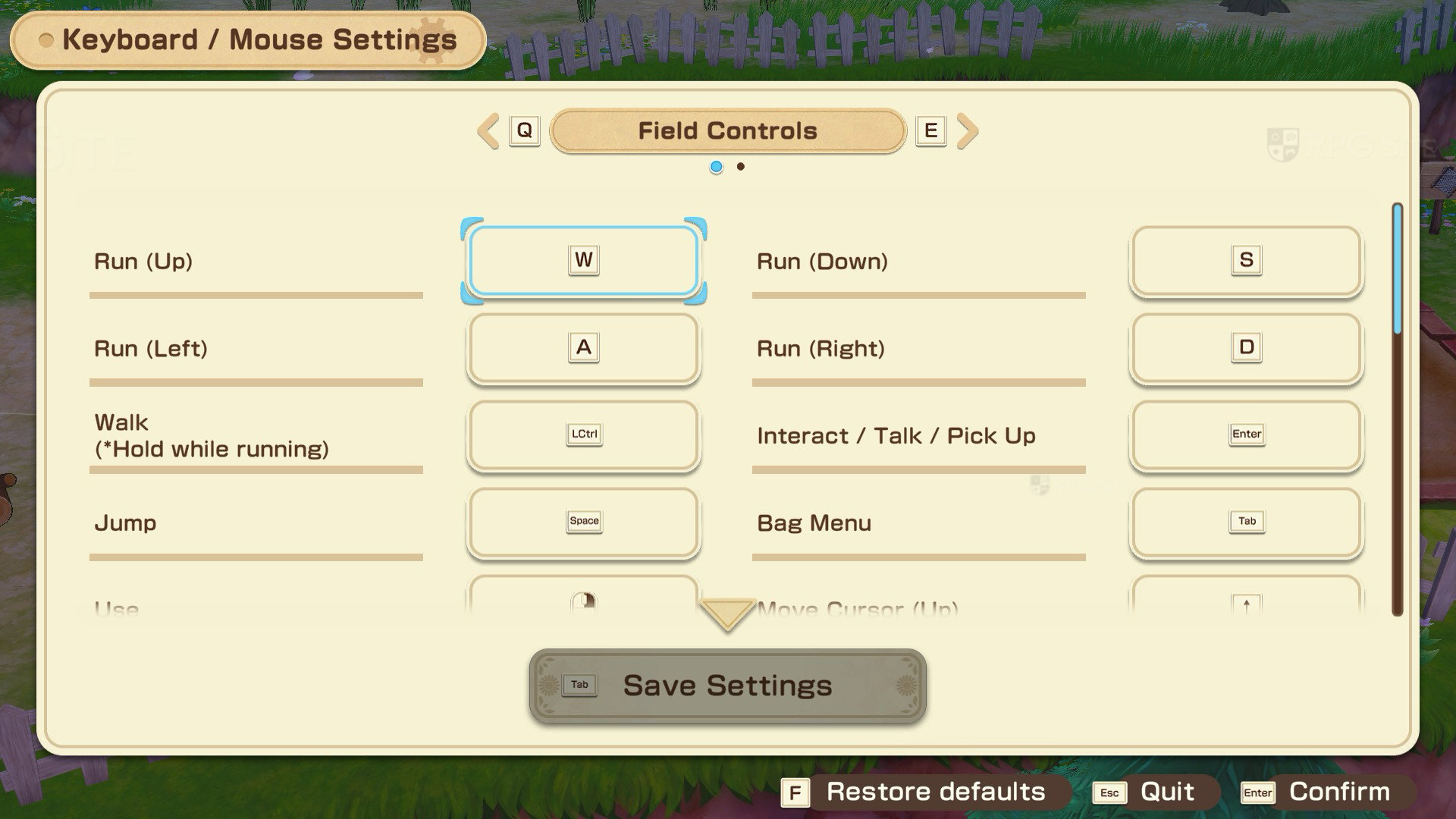
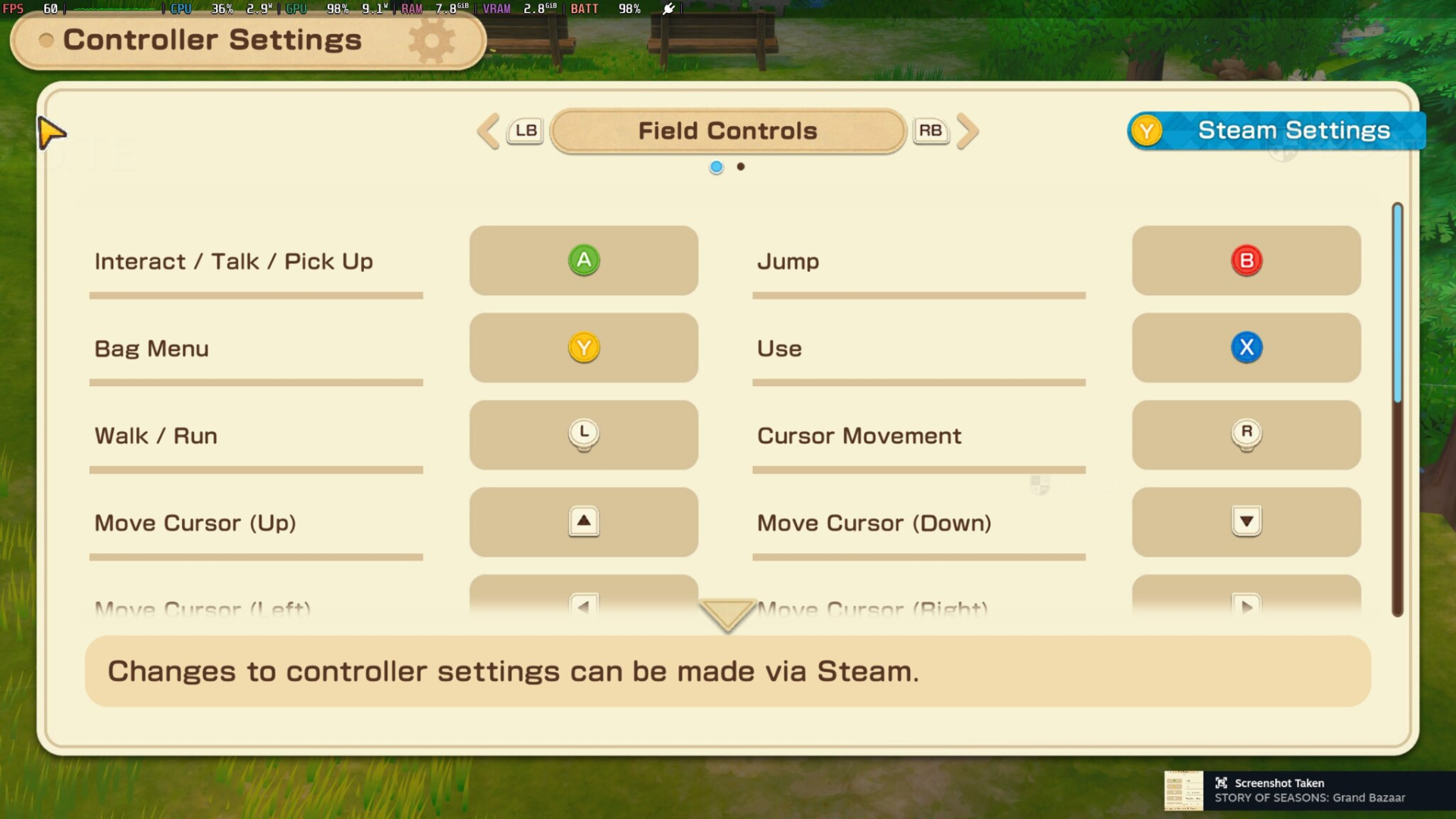
Story of Seasons: Grand Bazaar supports keyboard and mouse, but it plays much better with a controller. While the PC version lets you customize some controls, it would be more convenient if you could simply click or drag to move your character – that feature isn’t available yet. For the best experience on PC, I suggest using a controller.
If you’re playing on the Steam Deck, you might notice the game doesn’t show keyboard and mouse settings. This is because the game recognizes it’s running on a Steam Deck and automatically hides that menu. I’ve included a picture from the ROG Ally to show you what the menu looks like.
Story of Seasons: Grand Bazaar Steam Deck recommended settings
Story of Seasons: Grand Bazaar on the Steam Deck still looks and runs much like the early preview version. I’ve provided two sets of recommended settings: one for the best possible graphics at 60 frames per second, and another aiming for a smoother 90 frames per second with slightly reduced visual quality. I chose to render the game at a higher resolution and then scale it down because the built-in anti-aliasing isn’t very effective.
To improve the game’s visuals on your Steam Deck, adjust the game’s resolution in the Steam Deck settings to between 1080p and 4K. Also, enable the option to set the resolution for both the internal and external displays. This will allow you to play the game handheld at 1080p with a smooth 60 frames per second, and the image will look significantly better than the default settings – even sharper than it does on the Switch 2.
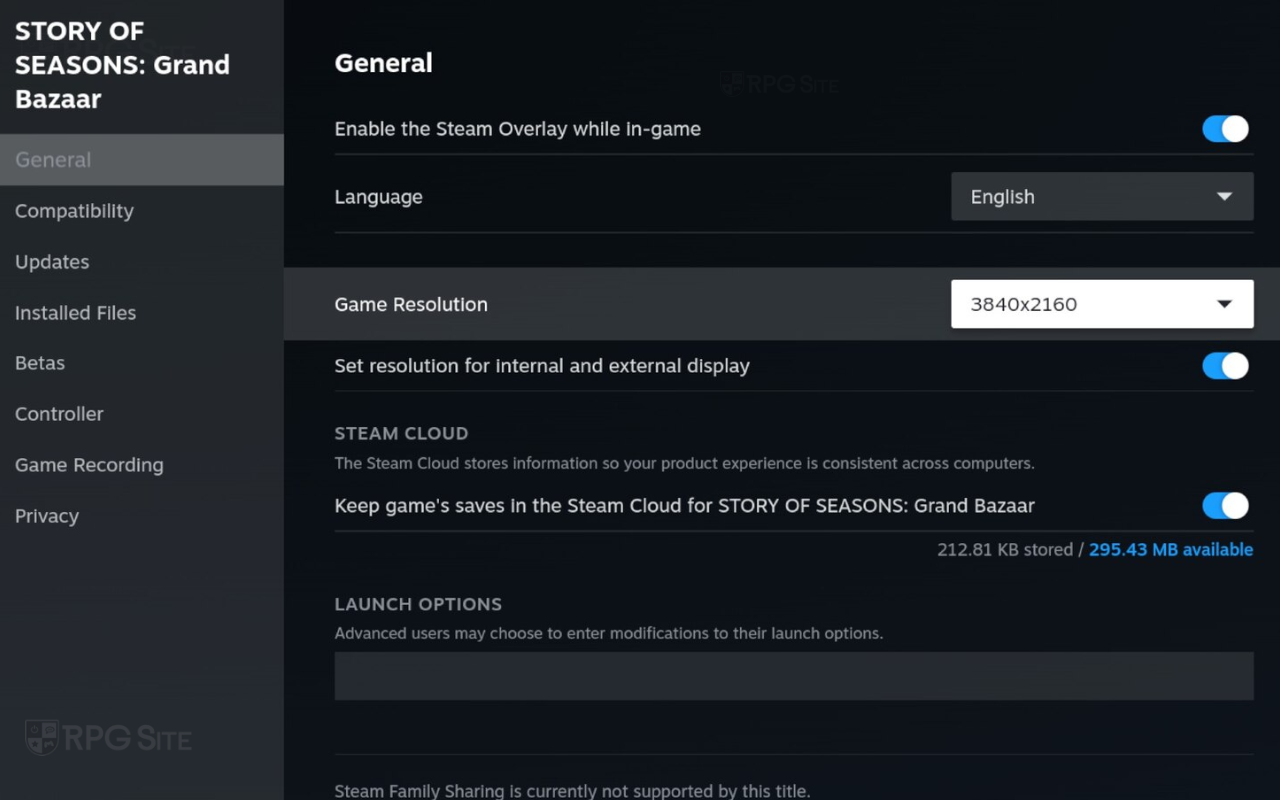
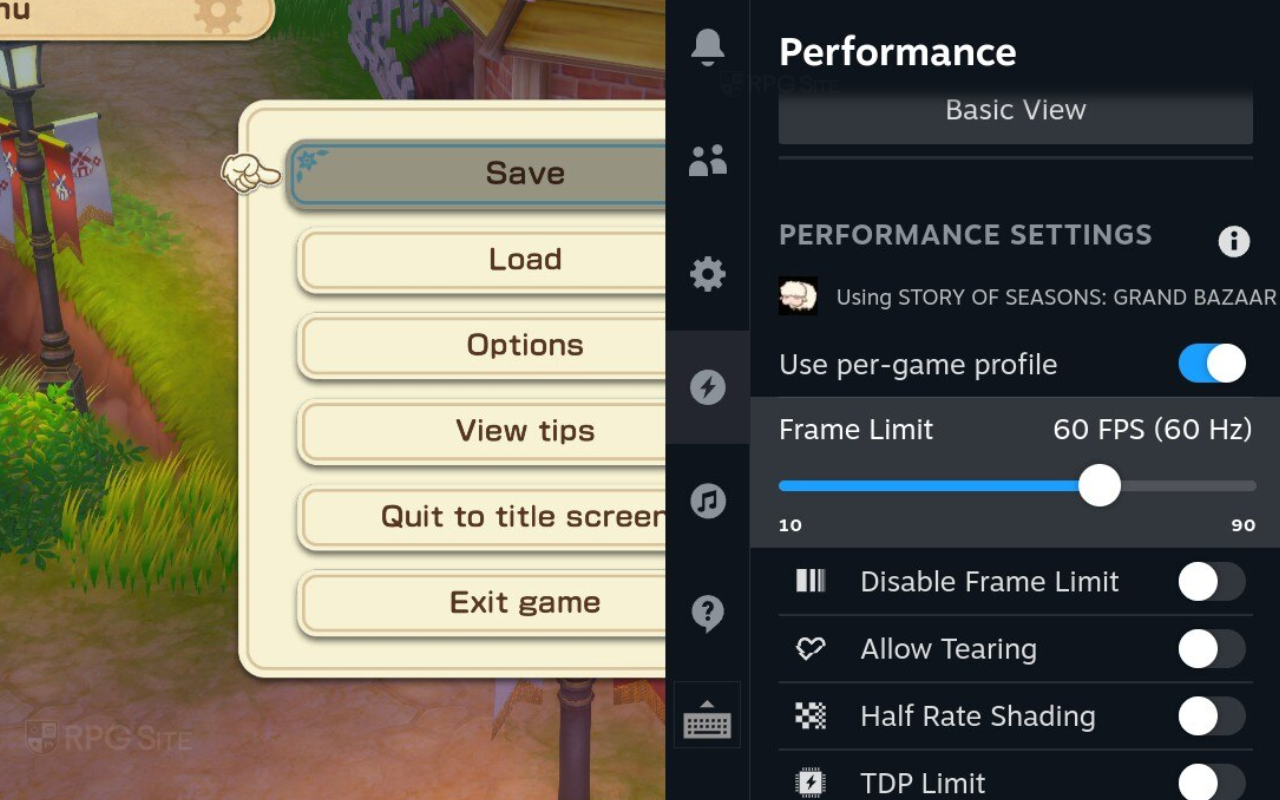

If you’re aiming for super smooth gameplay, I’d try to hit 90fps. I found that playing at 768p (which is the default) and unlocking the frame rate in the settings worked really well. It dips a little sometimes, but mostly stays at 90fps. A big tip: turning shadows down to ‘low’ will seriously boost your frame rate on PC. Now, if you’re docking your Steam Deck and playing on a bigger screen, I recommend 1440p with shadows on low – I consistently got at least 70fps that way. Don’t even bother trying to run this at 4K on the Deck, though. You’ll be looking at around 40fps, and a solid 4K 60fps just isn’t happening.
To get the smoothest gameplay at 60 frames per second on your Steam Deck OLED, make sure to adjust the screen’s refresh rate in the quick access menu to 60fps and 60Hz.
Story of Seasons: Grand Bazaar ROG Ally impressions
I tested Story of Seasons: Grand Bazaar on the ROG Ally using both its 25W and 15W power modes. For the smoothest handheld gameplay with the 25W mode, I recommend playing at 1080p with the graphics settings on low and v-sync enabled. While the frame rate occasionally dips from 120fps, the Ally’s screen technology helps to minimize any stuttering. Using the 15W mode with the same settings caused some minor hiccups, but it wasn’t as noticeable as the issues I saw with the docked Switch 2 version. If you prioritize visuals, I suggest setting the game to 1440p and letting the Ally downscale it for a solid 60fps experience. Overall, the ROG Ally provides a better handheld experience than the Deck LCD, though its screen isn’t quite as impressive as the Steam Deck OLED’s.
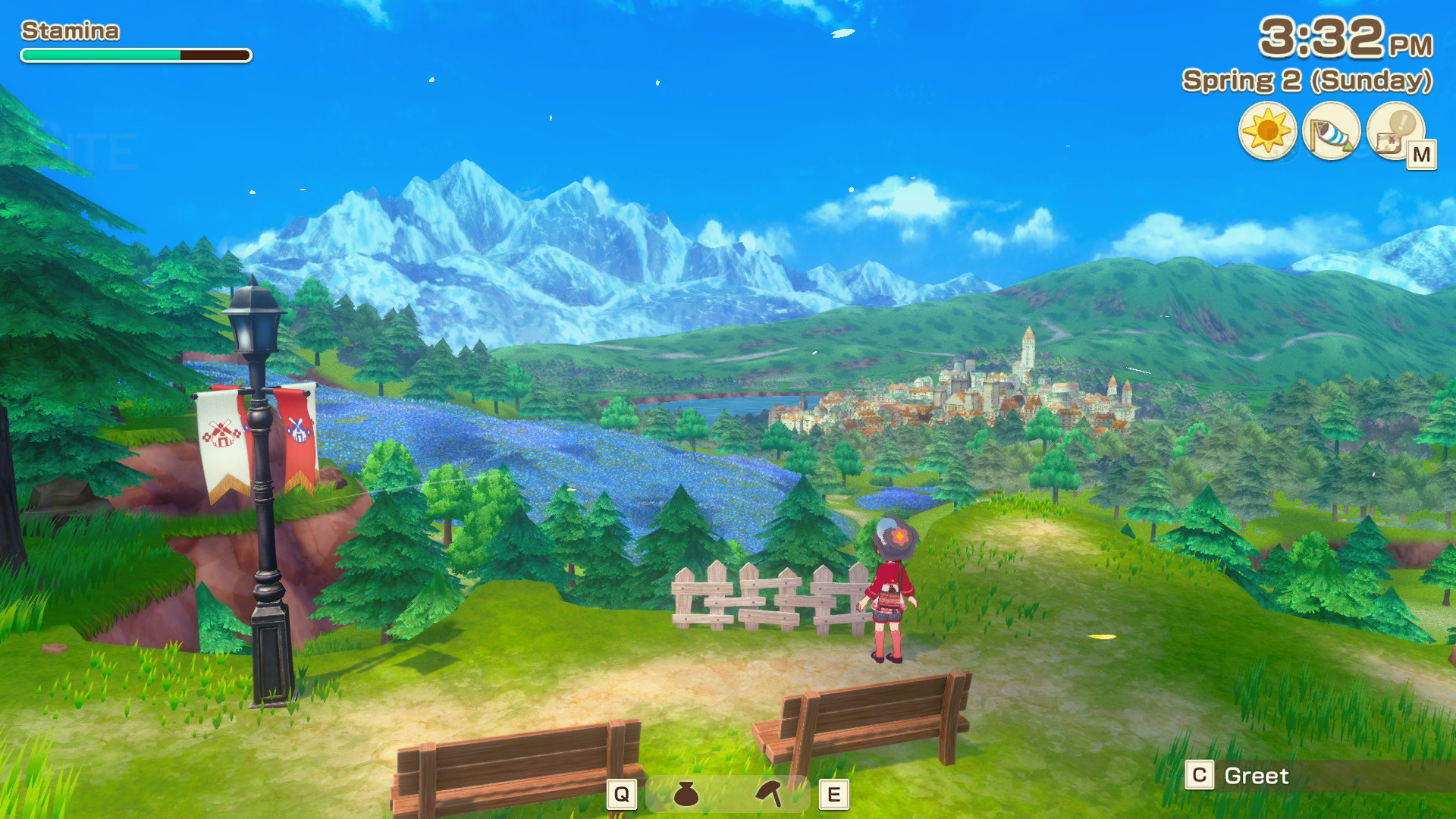
Story of Seasons: Grand Bazaar PC vs Switch 2 vs Switch load times from launch week
I tested how long it took to start the game on several different systems. This included the Steam version on both the OLED and LCD Steam Decks (using their internal storage), the Steam version on the ROG Ally, the Switch version on a Switch OLED (using a microSD card), and the Switch 2 Edition (using its internal storage). To get the fastest start times, I skipped any introductory logos. I also tested how long it took to load a saved game on each system, using an early save file.
| Platform | Dashboard to title | Loading save |
| Switch | 28 | 20 |
| Switch 2 | 19-21 | 11 |
| Steam Deck | 20-22 | 11 |
| ROG Ally | 10-11 | 9 |
Just a heads-up about the loading times I’m sharing – they’re all measured in seconds. If you see a range instead of one specific number, that means I tested the game three times on different days with the latest update, and the range shows the fastest and slowest times I got. Basically, it gives you a better idea of what to expect!
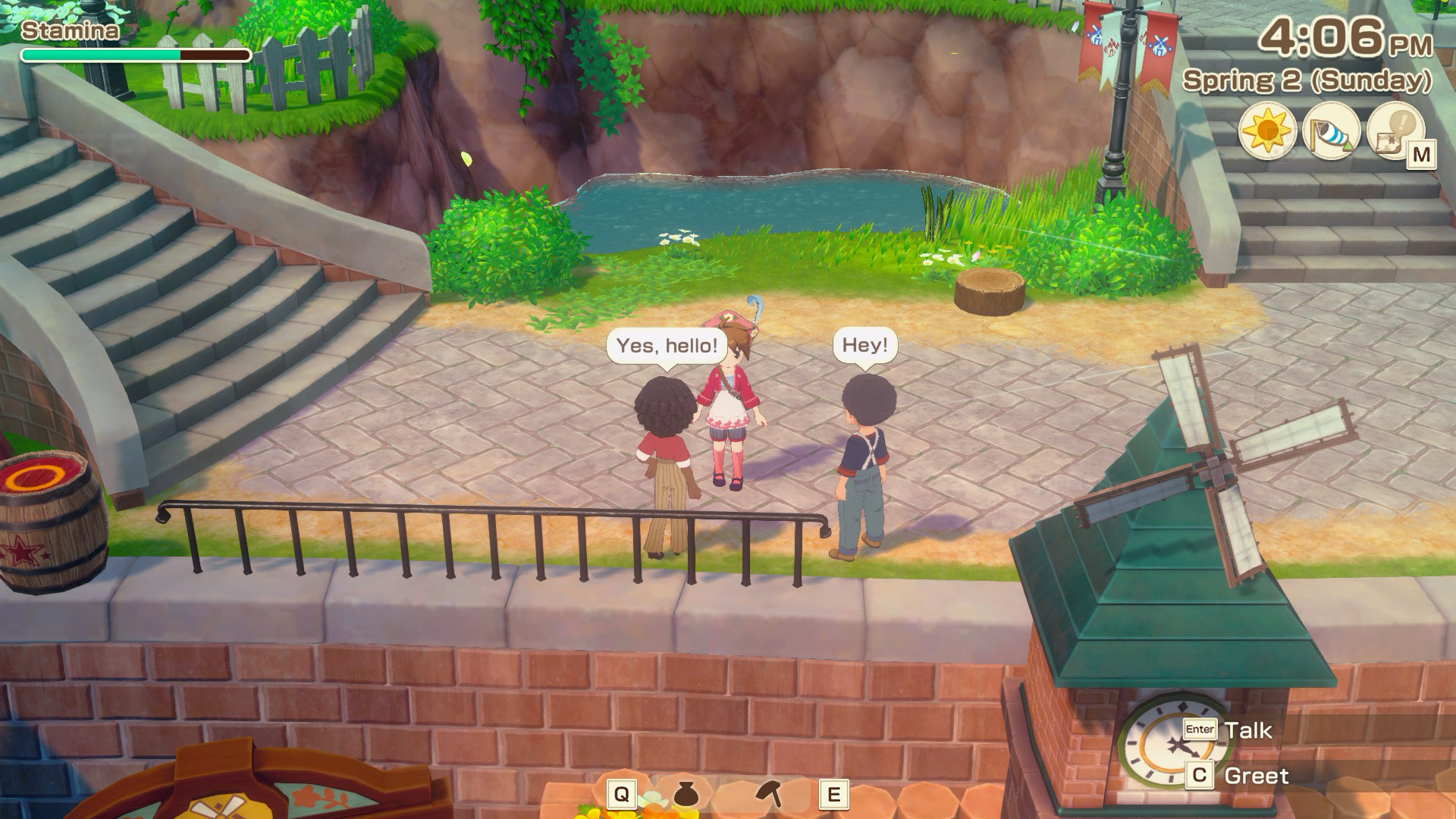
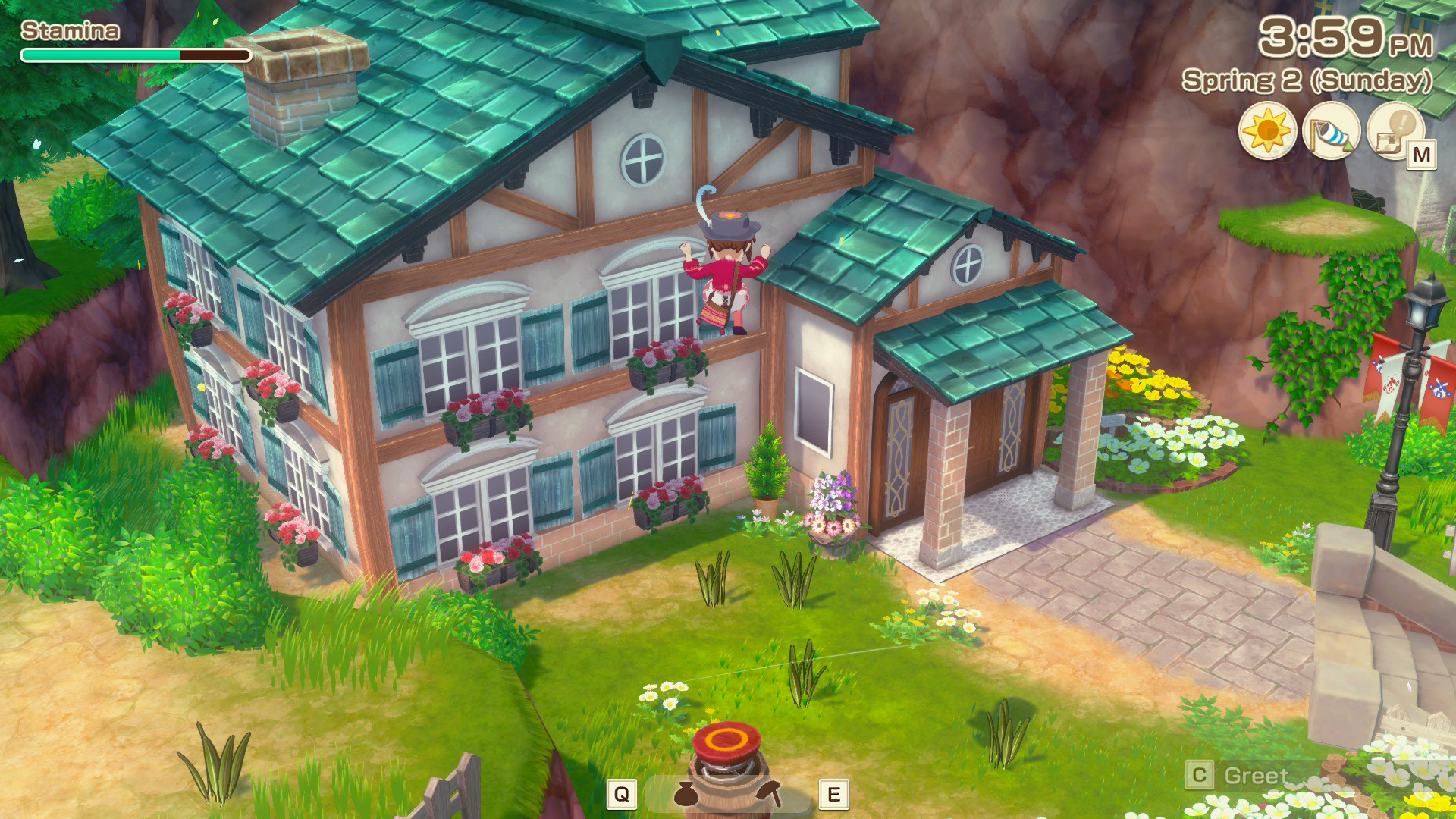
Loading times were quickest on the ROG Ally and the Steam version installed on the SSD. The Steam Deck and Switch 2 performed similarly, both significantly faster than the original Switch. I’ve included comparison images showing the Switch 2 (docked and handheld), the original Switch (docked), and the Steam Deck (downsampled to 1440p). These images were captured using a capture card, not the built-in screenshot function. I could capture handheld footage of the Switch 2 thanks to a bug that kept the resolution consistent, as detailed earlier.
Which was the best version of Story of Seasons: Grand Bazaar to buy (Launch week)?
Story of Seasons: Grand Bazaar runs very smoothly on all the handheld devices I tried, as long as you have the initial update installed. While Rune Factory: Guardians of Azuma played better on the Steam Deck than the Switch, Story of Seasons: Grand Bazaar performs similarly on both. I happily recommend either version for playing on the go, but the Steam Deck can achieve either a super-smooth 90 frames per second or a visually enhanced 60 frames per second.
If you’re thinking about getting a physical copy of Story of Seasons: Grand Bazaar for the Nintendo Switch, it’s a fantastic game and well worth the purchase. While the game runs well overall, there are a few minor performance issues when played on a TV, like occasional stuttering and skipped animations. The ROG Ally offers a smoother experience than both the Steam Deck and Switch, but its battery doesn’t last as long.
Story of Seasons: Grand Bazaar is a fantastic game to play on the go, no matter what handheld device you use. However, playing it on a TV is a different story. The Steam Deck offers the best TV experience right now. While the Switch 2 version has a few performance hiccups when docked, and the ROG Ally isn’t great when docked at all, I expect the Switch 2 to become just as good as the Steam Deck once those issues are fixed. Both will then be the best ways to enjoy the game.
Read More
- Off Campus Season 1 Soundtrack Guide
- X-Men ’97 Finally Gave Gambit the Hero Moment He Deserved
- Chainsaw Man Volume 24’s Cover Art Reveals a Brand-New Denji
- 46 Years Later, The Mandalorian & Grogu Answers A Major Empire Strikes Back Question
- 10 Worst End-Game Couples In Sitcom History
- HoI4 fans harsh reactions to the announcement of another DLC pack
- Gold Rate Forecast
- DoorDash responds after customer uses AI to make food look bad and get a refund
- Emily Henry Says to ‘Trust the Vision’ For Beach Read Adaptation
- Dragon Quest II HD-2D Remake: Where to get the Magic Key
2026-05-30 16:31