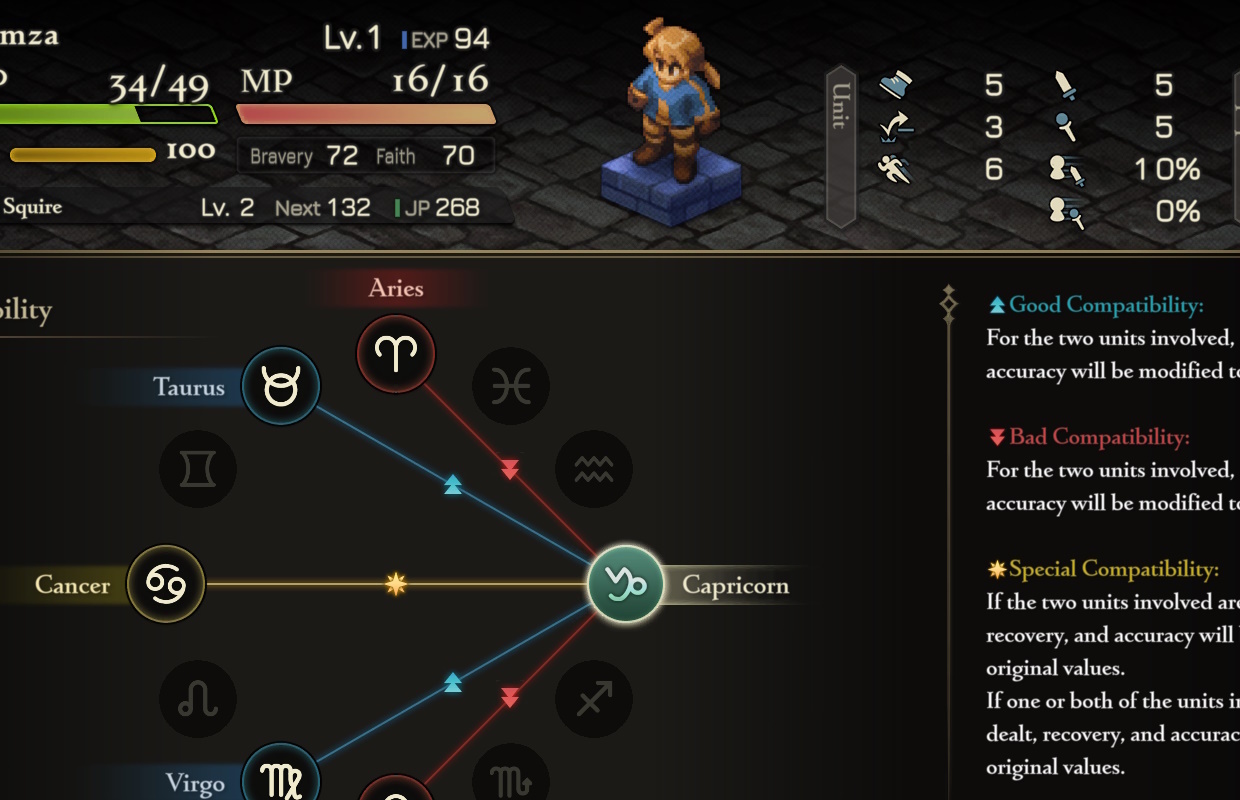
Square Enix recently updated Final Fantasy Tactics – The Ivalice Chronicles with several improvements! Players can now enjoy a New Game + mode, a Zodiac Compatibility feature, plus changes to the user interface and expanded control options.
You’ll find information from Square Enix detailed below. If you’re interested, we also published a review of the Ivalice Chronicles last year, which you can read here.
The game will be updated to version 1.5.0.
You can find the game’s version number on either the version selection screen or the title screen for the enhanced edition.
Enhanced New Features
We’ve added New Game Plus! Now, when you finish the game, you can start a fresh playthrough while keeping your character’s level, items, and other progress – letting you experience the story again with all your established power.
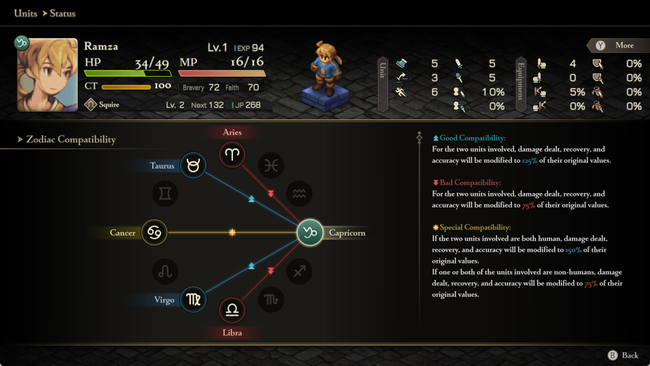
We’ve added a new Zodiac Compatibility feature! You can now find a unit’s zodiac sign and see how well it matches with others directly from their status screen.
Adjustments
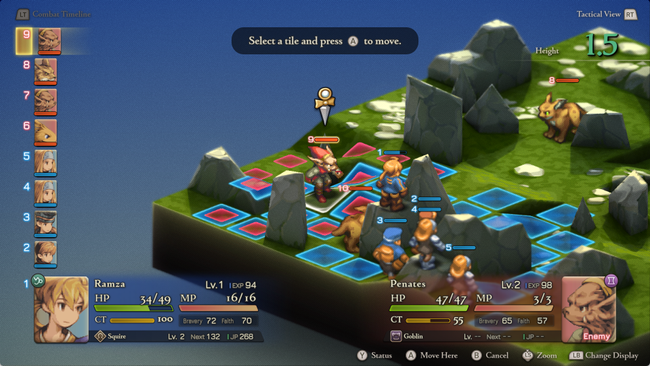
You can now see a unit’s status just by hovering over it when choosing where to move or use an ability.
We’ve added a “Remove All Equipment” option to the unit status screen, within the Equipment & Abilities section. This allows you to quickly remove all equipment from a unit.
We’ve made it easier to see why certain jobs are unavailable. If a job is locked, you can now find clear explanations in the Job area of the unit status screen.
During battle, the camera angle and zoom settings are now retained for the entirety of that battle.
New Settings
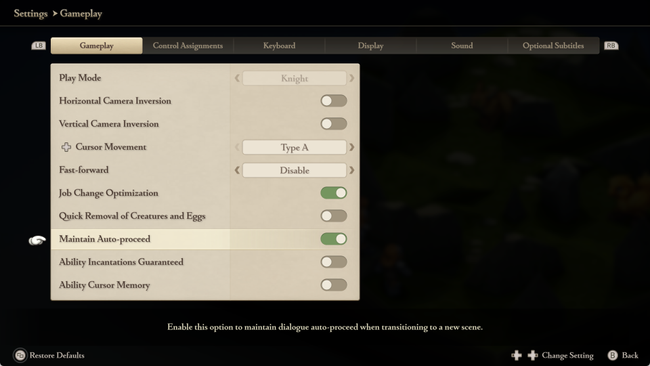
We’ve added a new setting called “Maintain Auto-proceed” for cutscenes. You can turn it on by going to the main menu, selecting Options, then Settings, and finally Gameplay. There, you’ll find a toggle to enable it.
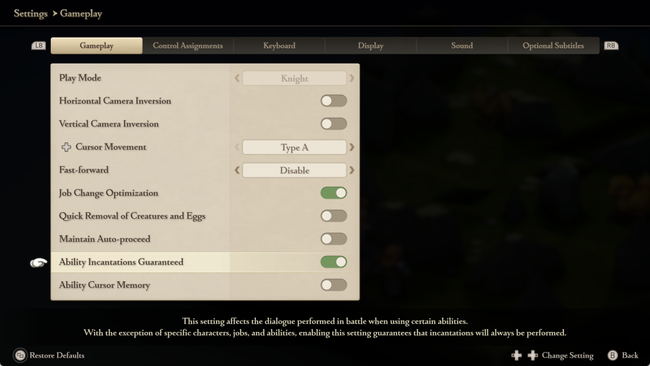
We’ve added a new setting called “Ability Incantations Guaranteed” that makes sure ability dialogue always plays when you use those abilities. You can turn it on in the main menu by going to Options, then Settings, and finally Gameplay – look for the “Ability Incantations Guaranteed” switch there.
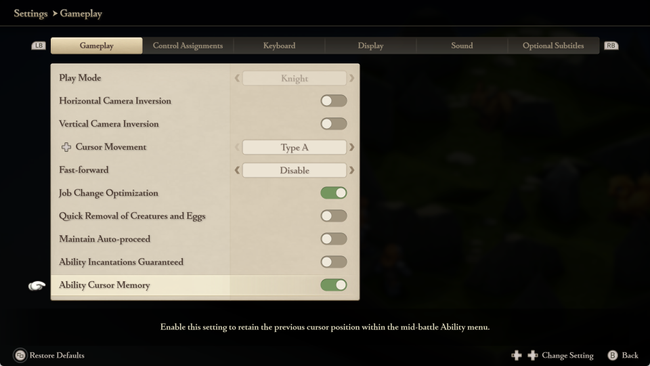
We’ve added a new setting called “Ability Cursor Memory” that remembers where your cursor was last placed in the Abilities menu during battle. You can turn it on by going to Options, then Settings, and finally Gameplay in the main menu and toggling “Ability Cursor Memory” on.
Minor text changes have been made in all languages.
Certain sound effects have been adjusted.
Overall stability has been improved.
Other minor issues have been resolved.
New Languages
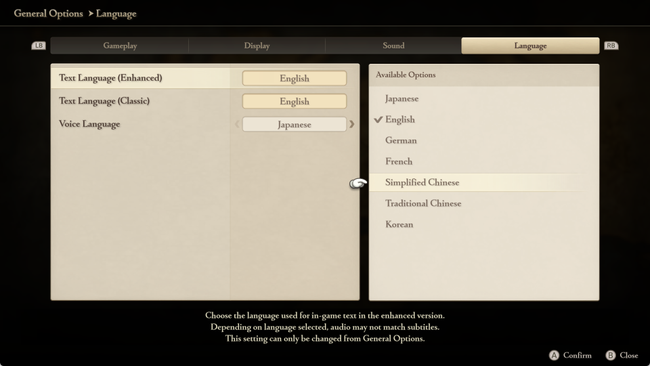
Now you can use this with text in Simplified Chinese, Traditional Chinese, and Korean!
To switch the language used for the improved text format, navigate to the Language tab within the General Settings menu and choose your preferred language from the “Text Language (Enhanced)” dropdown.
Read More
- Off Campus Season 1 Soundtrack Guide
- Infinity Nikki Candlelight Reverie Challenge and Rewards Guide
- Gold Rate Forecast
- Netflix’s Little House On The Prairie Reboot: Release Date, Cast & Everything We Know
- 币安人生 PREDICTION. 币安人生 cryptocurrency
- EUR ZAR PREDICTION
- USD CNY PREDICTION
- Brent Oil Forecast
- The Boys Recap: No Room for Heresy
- Destiny 2: The Worst Experience Ever – Loot Gone in a Flash!
2026-06-17 10:27