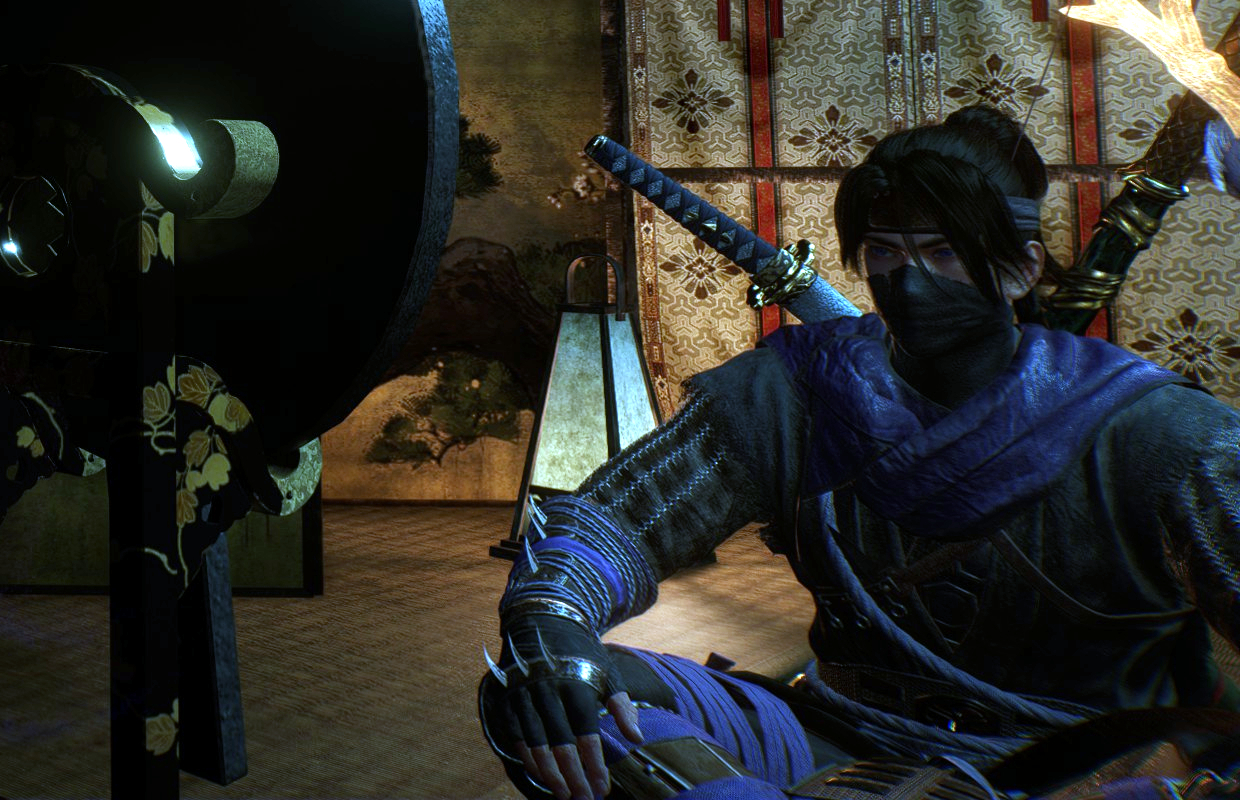
Nioh 3 is now released on PlayStation 5 and Steam! If you tried the demo and want to customize your character’s appearance in the full game, our guide can help. We’ll show you how to change your look, when you unlock the ability to do so, and how to change your character’s name, too.
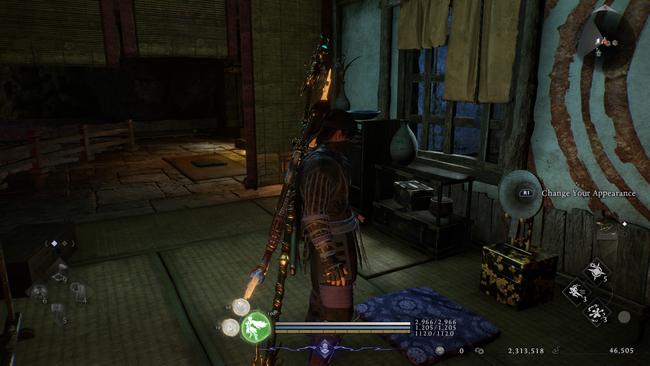
How to change your appearance in Nioh 3
Okay, so after I took down Jakotsu-baba, the first Crucible boss, I headed back to the Eternal Rift – that’s the main hub area. Then, I went upstairs in the Shrine building and found this little tatami room tucked away in the corner. That’s where I needed to go!
As a fan, I was thrilled to discover you can completely change how your character looks whenever you want! Just interact with any mirror by pressing RB (on Xbox), R1 (on PlayStation), or E (on PC), and it brings up the same character creation menu you saw at the start of the game. It’s awesome to be able to customize my look whenever I feel like it!
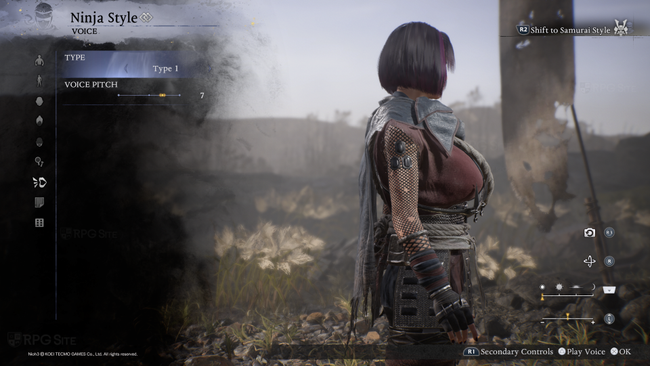
How to change your name in Nioh 3
The game doesn’t let you change your character’s name because of the story. You’ll play as Tokugawa Takechiyo, who later becomes Tokugawa Iemitsu, a famous historical figure and the third shogun of the Edo period.
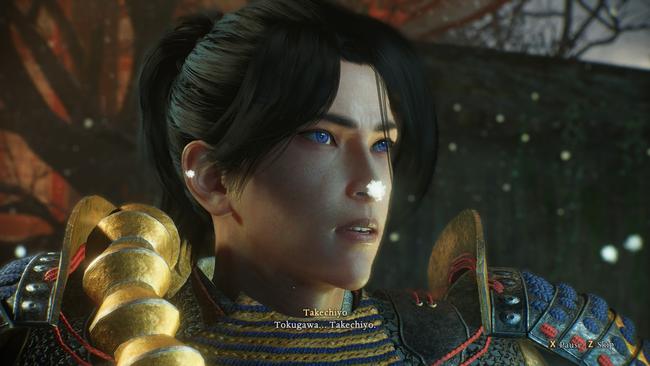
The name shown on Benevolent or Revenant Graves—created when you place a Righteous Jasper or upon your death—will automatically be your PlayStation or Steam online username. There’s currently no way to change this name within the game itself.
Want to learn more about the game’s story and background? Check out our review here, and our guide here to experience all three Nioh games and their DLC in the order they happened.
Nioh 3 has launched on PlayStation 5 and PC (via Steam). You can read my first impressions for both PC handheld and PS5 versions here, and find all of our helpful guides here.
Read More
- United Airlines can now kick passengers off flights and ban them for not using headphones
- The Boys Season 5 Spoilers: Every Major Character Death If the Show Follows the Comics
- Solo Leveling’s New Manhwa Chapter Revives a Forgotten LGBTQ Story After 2 Years
- Grok’s ‘Ask’ feature no longer free as X moves it behind paywall
- Mewgenics vinyl limited editions now available to pre-order
- Assassin’s Creed Shadows will get upgraded PSSR support on PS5 Pro with Title Update 1.1.9 launching April 7
- How to Get to the Undercoast in Esoteric Ebb
- Nintendo Officially Rewrites Princess Peach After 41 Years
- Invincible Season 4 Episode 6 Release Date, Time, Where to Watch
- ‘Timur’ Trailer Sees Martial Arts Action Collide With a Real-Life War Rescue
2026-02-08 20:26