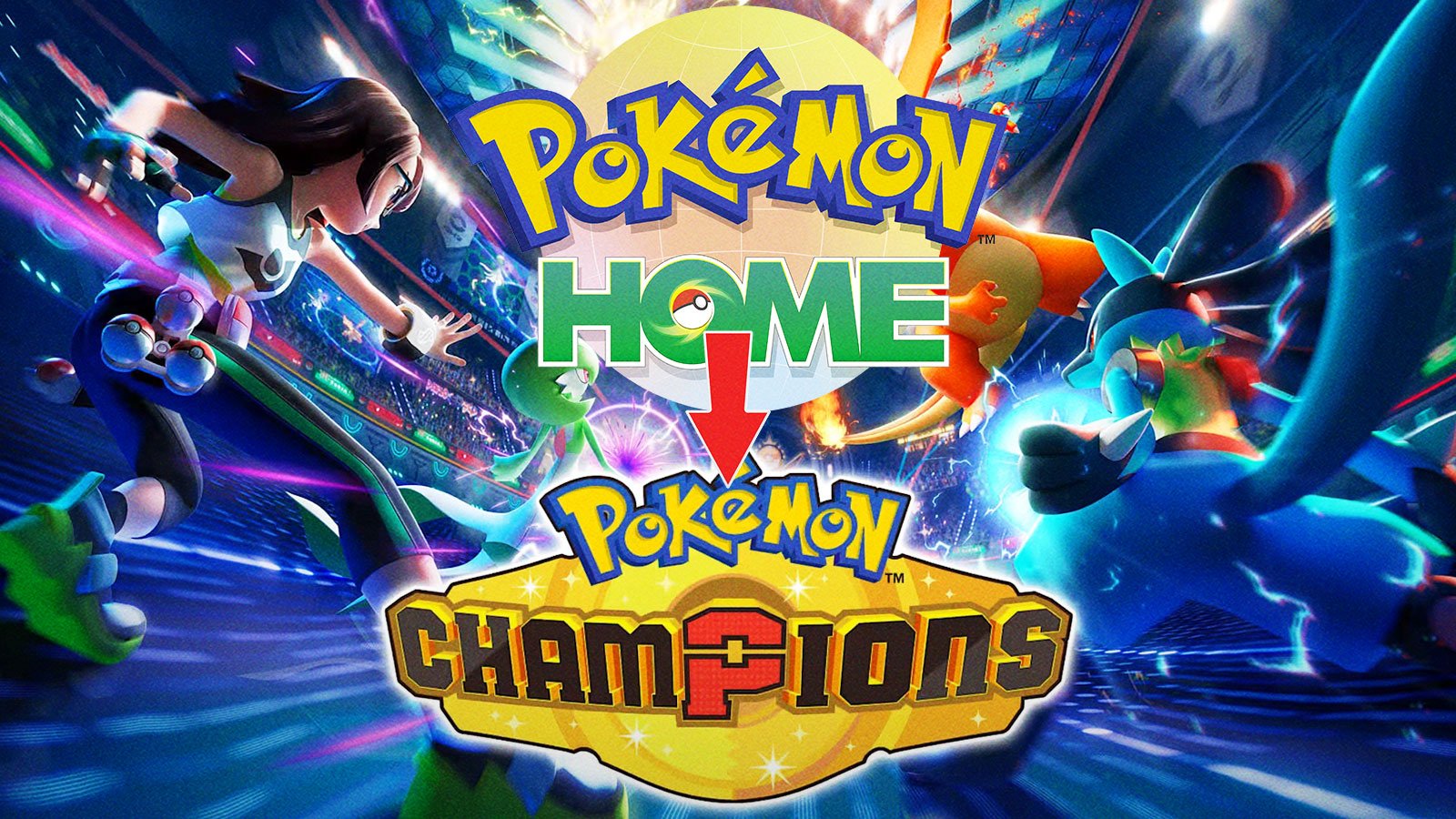
Pokémon Champions lets you connect your Pokémon HOME account to move your Pokémon between games. Many players aren’t aware of this feature or how it works, so we’ve put together a simple guide to help you link your accounts and start transferring your Pokémon. Let’s get started!
How to Link Pokémon HOME to Pokémon Champions
To Link your Pokémon HOME account to Pokémon Champions, you need to:
- Download both Pokémon HOME and Pokémon Champions
- Log into Pokémon HOME on your Nintendo Switch/Nintendo Switch 2/Mobile Device
- Select the “Pokémon Champions” icon on the bottom right side of the screen
- Confirm the account information is correct (Trainer ID and Trainer Name)
- Transfer your eligible Pokémon
Overall, the process of transferring Pokémon from HOME to Champions is simple (and free).
To use these features, you’ll need to download both the Pokémon HOME app and Pokémon Champions. Pokémon HOME is available on Nintendo Switch, as well as iOS and Android devices. Pokémon Champions is available on all Switch models. Both apps are free to download.
Pokémon HOME has both free and paid options. You can use the basic service without a subscription, though paid memberships offer extra features like more storage space and better trading options. For what we’re covering here, you don’t need to pay anything at all.
After downloading both games, sign in to HOME on your preferred device. Then, select the “Pokémon Champions” logo in the bottom right corner. Before transferring your Pokémon, the game will ask you to verify your Trainer Name and ID. Confirming this information will help ensure a smooth transfer.
After completing that step, you’ll be able to move your Pokémon. But remember, there are some limits on which Pokémon you can transfer. You can only transfer Pokémon that are featured in Pokémon Champions. For instance, since Magneton isn’t in Champions, it can’t be transferred. Also, while your Pokémon is in Champions, you cannot
- Send it from your boxes to other games
- Release it from your box
- Apply Markings
This covers everything you need to connect Pokémon HOME to Pokémon Champions. We hope this guide was helpful! Good luck transferring your Pokémon and succeeding in ranked battles.
Read More
- Off Campus Season 1 Soundtrack Guide
- X-Men ’97 Finally Gave Gambit the Hero Moment He Deserved
- Chainsaw Man Volume 24’s Cover Art Reveals a Brand-New Denji
- 46 Years Later, The Mandalorian & Grogu Answers A Major Empire Strikes Back Question
- 10 Worst End-Game Couples In Sitcom History
- HoI4 fans harsh reactions to the announcement of another DLC pack
- DoorDash responds after customer uses AI to make food look bad and get a refund
- Gold Rate Forecast
- Emily Henry Says to ‘Trust the Vision’ For Beach Read Adaptation
- Dragon Quest II HD-2D Remake: Where to get the Magic Key
2026-04-15 17:48