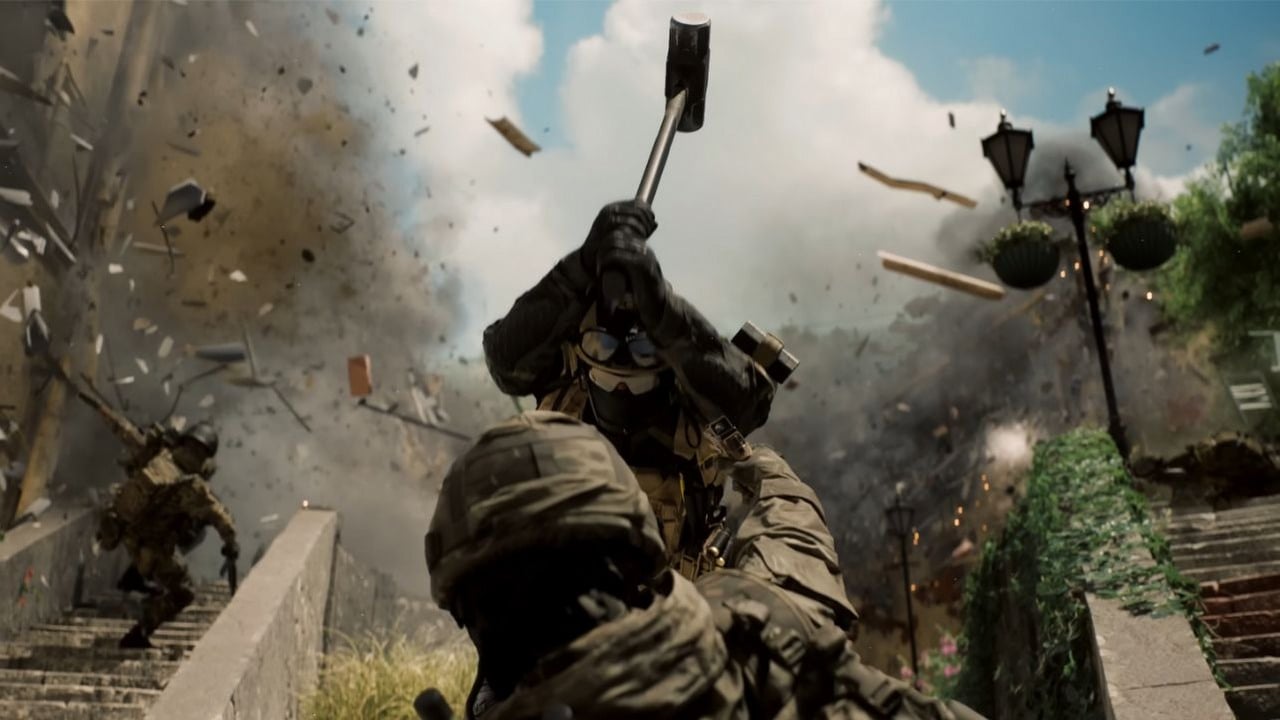
Battlefield 6 is out today, and as many expected, the launch has been pretty rough. Players are facing long wait times – some with hundreds of thousands of people ahead of them – and many are getting an error message. In fact, some aren’t even able to start the game. People have been sharing their problems on the Steam forums, with many reporting the game won’t open and asking for help. Luckily, some players have discovered potential solutions.
Battlefield 6 won’t open? Some players have found a solution
Long wait times to get into the game were expected with such a big launch. However, many players are frustrated by not being able to start *Battlefield 6* at all, especially since over half a million people are already trying to play on Steam. If you’re having trouble, it’s worth trying some simple fixes first. Try restarting Steam and your computer, updating your graphics drivers, and verifying the game files. You can do this by right-clicking on *Battlefield 6* in your Steam Library, going to Properties, then Installed Files, and selecting ‘Verify integrity of game files’.
If the previous steps don’t fix the problem, there are a few other things you can try. Some players on Steam have discovered solutions that worked for them. Specifically, if you’re using the Nvidia app, try disabling smooth motion. You can find this setting by going to Settings, then Graphics, selecting *Battlefield 6*, and turning off Smooth Motion. Many Steam users have reported that this resolves the issue.
If you don’t use the Nvidia app, there’s a workaround discovered by Steam user Low-Tier Arc. On Windows, open Windows Security and go to App & Browser Control, then Exploit Protection Settings. Click on the System Settings tab and find “Force Randomization for Images (Mandatory ASLR)”. Turn this setting off, then restart your computer and try launching *Battlefield 6* again. If you prefer not to change this setting system-wide, you can create a specific exception for *Battlefield 6*. Go to the Program settings tab and add a custom program. Enter the file path to “bf6event.exe” and turn off “Force Randomization for images (Mandatory ASLR)” for that program only.
We hope this article helped you fix any issues you were having with launching *Battlefield 6*. It’s definitely annoying when you can’t play a new game on release day like everyone else.
Read More
- United Airlines can now kick passengers off flights and ban them for not using headphones
- The Boys Season 5 Spoilers: Every Major Character Death If the Show Follows the Comics
- Solo Leveling’s New Manhwa Chapter Revives a Forgotten LGBTQ Story After 2 Years
- Invincible Season 4 Episode 6 Release Date, Time, Where to Watch
- Grok’s ‘Ask’ feature no longer free as X moves it behind paywall
- Assassin’s Creed Shadows will get upgraded PSSR support on PS5 Pro with Title Update 1.1.9 launching April 7
- TikToker’s viral search for soulmate “Mike” takes brutal turn after his wife responds
- All 9 Coalition Heroes In Invincible Season 4 & Their Powers
- ‘Timur’ Trailer Sees Martial Arts Action Collide With a Real-Life War Rescue
- Mewgenics vinyl limited editions now available to pre-order
2025-10-10 20:02