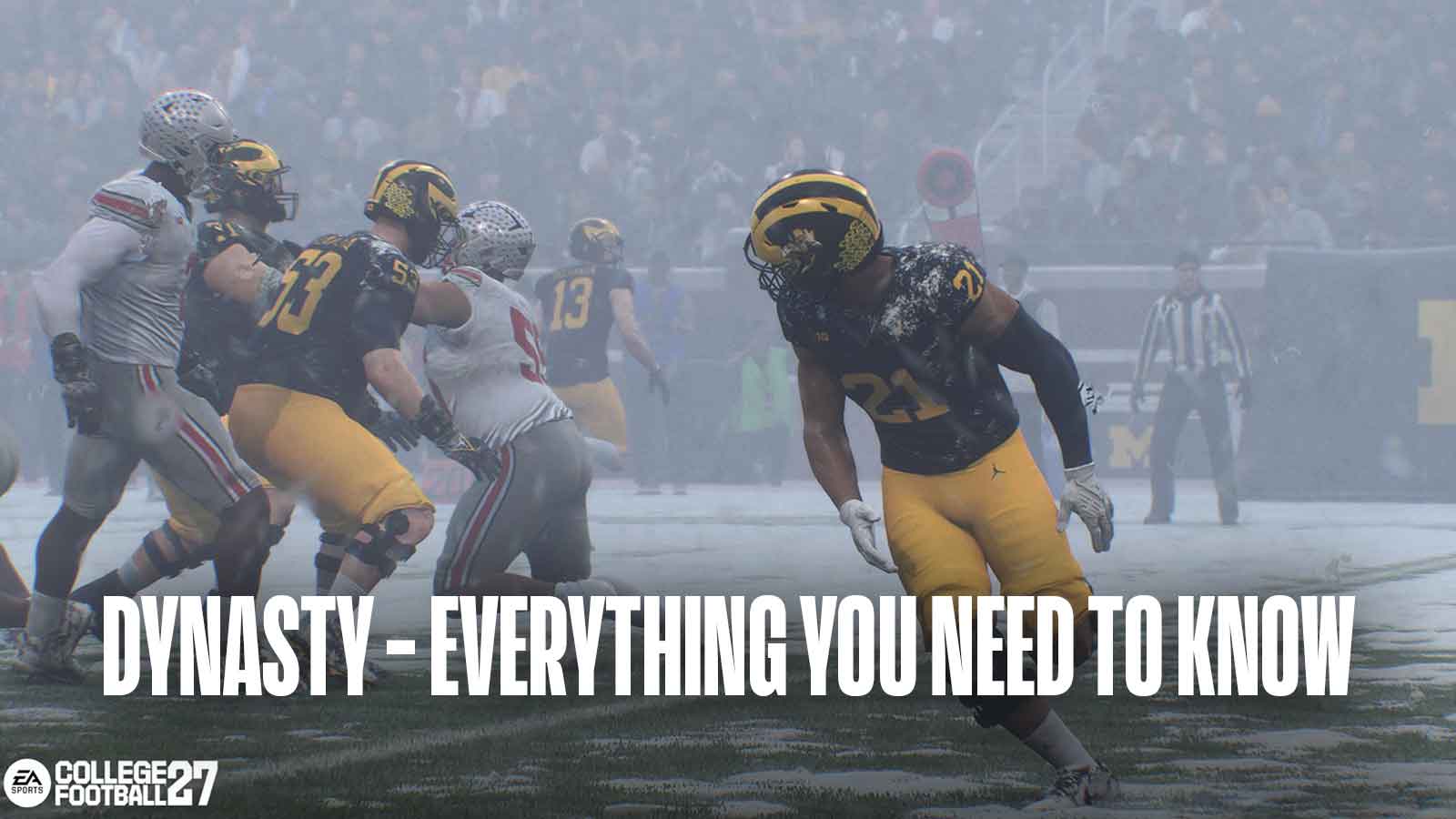
College Football 27’s Dynasty mode has been significantly enhanced this year, featuring major improvements to Name, Image, and Likeness (NIL) deals, team management, and facility upgrades. This year’s Dynasty goes beyond just recruiting and player development – you’ll also need to satisfy your Athletic Director, manage the team’s finances, and handle other administrative tasks. Here’s a detailed look at what’s new in College Football 27 Dynasty mode.
College Football 27 Dynasty Mode Details – Everything You Need to Know
Overall, the biggest additions to College Football 27’s Dynasty Mode this year are:
- New Athletic Director Expectations/Interactions
- Overhauled Team Management – Coaching Staff, Facilities, NIL
- An All-New Coach Mode, Coach Abilities, & More
- Gameplay Updates – Wear & Tear, Dynamic Weather
- Miscellaneous – Heisman, College Football Playoff/History
Athletic Director Expectations
Starting a Dynasty in College Football 27 is straightforward: you create a coach, customize your preferences, and begin the mode. However, as soon as you choose a college, the school’s athletic director will immediately present you with some goals to achieve.
If you’re the head coach at Ohio State, there’s a high expectation to win against Michigan by at least three points every year. Beyond that, you’re expected to lead the team to the National Championship game within the next seven years and consistently finish in the top five nationally by the end of each season.
Team goals vary, but Ohio State, with its strong program and talented players, consistently aims high. However, every team faces increasing challenges throughout the season, tailored to their specific ambitions.
Whether or not you need to achieve every goal depends on your director’s flexibility and how much it matters if you don’t. Each goal has a rating showing the positive results of completing it and the negative consequences of failing. The game also includes a safety meter to give you an idea of how secure your job is.
It’s important to remember that expectations can change. As your program improves, your athletic director might raise the bar. For example, if you successfully transform a team at a school like North Texas into a strong competitor, they may then expect you to ultimately win a championship.
After identifying a school that matches your athletic director (AD) goals, it’s time to start leading and improving it – and that’s what the Dynasty Blueprint helps you do.
The Dynasty Blueprint – Managing Coaching Staff, Facilities, & NIL
The Dynasty Blueprint covers everything you need to manage your team and school effectively. It includes details on your coaching staff, facilities, NIL deals, and other important aspects – all crucial for building a successful program.
Your Blueprint revolves around Dynasty Points – think of these as your yearly budget. This budget resets each season as your priorities shift. The number of points you begin with, and continue to earn, is based on things like your conference’s reputation, how well-known your program is, the energy at your stadium, and the strength of your team’s traditions.
You can also gain Dynasty Points by achieving goals like reaching the playoffs or winning your conference. Basically, any success helps you earn more points to improve your program. Plus, your Athletic Director might give you bonus Dynasty Points if you perform well and meet their goals.
As a fan, I’ve learned that whatever money you don’t spend in a season doesn’t carry over, so it’s really important to use your full budget! Luckily, at the start of each new season, you get a fresh budget, and it’s boosted by any rewards you earned from advertising and completing goals in the previous season. It’s a great system!
Throughout the entire year – including preseason, the regular season, bowl games, and the offseason – you’ll be responsible for managing your team’s finances. It’s important to hire a strong staff who will stay with you all year long. During the season, balance recruiting new players with maintaining equipment and navigating NIL deals (Name, Image, Likeness). When you reach Bowl Season, shift your attention to managing your coaching staff, especially your coordinators.
When the season ends, your budget resets during the End of Season Recap. This is when you get money from your athletic director and any bonuses you’ve earned, which you can then use to sign new players, maintain your facilities, and pay your staff.
Okay, so in College Football 27’s Dynasty mode, there’s this new thing with Support Staff – basically, you hire people to help boost your team. You can only get them or cut them during the preseason, and how many you can have depends on your Team Prestige. Honestly though? It’s totally worth building a good staff because they give some really useful benefits!
- Decrease Dynasty Point Costs of hiring other support staff
- Reduce Player NIL Expectations
- Increase weekly recruiting hours & offseason player progression
- Increase Dynasty Point fundraising during annual budget refresh
We have four levels of support staff – Bronze, Silver, Gold, and Platinum. Each level offers different advantages, with the higher tiers costing more Dynasty Points but providing better support.
You might also choose to spend Dynasty Points on developing your Coordinators. Now, hiring coordinators requires Dynasty Points, and their value depends on both their skill level and the reputation of your team.
You’ll find plenty of coaches you can hire as coordinators. While not all coaches are available at every school – it depends on your academic standing – there’s always a good selection to pick from each season.
Offering for a coach works just like using Dynasty Points. You can make up to six offers for each coaching position (a total of twelve). If your offers aren’t accepted, the game will automatically assign you a coach. If you prefer not to use Dynasty Points, free agent coaches are available at no cost, but they aren’t very strong.
Dynasty Points aren’t just for signing players—you’ll also need them to manage your team’s facilities. Upgrading these buildings is key to developing talent and attracting top players, but remember that better facilities cost more Dynasty Points to maintain.
Overall, the five facility tiers include:
| Facility Tier | Grade | Equipment Slots |
| Basic Facility | F | 1 |
| Competitive Facility | D- to D+ | 2 |
| Premier Facility | C- to C+ | 3 |
| Elite Facility | B- to B+ | 4 |
| National Powerhouse | A- to A+ | 5 |
After each season, you can improve or reduce the level of your Facility. Just like hiring better staff, upgrading your Facility costs more Dynasty Points to keep running. It also changes how much equipment you can have.
Equipment is essentially another way of improving your school, providing benefits like:
- Increasing Athletic Facility Grade (within current facility range)
- Increasing duration of equipment effects
- Reduce Wear & Tear, Season Health Usage, & practice injury chance
The last thing Dynasty Points and the Blueprint affect is NIL.
Each potential recruit in CFB 27 Dynasty has an estimated value for Name, Image, and Likeness (NIL) deals. This value changes depending on the school they’re considering, so a player might expect a higher or lower NIL amount at different universities.
NIL factors depend for what type of player its being used for. For example:
- Recruit expected NIL is driven by start rating, position, dealbreaker, and Team Prestige
- Roster player expected NIL – driven by overall rating, position, school year, awards won, dealbreaker, team prestige and your past offers.
Players also consider how well-known a brand is, and their priorities can shift over time.
When recruiting players through Name, Image, and Likeness (NIL) deals, remember a couple of key changes. In the latest version of the game, scholarship offers aren’t available until after the preseason – that time is now dedicated solely to player evaluation. When you do make an offer, it automatically includes NIL terms, and you’ll be able to see how much they’re expected to earn in NIL alongside your scholarship amount.
When making an offer, it’s important to strike a balance. Offering too little won’t attract recruits, but offering too much can create unrealistic expectations for future seasons. They’ll likely anticipate receiving that same level of support consistently.
It’s important to offer players the right amount of NIL compensation, and you can fine-tune these offers weekly. Remember that NIL applies to both incoming transfers and current players – using Roster NIL can help you retain them. You can monitor your NIL offers to recruits throughout the year to track your spending, and then adjust your Roster NIL at the end of the season to optimize your approach.
Look, I get it – if I don’t offer players enough NIL money, they might jump ship. But the game has my back – I can actually track how much NIL money my whole roster is getting, so I don’t overspend and can see where I need to adjust. It’s a nice feature to keep everything balanced.
If this seems overwhelming, don’t be concerned! The game offers pre-made strategies and automatic settings to simplify things. You’re also free to tweak those settings at any time to customize how much detail you want to focus on.
Coach Abilities & Coach Mode
We then focused on adding two new coach types, each with four unique skills. These new types are:
- Visionary – Focuses on Player Development, weekly preparation, pro potential, and long term career growth
- Pro Pipeline: Increases the pro draft stock of players on your roster
- Practice Makes Perfect: Increases player progression from weekly practice
- Hot Start: Increases the chance of players starting hot from weekly practice
- Signing Bonus: Increases the annual Coach Point payout you receive from your school
- Rainmaker – Focuses on NIL, Dynasty Points, and gaining resources
- Dealmaker: Increases recruiting influence from NIL offers
- Budget Booster: Increases the Dynasty Points earned from My School grades during the annual budget refresh
- Stay Power: Increases the impact of NIL offers when reducing a player’s risk of leaving during roster NIL management
- Contract Incentives: Increases the Dynasty Points earned from completed AD Expectation goals
Just a heads-up for Rainmaker players with MVP+ access as you start your Dynasty. Also, EA Sports has adjusted how much abilities cost, so you’ll likely see some price changes this year.
We’ve also added a new Coach Mode! This lets you manage your team from the bench. You can set how much time players have to make decisions before the play starts, and choose whether you want to simply observe the game or actively control players during the action.
College Football 27 Dynasty Gameplay Changes
We’re making significant improvements to the College Football ’27 Dynasty mode! These updates will impact your whole game experience, so it’s good to be aware of them if you’re beginning a new coach or player career.
Dynamic Weather introduces ever-changing conditions in the game. A gentle snowfall at the beginning could turn into a blizzard as gameplay progresses, so players must adapt to whatever the weather brings.
Player fatigue, or “Wear & Tear,” returns this year, and you’ll need to carefully balance practice intensity throughout the season. You’ll need to decide whether to give players a full practice schedule or a lighter one to keep them healthy for games. While the overall impact of fatigue is similar to previous years, the practice system has been updated to make managing it easier.
Miscellaneous Improvements
Lastly, CFB 27 adds other interesting improvements to Dynasty. You can now:
- View Season History & Team Historical Stats
- Play an updated College Football Playoff Format reflecting the most up to date changes
- & More
Road To Glory has a lot of new features this year, so be sure to visit the official EA Sports blog for details. We’re excited to share more about the game as we get closer to its release in July.
Read More
- Off Campus Season 1 Soundtrack Guide
- Infinity Nikki Candlelight Reverie Challenge and Rewards Guide
- Gold Rate Forecast
- 币安人生 PREDICTION. 币安人生 cryptocurrency
- USD CNY PREDICTION
- The Legend Of Vox Machina Season 4, Episode 9 Ending Explained: Is Grog Dead & What Happens Now
- Colorado’s “Oatmeal Cream Pie Bandit” charged after raiding farm stand then fleeing in a Range Rover
- “I’m Robert or I’m Mecha Man” choice in Dispatch explained. All outcomes and consequences
- Silver Rate Forecast
- Moomoo’s Crypto Carnival: 52 Coins, Zero Commission, All the Folly!
2026-06-17 23:44