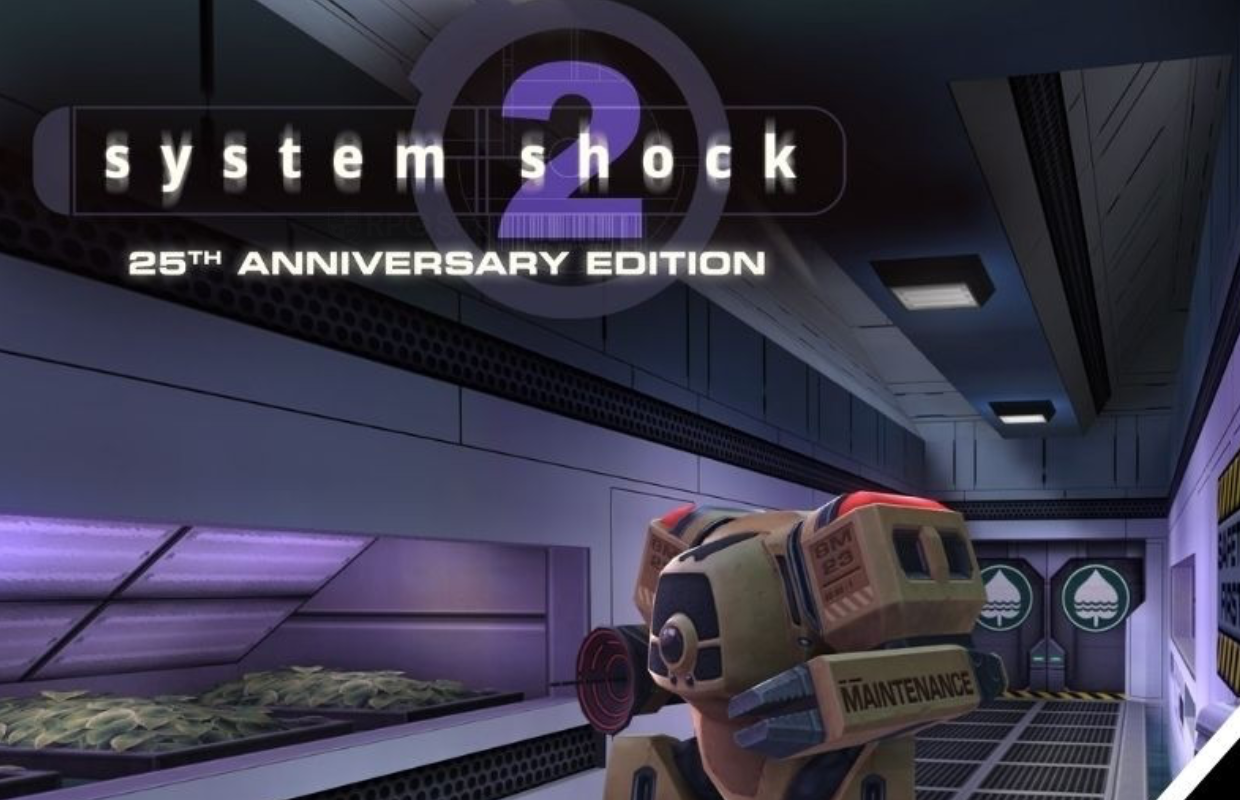
A new update has been released for System Shock 2: 25th Anniversary Remaster, and a detailed ‘Deep Dive’ podcast episode exploring it is also available this week.
The latest update includes an updated network driver, support for Brazilian Portuguese, numerous improvements for PC users, and other enhancements. In the recent Deep Dive podcast, Locke Vincent interviews developer Sam Reki about his journey joining the team and other topics. You can find the complete interview here:
Join Nightdive Studios’ Locke Vincent and System Shock 2: Anniversary Remaster developer Sam Reki in this episode of Deep Dive! They’ll be talking about how Sam became part of the team, his approach to development and tackling challenges, and what makes System Shock 2 so special. You’ll also hear about Sam’s experience as a developer, how the team overcame hurdles during development, and some helpful tips for anyone new to the game.
I’ve been really excited about the recent remaster, and I wanted to share a few links for anyone else who’s interested. You can check out my interview with Stephen Kick from Nightdive Studios where we talked about the remaster and a bunch of other stuff. Also, Adam did a really thorough review of the game, and I wrote a feature about how well it runs on the Steam Deck. I’ve included links to all of those so you can dive in if you want!
The System Shock 2: 25th Anniversary Remaster is now released on PC (through Steam, GOG, and the Epic Games Store), as well as PlayStation 5, PlayStation 4, Xbox Series X|S, Xbox One, and Nintendo Switch.
Nightdive Studios has released the full details for the System Shock 2: 25th Anniversary Edition Patch 1.3, which you can find below.
System Shock 2: 25th Anniversary Remaster version 1.3 update patch notes
Features:
Brazilian Portuguese localization has been added.
We’ve completely rebuilt the network driver, which should significantly reduce disconnects. If you continue to experience issues, please contact us on our Discord channel, and we’ll reach out for more details to help troubleshoot.
Now, when network errors happen, the app provides helpful feedback instead of just going back to the main menu, leaving you wondering what went wrong.
The mouse cursor in the in-game inventory now respects the system mouse preferences.
Added a Quicksave button to the main menu when using gamepad input.
The save button is now disabled when selecting the autosave slot in the save game menu.
Support for Gyroscope controls on Steam Deck, improved Gyro support across supported platforms.
Added the ability to swap the inventory and menu buttons for gamepads, for convenience.
Added a reset all bindings button to the control options menu.
We’ve added the ability for textures to switch between states, letting in-game monitors and screens break apart just like they did in the original game.
We’ve added a new accessibility setting to disable flashing screens when you take damage or use psi powers. You can find this option in the gameplay settings menu.
You can now turn off the helpful tips that pop up when you open your inventory while playing with a controller.
Okay, so they really upped the game with the photosensitivity screen! Now, instead of just being a basic setting, it actually changes based on what language I’m playing the game in. Plus, they cleverly worked the company logos into the screen itself – it looks pretty slick, honestly. It’s way more customized and user-friendly now.
The Atari logo has been added to the beginning of the game.
Added numbers to the main menu buttons, like the original game.
General improvements to existing localised text.
Many other under-the-hood improvements to Dark Engine compatibility.
Bug fixes:
Fixed crashes that could occur when closing the game while a video was playing.
Fixed a crash when ending the game while awaiting a QBR revival.
Fixed a multiplayer crash when a player died whilst on earth.
Fixed a rare crash which could happen when opening the inventory.
Fixed a crash when loading a save after disabling remastered content.
Fixed being unable to re-bind the mouse wheel.
Okay, so I found a bunch of spots in the menus where hitting ‘cancel’ was actually doing the thing you didn’t want it to do – like confirming an action instead of backing out. I fixed that, so cancel now actually cancels, which is… pretty important, honestly!
Fixed surround sound not working properly when using the FMOD audio driver.
Fixed some rare issues with music playback.
Fixed a bug where after playing for long enough, inventory graphics would become mismatched.
Fixed a bug where joining a multiplayer session would not restore collected audio logs.
Fixed a variety of issues with held weapons after death.
Fixed a bug where it was possible to completely lose input focus on the main menu.
Fixed numerous bugs and quirks with the collision and physics system.
Fixed an oversight where some menus would use the incorrect set of sound effects.
Limited the max framerate to 500 fps, to prevent the game logic becoming unstable above this value.
Fixed controller vibration not functioning properly.
Fixed several issues with dynamic lights on apparitions and explosions.
Added prevention for quicksaving whilst the player is dead.
Fixed incorrect distance sorting for transparent objects.
Fixed some bind names not properly describing their contextual functionalities.
Keypads now always start with the number 5 selected when using gamepad input.
The size of the keypad font now matches the original game.
We fixed an issue where players couldn’t close the weapon settings panel after using a gamepad to choose ‘modify’ or ‘repair’.
Fixed radioactive rooms ceasing to function after loading a saved game in multiplayer.
Fixed “Maintenance Robots” causing huge bandwidth spikes.
Fixed several common instances of desync in multiplayer.
Fixed a mismash of issues that occurred in custom campaigns.
Fixed several crashes reported to us by the community.
Fixed some issues that could appear when starting a multiplayer game twice in one session.
Fixed a bug which could lead to players having full movement speed on ladders.
Fixed the “players” label in some menus being unlocalised.
Fixed a bug where light textures would not change to their turned off variant.
Fixed lipsync in multiplayer.
Fixed a bug with Unlit models not being truly Unlit when they should be.
Fixed dripping goo duplicating for each player present in multiplayer.
Fixed the map not showing trait-added icons in multiplayer.
Fixed an Alpha transparency issue.
Fixed the texture not changing on the damaging floors in the final area.
We fixed an issue where players using a gamepad could accidentally equip broken weapons, causing them to vanish from the game permanently.
We fixed an issue in multiplayer where item notifications would sometimes appear in the wrong language. Now, notifications will always show up in your language settings.
Fixed a number of multiplayer bugs related to the cutscene in engineering.
Fixed a great number of under the hood issues with multiplayer.
Fixed a bug where some menu UI SFX would stop playing when entering the Vault.
Sammy the Grub in Hydroponics will no longer get stuck under crates when he appears.
PC:
Fixed a crash when minimising the game.
We’ve added the ability to choose any resolution you want when playing in exclusive fullscreen mode. Previously, the game was limited to your desktop’s resolution, which has now been fixed.
Added support for ZIP files and loose folders for mods and fan missions.
Fixed the load order of the default mods.
Fixed a bug in the TGA loader which was affecting textures in some fan missions.
The mouse is now automatically centered on the screen when opening the pause menu.
Fixed loading of malformed model data, sometimes seen in old fan missions.
Resolved an issue where the ‘unlock_elevator’ cheat (used to skip a section in the mid-game) was incorrectly reporting that cheats were disabled, even when they were turned on.
Pressing escape will no longer hide the mouse cursor in menus.
Fixed current item not being updated when changing the mod order.
Fixed some menu backgrounds not displaying properly when using 4:3 resolutions.
Added descriptions for all mods which didn’t have one prior.
Resolved an issue where the ‘Confirm’ button was incorrectly appearing instead of the ‘Cancel’ button in the keyboard and mouse settings window.
We’ve fixed a bug that prevented players from leaning left and right while walking. We also resolved problems with remapping keys when using keyboards that aren’t standard QWERTY. You might need to reset your user.bnd file for these changes to take effect.
Fixed corona rendering.
Fixes for the debug menu.
This update includes several improvements for mods that use NewDark features, especially those relying on the ShockOverlay scripting interface.
Read More
- Off Campus Season 1 Soundtrack Guide
- X-Men ’97 Finally Gave Gambit the Hero Moment He Deserved
- Chainsaw Man Volume 24’s Cover Art Reveals a Brand-New Denji
- 46 Years Later, The Mandalorian & Grogu Answers A Major Empire Strikes Back Question
- 10 Worst End-Game Couples In Sitcom History
- HoI4 fans harsh reactions to the announcement of another DLC pack
- DoorDash responds after customer uses AI to make food look bad and get a refund
- Gold Rate Forecast
- Emily Henry Says to ‘Trust the Vision’ For Beach Read Adaptation
- Katanire’s Yae Miko Cosplay: Genshin Impact Masterpiece
2026-03-28 22:02