
This week sees the release of Ys X: Proud Nordics on PC, brought to you by PH3 and NIS America. This version is an upgraded and expanded take on the original Ys X: Nordics. The first PC release was already a great port, performing exceptionally well on the Steam Deck. I wanted to see how Proud Nordics would improve on that for PC users. In this article, I’ll cover the PC port of Proud Nordics, highlighting the new features not found in the original game, and more. For a deeper dive into the development of the PC port and other details, I suggest checking out my interview with Durante from PH3.
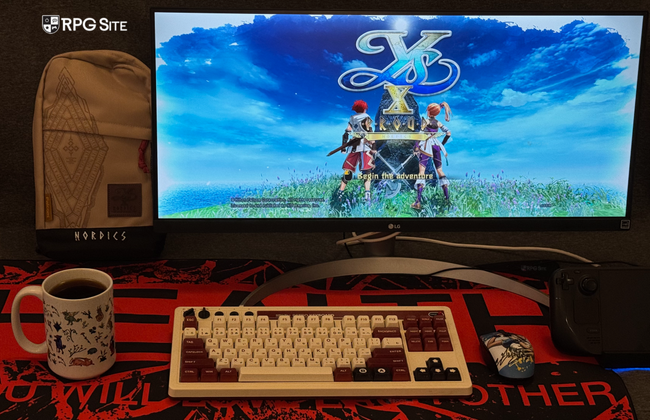
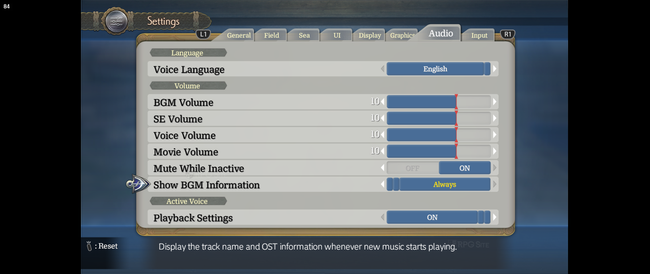
Ys X: Proud Nordics PC exclusive features — HDR support, soundtrack information, and more
Players familiar with recent PC releases of PH3 will find this version very comfortable. For newcomers, Ys X: Proud Nordics on PC offers several improvements over the console versions. These include enhanced visuals with HDR support, customizable controls (including mouse and keyboard), and various display options like ultrawide and 16:10 support. You’ll also find quality-of-life features like adjustable autosave intervals, the ability to skip logos for faster loading, direct save loading from Steam, independent movie volume control, customizable button prompts, gamepad deadzone settings, and an asset caching feature.
Asset caching is disabled by default, but it allows you to control how much memory the game uses to make things load faster. While it’s off, loading screens might take a bit longer. You can turn it on automatically, or customize it if your computer has at least 24GB of RAM.
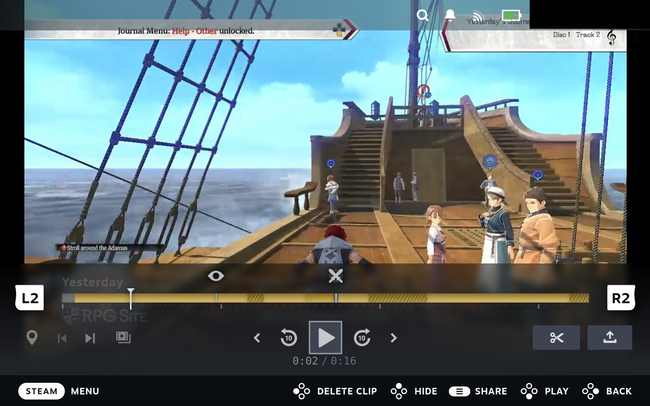
The Steam version of the game works with Steam’s recording feature, automatically adding helpful markers to your recordings. These markers highlight key moments like battles and important events, making it easy to find and revisit them. You can see how this looks in the recording example from the game’s opening battle, captured on the Steam Deck OLED.
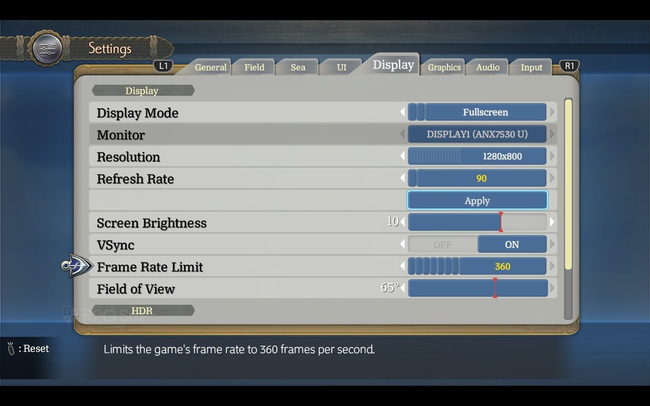
Ys X: Proud Nordics PC display options
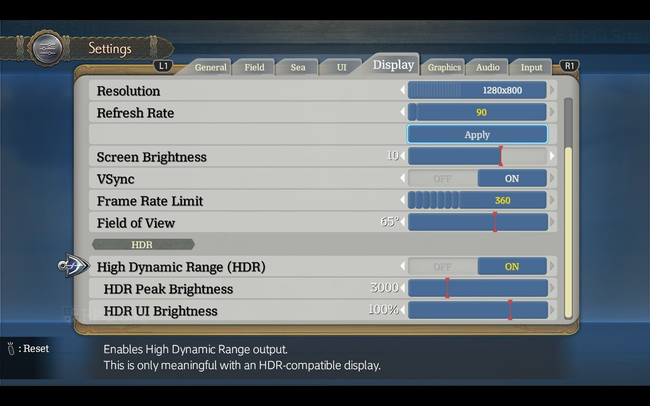
Ys X: Proud Nordics on PC offers a lot of options to customize how the game looks. You can change between windowed, borderless, and fullscreen modes, select which monitor to use, and adjust the resolution (from as low as 320×200 up to 4K, depending on your hardware). You can also control the refresh rate, enable or disable v-sync, set a frame rate limit between 30 and 360fps, and fine-tune the screen brightness and HDR settings.
Ys X: Proud Nordics PC ultrawide support
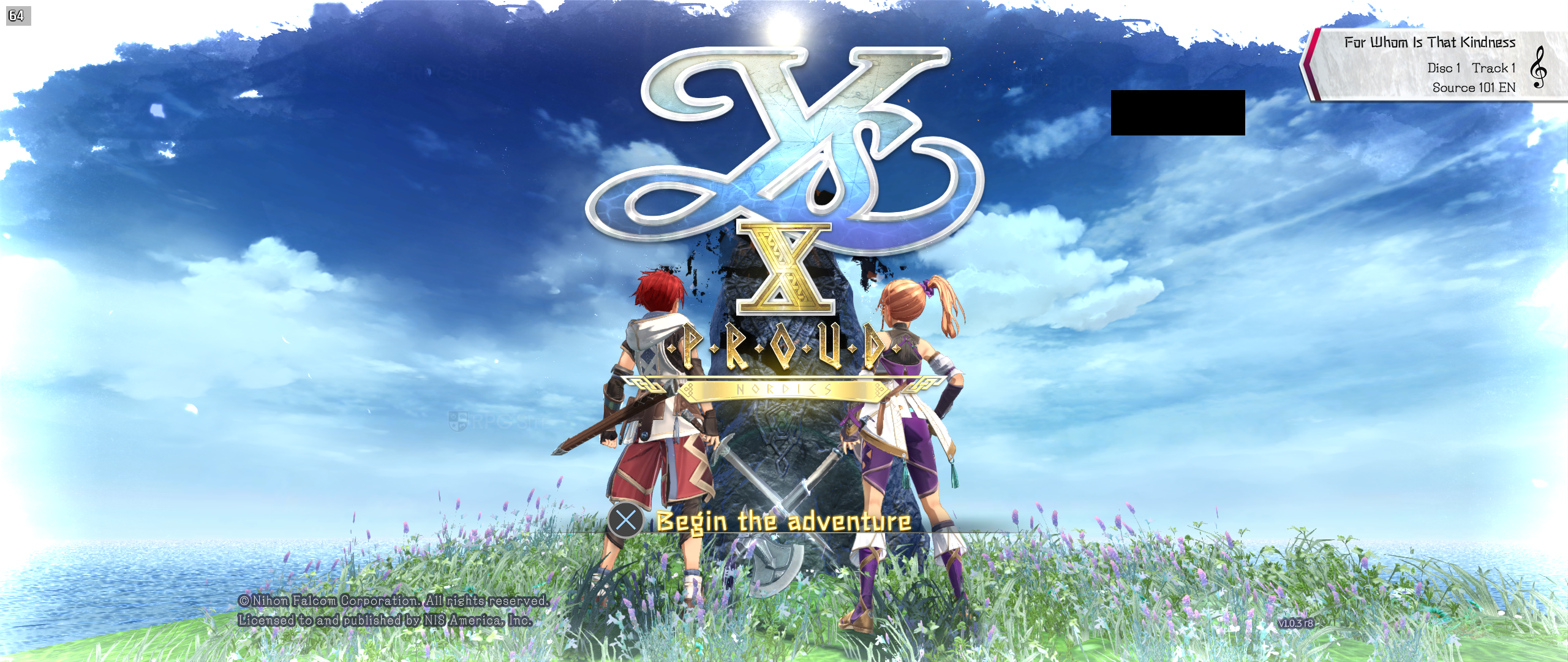
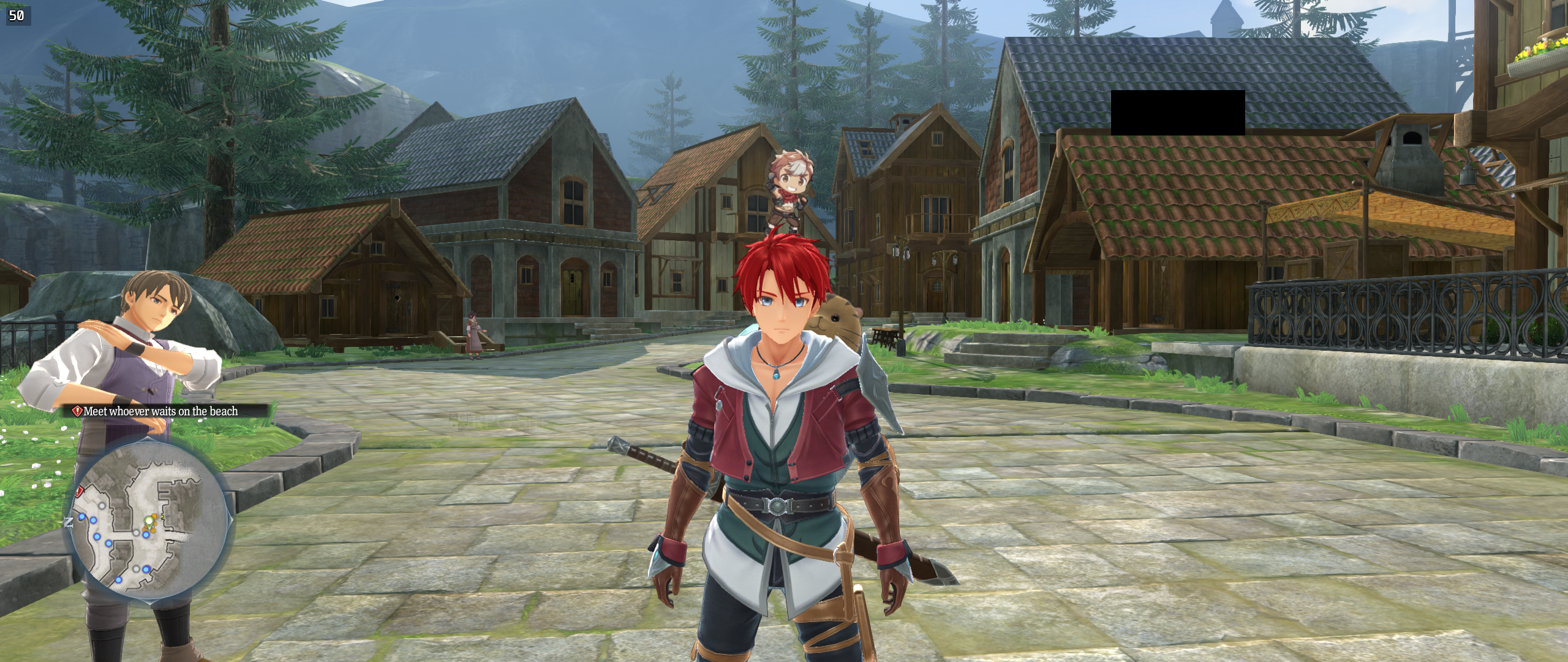
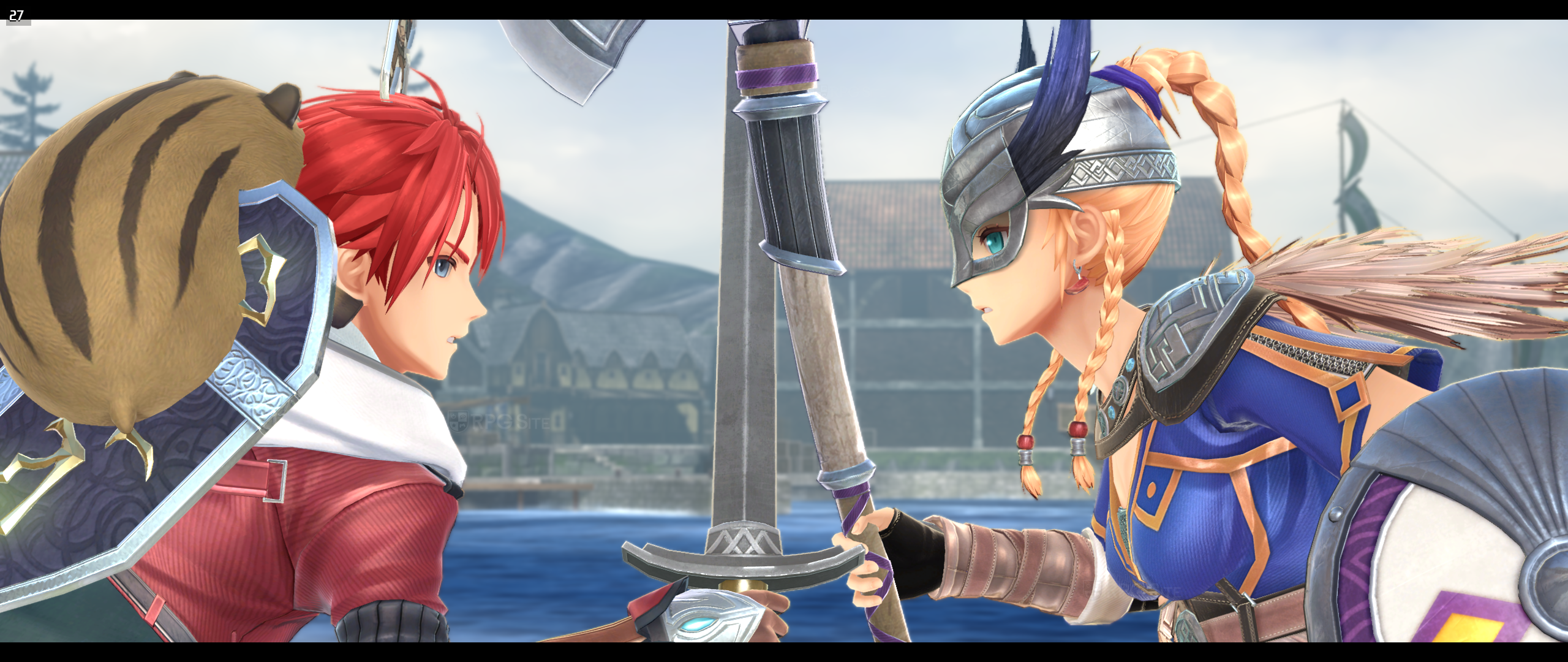
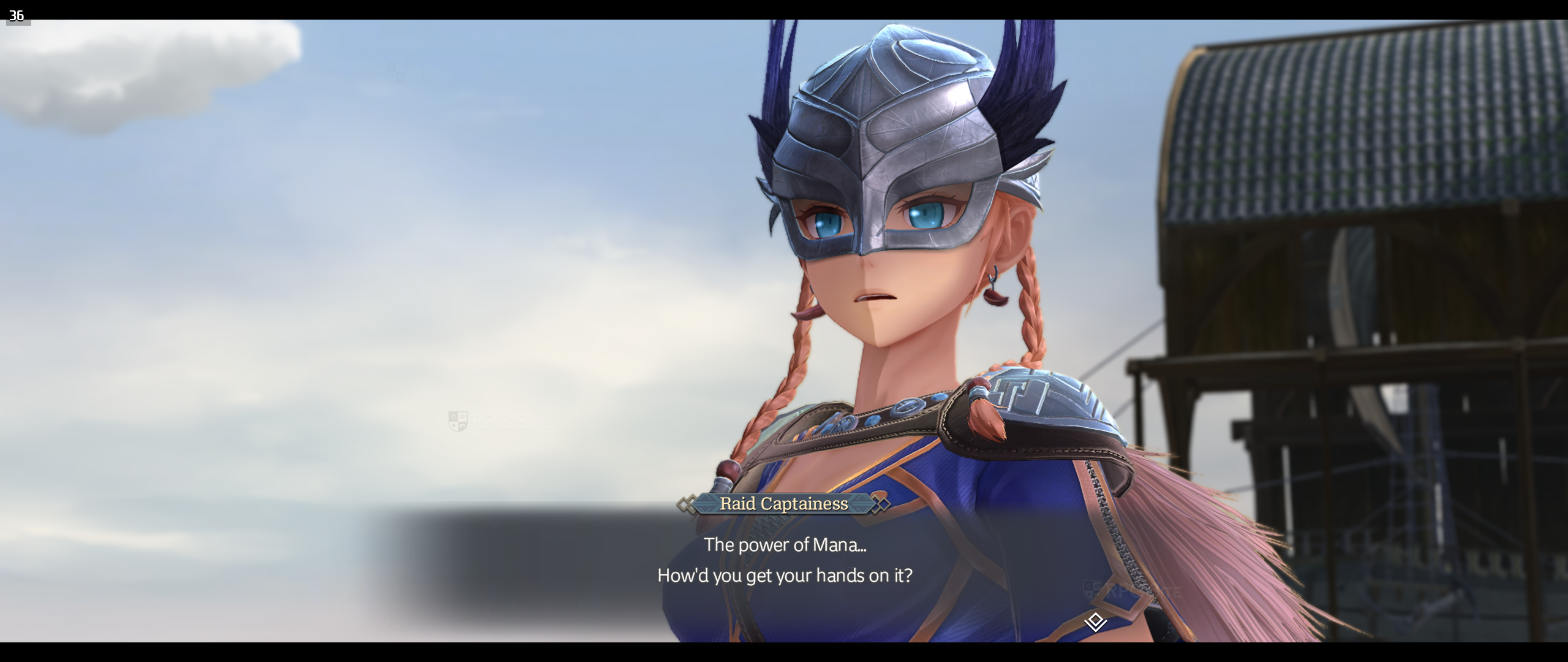
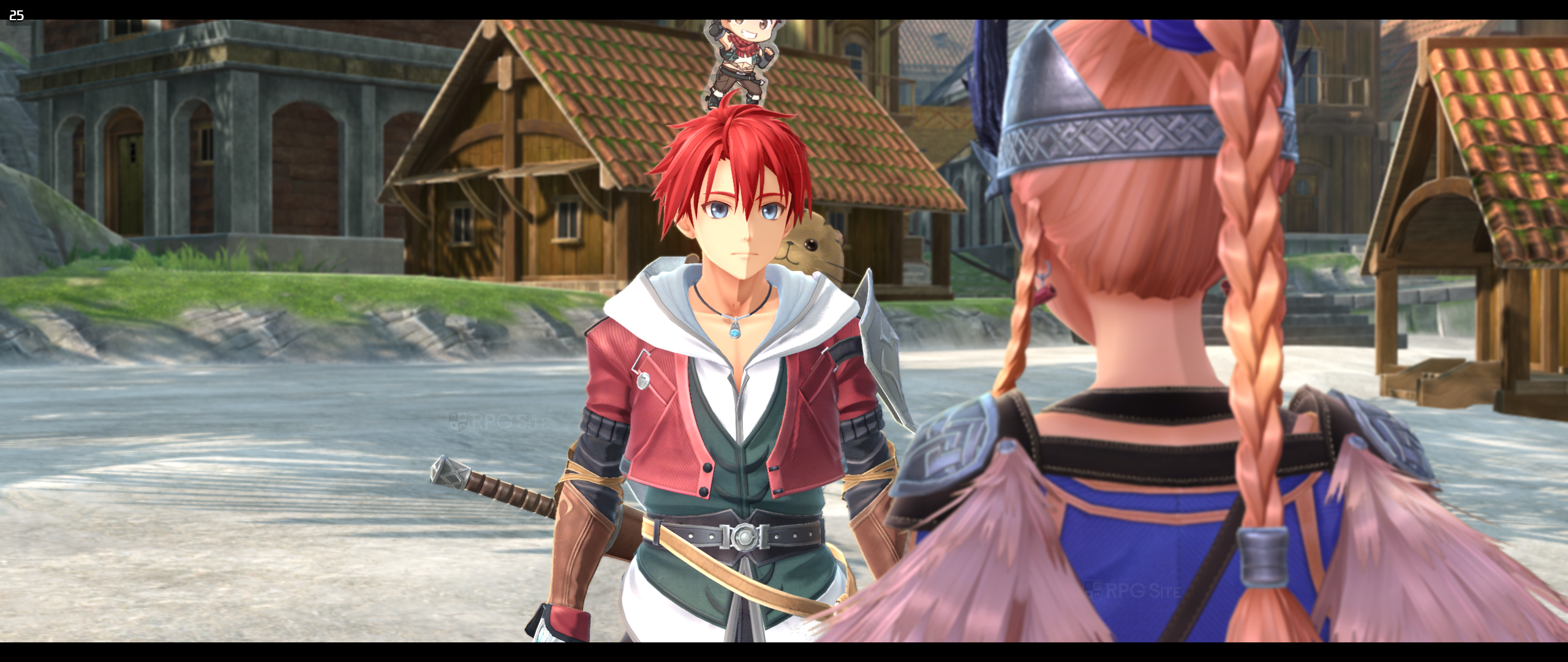
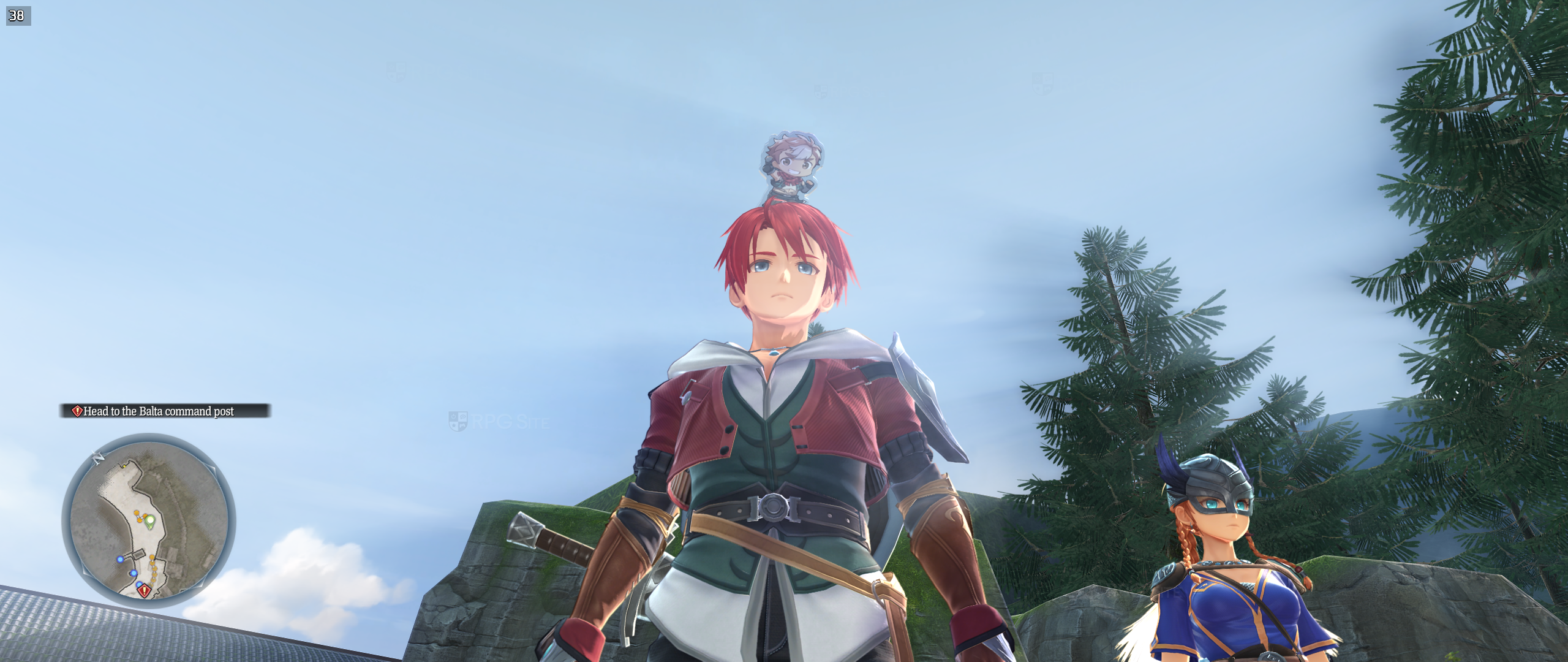
I’ve been testing out Ys X: Proud Nordics on my PC, specifically on my ultrawide 21:9 monitor, and I have to say, it looks fantastic! Almost everything adapts beautifully to the wider screen, including the in-game cutscenes. The only downside is that some of the menus and artwork are still in the standard 16:9 format, but overall, it’s a really immersive experience.
Ys X: Proud Nordics PC-exclusive HDR settings
As a fan, I’m really glad to see that Ys X: Proud Nordics on PC includes PH3’s great HDR settings! You can tweak the peak brightness and UI brightness separately, which is awesome. Just keep in mind this only works if you have an HDR-compatible display, like the Steam Deck OLED.
Ys X: Proud Nordics PC graphics presets
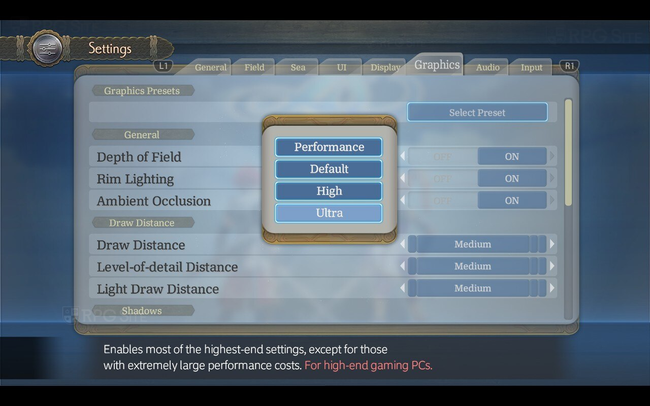
Like other PC games from Falcom, Ys X: Proud Nordics includes several graphics settings you can choose from, along with detailed options to customize the visuals. Here’s a look at the available presets:
- Performance: A performance-focused preset, reducing settings without greatly impacting visual quality. Ideal for lower-end laptops or portable devices like the Steam Deck.
- Default: The default settings. These are close to the console versions, with minor improvements. (Note: In past games, the default setting
- High: Enables several graphics improvements which are not too performance-intensive. A balanced selection for gaming PCs.
- Ultra: Enables most of the highest-end settings, except for those with extremely large performance costs. For high-end gaming PCs.
Ys X: Proud Nordics PC graphics options
Okay, so in Ys X: Proud Nordics, the graphics menu is pretty flexible. You can pick a preset, or really dive in and tweak things yourself. It’s broken down into four main parts: General, Draw Distance, Shadows, and Rendering Quality. In the General section, I can mess with things like depth of field, rim lighting, and ambient occlusion to get the look I want. Then, in Draw Distance, I can adjust how far away I can see stuff – map objects, characters, even the lights. You actually have to reload the game to see those changes, though. There’s also a Level-of-Detail Distance setting for static objects, which helps with performance, and a Light Draw Distance to control how far I can see dynamic lighting effects.
The Shadows settings control the detail and quality of shadows in the game. You can adjust the Shadow Resolution (from Low to Ultra) and Shadow Filtering (options include Basic, Default, Soft, and PCSS). PCSS is a high-quality filtering method that creates more realistic shadows, but it’s demanding on your graphics card and works best with High or Ultra shadow resolution.
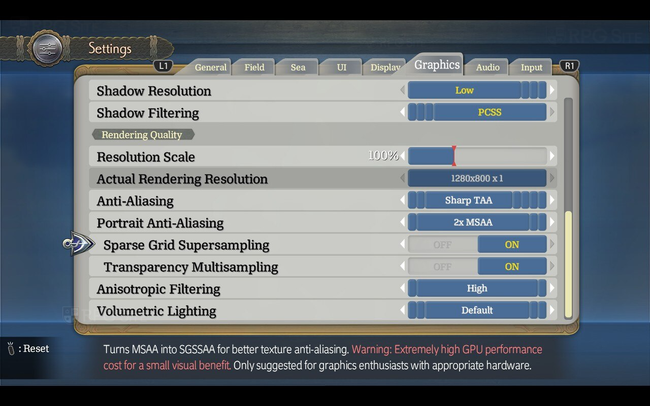
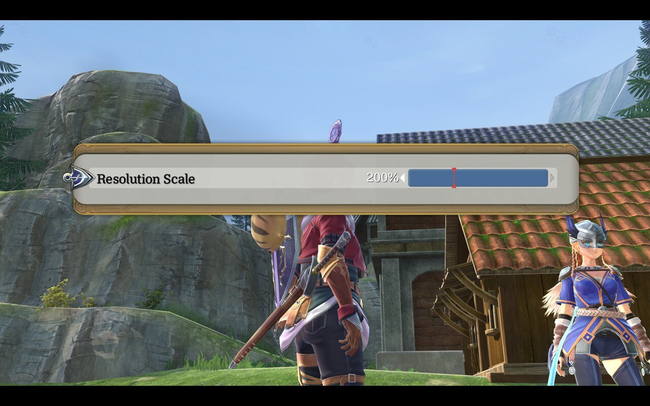
The Rendering Quality settings allow you to change the resolution scale – from 50% to 200% – and see the actual rendering resolution. You can adjust this on the fly without needing to restart the game, and you’ll immediately see how each change affects performance. While players on the Steam Deck or ROG Ally won’t find DLSS or XeSS options, the game does support these technologies, including DLSS 3, 4, and 4.5. FSR is not supported, as the developer, Durante, mentioned in an interview. For anti-aliasing, Ys X: Proud Nordics offers several options: the default screen-space anti-aliasing, sharp and smooth temporal anti-aliasing, MSAA (at 2x, 4x, and 8x levels), and the ability to disable anti-aliasing altogether. There’s also a separate setting to adjust multisampling specifically for portraits, with options to turn it off, or use 2x, 4x, or 8x MSAA.
If you’re using Portrait Anti-aliasing, you can further improve texture quality by turning on Sparse Grid Supersampling, also known as SGSSAA. You can also enhance the appearance of transparent objects by enabling Transparency Multisampling. Finally, under Rendering Quality, you can adjust Anisotropic Filtering (choosing from default, high, or maximum) and Volumetric Lighting (off, low, default, high, or ultra).
PH3 also measures how demanding the game is on your graphics card, especially with higher settings. Plus, it allows you to easily test and adjust almost all of the visual settings in Ys X: Proud Nordics on PC.
Ys X: Proud Nordics PC control options
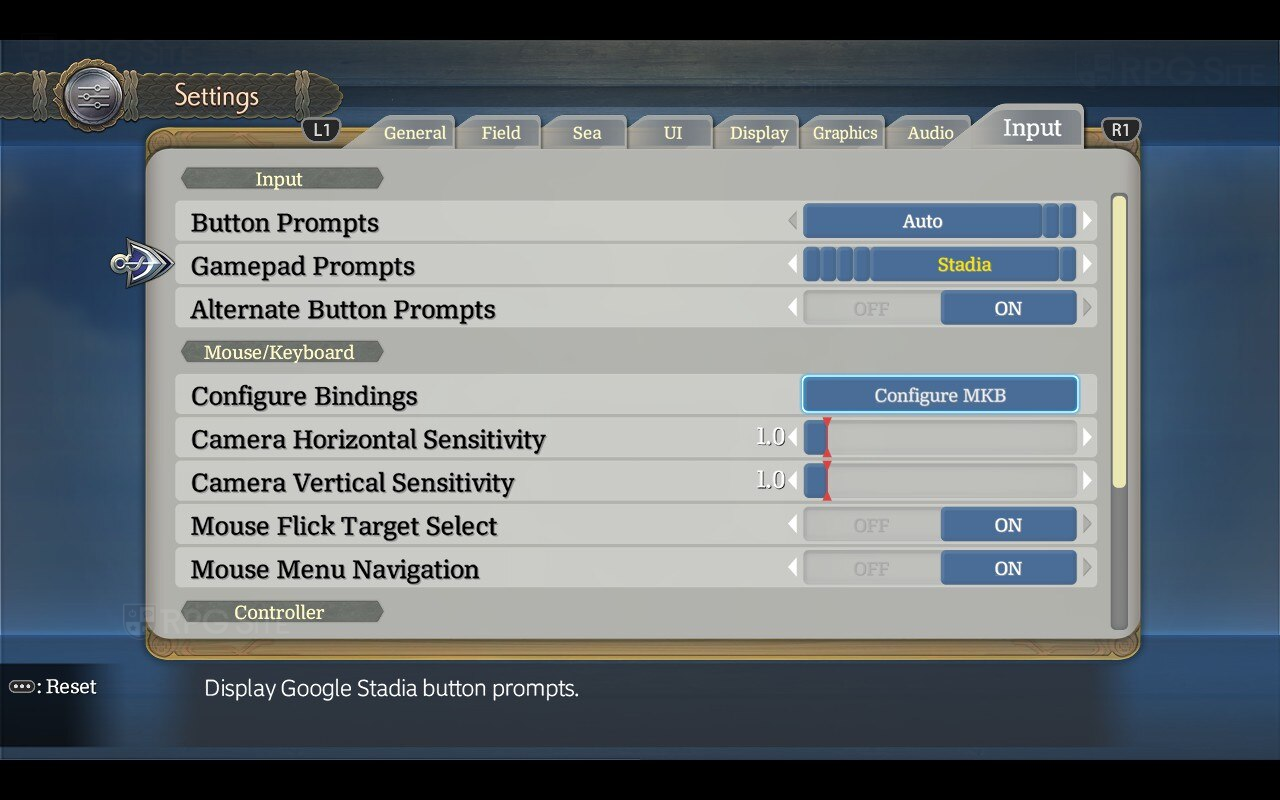
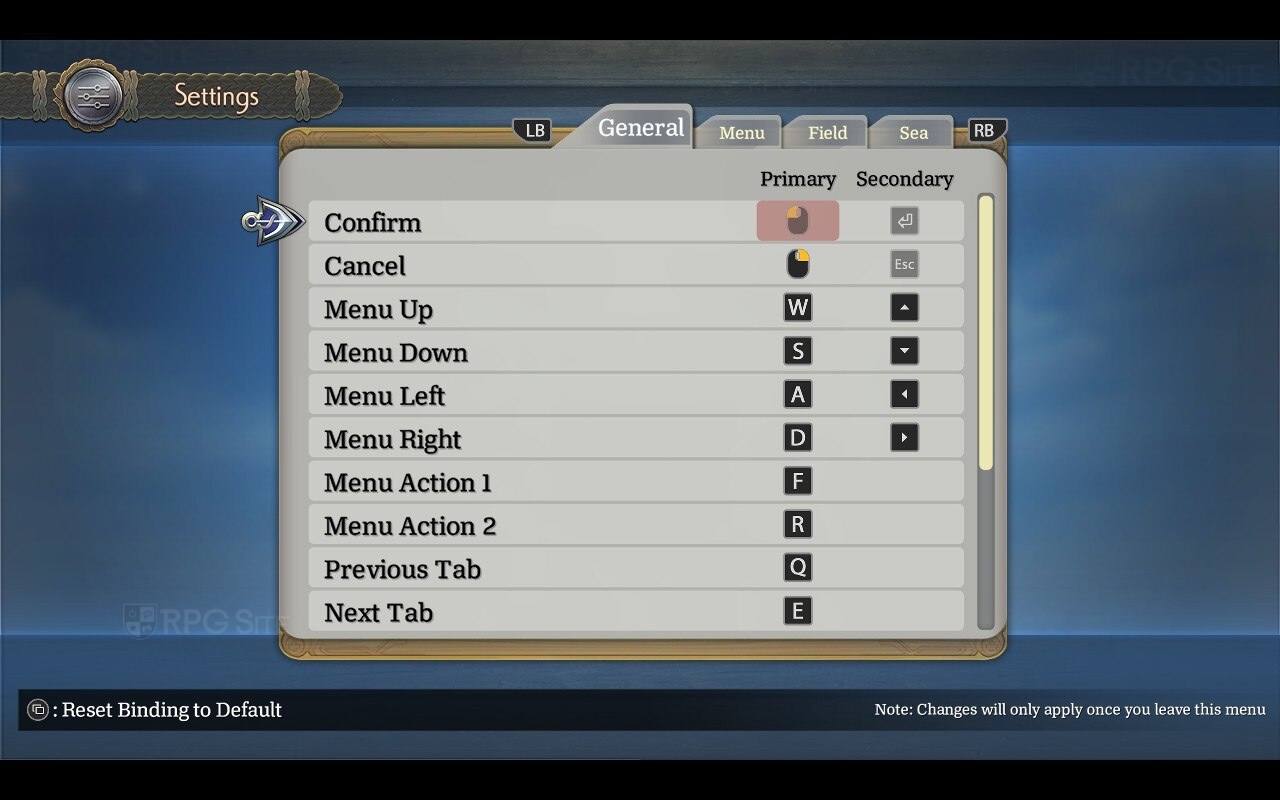
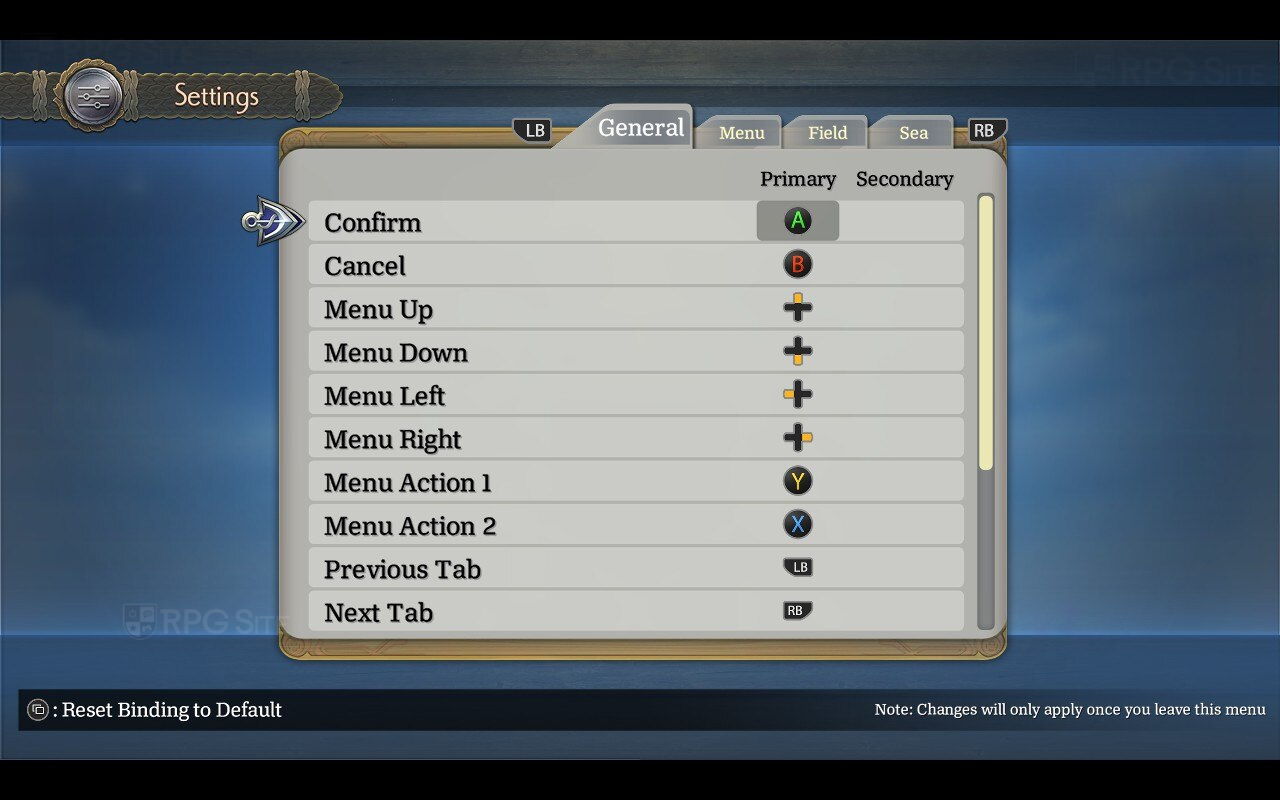
Ys X allows you to customize how button prompts appear in the game. You can choose to display prompts automatically, or specifically for gamepads, mouse and keyboard, or even for different gamepad types like Xbox, PlayStation, Steam Deck, and Nintendo Switch. You can also choose to show both your primary and secondary control schemes as button prompts. From there, you can access detailed mouse and keyboard, or controller settings. These settings let you configure controls, adjust mouse sensitivity and movement, enable or disable mouse-based menu navigation, and choose whether to quickly switch targets with the mouse while locked on.
Besides setting up button controls, you can also customize how your controller feels. This includes adjusting the vibration strength, the sensitivity of the left and right sticks (deadzones), and how quickly a quick back-and-forth movement of the sticks is registered as a ‘flick’.
Ys X: Proud Nordics recommended settings for Steam Deck OLED and LCD
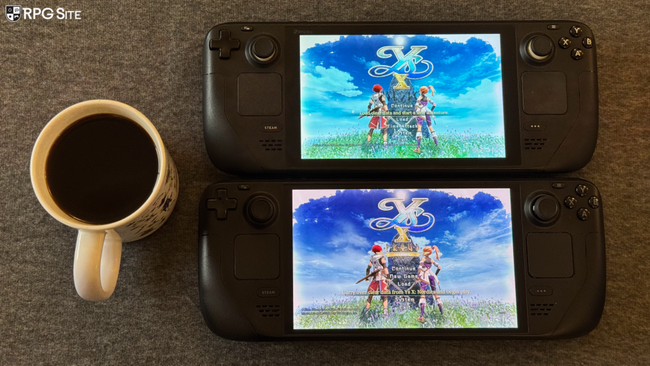
I’ve found that Ys X: Proud Nordics demands a bit more processing power than Ys X: Nordics, impacting performance even in the original game’s areas. On the Steam Deck OLED, while you could achieve around 90fps with the performance preset and lowered shadow settings in Ys X: Nordics, you’ll likely see 75-80fps with Proud Nordics initially. I wouldn’t push for 90fps on this version. However, you can still get a great 60fps experience with HDR by using the Performance preset and limiting the game to 60fps and 60hz through the Steam Deck OLED Quick Access Menu. If you’re on the original Steam Deck LCD, simply play with the in-game 60fps limit – no further adjustments are needed. I didn’t focus on optimizing for higher visual settings at a lower frame rate, as I believe an Ys game is best enjoyed at 60fps or higher if possible. I plan to revisit optimization for all platforms in a future update.
Ys X: Proud Nordics vs Ys X: Nordics PC port differences and performance
The PC version of Ys X: Proud Nordics offers improved graphics options compared to the original release, including support for DLSS (version 4.5), XeSS, and TAA – the original only had MSAA and screen-space reflections. Currently, the PC version also doesn’t include the co-op mode that was available in the initial Ys X release. You can find more details about the co-op feature in my interview with Durante, who worked on the original release, available here.
Ys X: Proud Nordics will be available in Western regions on February 20, 2026, for PlayStation 5, Nintendo Switch 2, and PC (via Steam, GOG, and the Epic Games Store). Players in Japan will be able to play the game starting February 19, 2026, on PS5.
Read More
- United Airlines can now kick passengers off flights and ban them for not using headphones
- Katanire’s Yae Miko Cosplay: Genshin Impact Masterpiece
- All Itzaland Animal Locations in Infinity Nikki
- How to Complete Bloom of Tranquility Challenge in Infinity Nikki
- How to Get to the Undercoast in Esoteric Ebb
- Gold Rate Forecast
- All Golden Ball Locations in Yakuza Kiwami 3 & Dark Ties
- A Dark Scream Theory Rewrites the Only Movie to Break the 2-Killer Rule
- Fire Force Season 3 Part 2 Episode 24 Release Date, Time, Where to Watch
- BloxStrike codes (March 2026)
2026-02-16 17:28