
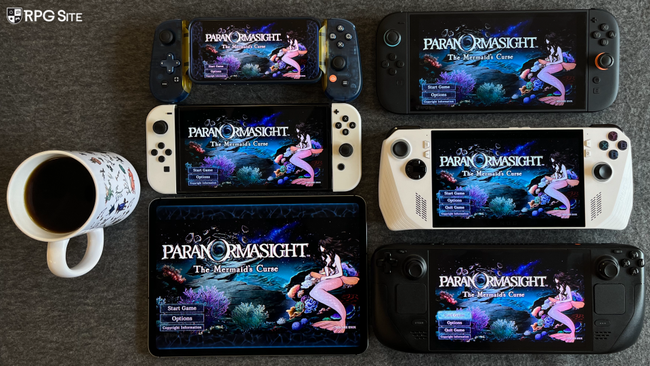
Paranormasight: The Mermaid’s Curse visuals and graphics options on PC, Switch 1, Switch 2, PC, and mobile
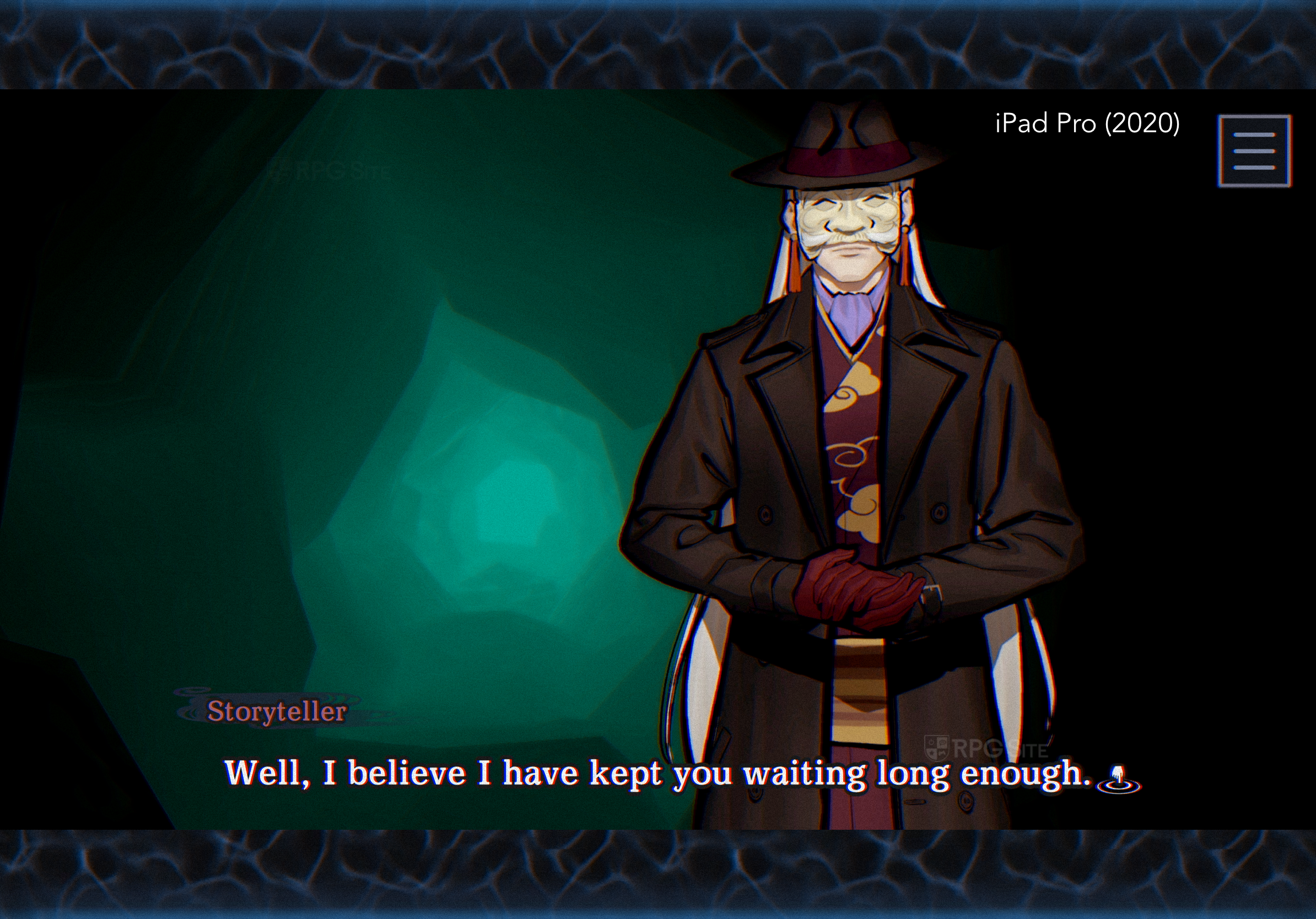
Paranormasight: The Mermaid’s Curse is designed for a 16:9 screen, so how it looks depends on your device. If you’re not playing on a 16:9 screen, you’ll either see black bars around the image or the game will use artwork to fill the extra space. On Steam Deck, it uses black bars. On iPhones and iPads, it uses animated artwork on the sides (iPhone) or top and bottom (iPad) to fill the screen. This is similar to how cutscenes and menus in the Yakuza games are displayed on Steam Deck or PC. Nintendo Switch and the upcoming Switch 2 don’t have this issue because their screens are already 16:9. The galleries below show how the game looks on different devices like iPhone, iPad, Steam Deck, PC, ROG Ally, and Switch.


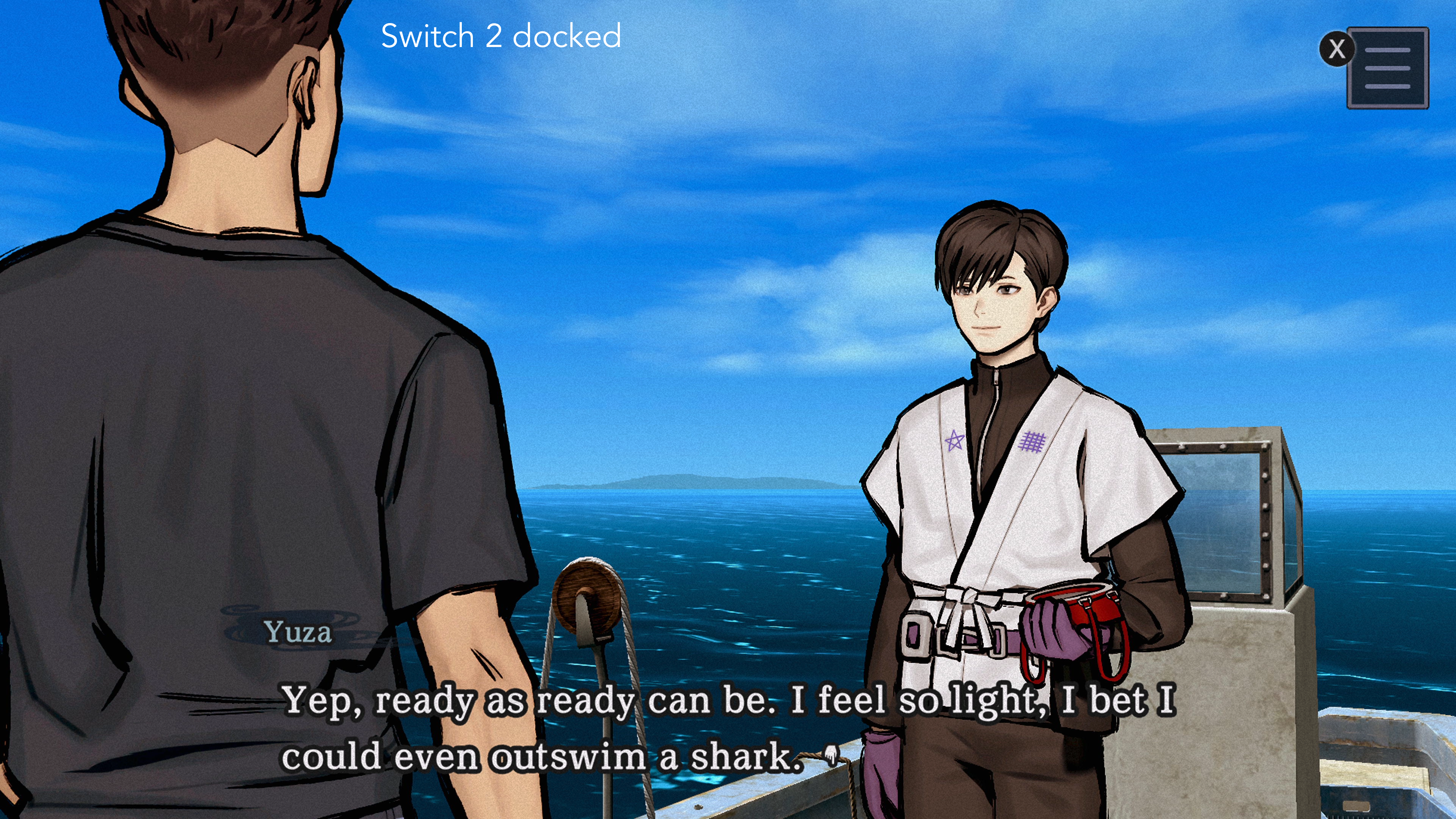
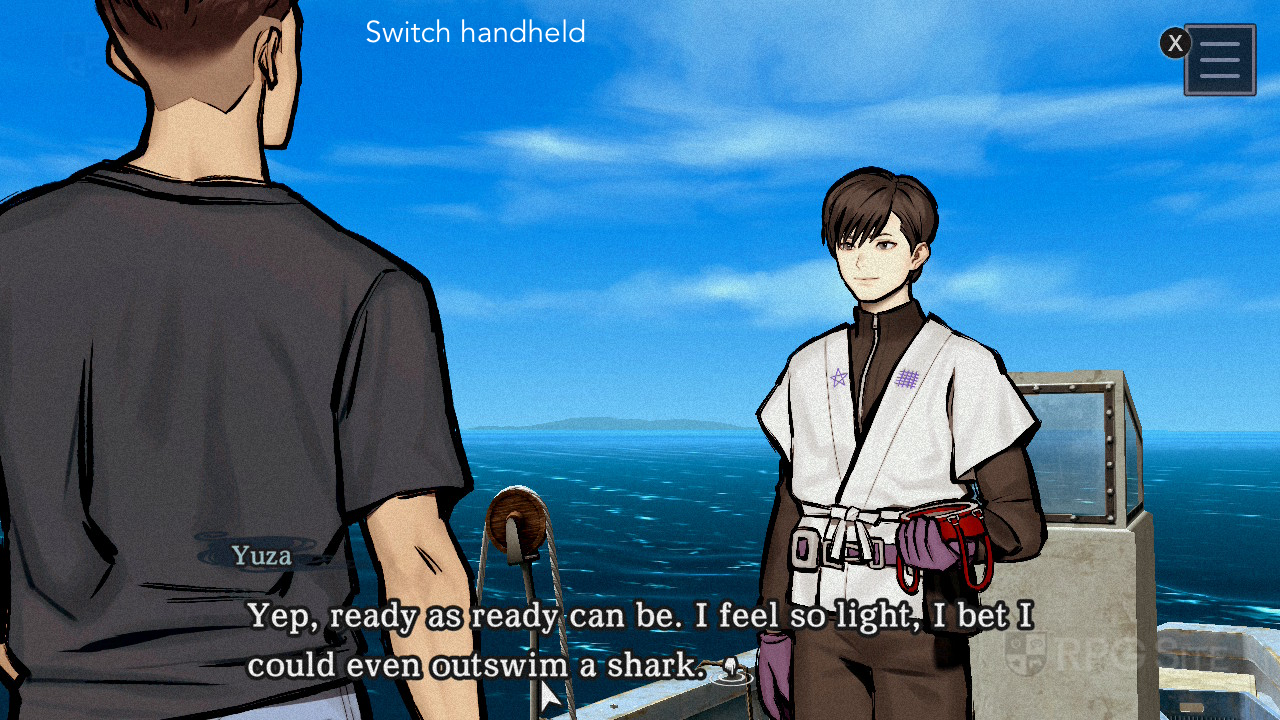
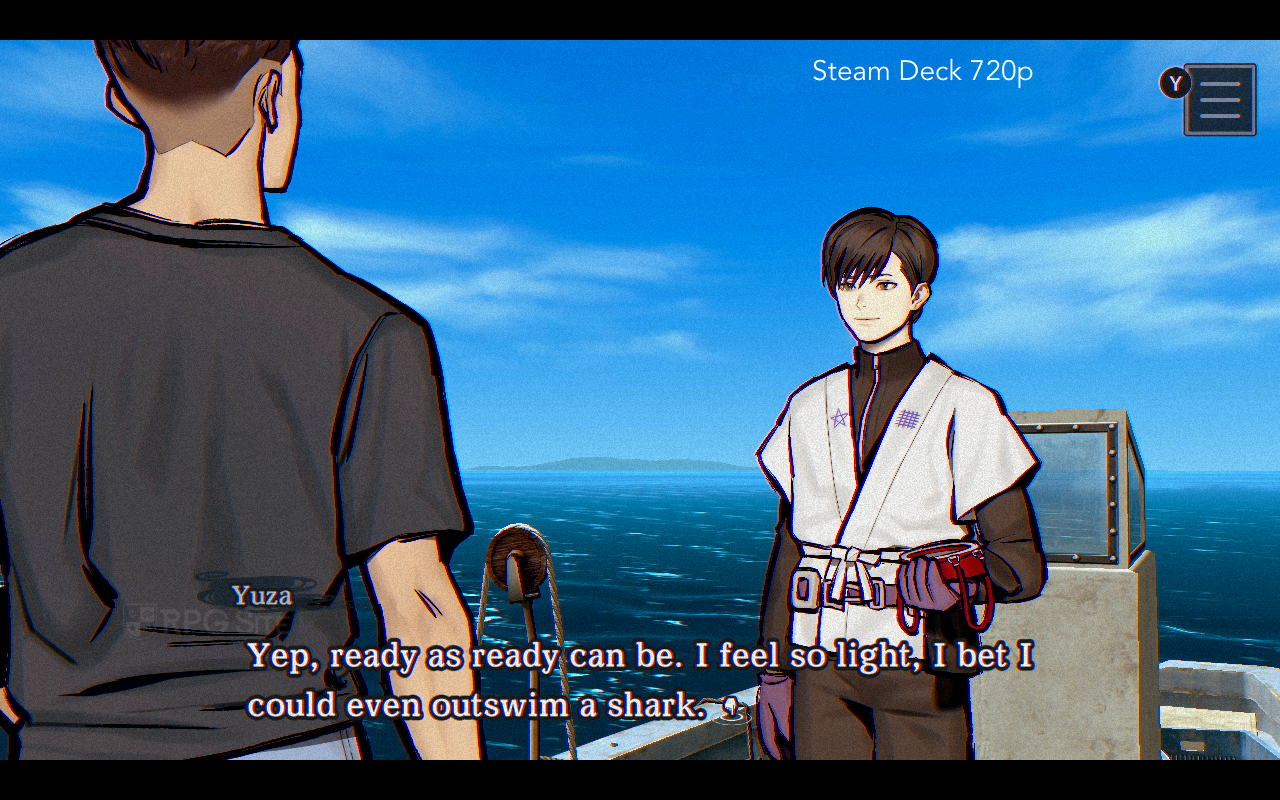
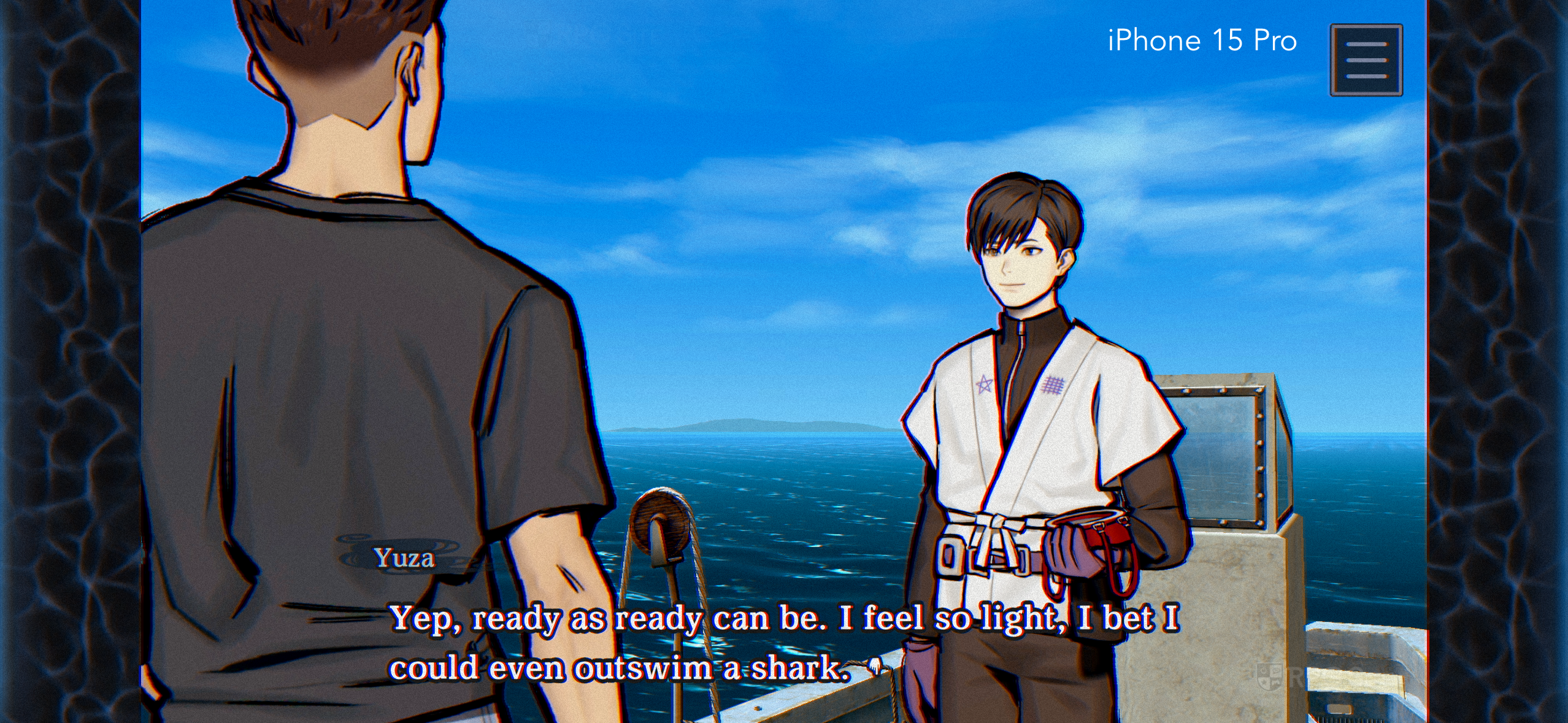
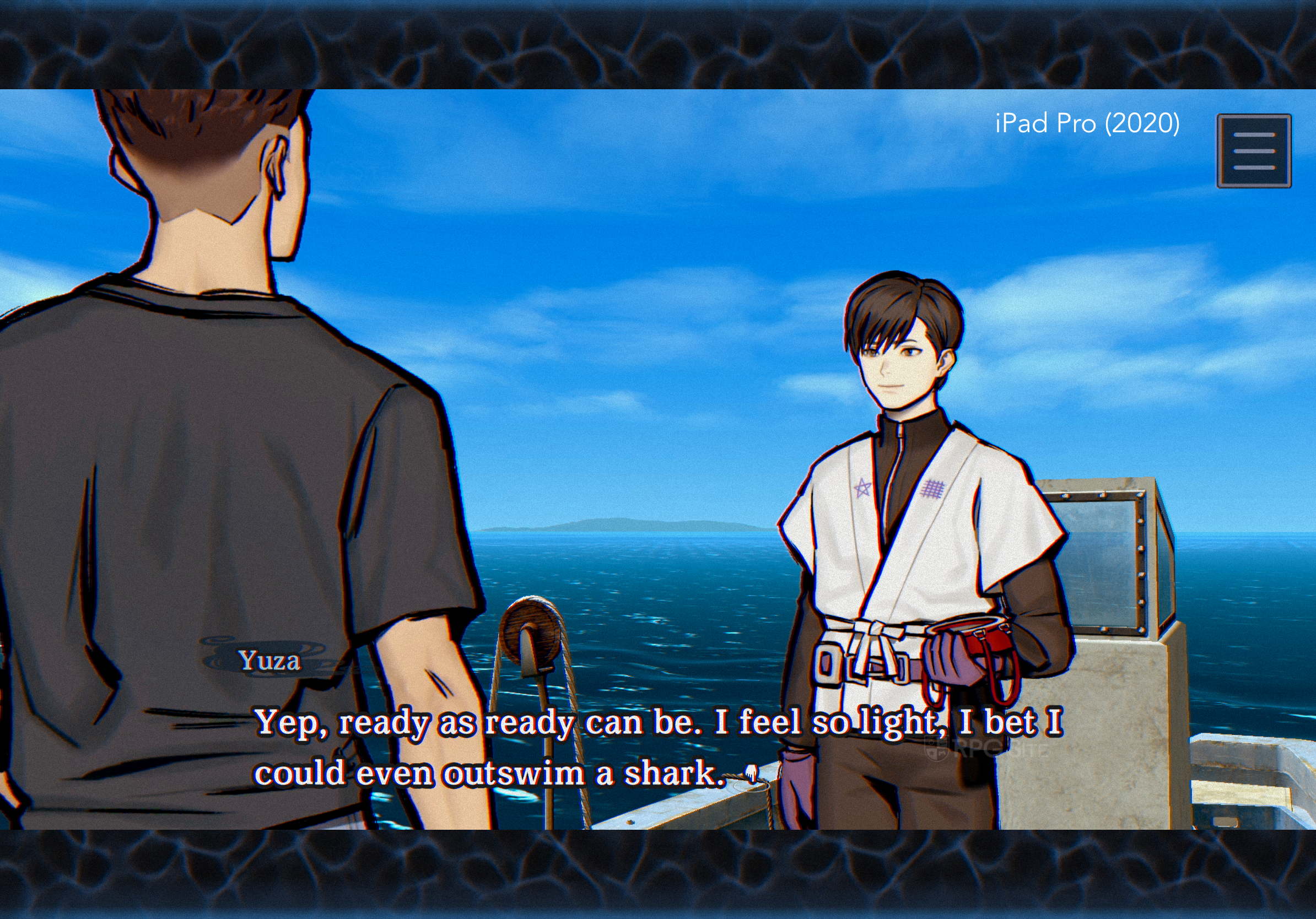
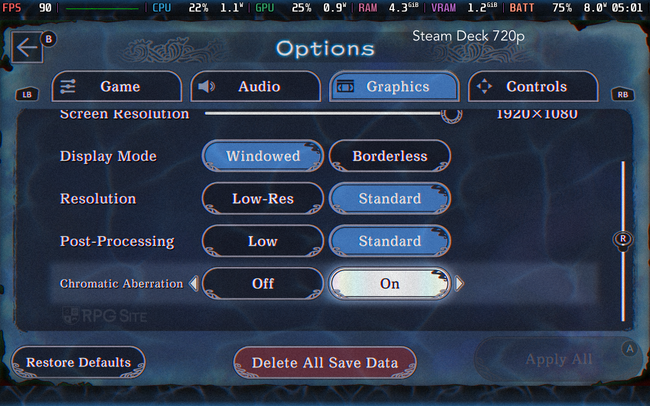
Paranormasight: The Mermaid’s Curse offers different graphics settings depending on the platform. On mobile and PC, you can adjust the visual quality with options like low, standard, and high, which also impacts the game’s frame rate. You can also turn chromatic aberration on or off. On Nintendo Switch (and Switch 2 through backward compatibility), there isn’t a full graphics menu, but you can still toggle chromatic aberration in the game settings.
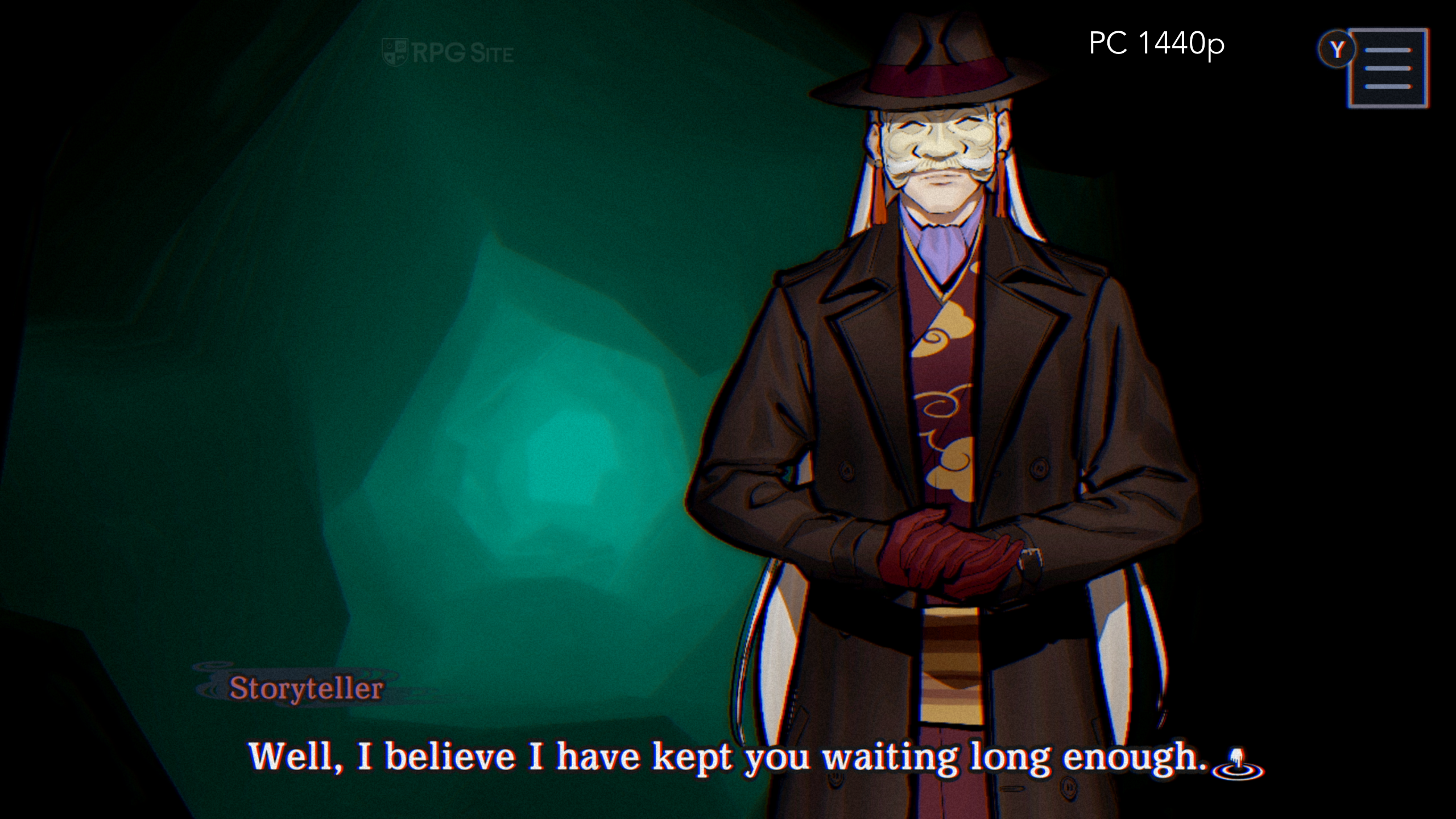
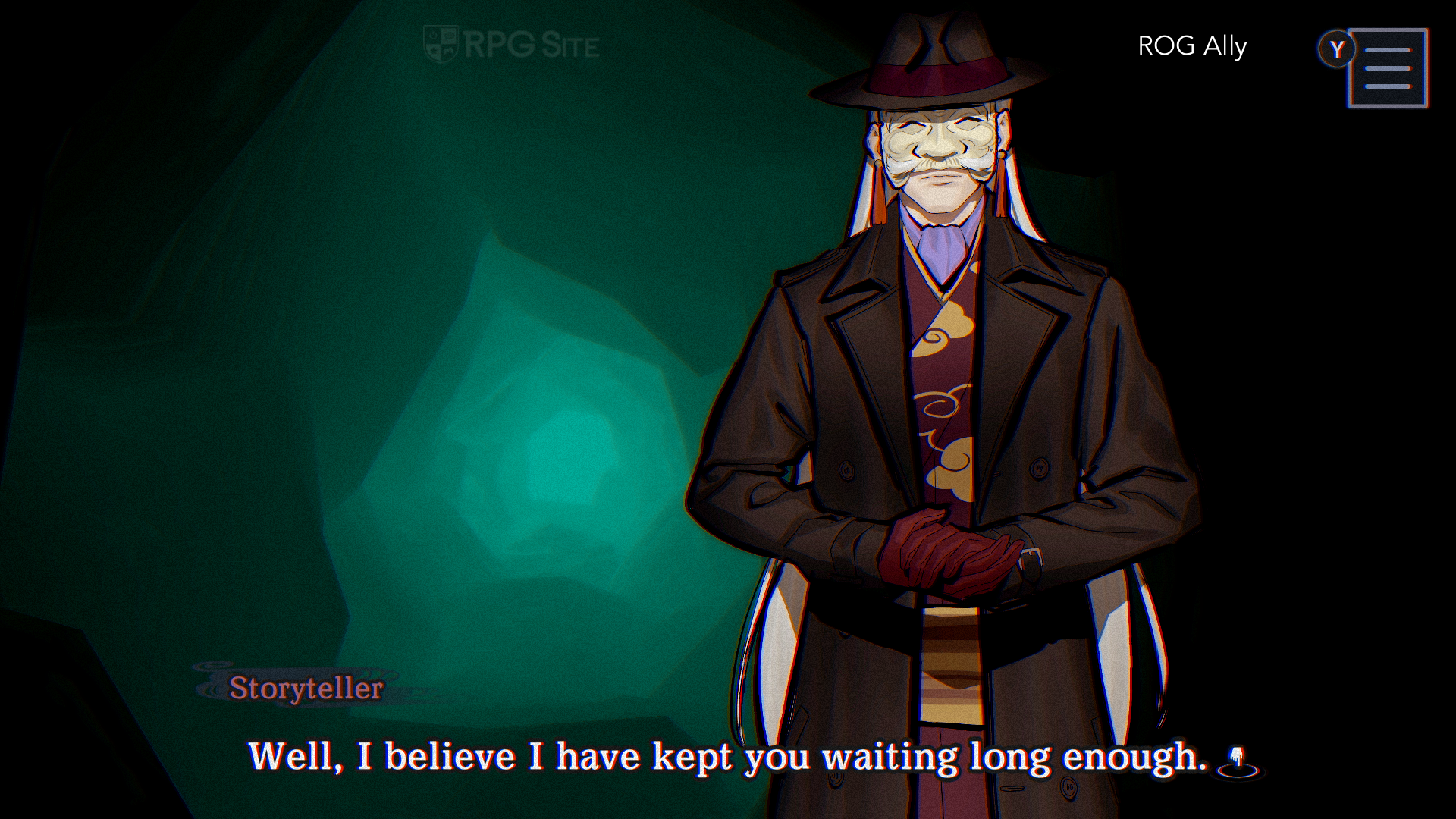
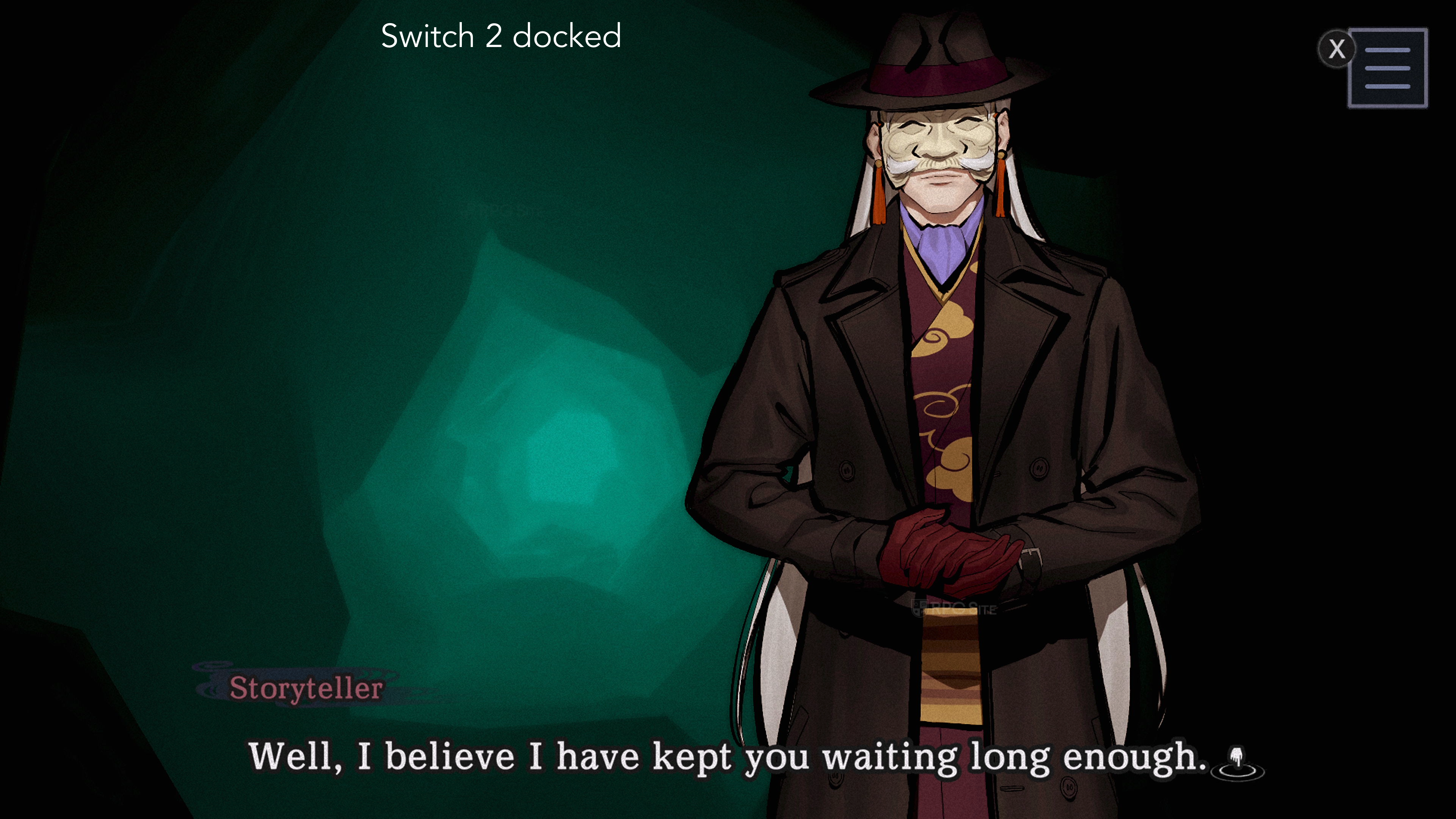
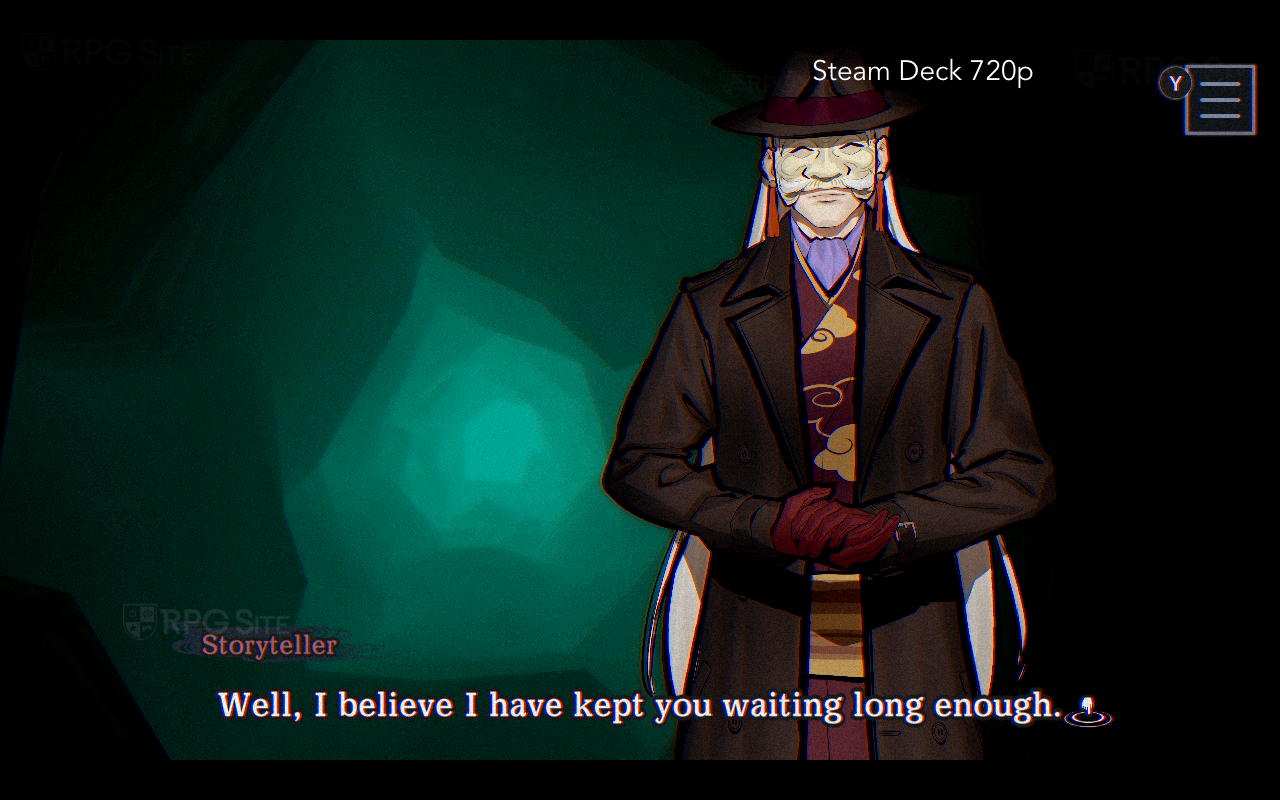
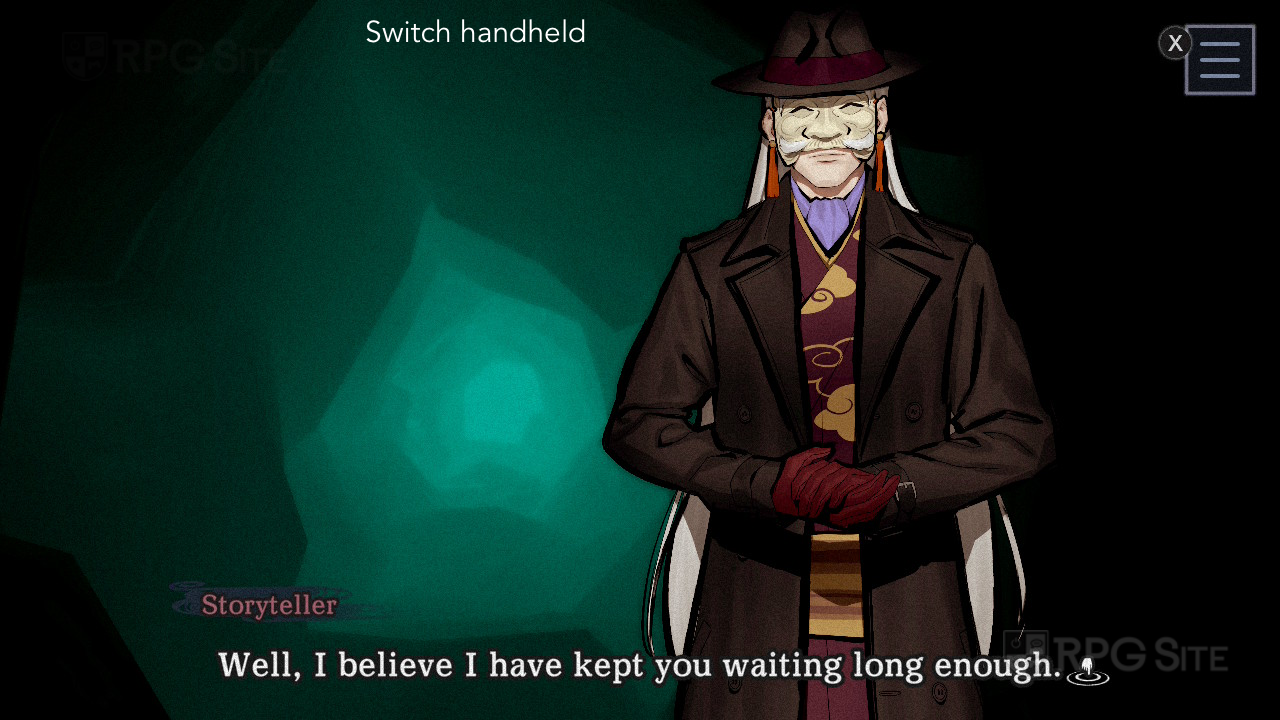
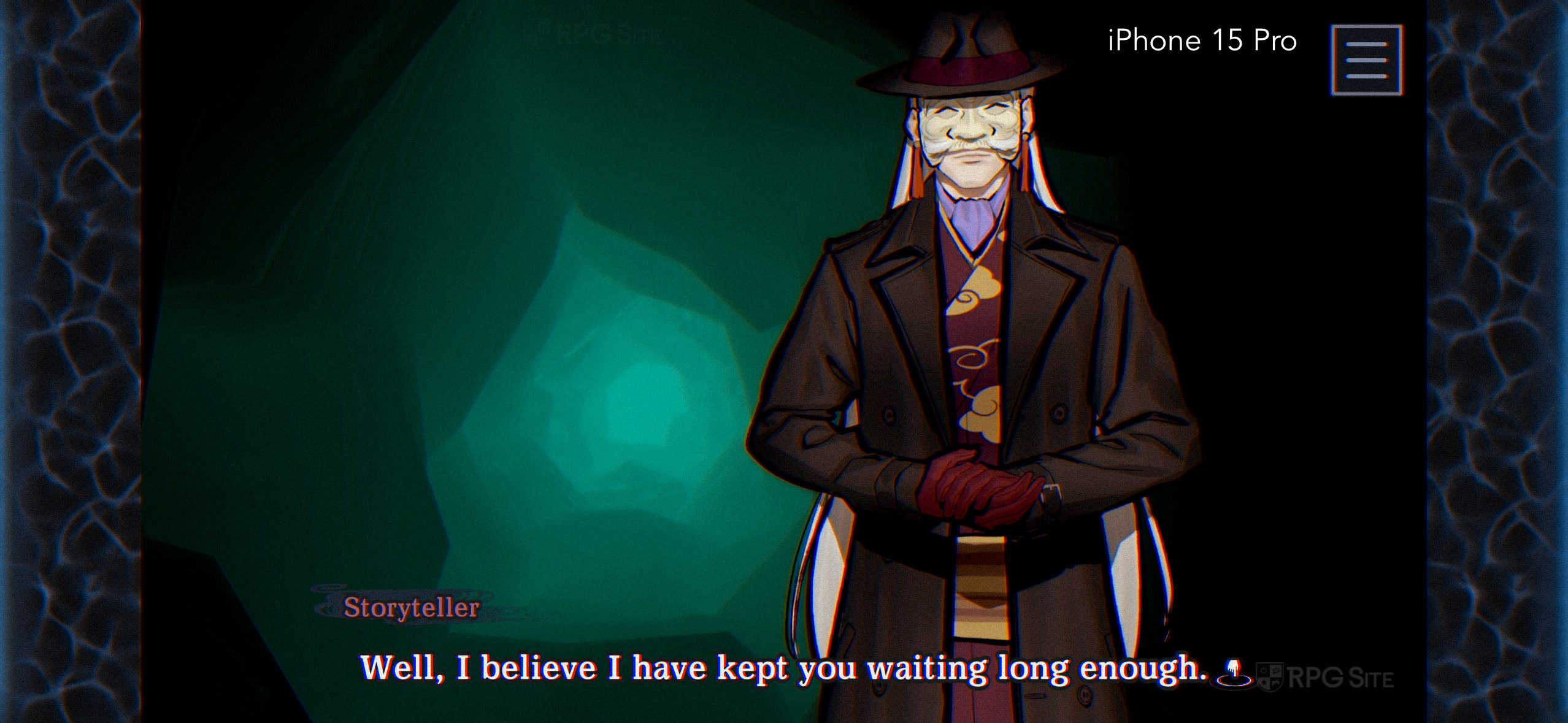
Within Steam settings, you can customize how the game looks by changing the screen resolution, display mode (choosing between windowed and borderless), graphics quality (low or standard), and post-processing effects. While the resolution settings max out at 1080p, using borderless mode seems to allow the game to display correctly on 4K screens. The PC version doesn’t have a built-in limit for frame rates. During testing, the game ran at 90 frames per second on the Steam Deck OLED and aimed for 120fps on the ROG Ally.
Paranormasight: The Mermaid’s Curse mixes 3D gameplay with 2D art, and the art’s quality adjusts based on your device. During testing, the game appeared slightly blurry only on the original Switch when docked and on a 2020 iPad Pro. It looked good on both standard Switch models (including handheld mode on the newer version) and really stood out on the Steam Deck OLED, thanks to the fast response time and vibrant OLED screen. While the visuals weren’t ideal on my iPad, it scaled nicely and performed well on my iPhone 15 Pro.
Paranormasight: The Mermaid’s Curse performance on Switch, Switch 2, PC, and mobile
You might be wondering about how well the game runs, and it’s a valid concern. The original Switch has some performance problems with Paranormasight: The Mermaid’s Curse, specifically when the game switches to 3D movement – it can be a bit jerky. However, the game runs flawlessly on the newer Switch model, and I’ve actually been preferring to play it in handheld mode on that console.
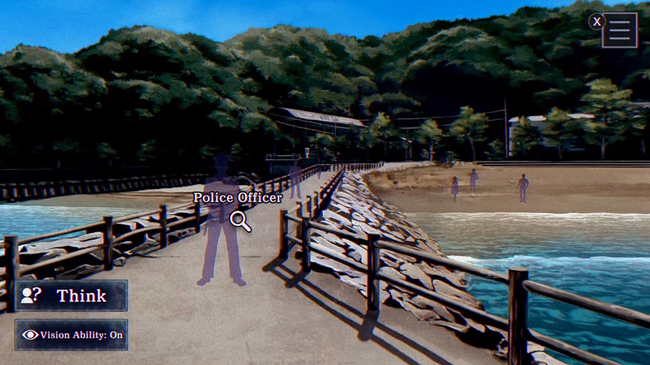
I tested Paranormasight: The Mermaid’s Curse on several devices. On my iPhone 15 Pro, the game ran smoothly without any performance problems, unlike the original Switch version. On my 2020 iPad Pro, the frame rate was a bit lower during 3D sections, like the diving game, but it was much more stable than on my Switch OLED, which sometimes had noticeable slowdowns. The game ran perfectly on the Steam Deck OLED. On the ROG Ally, the frame rate occasionally dropped below 120fps, but using VRR smoothed things out.
Paranormasight: The Mermaid’s Curse control options on Switch, PC, and mobile
Since this is an adventure game, easy touch controls are key for playing on the go. While all versions work with controllers, the Switch version blends controller and touchscreen input the smoothest. The Steam version’s touch support isn’t as good, but the Steam Deck’s trackpads offer more precise control. On mobile (at least on iOS), the game supports controllers, but the tutorials still seem designed for touchscreens. You can even use two fingers to move and interact, just like on the Switch.
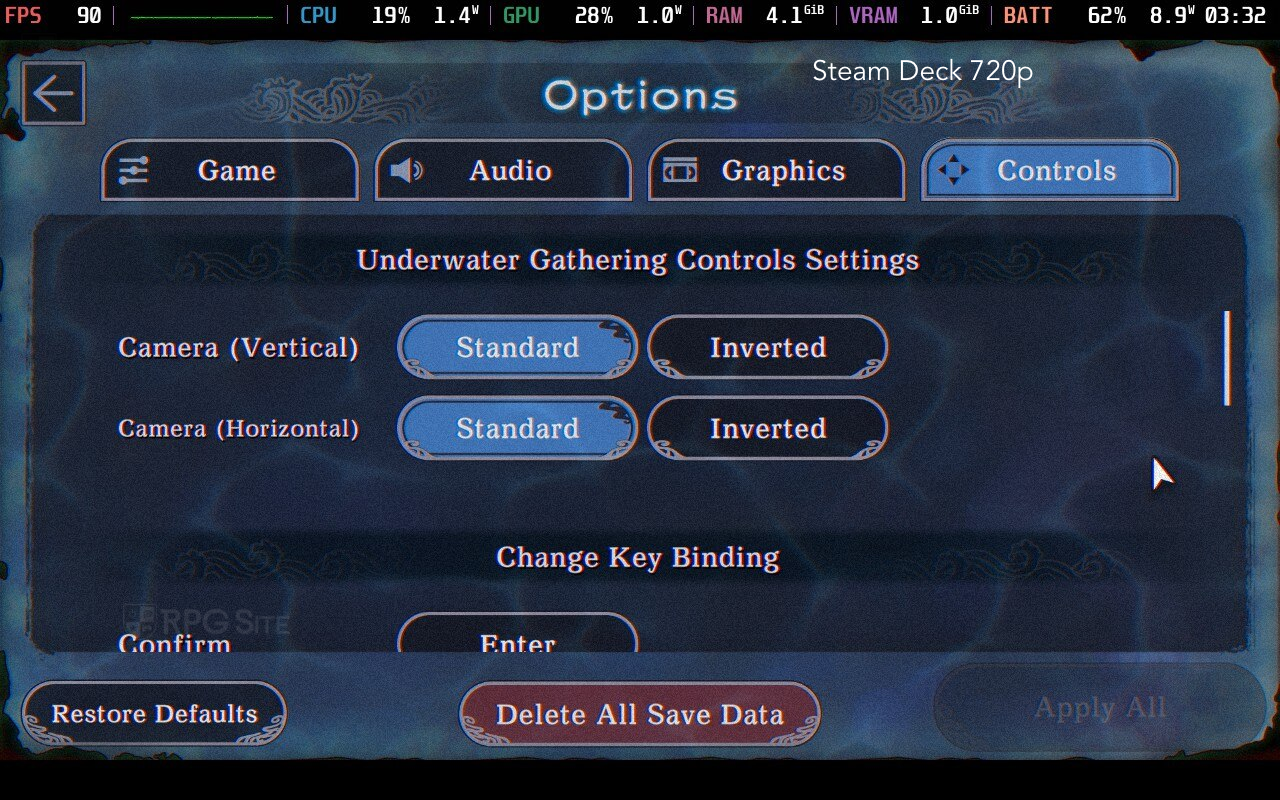
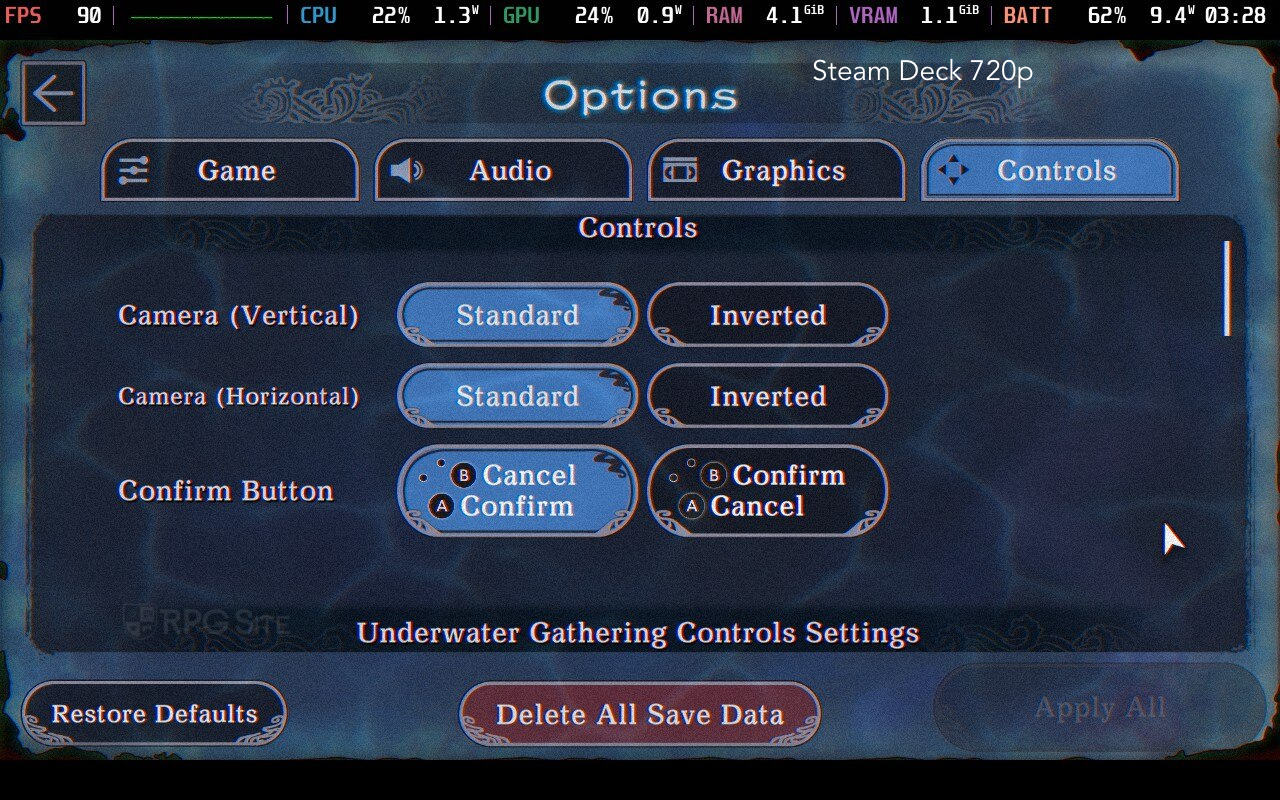
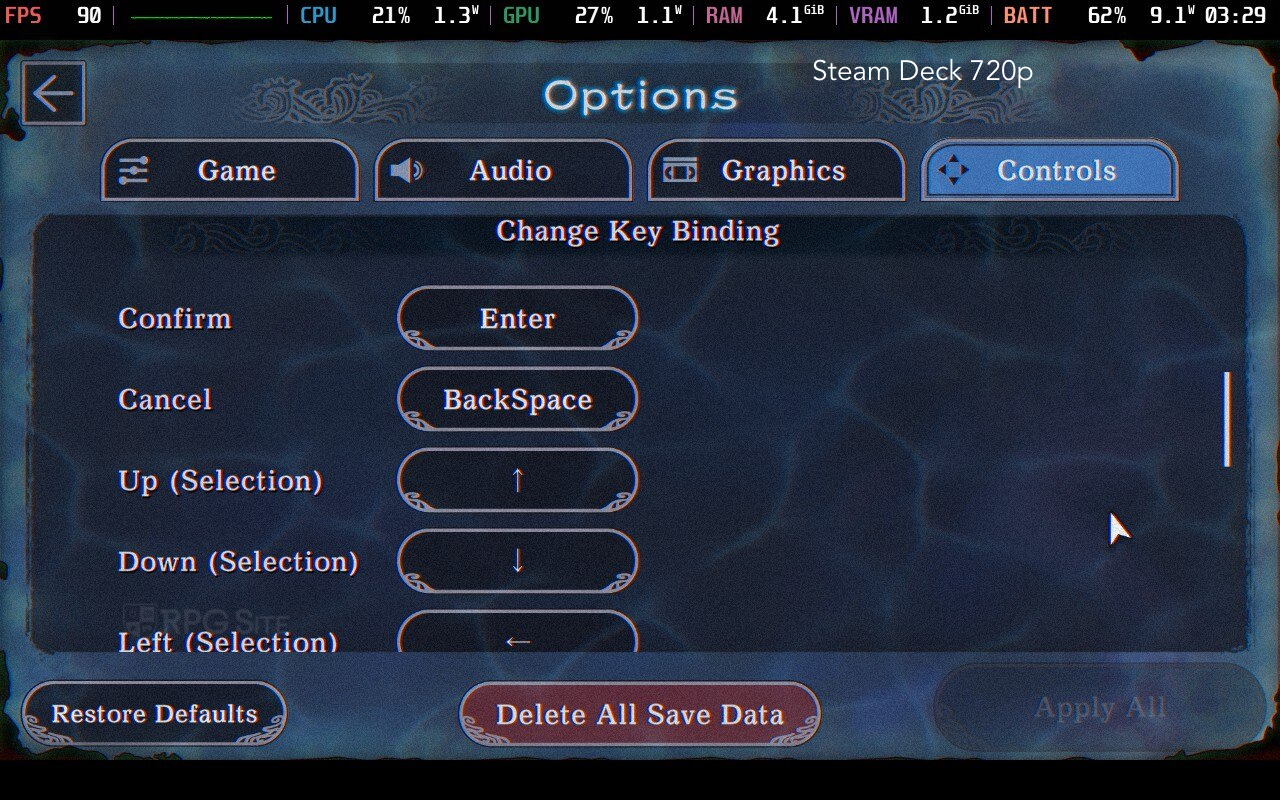
I experimented with the controls and found you can click and hold to look around, and click to move forward or backward while diving. I mostly preferred using the touchscreen, as that’s how I played the original Paranormasight. The game also uses satisfying haptic feedback on iPhones and Switch, highlighting important moments or objects. While haptics are also present on PC, the rumble feature on the Steam Deck isn’t as strong as on the Switch or iPhone.

Paranormasight: The Mermaid’s Curse load times tested across Switch, PC, mobile, and Switch 2
To check how quickly the game loads, I installed Paranormasight: The Mermaid’s Curse on several devices: a Switch OLED (using an SD card), Steam Deck (internal storage), ROG Ally (internal storage), iPhone 15 Pro, and iPad Pro (2020). I also installed the Switch version on a Switch 2’s internal storage. I timed how long it took to load the game from the dashboard to the title screen, and then to load an existing save file. To save time, I skipped the initial logo animation by quickly pressing the confirm button. The load times, in seconds, are shown below.
| Platform | Dashboard to title | Loading a save |
| Switch | 15 | 4 |
| Switch on Switch 2 | 8 | 2 |
| iPhone 15 Pro | 4 | 2 |
| iPad Pro 2020 | 5 | 2 |
| Steam Deck | 10 | 2 |
| ROG Ally | 3 | 1-2 |
The ROG Ally and my iPhone 15 Pro launched games the quickest. Other devices loaded games fast too, but the Switch version on the OLED model was noticeably slower for everything happening within the game.
Which is the best portable version of Paranormasight: The Mermaid’s Curse?
The best version depends on how you like to play. If you want both touch and button controls, I recommend the Switch version on the newer Switch model. If you don’t need touch controls, the Steam version on the Steam Deck OLED offers the best screen, performance, and battery life, plus the trackpad can be used as a cursor. If you have a recent iPhone (like the 15 Pro or newer) or enjoyed the first Paranormasight on iOS, the iOS version is a good choice, though I couldn’t get save files to transfer between devices.
My main goal was to test how well the game works on the go, but if you plan to play mostly at home, the PC version is definitely better. I didn’t encounter any significant issues playing on the Switch 2, even connected to a 1440p monitor, but the PC offers a superior visual experience on a larger screen. I’m hoping both Paranormasight games will receive updates for the Switch 2 that add mouse support and allow for higher resolutions.

Which version of Paranormasight: The Mermaid’s Curse should you buy?
To wrap up our look at Paranormasight: The Mermaid’s Curse, here’s a breakdown of what each version of the game offers.
- Paranormasight: The Mermaid’s Curse on Switch or Switch 2: If you see yourself playing both on the go and on TV/docked, this is the best version to get since you get access to full touch support and button controls for portable play while also getting full controller support for playing on TV/docked. PC handhelds cannot give you a seamless experience like the Switch 1/2 hybrid setup. Just note that the Switch version played on a Switch 1 system has performance issues. If you play it on Switch 2, there are no issues.
- Paranormasight: The Mermaid’s Curse on iOS or mobile: If you see yourself only playing on the go, the iOS version is great in my testing on a recent iOS device like the iPhone 15 Pro or even iPhone 14 series. Just note that it appears to not sync saves between platforms as of this writing.
- Paranormasight: The Mermaid’s Curse on Steam: If you want to play it on your PC or a PC handheld, this is obviously the version to get. I especially recommend this if you have a Steam Deck OLED since it not only runs perfectly there, but also looks incredible on the OLED screen.
Paranormasight: The Mermaid’s Curse offers a fantastic experience on most devices. It’s now available for Switch, PC (via Steam), iOS, and Android, with the exception of very old iOS devices and the original Nintendo Switch console.
Read More
- United Airlines can now kick passengers off flights and ban them for not using headphones
- Crimson Desert: Disconnected Truth Puzzle Guide
- How to Get to the Undercoast in Esoteric Ebb
- Katanire’s Yae Miko Cosplay: Genshin Impact Masterpiece
- All Golden Ball Locations in Yakuza Kiwami 3 & Dark Ties
- All 9 Coalition Heroes In Invincible Season 4 & Their Powers
- All Itzaland Animal Locations in Infinity Nikki
- HBO’s Harry Potter Is Already Breaking My Heart
- Zendaya’s 4 Big 2026 Movies Could Beat Brie Larson’s Box 2019 Office Record
- Gold Rate Forecast
2026-02-20 21:27