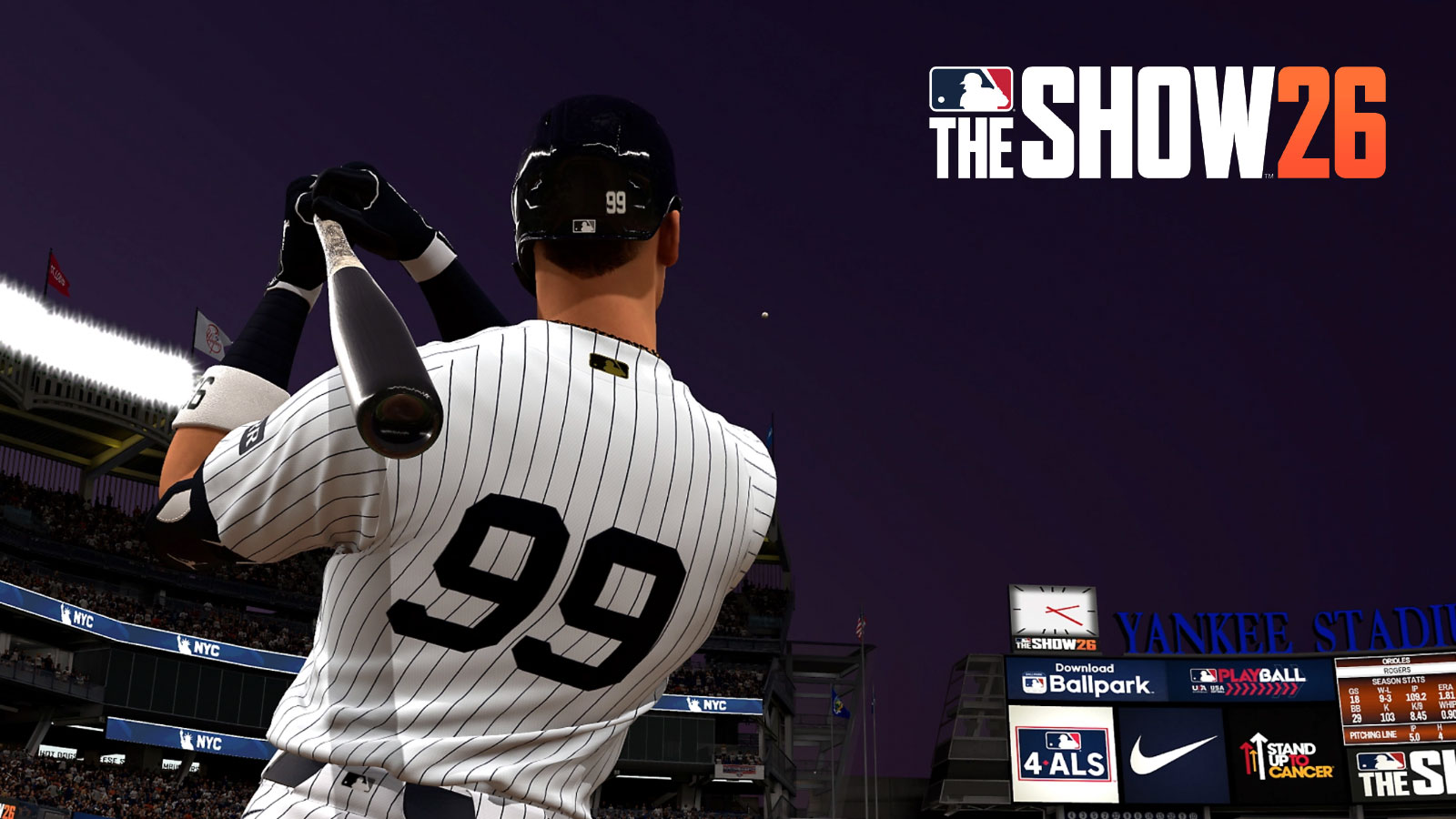
This guide will help you get the most out of hitting in MLB The Show 26. We’ll cover the best controls, interfaces, and settings to improve your gameplay. If you’ve played previous versions, you’ll find hitting feels familiar, but this guide will also help newcomers and explain what’s new in this year’s game.
MLB The Show 26 Batting Guide – Controls
Overall, there’s several ways to swing in MLB The Show 26:
| Swing Type | PlayStation | Xbox |
| Normal Swing | X | A |
| Contact Swing | Circle | B |
| Power Swing | Square | X |
| Bunt | Triangle | Y |
Adjust your PCI by moving the Left Stick, and click the left stick to anchor.
Additionally, there are a few actions you can perform pre-pitch:
- View Pitch History – R2/RT
- View Defensive Positions – R2+R3/RT+RS
- Substitution – Left D-Pad
- Bullpen – Right D-Pad
- Analyze Pitcher – Up D-Pad
- Call Timeout – D-Pad Down
- *Also lets you challenge a call only after the pitch is thrown
Normal Swings are your basic swing – the one I usually suggest players use, especially if they don’t hit with a lot of power. While you can hit a home run with a Normal Swing, it’s mostly designed to help you get on base.
Contact swings are most effective when you’re trying to avoid striking out, specifically with 0 or 1 strikes. They don’t add much power to your hit, but they help you make contact with the ball. If simply getting on base is your priority, a contact swing could be a good choice.
It’s best to use Power Swings when you’re ahead 3-0 in the count, or if you’re feeling confident and willing to take a risk. Players known for their power, like Aaron Judge, are more likely to connect with them, so you can use it more often with those players. While they can be harder to time correctly, Power Swings offer the highest potential for hitting a home run.
Bunts are useful in many different game situations. If your player is quick, a well-placed bunt can get them safely to first base. You can also use a bunt to intentionally get an out, advancing a runner from second base to third. While you shouldn’t rely on it too much, a bunt can be a valuable surprise tactic.
What’s the Best Hitting Interface for MLB The Show 26?
Overall, there are multiple hitting interfaces in MLB The Show 26:
Zone Hitting lets you control where your swing connects with the ball by moving the PCI. It offers the most control over your swing and contact, making it potentially the best interface option. However, it’s also the hardest to master, but dedicated players will find it’s worth the effort.
Furthermore, there are two other Hitting Interfaces which are variations of the Zone Interface:
- Fixed Zone – PCI Indicator does not return to center upon release of left stick
- Big Zone – Uses Left Stick to select one of nine sections where you believe the pitch will go
Personally, I prefer Standard Zone, but Fixed Zone at least feels a bit easier to use.
The ‘Timing’ control scheme is a simple, traditional way to play that’s easy to pick up. It doesn’t require precise use of the analog stick, as the AI handles some of the actions for you. We suggest new players start with this option, as it’s the most straightforward way to begin playing.
Finally, the Directional feature allows you to control the angle of your shot. If you prefer to carefully aim where the ball goes, this setting is helpful. Because each stadium is unique, you might want to adjust the direction to suit the environment.
Overall, Zone is arguably the best, but Timing is great for those who enjoy a simpler experience.
Tips & Tricks
Before you go to a baseball game, it’s a good idea to check both teams’ lineups. Pay attention to the opposing pitcher’s stats and your own team’s hitters. Knowing who the strong hitters and pitchers are on both sides will help you enjoy the game more.
You can also change how you see your swing in the game’s settings. If the default view isn’t ideal, don’t hesitate to adjust it. Plus, there are many other customization options available, such as PCI Transparency, which helps you track the ball more clearly.
The new ABS system allows you to question the umpire’s ball and strike calls. When you see a prompt on screen, simply press down on the d-pad to challenge a call. You’ll get at least two challenges per game, so don’t hesitate to use them when you disagree with a call.
When you’re at bat, focus on two key things: your own hitting ability and making the pitcher feel challenged.
A player’s ratings show how skilled they are. Players like Shohei Ohtani and Aaron Judge, who are designated hitters, can swing for the fences. However, if you’re using a newer player called up from the minor leagues, it’s safer to use regular or contact swings. Ultimately, a player’s ratings are what determine how well they perform with different swing types.
Throughout the game, consistently challenge the pitcher. It’s natural to want to swing at every pitch, but focus on tracking the ball’s location. If a pitch is clearly outside the strike zone, resist the urge to swing. This avoids a strike and makes the pitcher throw more pitches, potentially to their disadvantage.
Pitchers aim to get outs with as few pitches as possible, but as a batter, you want to disrupt that. For instance, if the count is three balls and no strikes, you could take a chance and not swing, hoping for a walk. Or, you can be aggressive and use a Power Swing. It’s also key to keep the pitcher off balance and make them unsure of what you’ll do.
If you’re down to two strikes, it’s often a good idea to swing at more pitches. Using a ‘Contact Swing’ can help you put the ball in play, and even a foul ball keeps you at the plate. Plus, making the pitcher throw more pitches can wear them down over time.
As you play, you’ll learn what kinds of pitches each pitcher likes to throw. The game is based on real MLB data, so you might even recognize patterns from watching actual games! You can also check a pitcher’s past performance to get a feel for their preferred pitches.
Pitchers generally become less effective the longer they pitch. A key strategy is to wear down the opposing team’s relief pitchers by forcing them to use multiple arms throughout the game. Each time a new pitcher enters, the process of tiring them out begins again.
That concludes our MLB The Show 26 Batting Guide. We hope it’s helped you learn how to swing, understand the different swing types, and master the game’s batting interface. Good luck breaking records in Road to the Show!
Read More
- United Airlines can now kick passengers off flights and ban them for not using headphones
- Crimson Desert: Disconnected Truth Puzzle Guide
- All 9 Coalition Heroes In Invincible Season 4 & Their Powers
- Invincible Season 4 Episode 6 Release Date, Time, Where to Watch
- Mewgenics vinyl limited editions now available to pre-order
- The Boys Season 5 Spoilers: Every Major Character Death If the Show Follows the Comics
- Grok’s ‘Ask’ feature no longer free as X moves it behind paywall
- Assassin’s Creed Shadows will get upgraded PSSR support on PS5 Pro with Title Update 1.1.9 launching April 7
- Does Mark survive Invincible vs Conquest 2? Comics reveal fate after S4E5
- Grey’s Anatomy Season 23 Confirmed for 2026-2027 Broadcast Season
2026-03-18 23:10