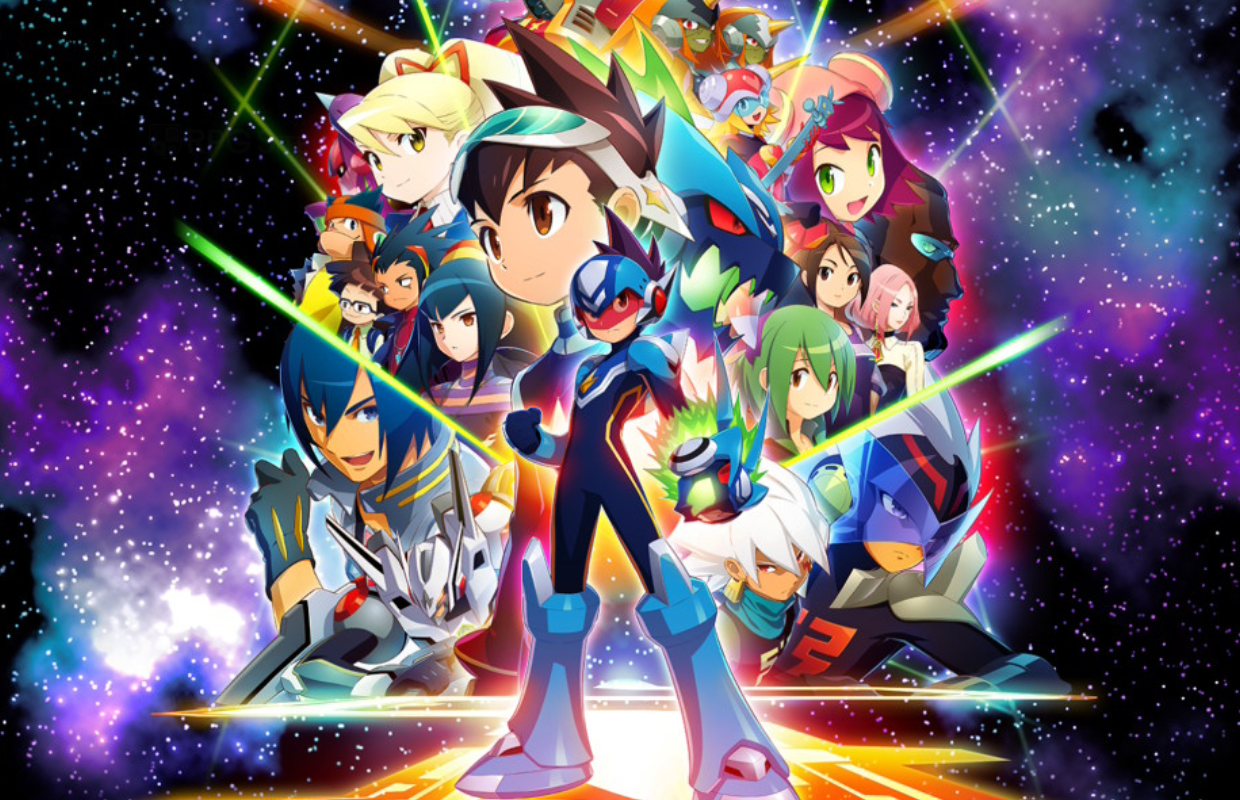
The Mega Man Star Force Legacy Collection introduces another set of Mega Man games I hadn’t experienced before to current gaming systems. I recently had the opportunity to play through the entire collection on my PC handhelds and Switch to get a feel for it as a new player, and to assess the overall quality with its added extras and improvements. Having only started playing Mega Man with the 3DS collection, exploring these older titles has been a great experience, and I’ve particularly enjoyed the Battle Network games. I was especially excited about this collection because I knew the Star Force games came after those.
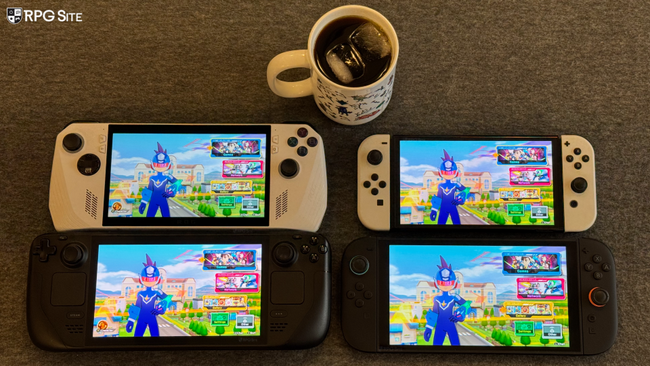
I can’t show you everything in this preview, but I can give you a general idea of what to expect from the collection, especially how it performs on handheld devices. I’ve been playing a lot of Mega Man games on the Switch lately, and the Battle Network Collection was the first I tried on both Switch and Steam Deck. I was really interested to see how the Nintendo DS games in the Mega Man Star Force Legacy Collection – which have 3D effects – would look on today’s screens.
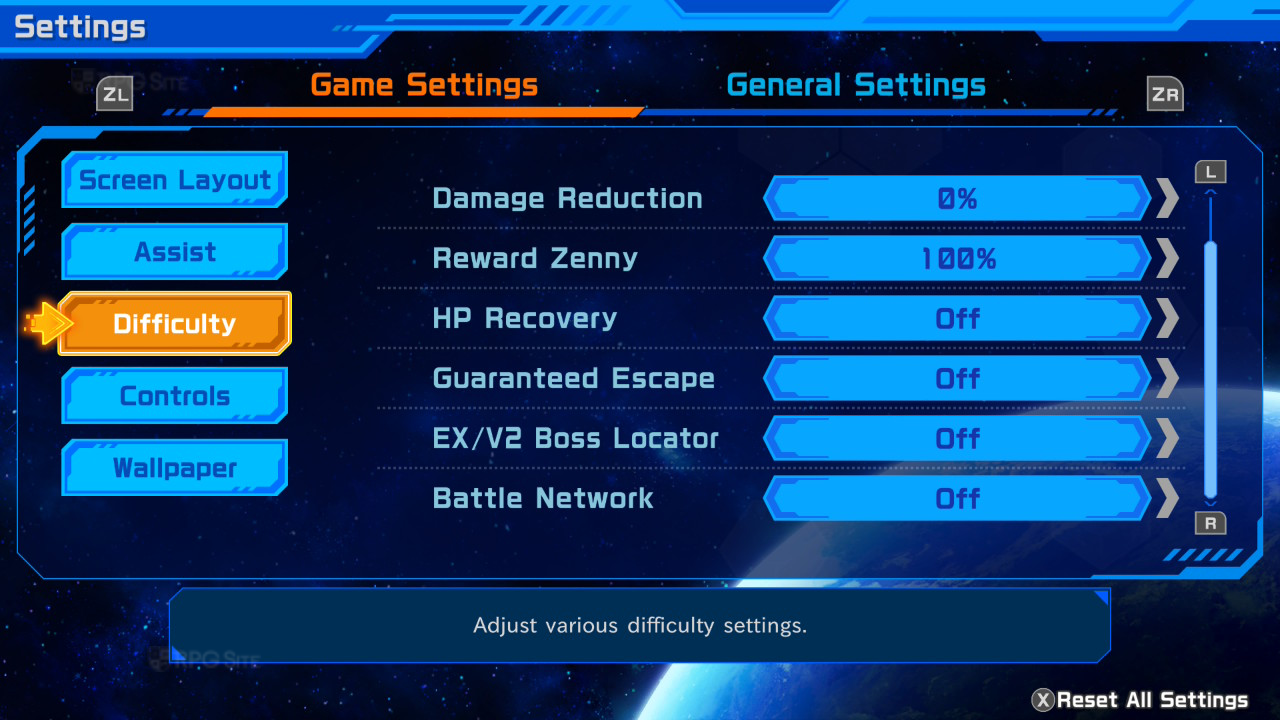
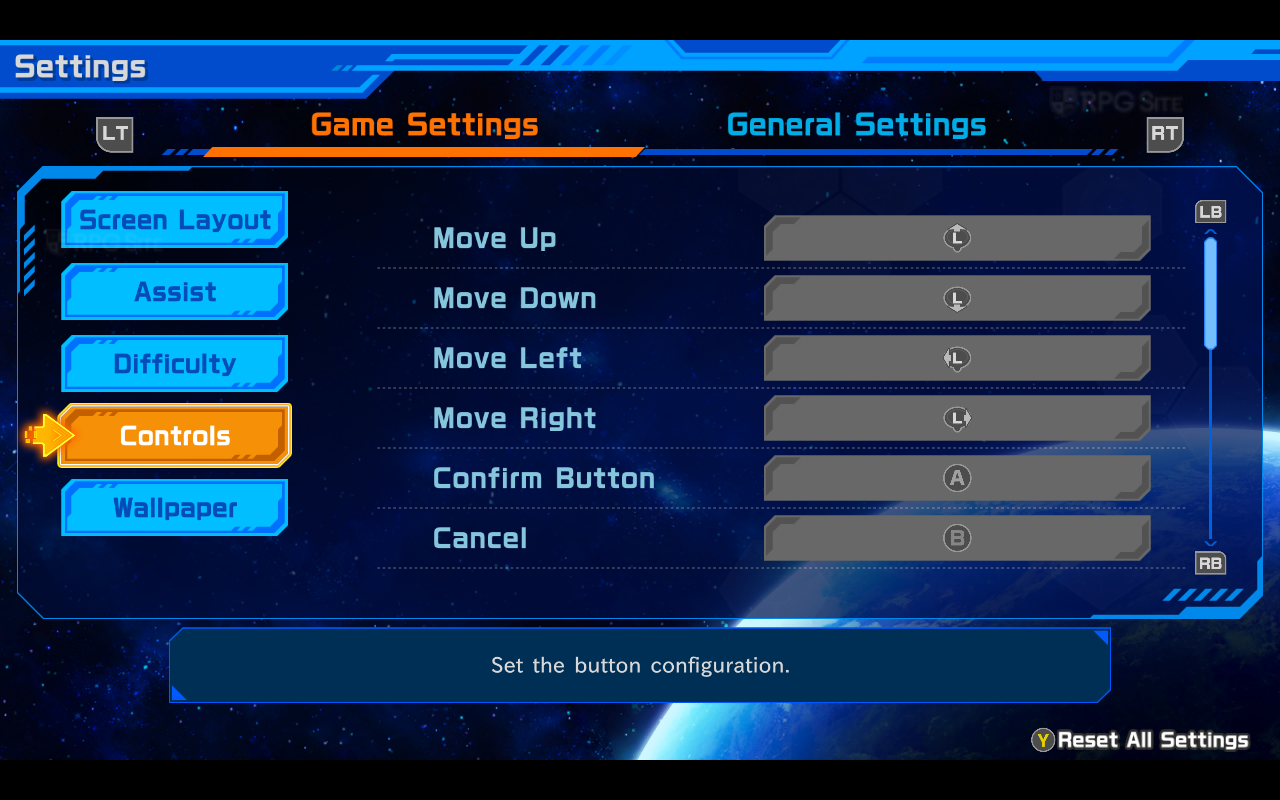
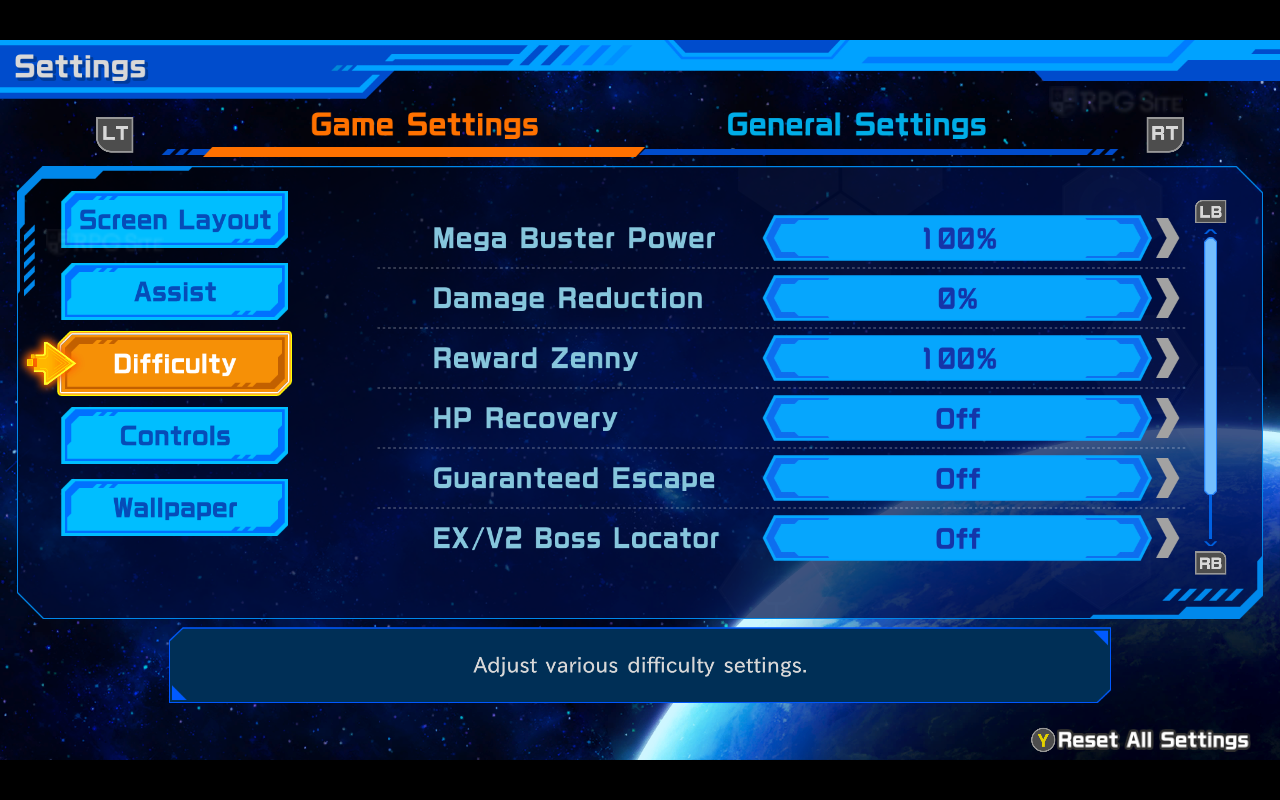
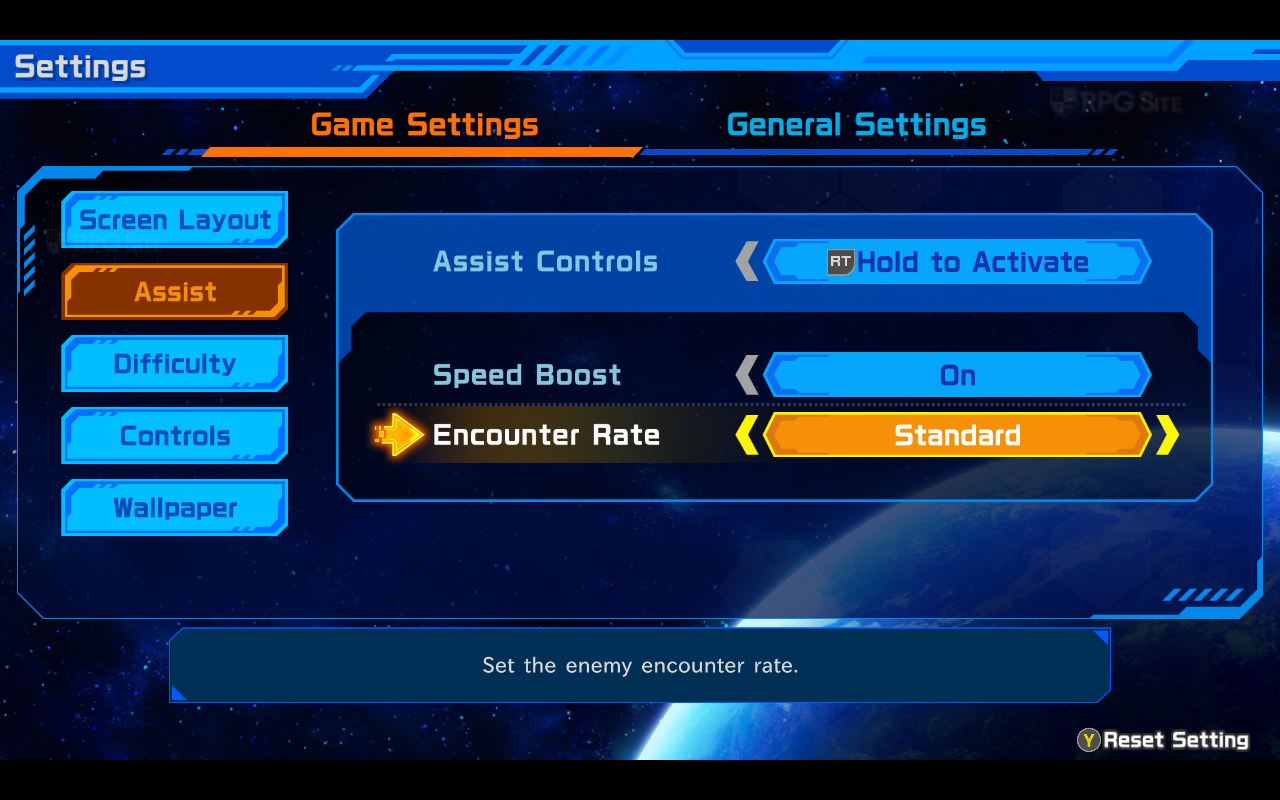
Mega Man Star Force Legacy Collection offers a variety of options to customize your gameplay experience. You can adjust the difficulty with sliders, and use assist features like a speed boost and control how often you encounter enemies (from none to maximum). Other helpful options include adjusting damage dealt, automatically restoring health after battles, accessing Battle Network content, ensuring you can escape from most fights, and even getting hints to locate challenging bosses. All of these settings, plus options to change the screen layout, are found in the game’s settings menu.
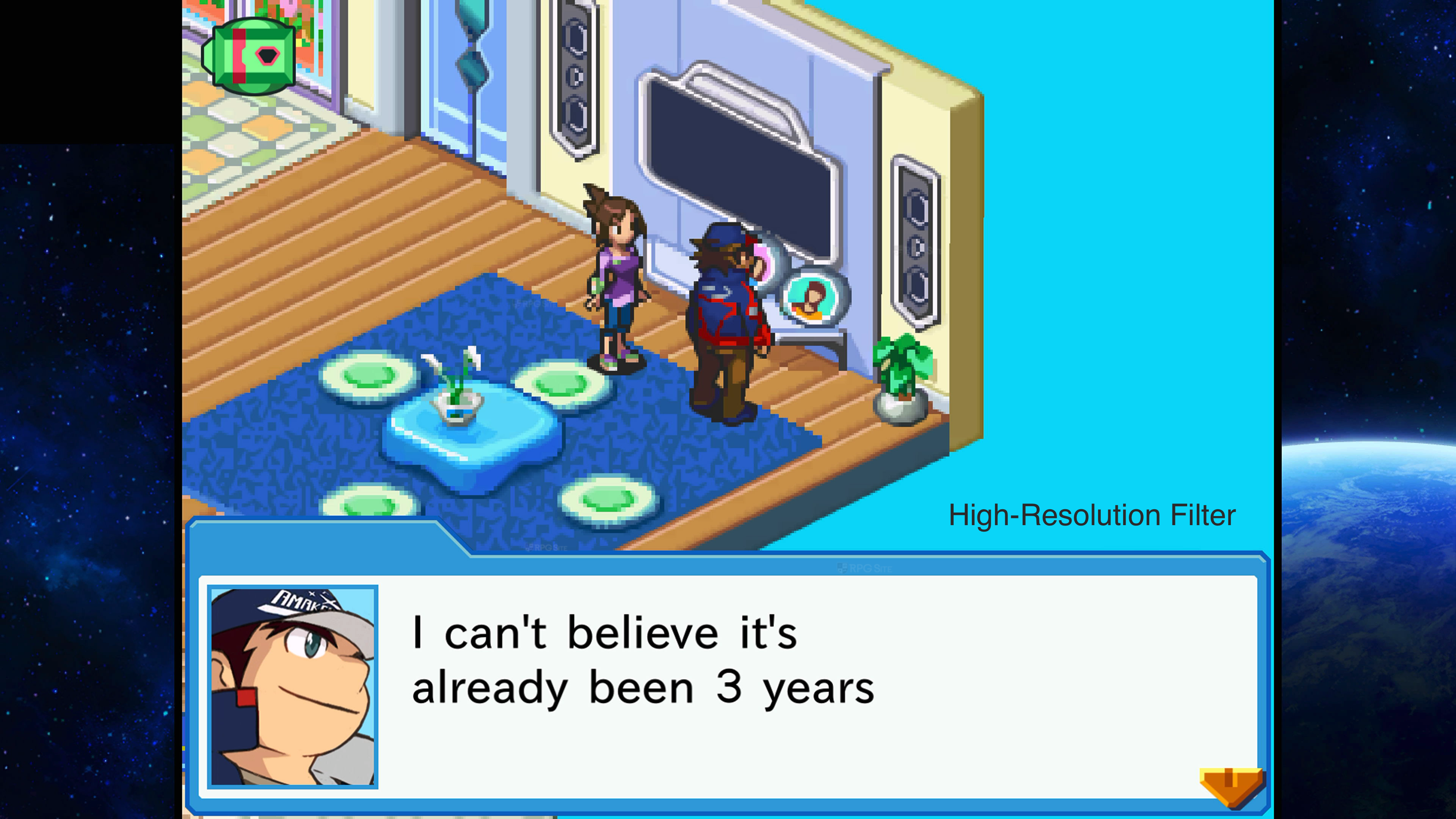
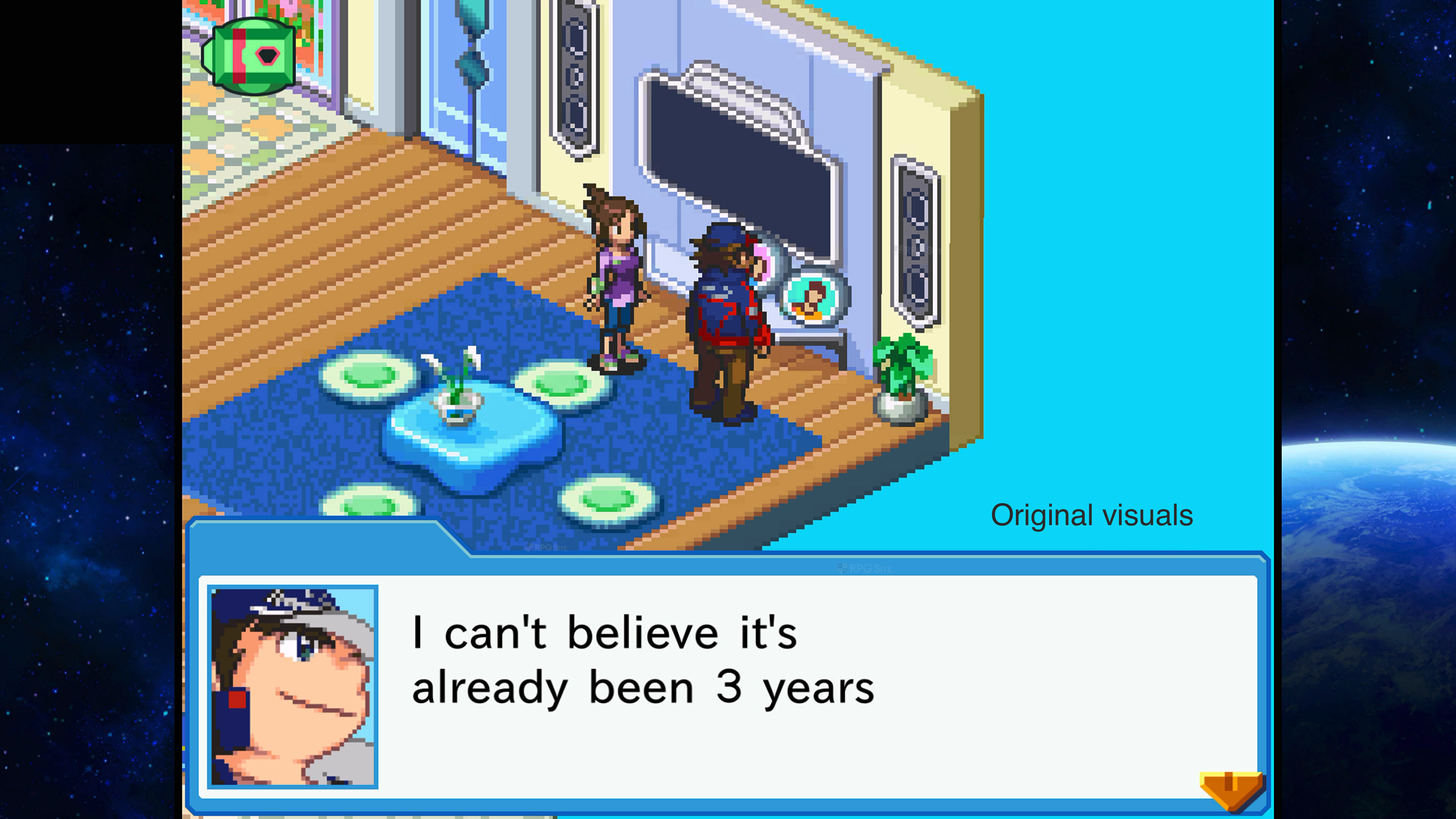
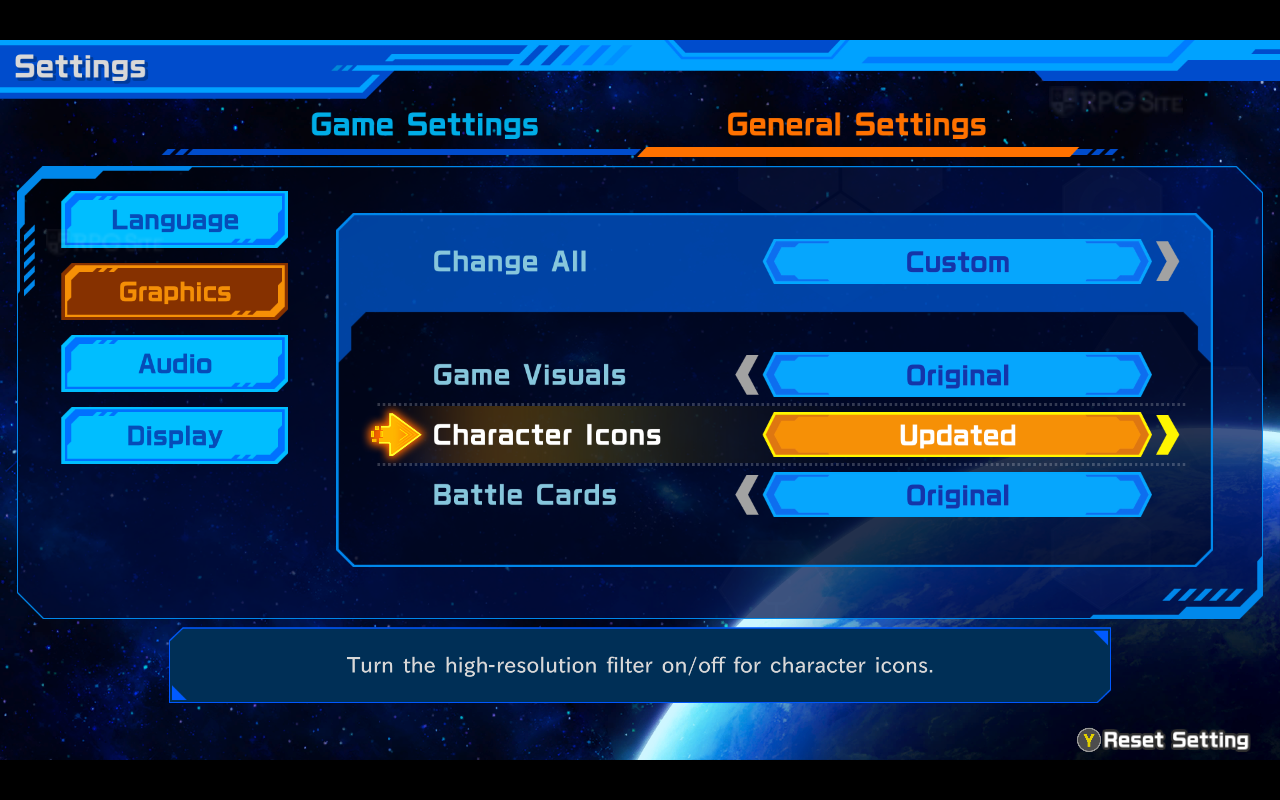
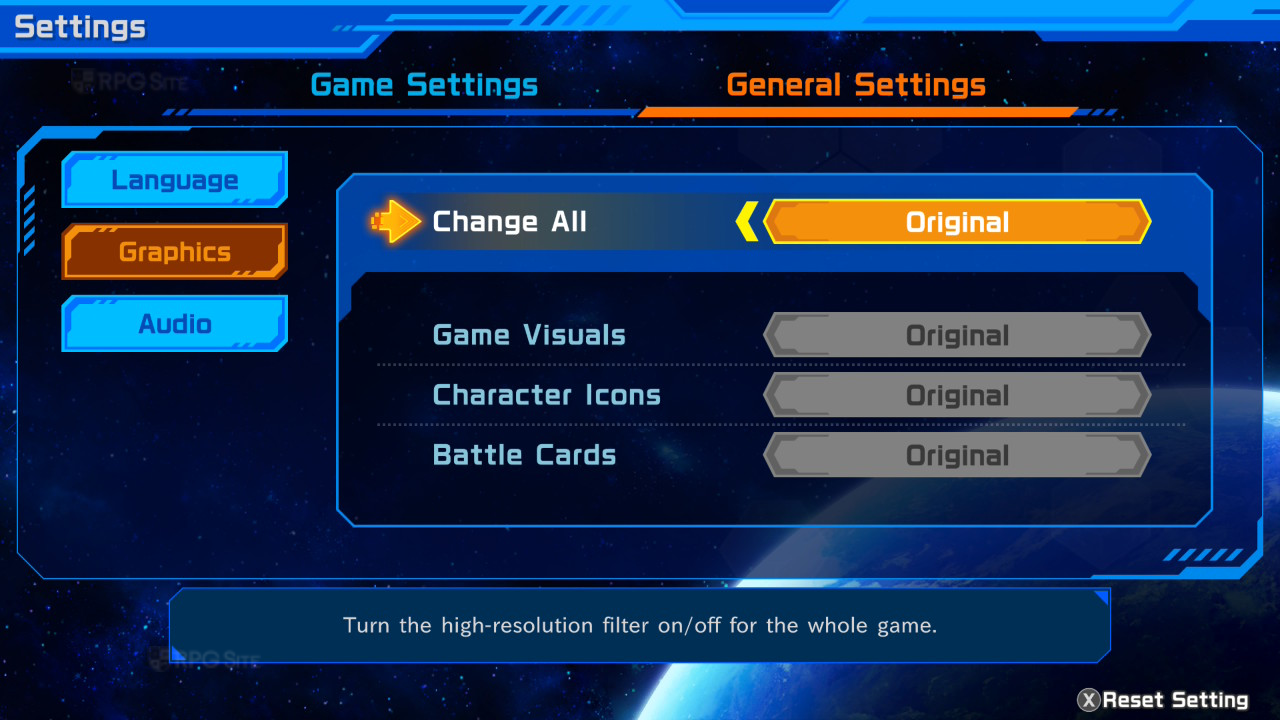
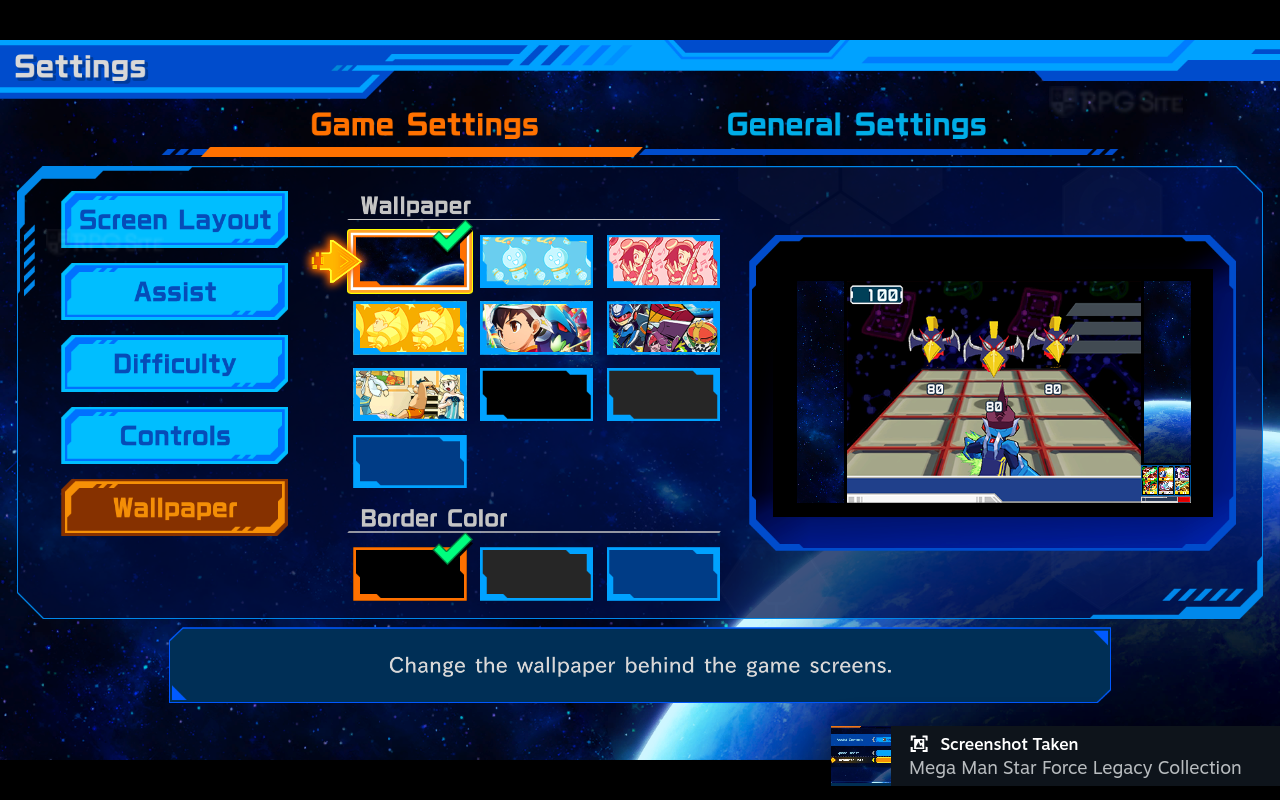
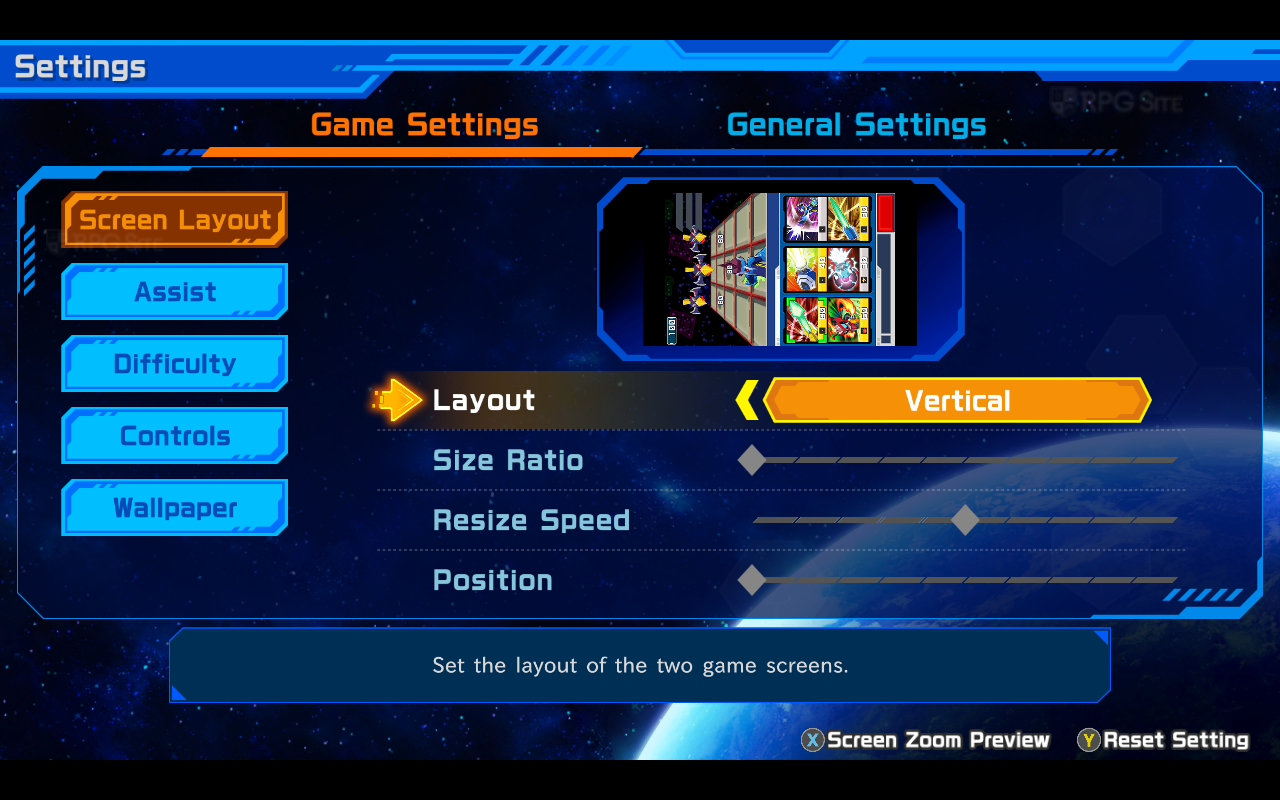
The game’s layout automatically changes to fit the gameplay, placing the lower screen in the bottom right corner. You can customize its position and size, and even play in vertical mode. However, it’s currently frustrating that the game doesn’t support touchscreens. There’s a settings menu where you can adjust the graphics – choosing between original and high-resolution visuals, and different character and battle card designs. I personally prefer the original, unfiltered look, and it displayed nicely on my handheld devices.
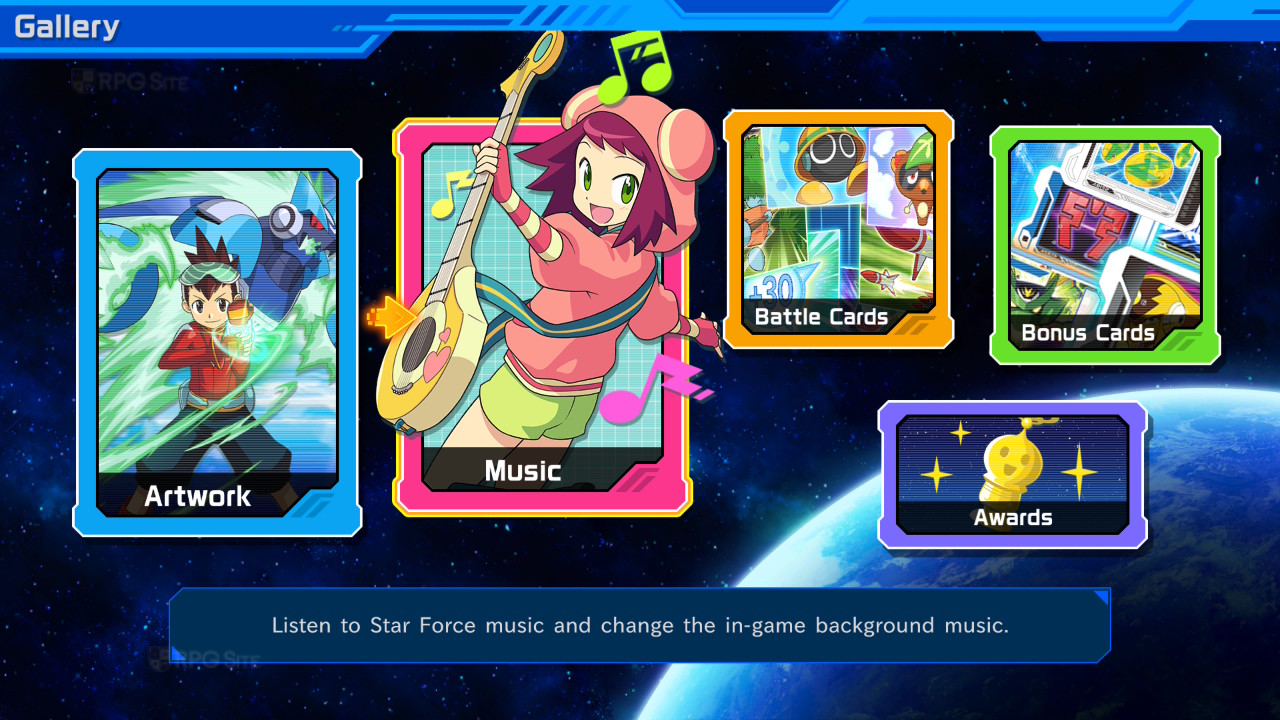
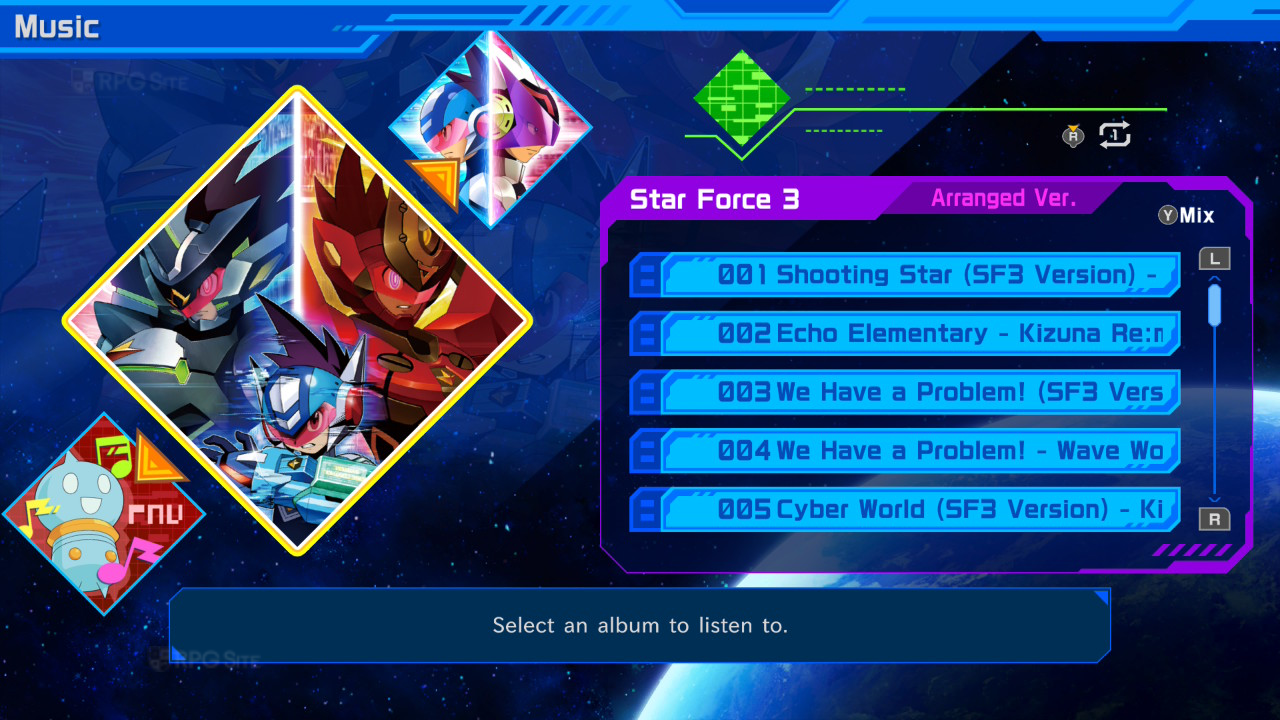
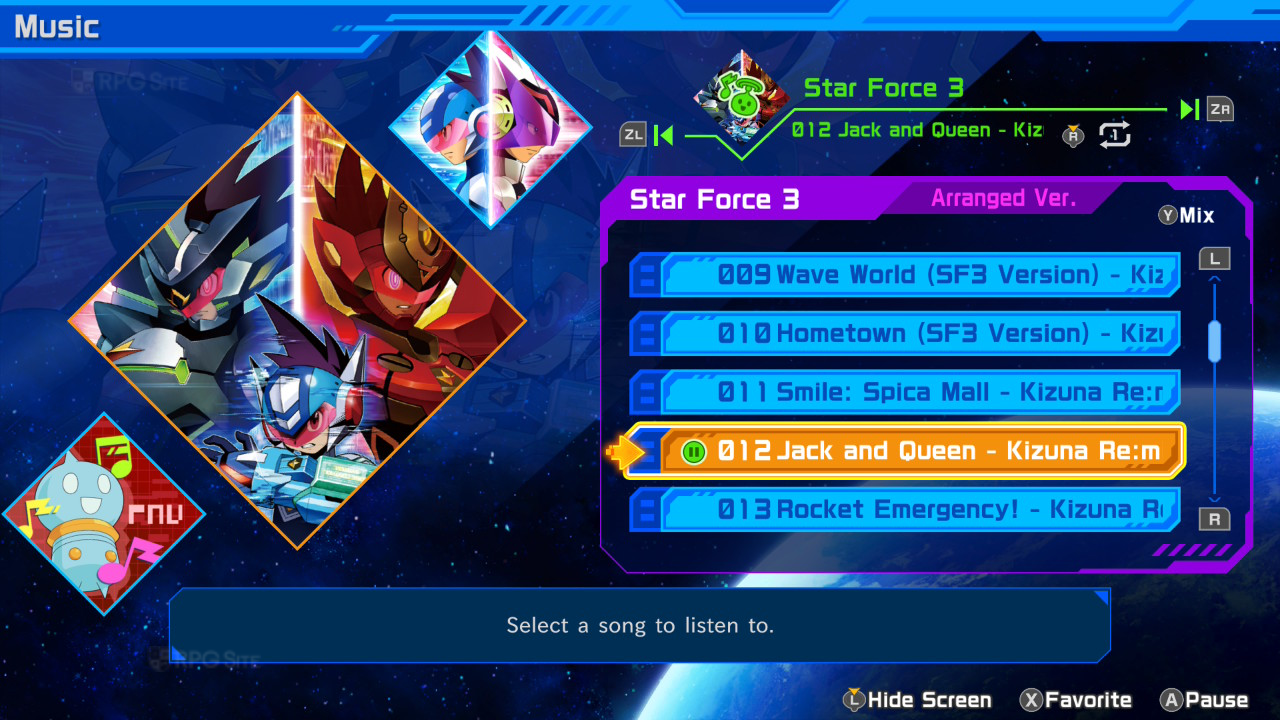
I’ve been exploring the Mega Man Star Force Legacy Collection, and I want to share details about all the extra features and content included, as well as how it plays on different platforms. I’ll save my full thoughts on the games themselves for a review closer to the release date. The collection has a great gallery mode with artwork from the games, promotional materials, and illustrations of Battle and Bonus Cards. It also includes a list of in-game achievements and a music player. The music player is especially cool – you can create custom playlists with both the original soundtracks and newly arranged tracks to listen to while you play.
Before diving into how the games look and play on each system, there are a few things I’d like to see fixed in the Mega Man Star Force Legacy Collection, either at launch or through updates. First, the speed boost assist makes the scrolling feel jerky instead of smooth, even though it makes you move faster. Second, the text boxes use a font that isn’t very clear – it would be great to have an option for a pixelated font, though we might need to rely on fan-made modifications for that. Finally, all the games have some slight shimmering or flickering when things move, which is more noticeable on the Switch, but I did get used to it. It’s not a huge problem, but Capcom could potentially improve it with a patch.
Mega Man Star Force Legacy Collection Switch 2 impressions
So, I’ve been playing the Mega Man Star Force Legacy Collection on my Switch 2, and it’s basically running like the original Switch version thanks to backward compatibility. That means the graphics are still limited to 1080p when docked, and even in handheld mode, it doesn’t fully render at 1080p – some things look good, but it’s not perfect. It’s not a dealbreaker, but I was hoping Capcom would’ve taken the chance to optimize it for the Switch 2, at least to get a solid 1080p handheld experience. The good news is, I haven’t noticed any slowdown or lag at all – everything runs super smooth. I’m really hoping Capcom will release a proper Switch 2 upgrade in the future, because this collection would look amazing at native 1080p handheld and even better when docked at a higher resolution.
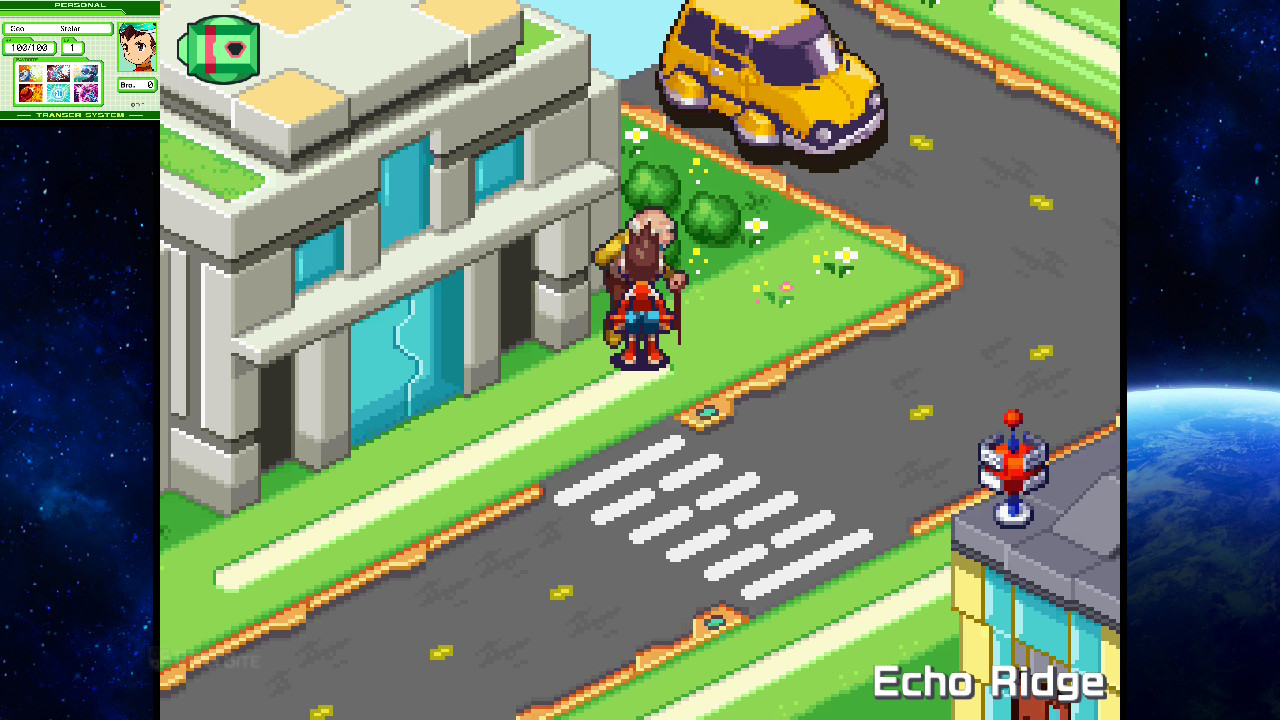
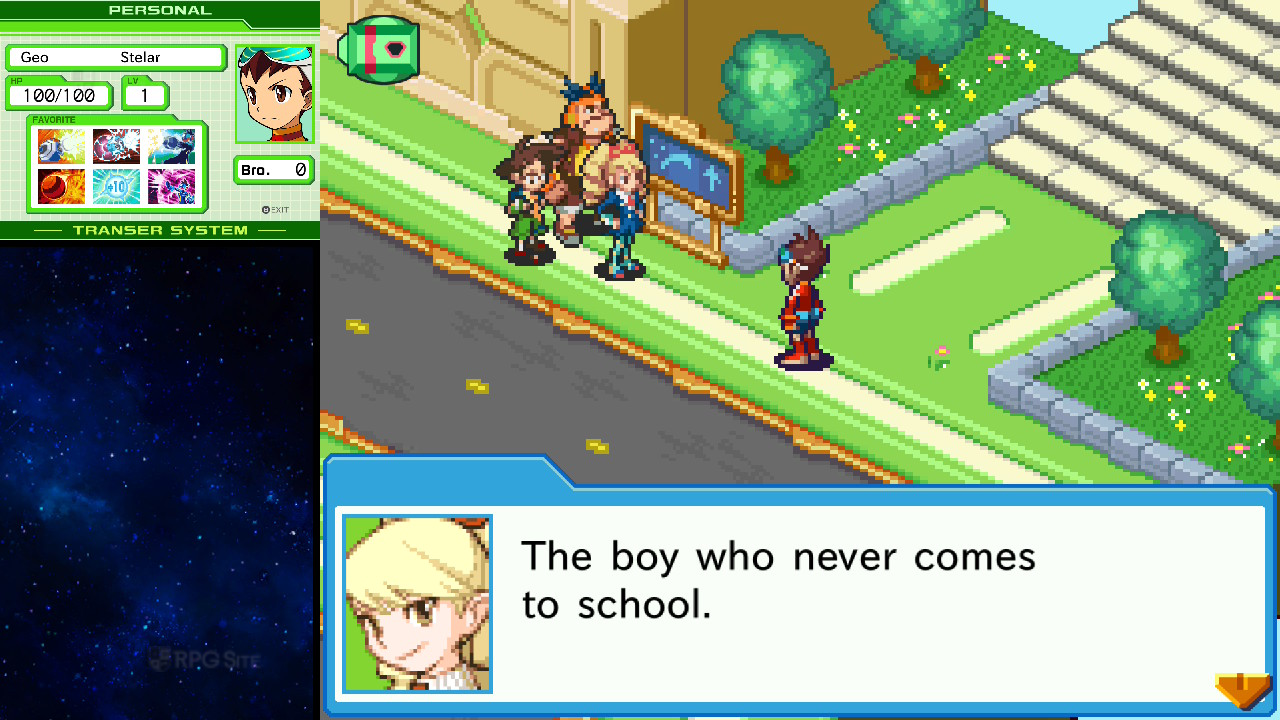
Mega Man Star Force Legacy Collection Switch 1 impressions
The Mega Man Star Force Legacy Collection takes noticeably longer to load on the original Switch compared to the newer Switch model, but the games look fantastic on the OLED screen. I didn’t experience any slowdown or other performance problems during the initial parts of the games I tried.
Mega Man Star Force Legacy Collection Steam Deck and PC impressions
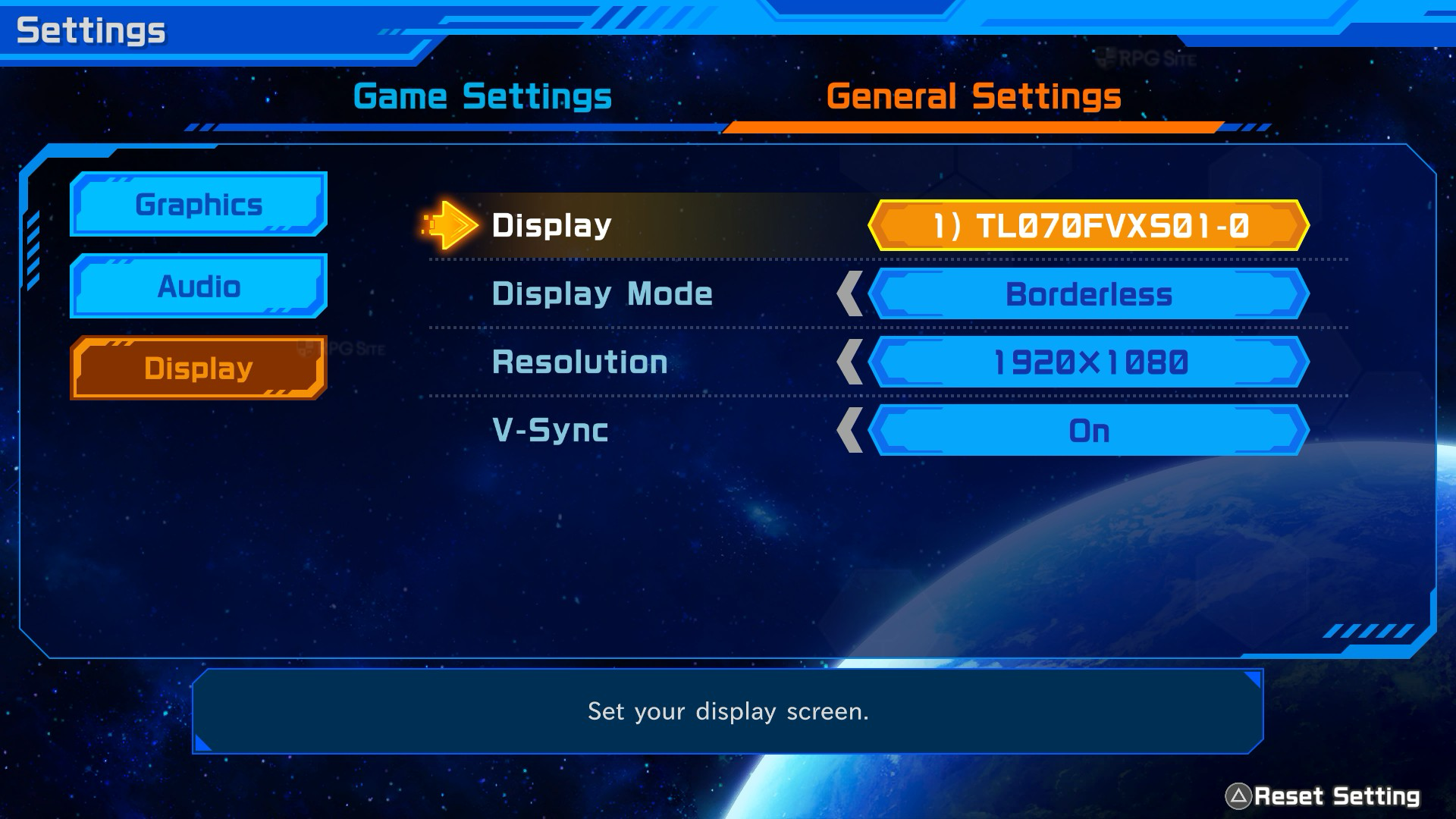
The Mega Man Star Force Legacy Collection is confirmed to work well on the Steam Deck, but here are a few things to know. You’ll need an internet connection during the initial setup due to DRM. If you have the OLED Steam Deck, make sure to set the refresh rate to 60Hz for smooth scrolling; 90Hz can cause issues. This isn’t a problem on the standard LCD Steam Deck. When playing docked, a launch option (“SteamDeck=0 %command%”) is needed to access display and graphics settings. Otherwise, the game runs and looks great on the Steam Deck. It also works immediately on the ROG Ally and loads faster than on Steam Deck.
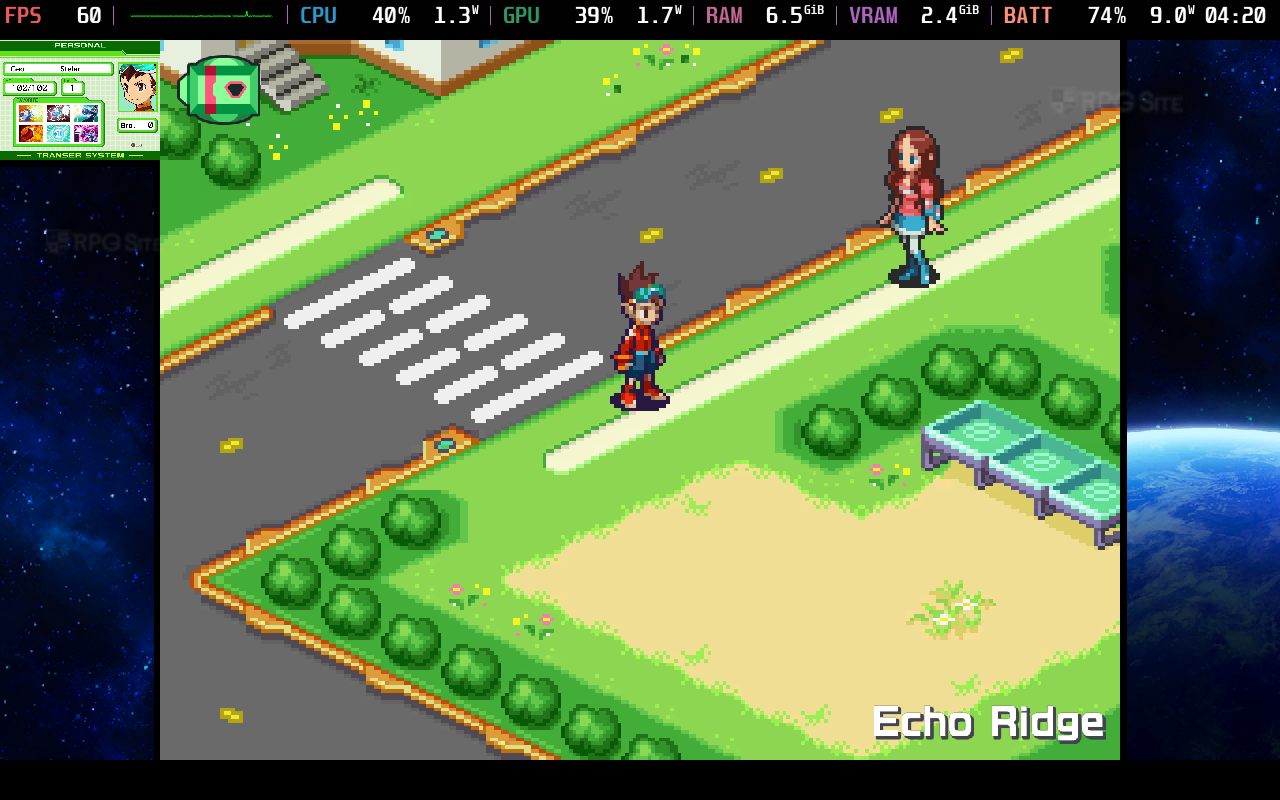
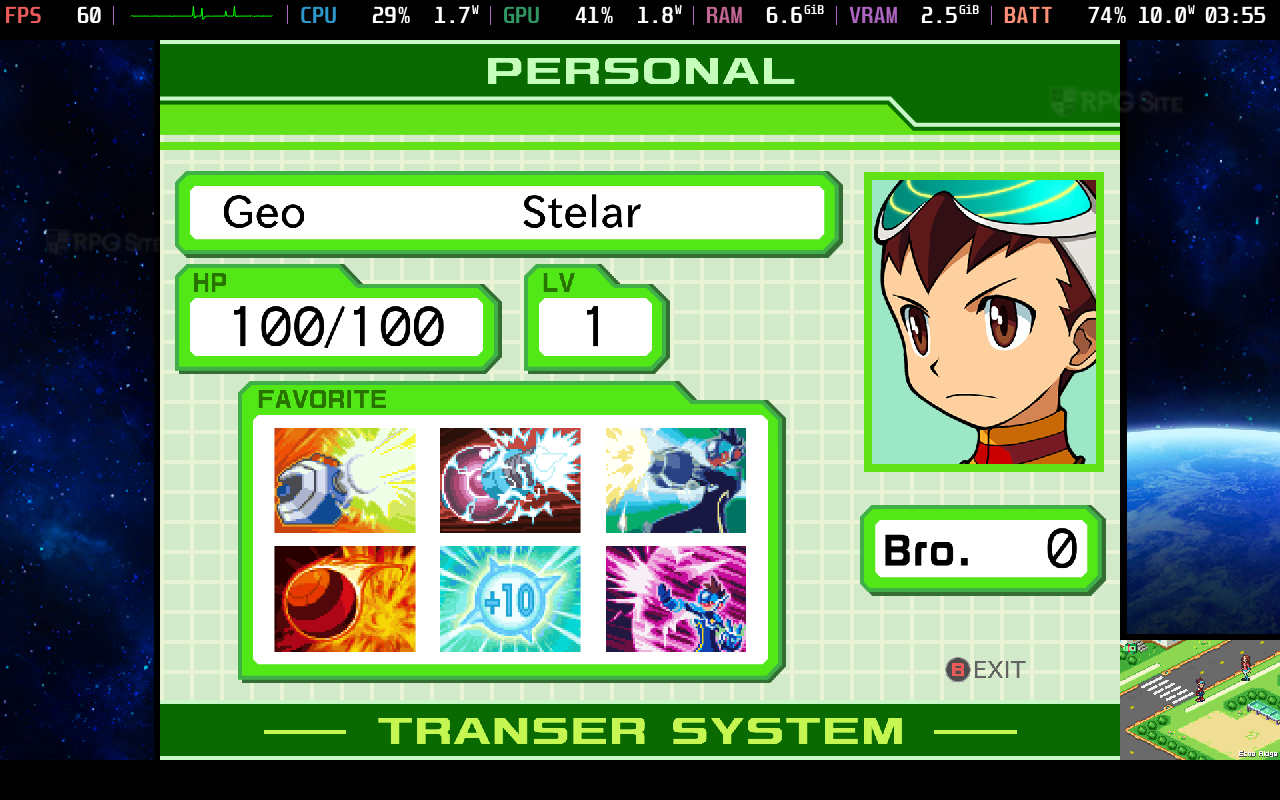
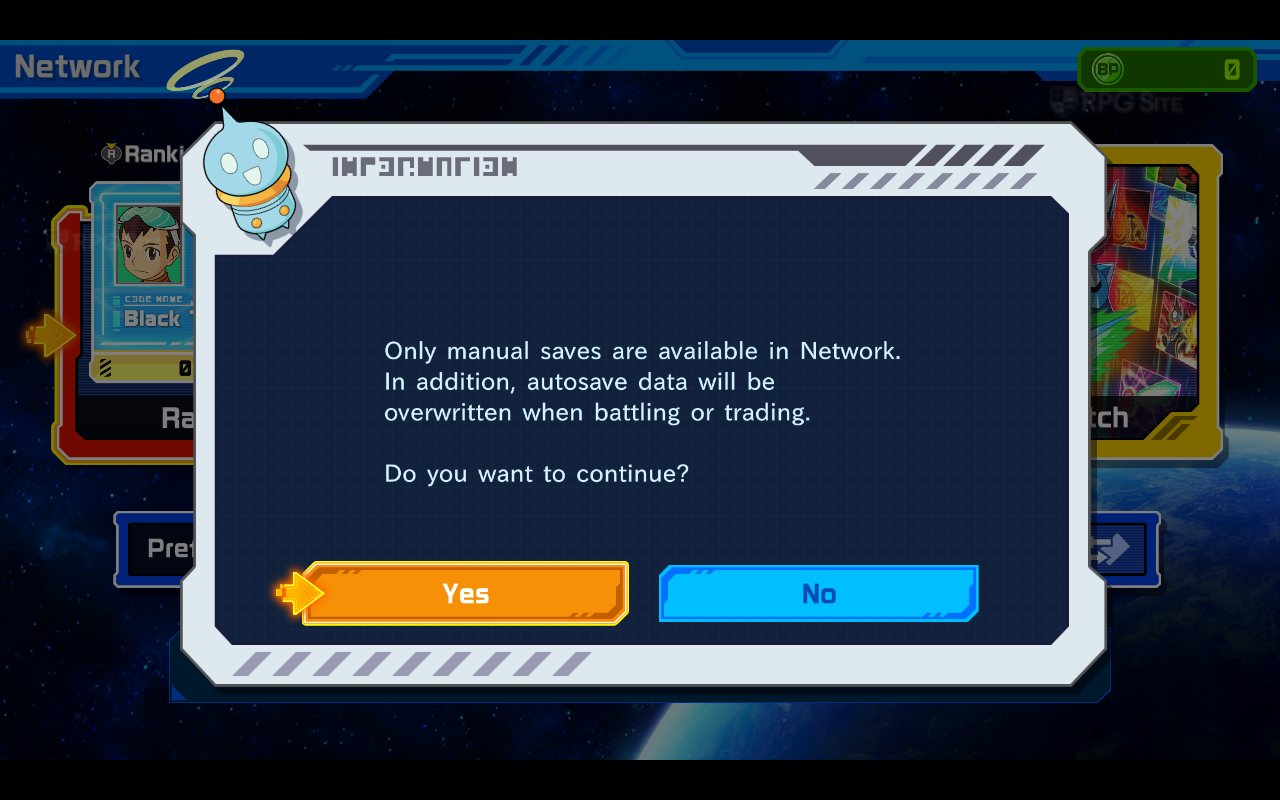
Mega Man Star Force Legacy Collection load times compared across PC, Switch 2, Switch, and Steam Deck
To check how quickly the game loads, I timed how long it took to get to the title screen from the console’s home screen and also how long it took to load a saved game. I tested Mega Man Star Force Legacy Collection on four different systems: the internal storage of a Switch 2, the SD card of a Switch OLED, the internal storage of a Steam Deck, and the internal storage of a ROG Ally. All the load times listed below are measured in seconds.
| Platform | Dashboard to title | Loading a save |
| Switch on Switch 2 | 21-22 | 3 |
| Switch | 36 | 4 |
| ROG Ally | 29 | 3-4 |
| Steam Deck | 36-37 | 4 |
| PS5 | 15 | 1 |
Okay, so I’ve been testing this on a bunch of different systems, and every time it takes a little longer to start up than I’d like – all those splash screens and logos really add up, even if you hit confirm right away! But the Switch 2 version is definitely the quickest to load compared to playing on a handheld PC or the original Switch, which is the slowest. I didn’t get a ton of playtime on the PS5, but I did check the load times, and the native PS5 version is the fastest of everything I tested, hands down.
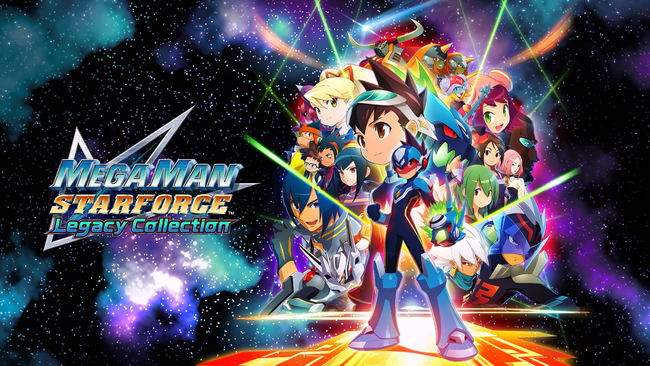
The Mega Man Star Force Legacy Collection seems like a worthy successor to the excellent Mega Man Battle Network Legacy Collection. While some versions are similar, I appreciate that Capcom included everything. If you’re looking for the best way to play, I’d recommend the Switch 2 or Steam Deck versions over the original Switch, if possible. Aside from some loading times, the games look fantastic on the Switch OLED screen, and I’m excited to explore the collection further and try it on other platforms when it releases.
The Mega Man Star Force Legacy Collection will be available on March 27, 2026 for Nintendo Switch, PlayStation 4 and 5, Xbox One and Series X, and PC via Steam.
Read More
- United Airlines can now kick passengers off flights and ban them for not using headphones
- Gold Rate Forecast
- How to Solve the Glenbright Manor Puzzle in Crimson Desert
- How to Get to the Undercoast in Esoteric Ebb
- 8 Actors Who Could Play Blackbeard In One Piece Live-Action Season 3
- All Golden Ball Locations in Yakuza Kiwami 3 & Dark Ties
- How to Complete Bloom of Tranquility Challenge in Infinity Nikki
- Blind Tekken 8 player reaches one of the game’s highest ranks after two years of grinding
- $2B AI cow collars use “cowgorithm” to herd cattle with no fences
- All MLB The Show 26 Quirks & What They Do
2026-03-04 18:27