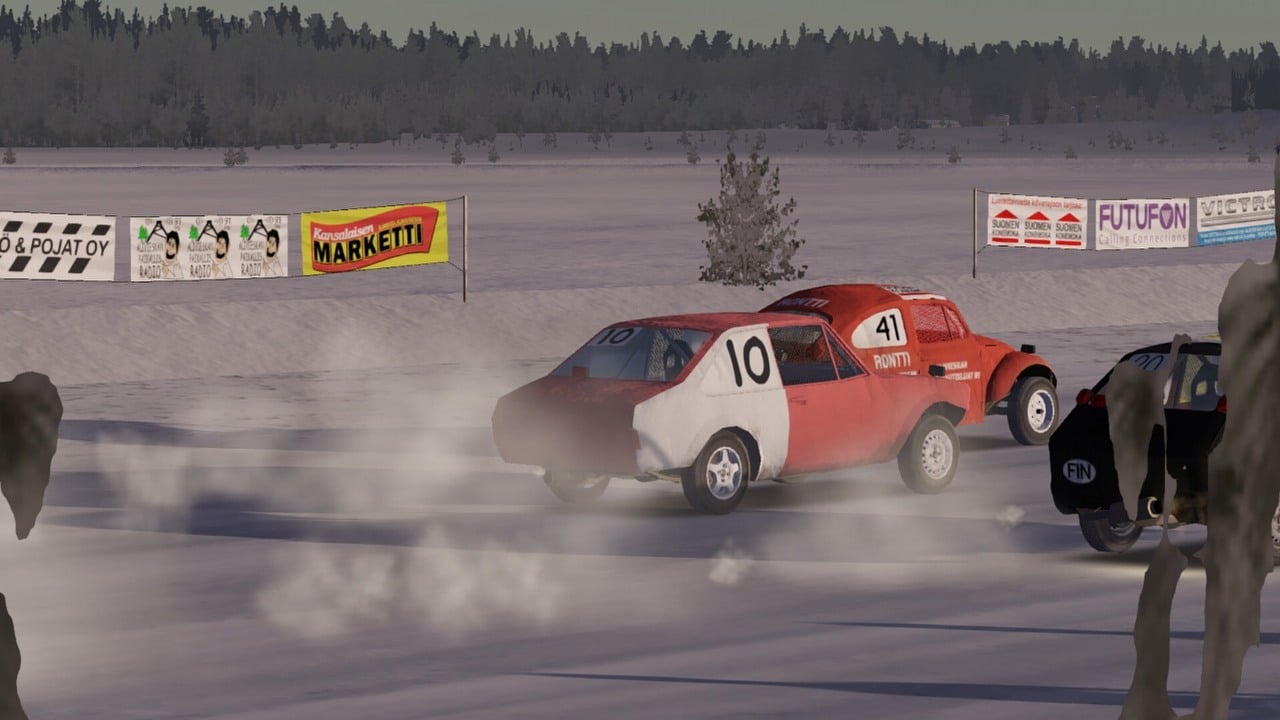
My Winter Car feels very similar to My Summer Car. Like its predecessor, it’s a challenging game that focuses on realistic simulation. Even basic actions, like trying to get some sleep, can be surprisingly difficult. But the real challenge begins when you try to start and drive a car.
How to start a car in My Winter Car
The game begins with players at home, but you’ll quickly want to explore the world and find a car. Many players struggle to start their first vehicle, so we’ve created this guide to help you get on the road!
- First, turn on the ignition (don’t start the engine yet) and check if you have not left anything turned on – window heater (the light should be turned off), lights and so on – turn everything off. If it is your first ride, don’t worry about that, as everything is turned off by default.
- Next, fully pull out the choke (left mouse button), it can be easily missed, it is hidden behind the wheel. In real life, it is used to start the engine in old cars during a cold weather, it works the same way in MWC.
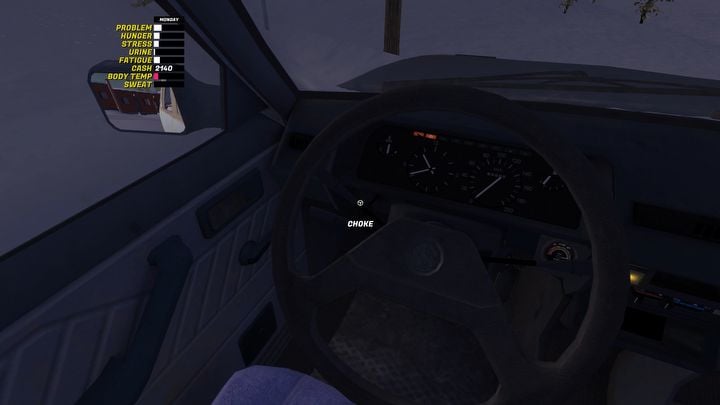
- Once you do that, start the engine. It should work. Leave it on and turn off the most necessary things – window heater and blower. These two buttons are marked on the screen below. They will help you scrape windows.
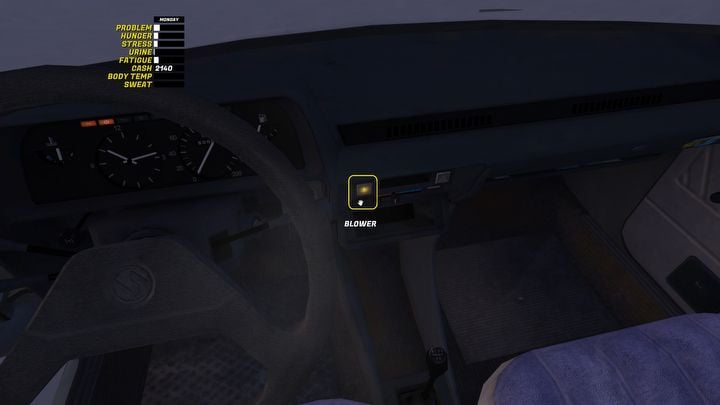
- Release the choke (right mouse button).
How to Scrape Windows in My Winter Car
Once you start your car and turn on the window heater and blower, you can go outside and scrape the ice. You could start scraping sooner, but it would take much longer without the heater. Plus, without the blower, your windows will be foggy, making it impossible to see.
Okay, so when I’m scraping, I just need to hold down the left mouse button and move it around. The key is to listen for a sound – that tells me I’m doing it right. If I don’t hear anything, I just try the action again. Eventually, I should see something change on the screen, and that means it’s working!
How to start driving in My Winter Car
With clean windows and engine on, you can start the car.
- Go back to the car and make sure that you closed the door. You need to hear a slam sound.
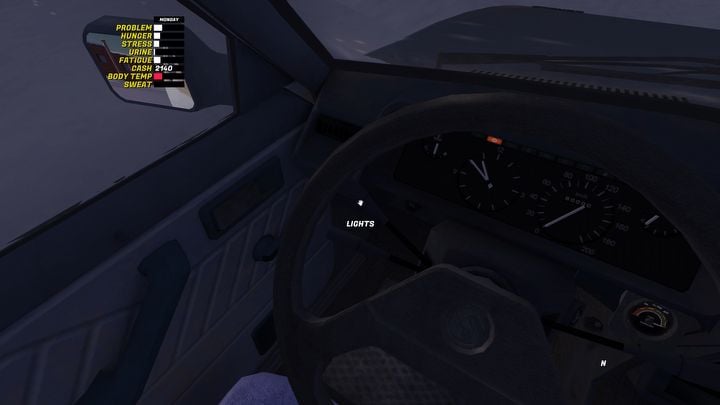
- Next, you might want to turn on lights, they are on the left side of the wheel.
- Remember about your hand break. It’s between front seats. You release it with right mouse button (the car is ready to drive) or pull it up with the left button (when you want to stop).
- Next, enter the Driving Mode by pressing enter.
- Finally, you need to press the proper break. I had no luck with shortcuts on my keyboard, the only thing that works for me is G (gears forward) and B (gears backward). If you are reading this, it means that you have never started the engine in MWC before. So, start with R – the car will go backwards. Next, you can change it to 1 and above, once you have proper speed, to drive forward.
Read More
- United Airlines can now kick passengers off flights and ban them for not using headphones
- Crimson Desert: Disconnected Truth Puzzle Guide
- How to Get to the Undercoast in Esoteric Ebb
- All Golden Ball Locations in Yakuza Kiwami 3 & Dark Ties
- Katanire’s Yae Miko Cosplay: Genshin Impact Masterpiece
- All 9 Coalition Heroes In Invincible Season 4 & Their Powers
- All Itzaland Animal Locations in Infinity Nikki
- HBO’s Harry Potter Is Already Breaking My Heart
- Zendaya’s 4 Big 2026 Movies Could Beat Brie Larson’s Box 2019 Office Record
- The Vanishing Context: When AI Minds Lose Focus
2026-01-05 17:32