Compared to many online games that constantly ask for more money, Where Winds Meet is pretty reasonable. It has a battle pass and some optional cosmetic items you can buy with real money, but these don’t affect the core gameplay experience.
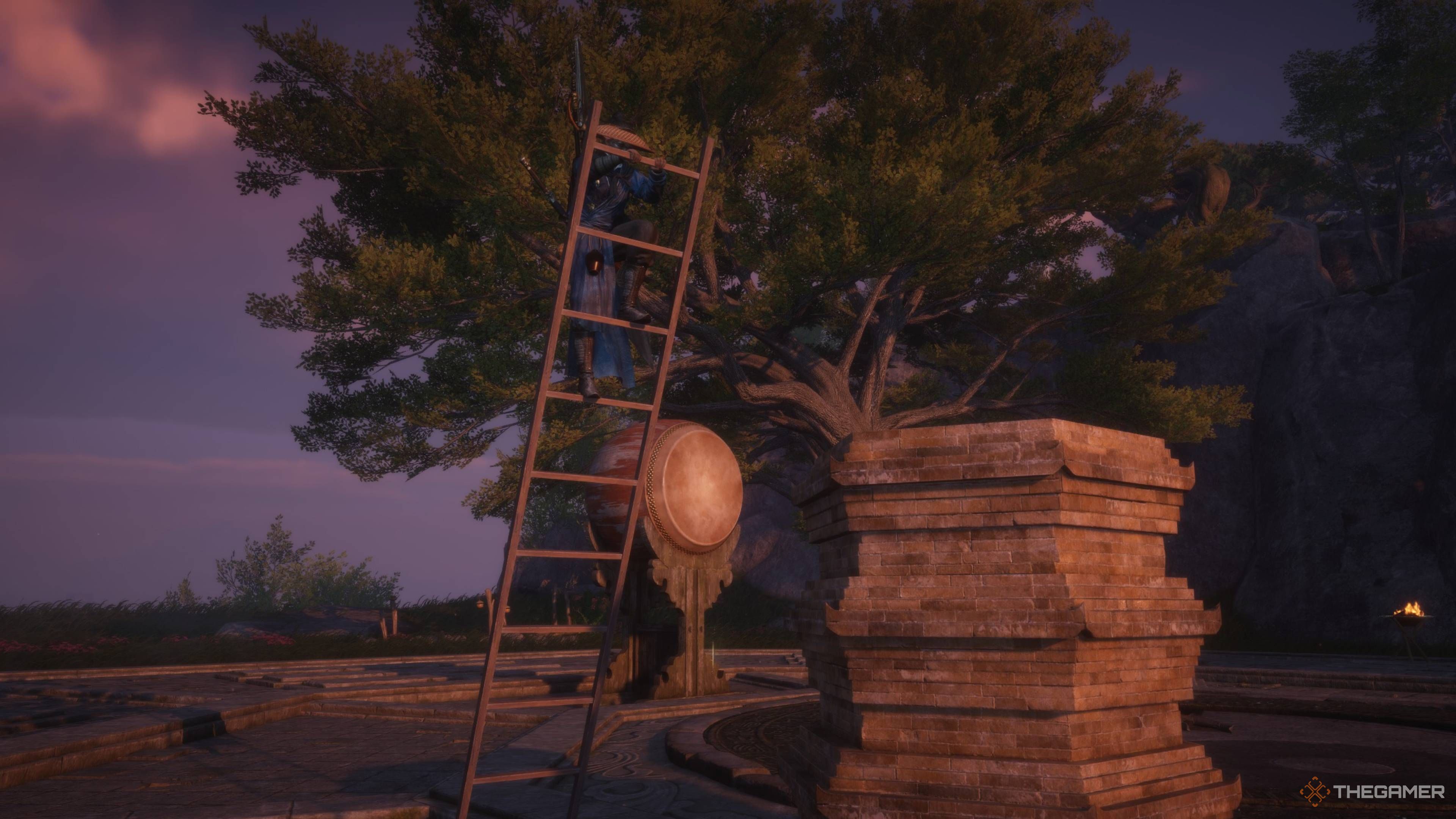
One of the coolest parts is definitely the building system. Seriously, whenever I want, I can just start creating things! It’s not just little decorations either – I can build entire houses and really customize the world around me. And honestly? It’s way more in-depth than I expected!
What Is Construction?
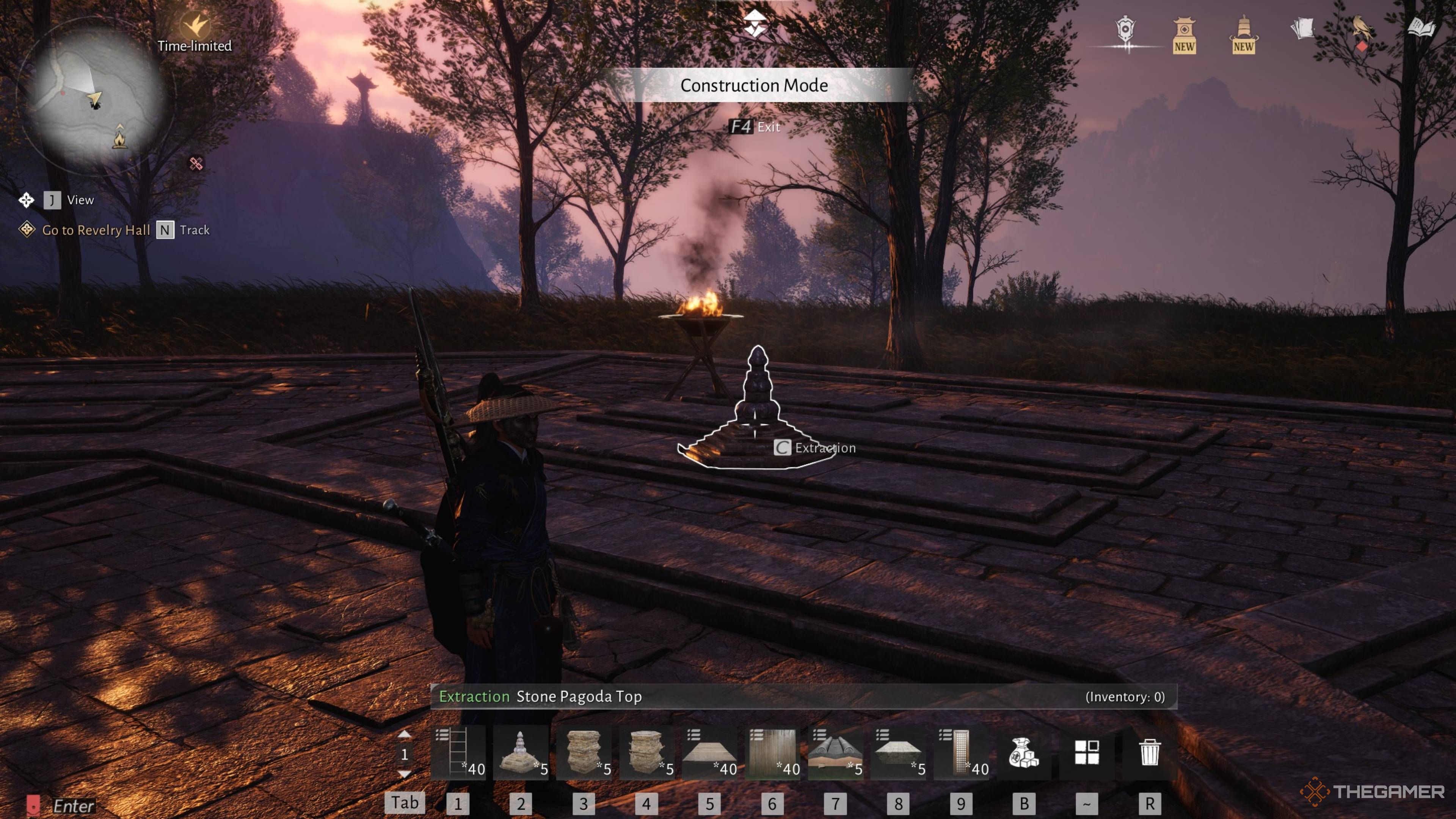
Construction lets you build things by combining different parts. It’s easy to access with a dedicated button, and the game organizes all the available pieces into helpful categories, giving you a wide variety to choose from.
Building things in this system is mostly for looks. The items you place won’t actually do anything, but sometimes having things look nice is enough!
Right now, the building system is limited, but it looks like the game will get a huge update in the future. The Chinese version suggests you’ll soon be able to build on much bigger plots, grow gardens, and even employ characters to help manage your land.
You can place items anywhere without any restrictions, and it’s completely free. If you want to change things, you can take items back into your inventory without losing them. Feel free to experiment and build whatever you like – you have nothing to lose!
Making things requires two things: Stamina and Resources. The main resources are Raw Ore and Wood – larger projects need more of them. Stamina is only used when crafting, whether it’s food or buildings, and it automatically replenishes each day.
However, building most items only uses a small amount of stamina, allowing you to craft as many as 500 in a single day before needing to rest.
Basic Functions
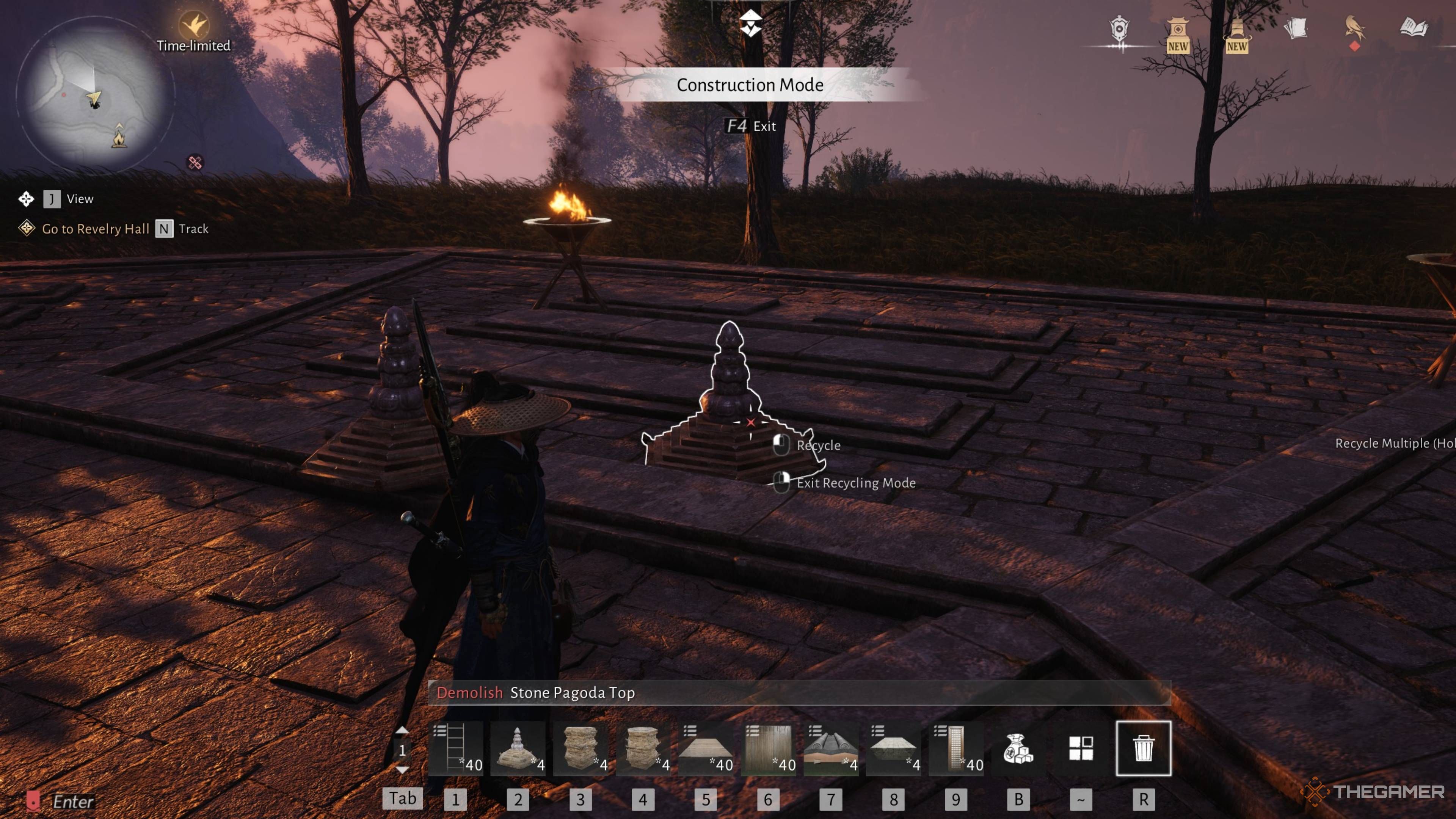
Building is straightforward. Simply enter Construction Mode, choose the item you want to place from your inventory or quick access bar, and then place it. You can also rotate items and change their settings – for example, you can adjust the angle of a ladder.
However, there are a few helpful extra functions here as well, such as:
- Recycling – This allows you to remove any item you’ve placed and return it to your inventory, without losing or costing anything.
- Extraction – This lets you highlight any placed item and instantly place another, provided you have one in your inventory or the materials to create another.
- Blueprints – This lets you place entire designs in the world before committing any materials to it, both letting you get a feel for how something should look, and helping you build more advanced structures easily.
- Quick Bar – This is a hot bar of all your favourite items you most frequently use in Construction Mode. This comes pre-populated by default, though you can choose exactly what you want in it by selecting new items from the bag.
Building Yourself
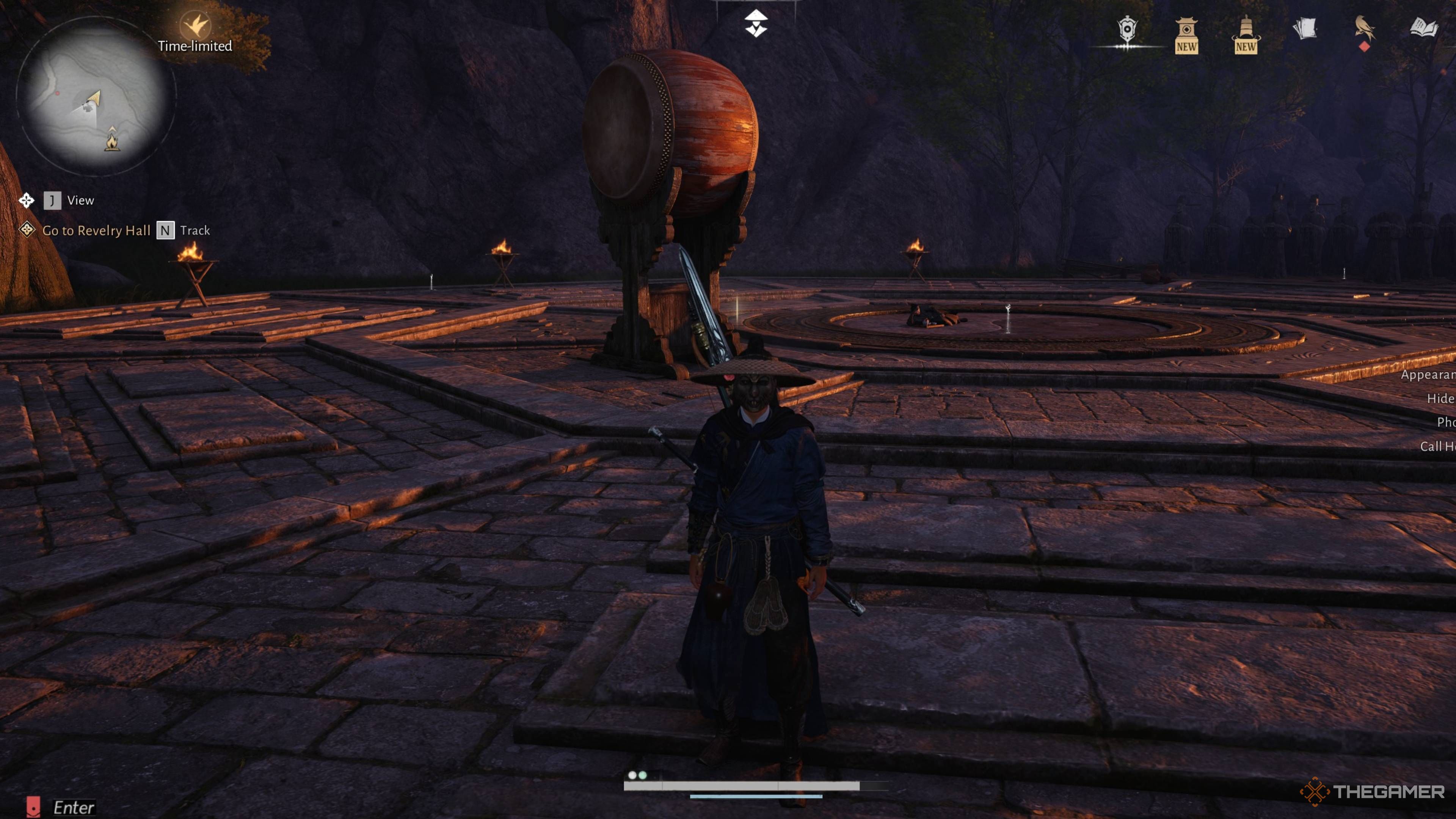
Construction is easy! Simply select what you want to build and click to place it. If you already have the materials, it will be placed immediately. If not, the game will automatically craft them for you as you build.
As a player, I’ve found it super helpful that when I’m looking at things I can craft, there’s an asterisk next to anything I don’t have yet. Plus, it shows me exactly how many of that item I have the materials to make, which is a lifesaver!
Most objects can be moved around freely, but some will automatically connect when placed near each other. This makes building easier – for instance, walls, windows, doors, and roofs will align and connect at angles to help you fit them together smoothly.
Building From Blueprints
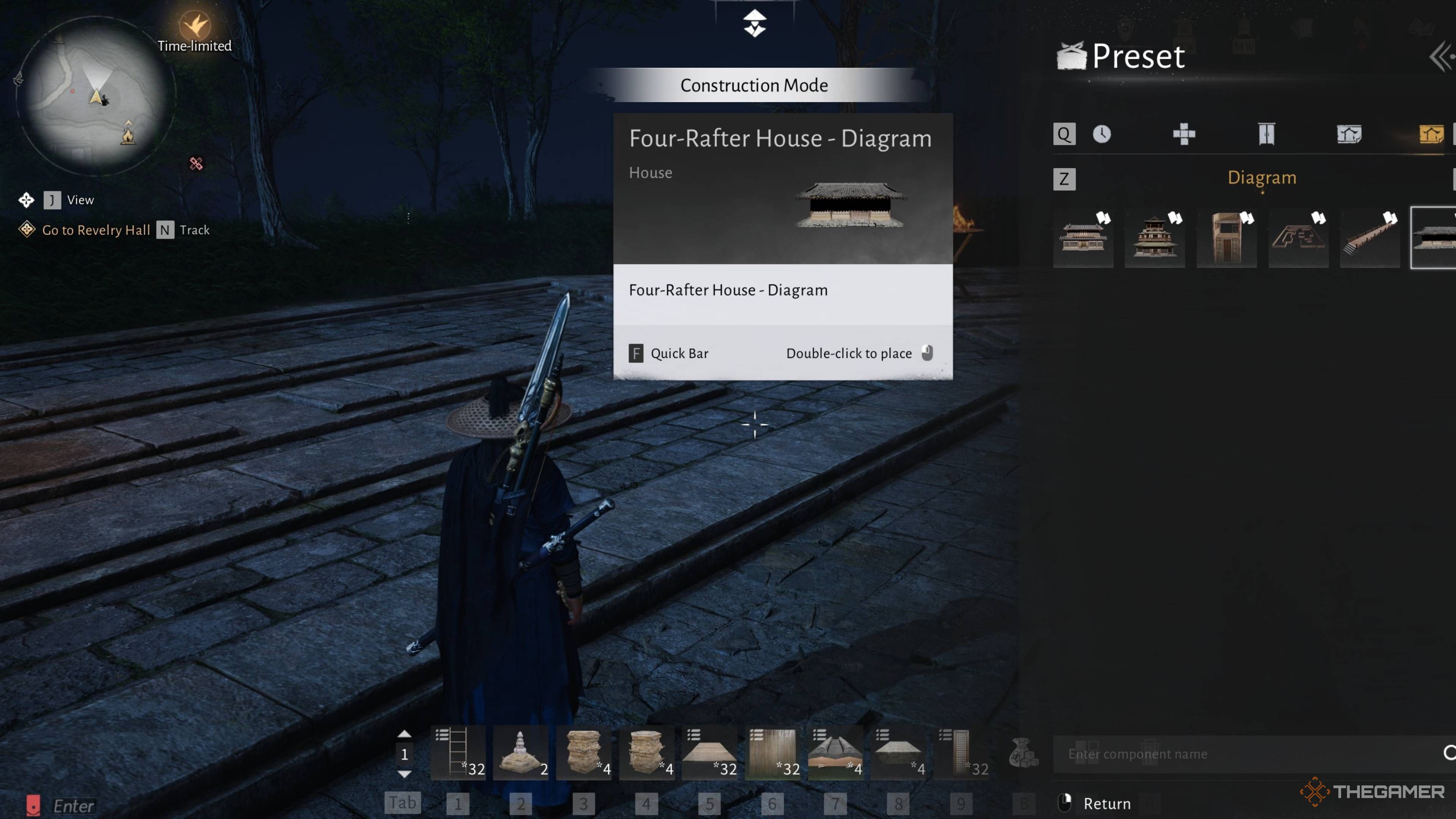
If you’re short on ideas or time, you can start with pre-made diagrams. These diagrams will create a basic outline of the building in your world, helping you visualize its size and shape.
While blueprints don’t build themselves completely, you need to construct each part individually. You can also try to complete the entire diagram at once, but be sure you have enough resources first – otherwise, you might end up with a poorly built house lacking essential features like walls or floors.
After placing a blueprint, you can inspect each individual component and also see the total count of all parts.
Can You Build Anywhere?
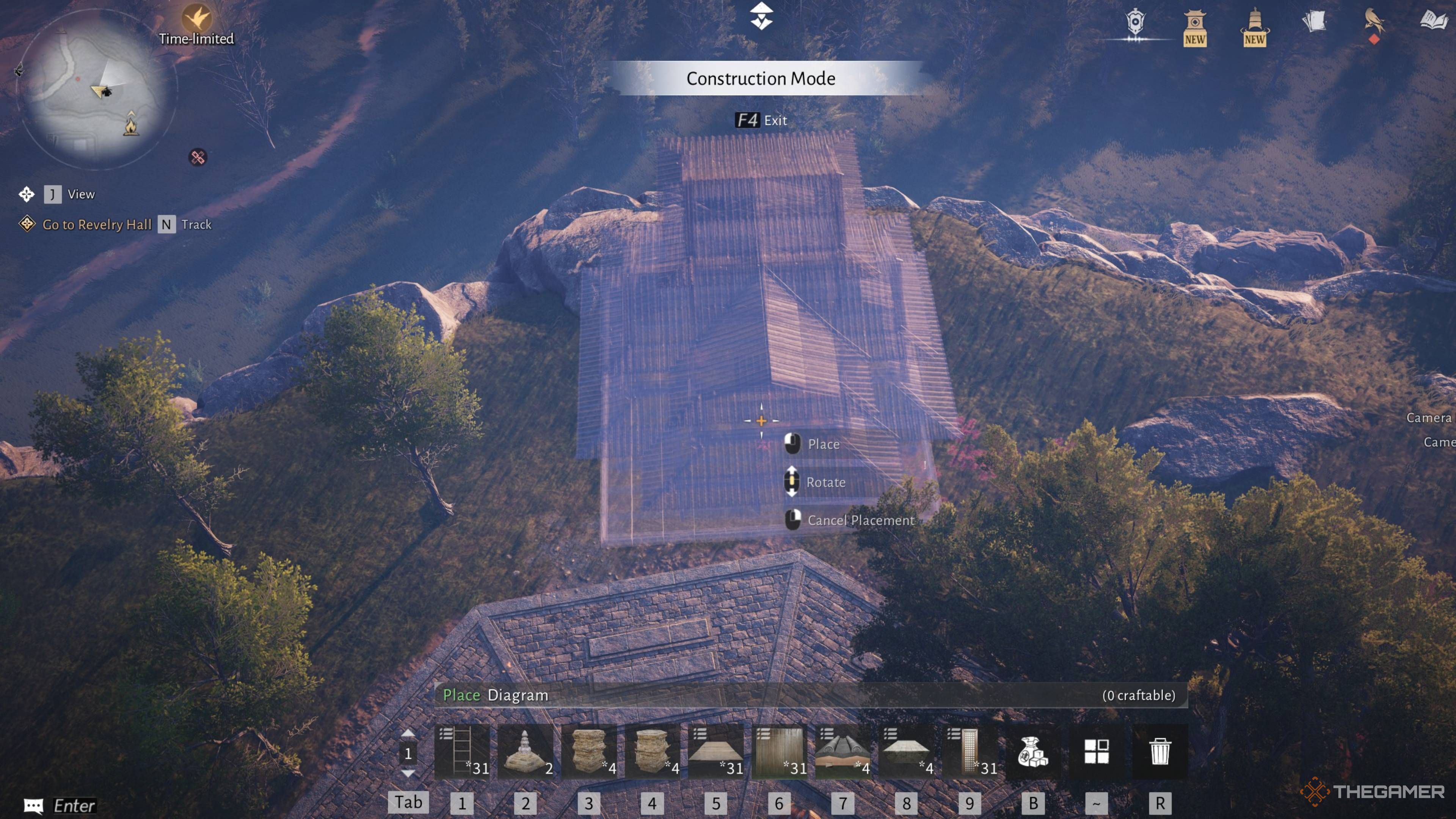
Honestly, the freedom to build is amazing! Almost anywhere you can see, you can actually build on it – that’s what I love most. There are a few places you can’t, like inside caves, dungeons, or big cities like Kaifeng and Blissful Retreat, but otherwise, the world is your oyster!
You have plenty of room to build, and your creations won’t interfere with anything already in the world. The game is pretty lenient, but it does require the ground to be reasonably level. However, you really can build just about anywhere – it’s incredibly open-ended and flexible.
Plus, you have the freedom to put ladders wherever you need them, which makes climbing strange or very high buildings much simpler.
Are Your Structures Permanent?
Here’s another great thing: everything you create stays put! Unlike some other games, your buildings are permanent. You won’t be able to see other players’ creations, and they won’t see yours, especially when playing online. It’s definitely not like Death Stranding, where things are constantly changing.
Subscribe for Deeper Construction Tips and Blueprints
Hungry for richer building ideas? Subscribe to the newsletter for curated blueprints, material-finding tips, and practical placement tricks tailored to the game’s construction system — clear, actionable guidance to improve your designs.
Subscribe for Deeper Construction Tips and Blueprints
Hungry for richer building ideas? Subscribe to the newsletter for curated blueprints, material-finding tips, and practical placement tricks tailored to the game’s construction system — clear, actionable guidance to improve your designs.
By subscribing, you agree to receive newsletter and marketing emails, and accept Valnet’s Terms of Use and Privacy Policy. You can unsubscribe anytime.
No matter what happens – even if you leave and return later – everything you’ve built will still be there. Your creations will last, and you’ll always have a place to return to.
Where To Get Construction Materials
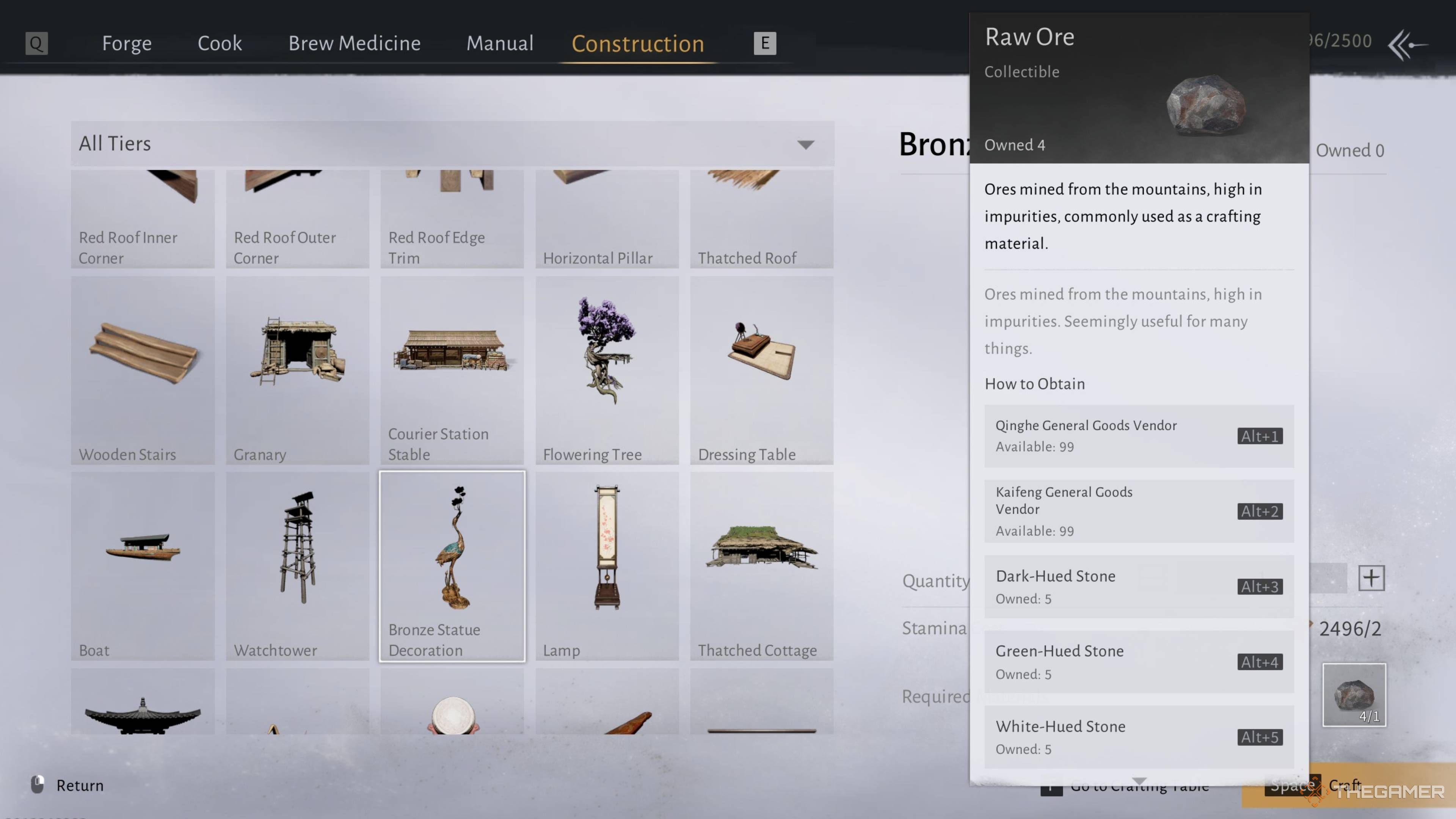
Building can be really enjoyable, but it does require resources. You’ll primarily need wood and raw ore. While most items don’t use much, larger projects quickly demand a lot of both materials.
You can buy both of these items from merchants, but you can also find them while exploring the game world. The Material Tracking feature can help you locate them on the map. While it takes more time and effort, gathering them yourself is cheaper and allows you to collect more than what’s currently available in stores.
You can get wood by chopping down specific trees. Raw Ore is found in ore deposits and rocks throughout the world, like dark and green stones.
Read More
- United Airlines can now kick passengers off flights and ban them for not using headphones
- Crimson Desert: Disconnected Truth Puzzle Guide
- How to Get to the Undercoast in Esoteric Ebb
- All 9 Coalition Heroes In Invincible Season 4 & Their Powers
- All Golden Ball Locations in Yakuza Kiwami 3 & Dark Ties
- Katanire’s Yae Miko Cosplay: Genshin Impact Masterpiece
- All Itzaland Animal Locations in Infinity Nikki
- Warframe Voruna Prime access begins on April 8 for all platforms, new deluxe cosmetic Warframe skins revealed
- Zendaya’s 4 Big 2026 Movies Could Beat Brie Larson’s Box 2019 Office Record
- Dakota County’s plan to end hunger involves locking mayors in escape rooms
2025-12-21 18:06