
I got my hands on an early build of Heroes of Might and Magic: Olden Era, which Unfrozen Studio and Hooded Horse are releasing this week in Early Access on Steam and as a Game Preview on Xbox for PC. I’ve been testing it out on my Steam Deck, and I wanted to share my first impressions – how it runs with the recommended settings, what the multiplayer is like, and what I think could make it even better on Valve’s handheld.
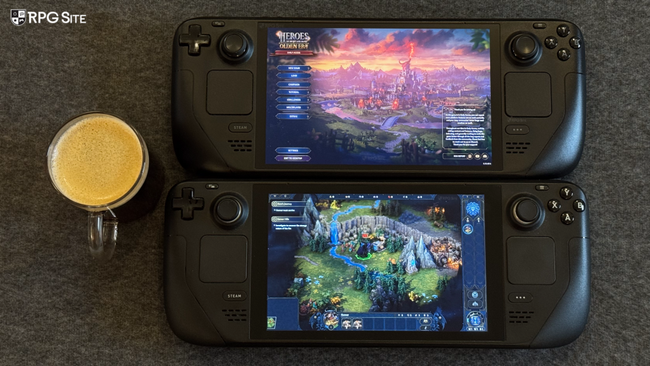
Heroes of Might and Magic: Olden Era Steam Deck early access impressions
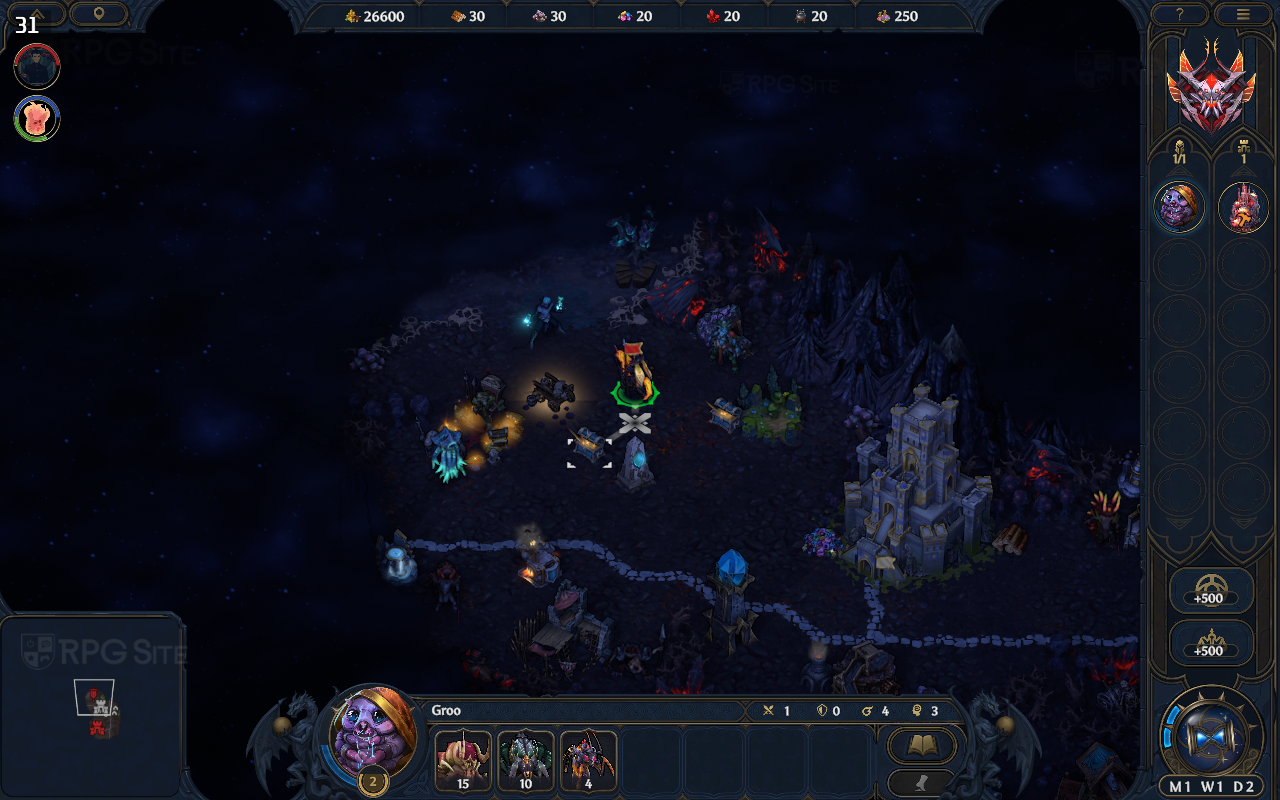
Valve has confirmed that Heroes of Might and Magic: Olden Era is playable on the Steam Deck, but it’s not officially ‘Verified.’ While the game runs well with default graphics settings, it lacks full controller support and doesn’t display proper controller icons. Text is also quite small and can’t be scaled, and you’ll need to manually bring up the keyboard for things like saving or typing names. After testing the game for about twelve hours on both Steam Decks and the ROG Ally, Valve’s assessment seems correct.
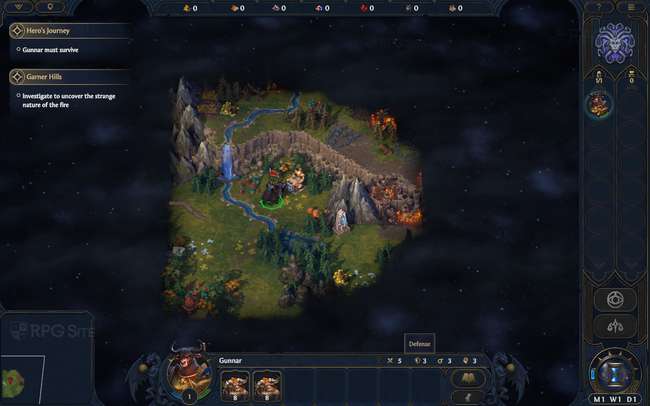
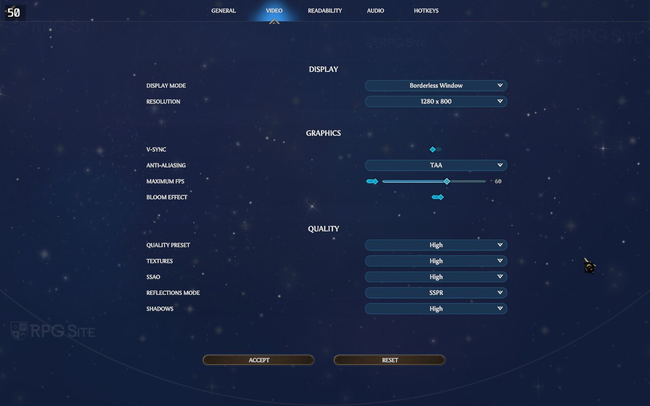
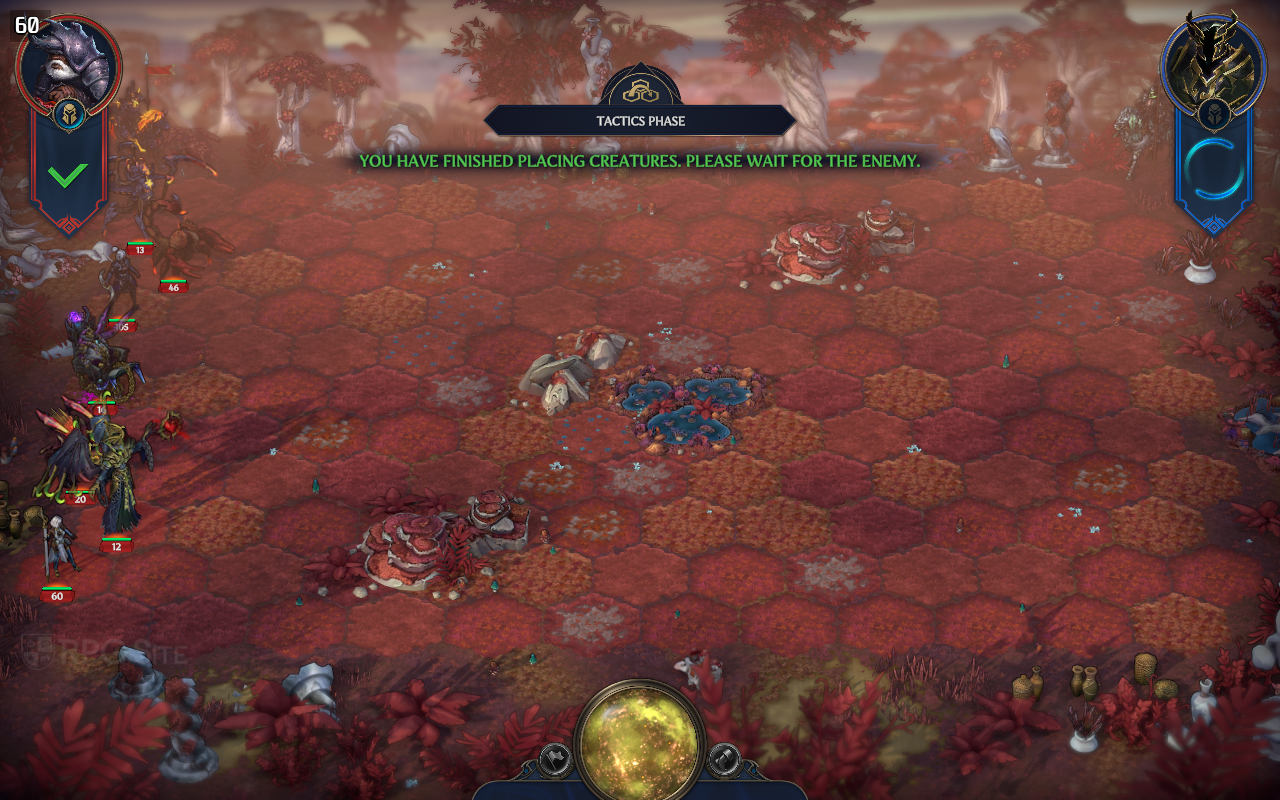
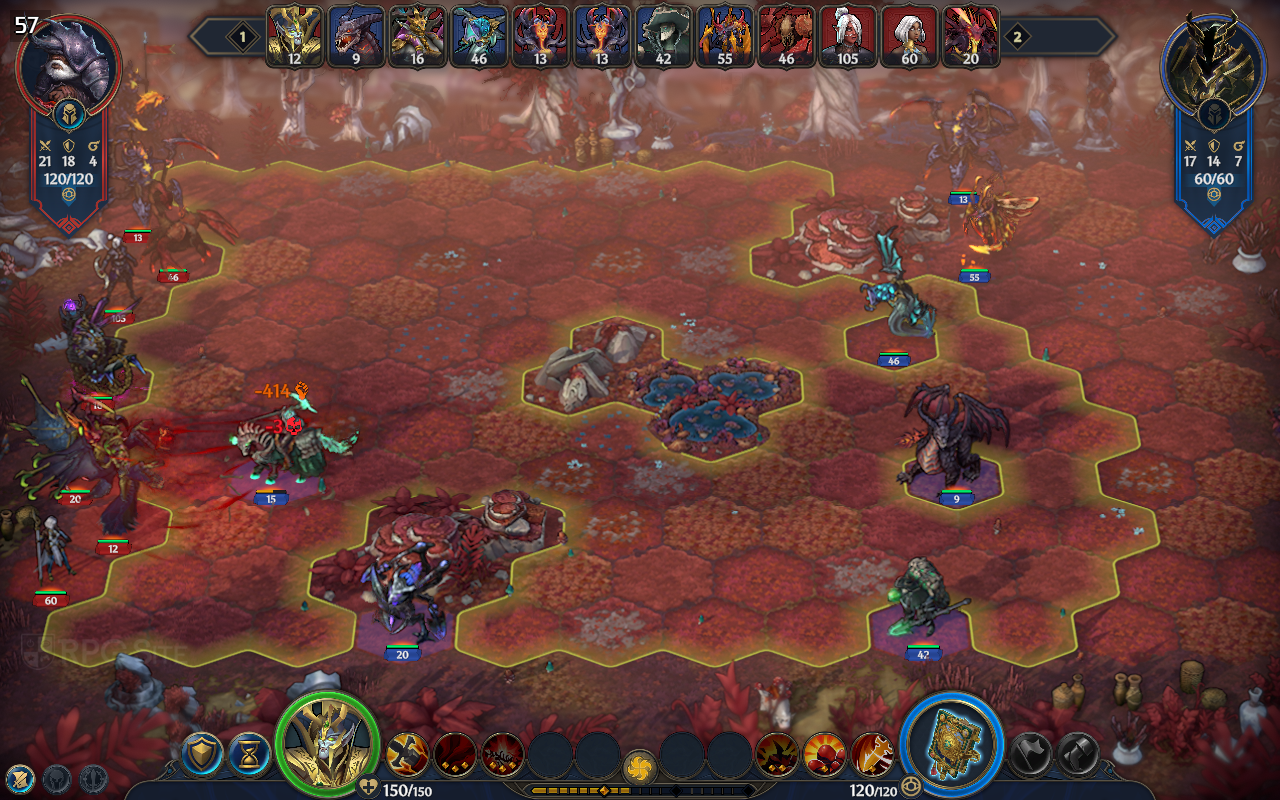
Heroes of Might and Magic: Olden Era performs well on the Steam Deck, achieving between 40 and 60 frames per second on the LCD screen, and potentially higher on the OLED model. However, a consistently stable 60 or 90fps isn’t reliably achievable. The default graphics settings on Steam Deck are set to ‘high’, and this provides a good experience, delivering around 40fps on the world map and 60fps during battles. If you’re happy with these frame rates, the default settings are ideal.
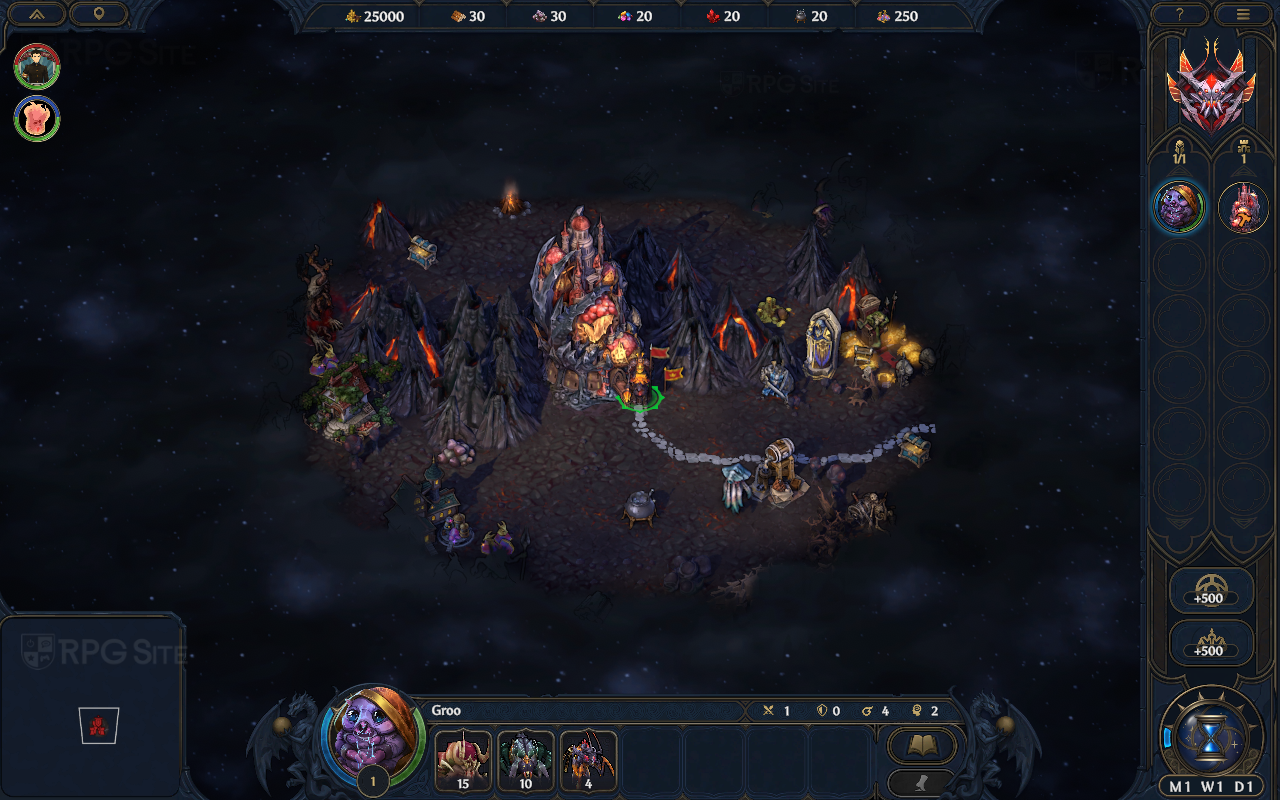
Heroes of Might and Magic: Olden Era supports widescreen resolutions (16:9 and 21:9) on PC. I tested it on both my Steam Deck and a 21:9 monitor (when docked) and the visuals looked good. However, the current early access version doesn’t let you adjust the size of text or the user interface, which can be a problem.
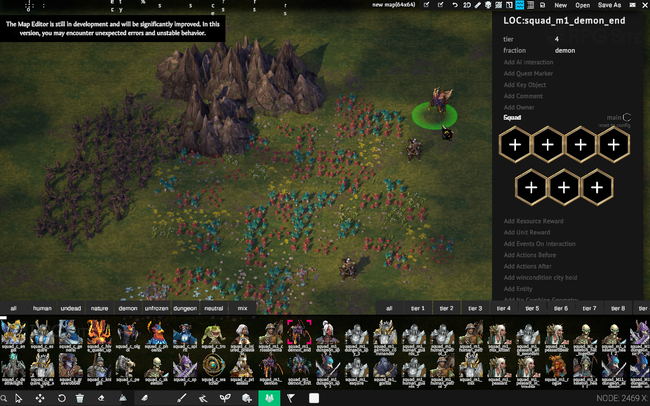
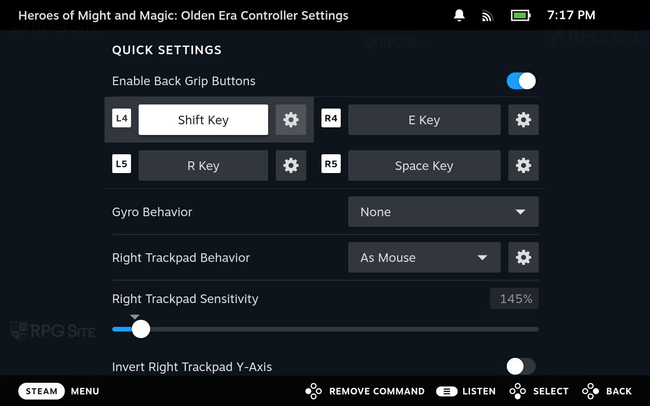
Just a heads-up: Heroes of Might and Magic: Olden Era doesn’t officially support controllers, but the Steam Deck’s trackpads work really well. The default keyboard and mouse setup is usable, but I suggest setting up the back buttons and assigning the Shift key to one of them. This lets you easily see more detailed information about items when you hover over them.
Zooming out significantly using the shoulder buttons will lower performance, potentially dropping the frame rate into the 30s on Steam Deck with the high graphics setting. Even with the lowest graphics setting and zoomed all the way out, we observed frame rates occasionally dipping into the 30s.
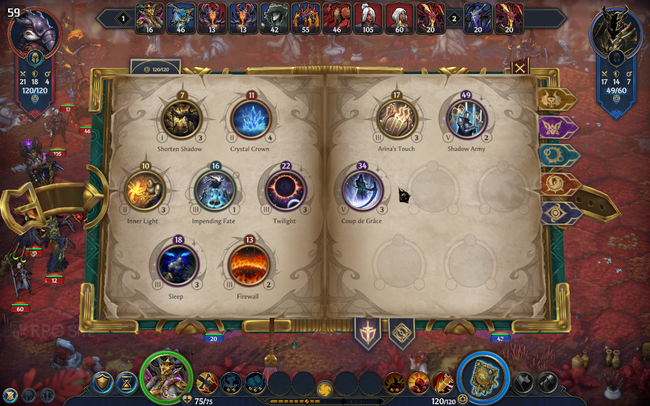
Heroes of Might and Magic: Olden Era Steam Deck recommended settings for early access
As a big fan, I’ve been playing Heroes of Might and Magic: Olden Era, and I’ve figured out a few things about performance. Right now, for the early access version, I’d suggest either locking the frame rate to 30fps for a really smooth experience on the high settings, or leaving it unlocked if you’re okay with around 40fps on the map and 60fps in battles. If you do aim for 60fps, definitely check your Steam Deck OLED refresh rate settings – make sure it’s not trying to run a 60fps game at 90hz, because that can cause problems. I tried turning the settings all the way down, but the performance boost wasn’t huge, so I’ve stuck with the high preset and just lowered the shadows a bit on my LCD Steam Deck when I was aiming for around 40fps.
I also suggest assigning the Shift key to one of the back buttons – this lets you see detailed information without pressing the left stick. You can also change how sensitive the trackpad is if you prefer. Since I’ve played a lot of Paradox games on the Steam Deck using the trackpads, picking up Heroes of Might and Magic: Olden Era was easy, except for the small font size.
To get the most out of playing on the go, I suggest using the trackpad, touchscreen, and buttons together. The trackpad is what makes games like Heroes of Might and Magic: Olden Era work so well on the Steam Deck. Without it, playing on a device like the ROG Ally with just the right stick can be frustrating.
Heroes of Might and Magic: Olden Era online multiplayer on Steam Deck
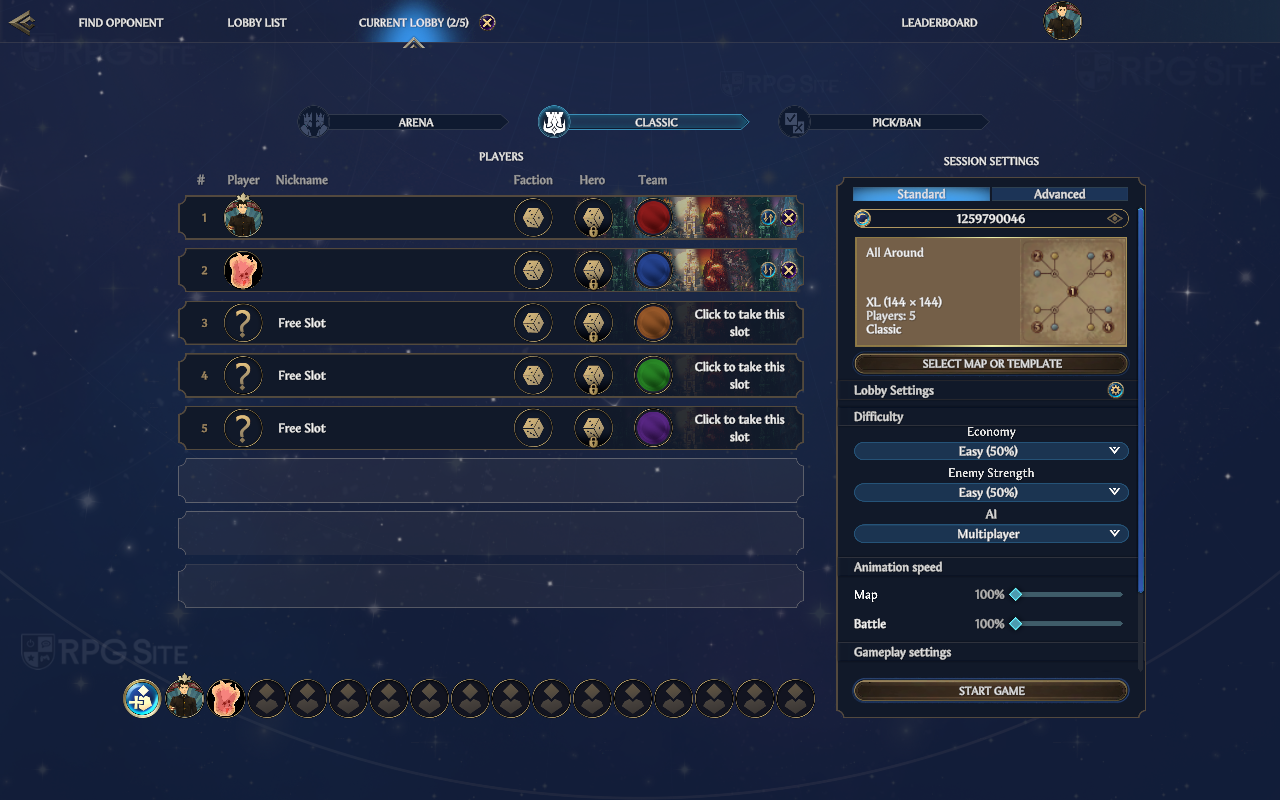
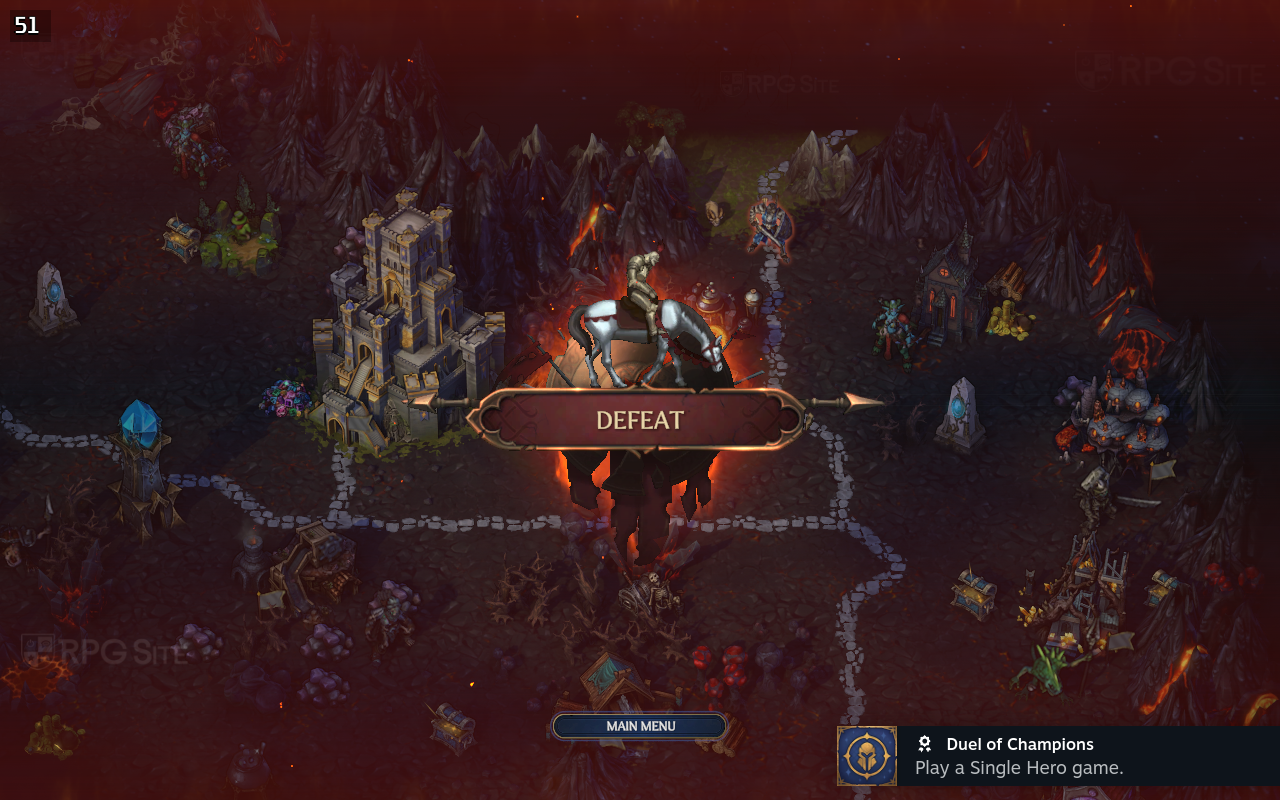
I also tried playing Heroes of Might and Magic: Olden Era online on the Steam Deck. I successfully invited a friend through Steam Chat and we played without any problems in a private game. Online performance was comparable to playing solo, with the map generally running at 40-50 frames per second depending on how zoomed in you were, and combat reaching a smooth 60 frames per second. Both the classic multiplayer and the Arena mode worked well when using the Lobby setting, and I tested this with both players using their own Steam Decks.
What I want to see fixed in Heroes of Might and Magic: Olden Era for Steam Deck
Currently, my biggest hope for the game is the addition of UI and text scaling. This is the main problem players are encountering on the Steam Deck. The developers have mentioned they’re working on Steam Deck support, so it’s likely coming, but I wanted to let you know before you try the early access version. Aside from that, full controller support would be great, but the existing trackpad and button combinations work surprisingly well.
Heroes of Might and Magic: Olden Era will be available in early access on April 30th for PC (through Steam and Xbox on PC Game Preview).
Read More
- Netflix’s Little House On The Prairie Reboot: Release Date, Cast & Everything We Know
- Off Campus Season 1 Soundtrack Guide
- YouTuber arrested after viral AI bodycam videos spark real police complaints
- Silver Rate Forecast
- Prime Video’s New R-Rated Spy Thriller Is Officially No.1 On Streaming Despite Poor Reviews
- Brent Oil Forecast
- Peaky Blinders: The Immortal Man’s Tommy Shelby Is a Better Father Than Michael Corleone
- Gold Rate Forecast
- EUR ZAR PREDICTION
- Bulgakov’s Take: Koreans Bet the Farm on Chips, Crypto, and Chaos
2026-04-28 17:27