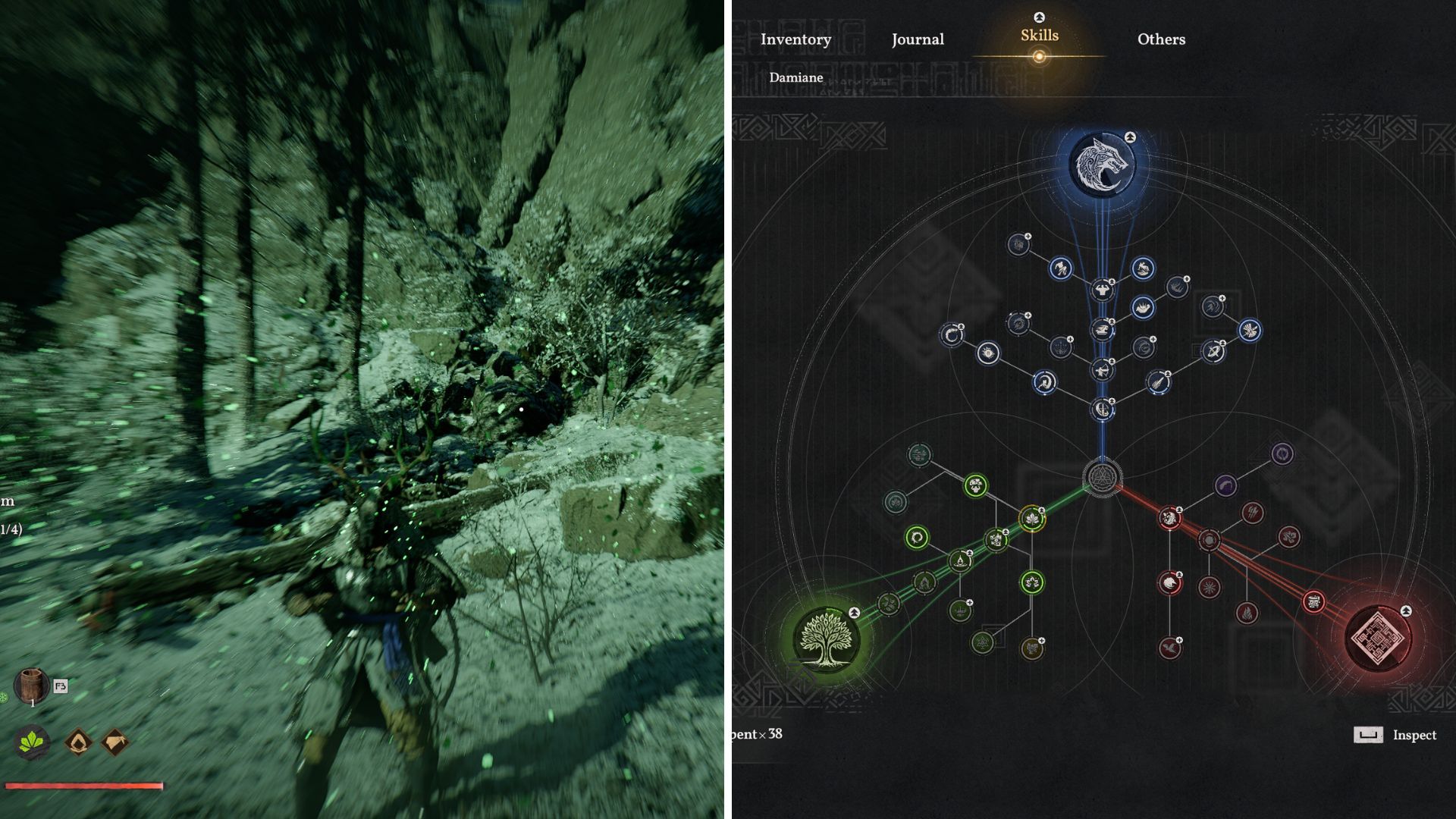
Crimson Desert is a huge game with tons of content, which can be overwhelming for new players. It takes some time to learn the controls and decide where to begin, so understanding which skills to focus on early on is really helpful.
Besides your character’s skills, you’ll also have special abilities to help you during gameplay. These include spirit powers that let you fly, push enemies away, and move incredibly heavy objects.
Here’s a guide to the key skills in Crimson Desert, explaining how to use them effectively when you need to.
Axiom Force, Explained
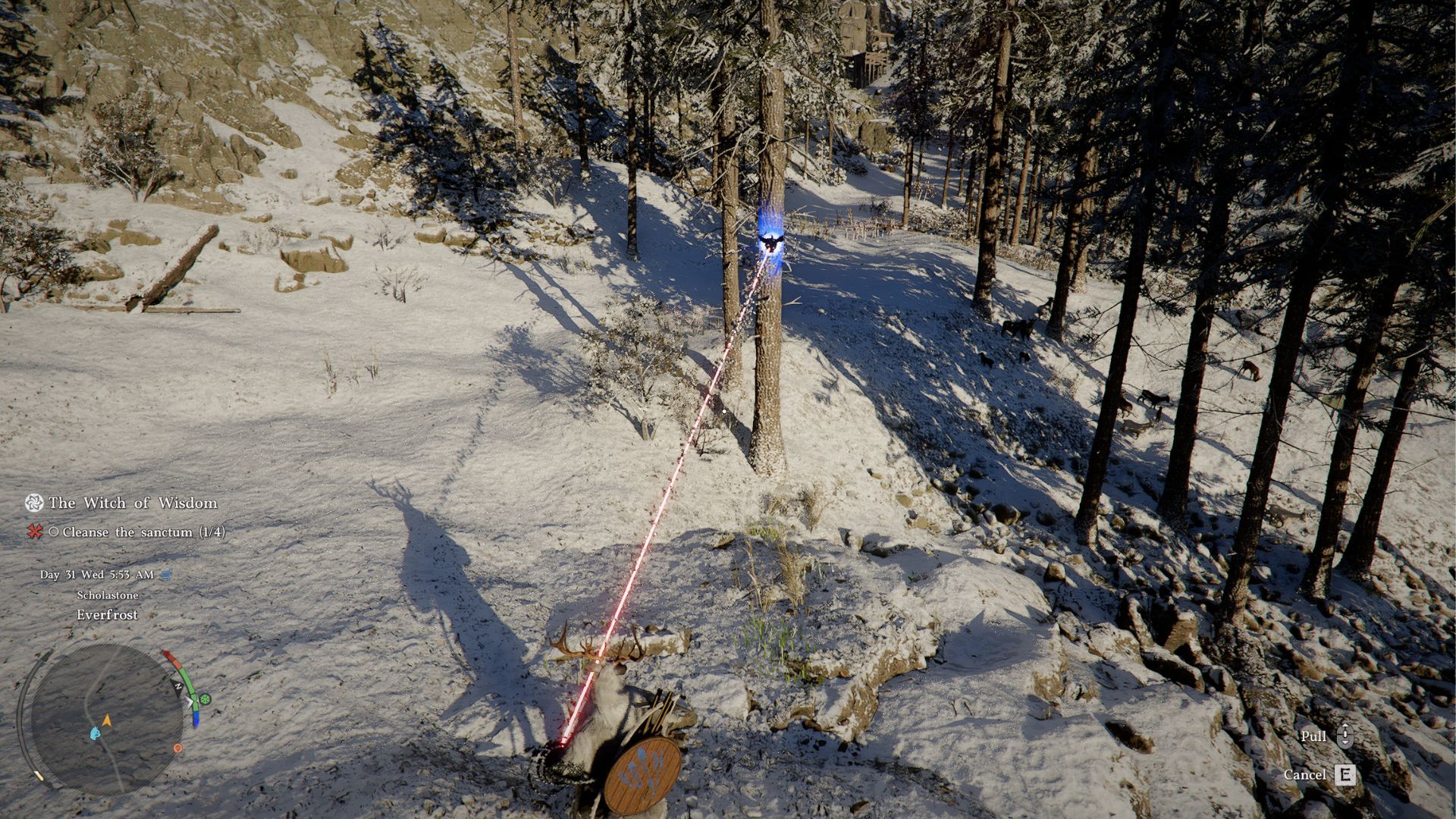
Axiom Force is a key ability in Crimson Desert that you’ll use frequently to solve puzzles. At its core, it lets you grab and move objects, but you can enhance it to help you get around the game world more smoothly.
To activate Axiom Force, simply hold down the left stick on your controller or the TAB key on PC. This will begin charging the ability. Once charged, a marker will appear, showing you what you’re aiming at. When the marker turns blue, you can successfully attach the Axiom Force ability to that target.
If you release, a hand will extend and grab the spot you indicated. Axiom Force won’t grip anything unless you’ve chosen a target and the marker is green.
Typically, you use Axiom Force to grab and reposition objects. But as you improve the skill, you’ll gain more options for how to use it.
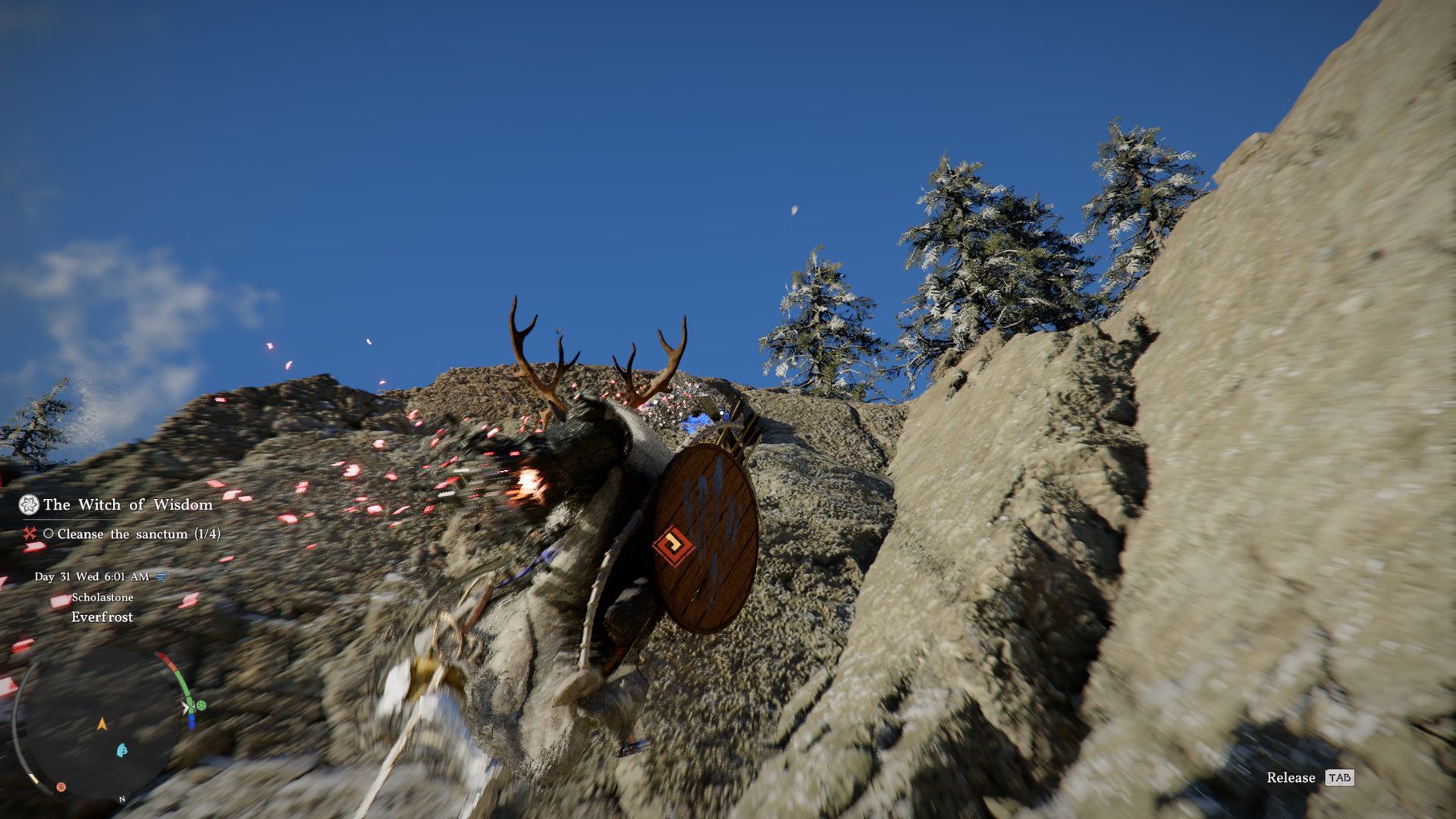
The first upgrade available for Axiom Force is called Aerial Maneuver. It lets you grab onto things like buildings and cliffs, then propel yourself upwards into the air.
If you find an object affected by Axiom Force, you can quickly reach it by double-jumping. Press the jump button twice to launch yourself upwards to that object. This is a great way to quickly climb cliffs or jump over obstacles.
The second upgrade for Axiom Force is called Aerial Swing. Like Aerial Maneuver, you’ll grab onto something in the environment. Then, you can jump and use the right stick or your mouse to swing, building up speed and launching your character forward.
Force Palm, Explained
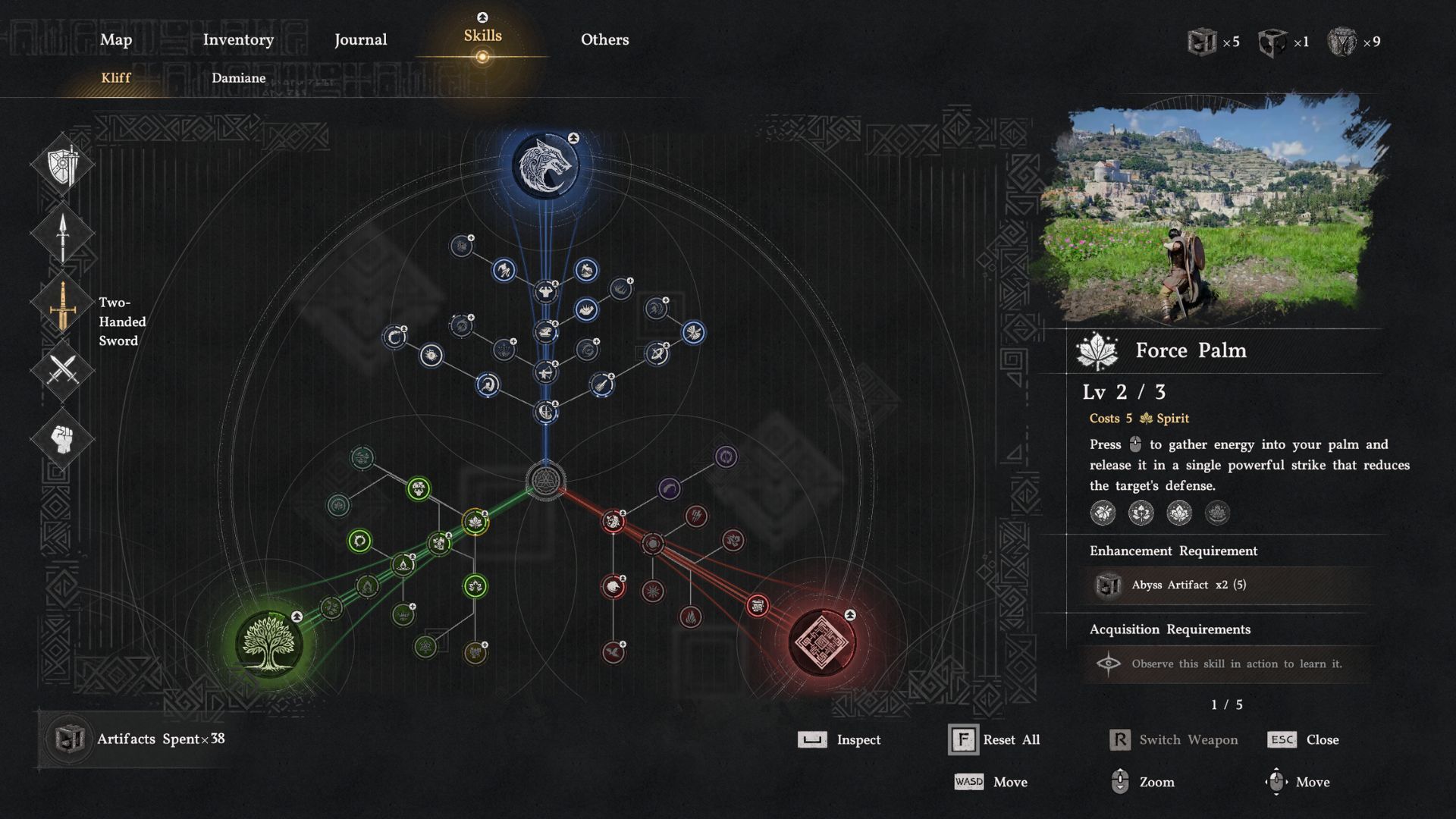
Force Palm is a powerful combat and puzzle-solving technique in Crimson Desert. You activate it by pressing the right stick on your controller or scrolling the wheel on your mouse, causing your character to deliver a strong palm strike.
This skill is helpful in battles to weaken enemies, and it also solves puzzles by letting you fit items together. For example, it’s great for fixing things like the broken kiln.
The initial upgrade for Force Palm gives you two new abilities: Aerial Force Palm and Healing Force Palm. Aerial Force Palm lets you jump, aim down, and then use Force Palm to boost yourself upwards, which is helpful for slowing down when falling from heights.
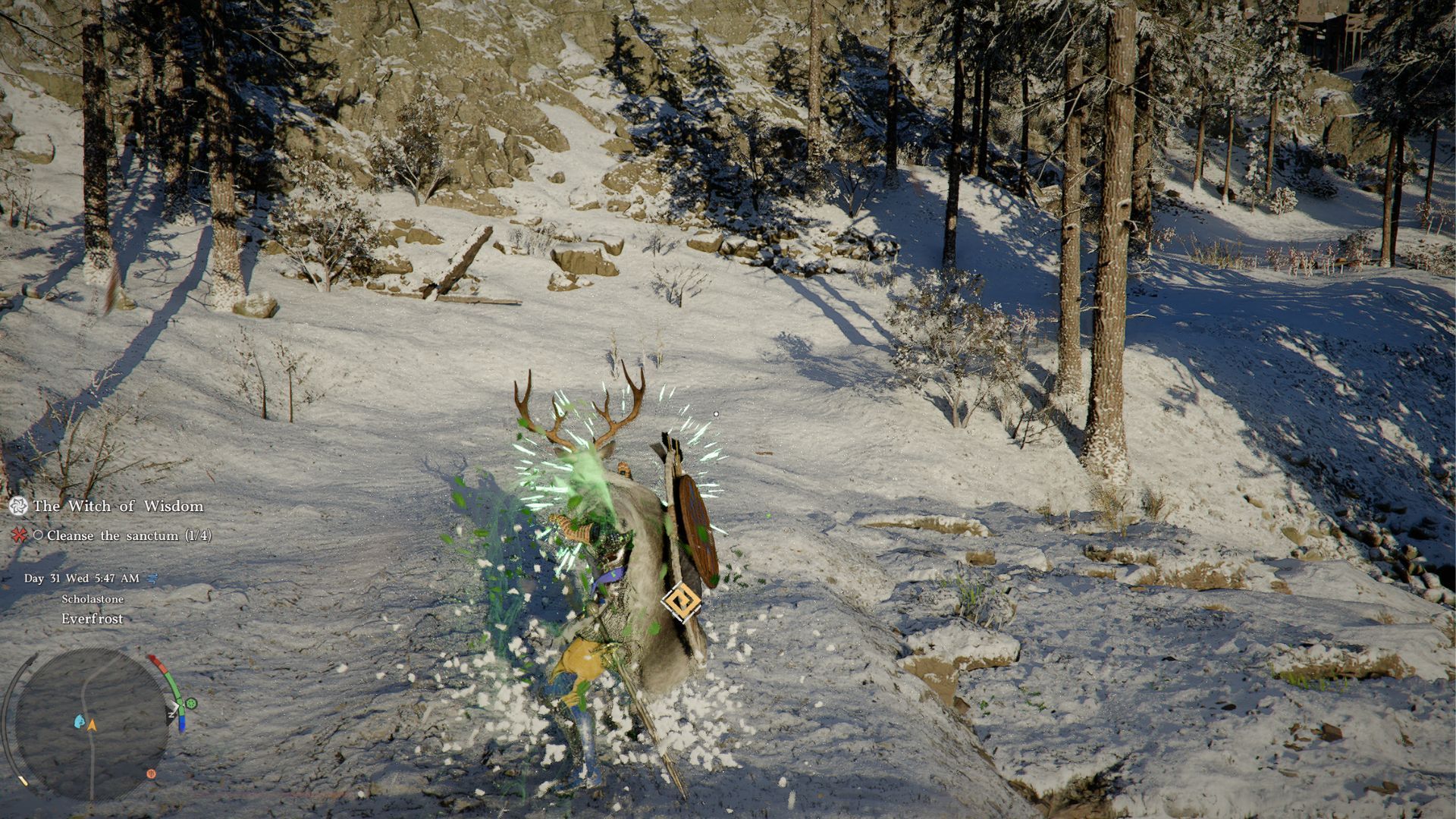
Beyond its primary attack, Aerial Force Palm can also be used to solve puzzles by moving objects or to knock enemies down during a fight. You can switch Force Palm to a healing ability by holding the button and pressing the left stick. This lets you restore health to allies, or even mend your horse after it takes damage.
As a gamer, I’ve found that fully upgrading Force Palm lets me unleash a rapid-fire attack! Instead of just hitting once, I can string together up to three Force Palm strikes in a row during a fight, which is seriously awesome for dealing damage.
As you progress through the Forbidden Knowledge quest, you’ll also learn Focused Force Palm. This special ability lets you combine your focus power with Force Palm to break stones by hitting their center.
Nature’s Grasp, Explained
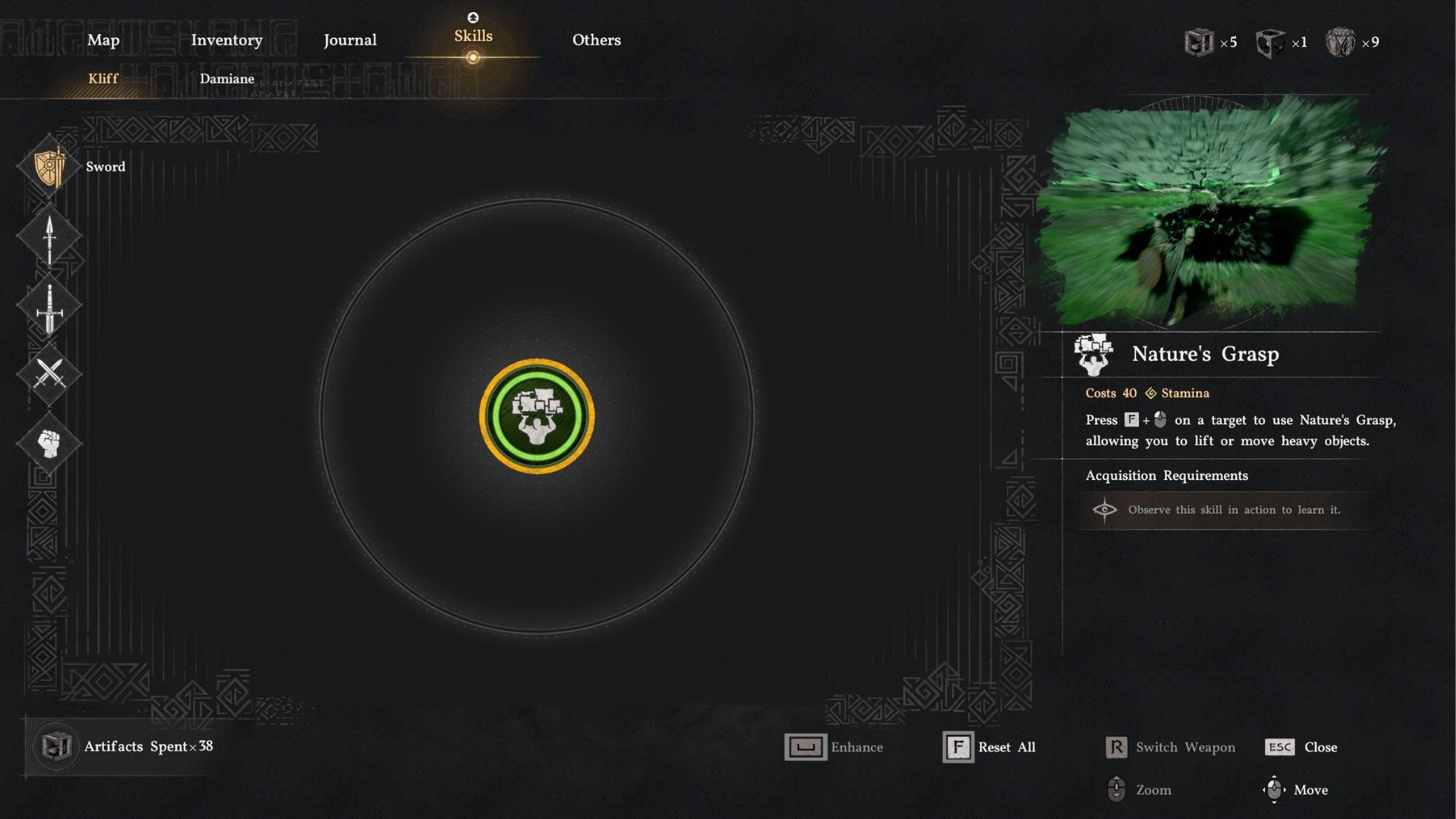
Nature’s Grasp is a straightforward ability that lets you lift and move heavy things like rocks, gates, and pillars. It’s helpful for solving puzzles by opening blocked doors or gates to forts and other areas.
You can pick up objects by pressing specific buttons: circle and triangle on PlayStation, Y and B on Xbox, or F and the left mouse button on PC.
Generally, objects can’t be lifted manually – they usually require Axiom Force. However, when using Nature’s Grasp to lift something, holding down the run button will make the process faster.
Focus, Explained
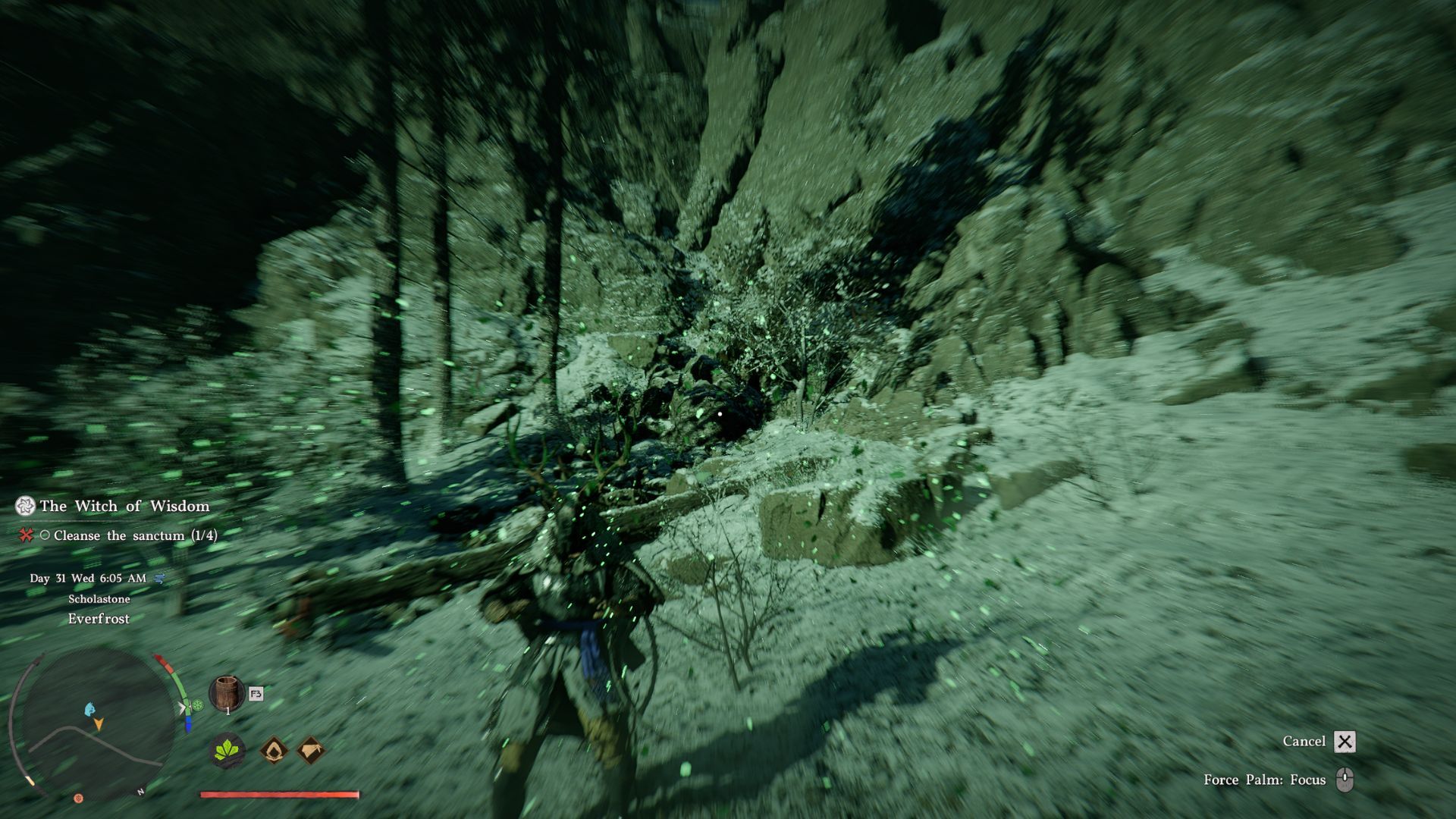
Certain skills use Spirit, which automatically refills over time. You can speed up this recovery by using the Focus ability. Activate Focus by pressing the X key on your keyboard (if you’re on PC) or by pressing both joysticks on your controller.
Subscribe to the newsletter for pro Crimson Desert insights
Focus mode makes time feel slower and restores your Spirit. The effect lasts until you deactivate the Focus ability. If you upgrade it once, you’ll gain Focused Repulsion, which lets you push enemies away by using the attack button while in Focus mode. However, using Focused Repulsion will immediately end your Focus.
The second upgrade for Focus is called Focused Insight. When active, it automatically targets any enemy that attacks you. This lets you use your shield to block or deflect their attack, and it also ends your Focus mode.
Flight, Explained
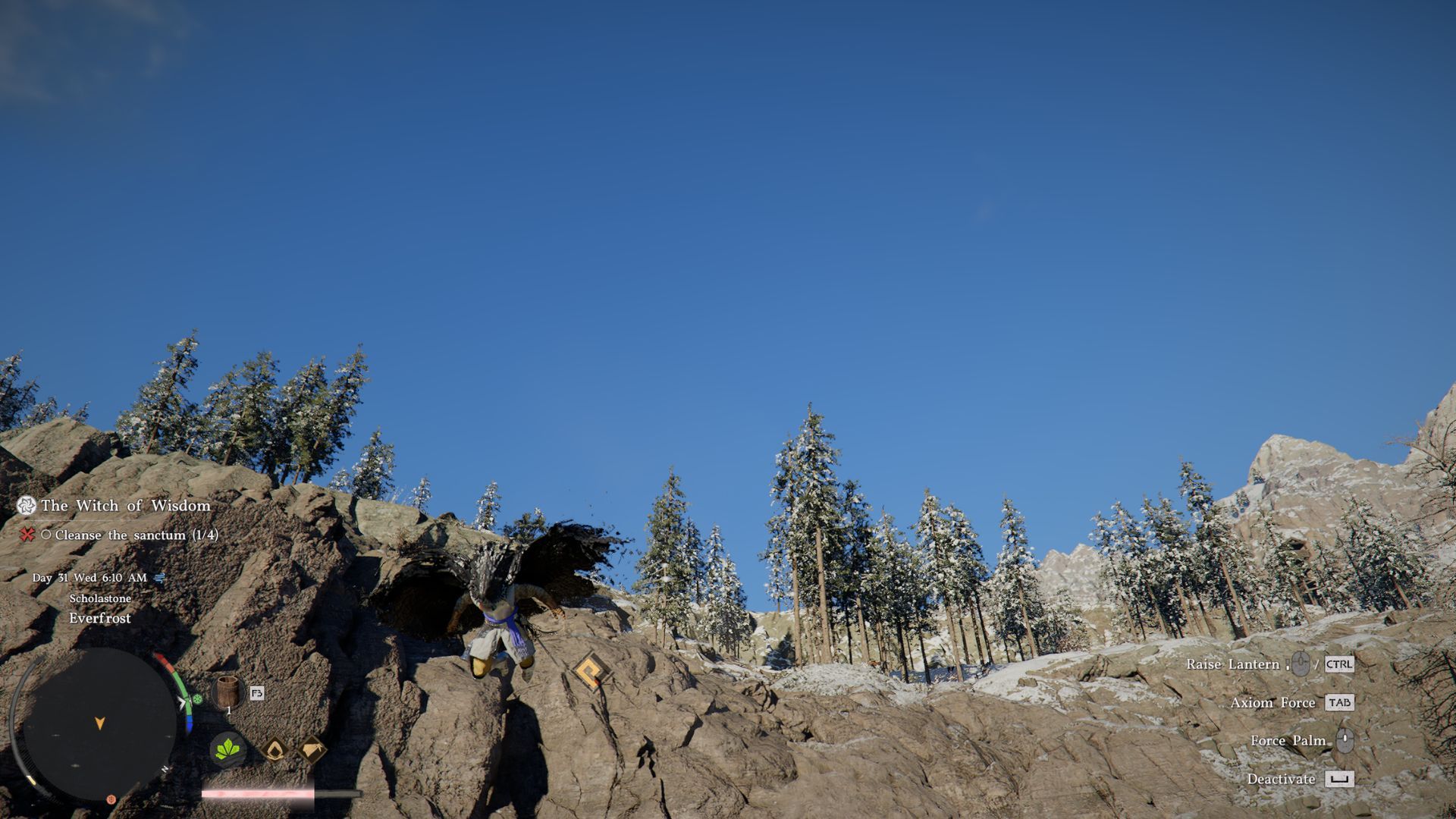
You’ll likely use Flight the most to get around. As the name suggests, this ability lets you fly for a short period of time.
While airborne, pressing the jump button activates a special cloak that lets you glide. Gliding uses stamina, so increasing your stamina will allow you to travel further through the air.
You can improve your Flight ability to glide faster simply by holding down the sprint button. However, a jetpack is even better when you unlock it.
Read More
- United Airlines can now kick passengers off flights and ban them for not using headphones
- Gold Rate Forecast
- All Golden Ball Locations in Yakuza Kiwami 3 & Dark Ties
- How to Solve the Glenbright Manor Puzzle in Crimson Desert
- 8 Actors Who Could Play Blackbeard In One Piece Live-Action Season 3
- How to Complete Bloom of Tranquility Challenge in Infinity Nikki
- 15 Lost Disney Movies That Will Never Be Released
- Wartales Curse of Rigel DLC Guide – Best Tips, POIs & More
- How to Get to the Undercoast in Esoteric Ebb
- These are the 25 best PlayStation 5 games
2026-03-23 18:48