
As a huge Dragon Quest fan, I’ve been really excited for the release of Dragon Quest VII Reimagined! It’s finally out this week on PS5, Xbox Series X|S, Nintendo Switch, the new Nintendo Switch 2, and PC (both Steam and Xbox). I got to play the whole game on the Switch 2, the original Switch, Steam Deck, and ROG Ally, and I wanted to share my thoughts on how well it runs in handheld mode. I’ll also touch on how it performs when docked and played on a TV. I’ve always preferred playing Dragon Quest games on the go, so it was fascinating to see how this remake handles different hardware. I’m also sharing my ideal Steam Deck settings and what I hope the developers will improve in the Switch (both versions!) and PC versions of the game.
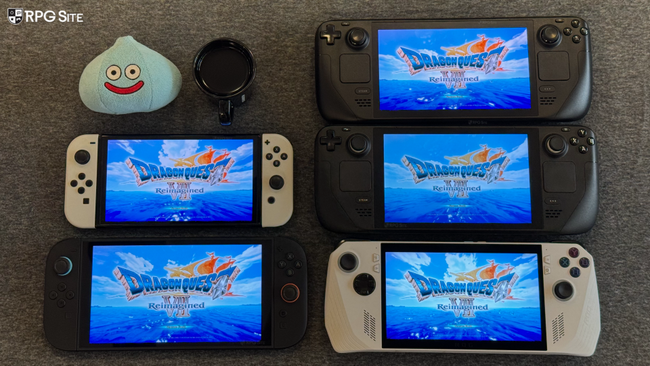
Dragon Quest VII Reimagined Steam Deck full game recommended settings
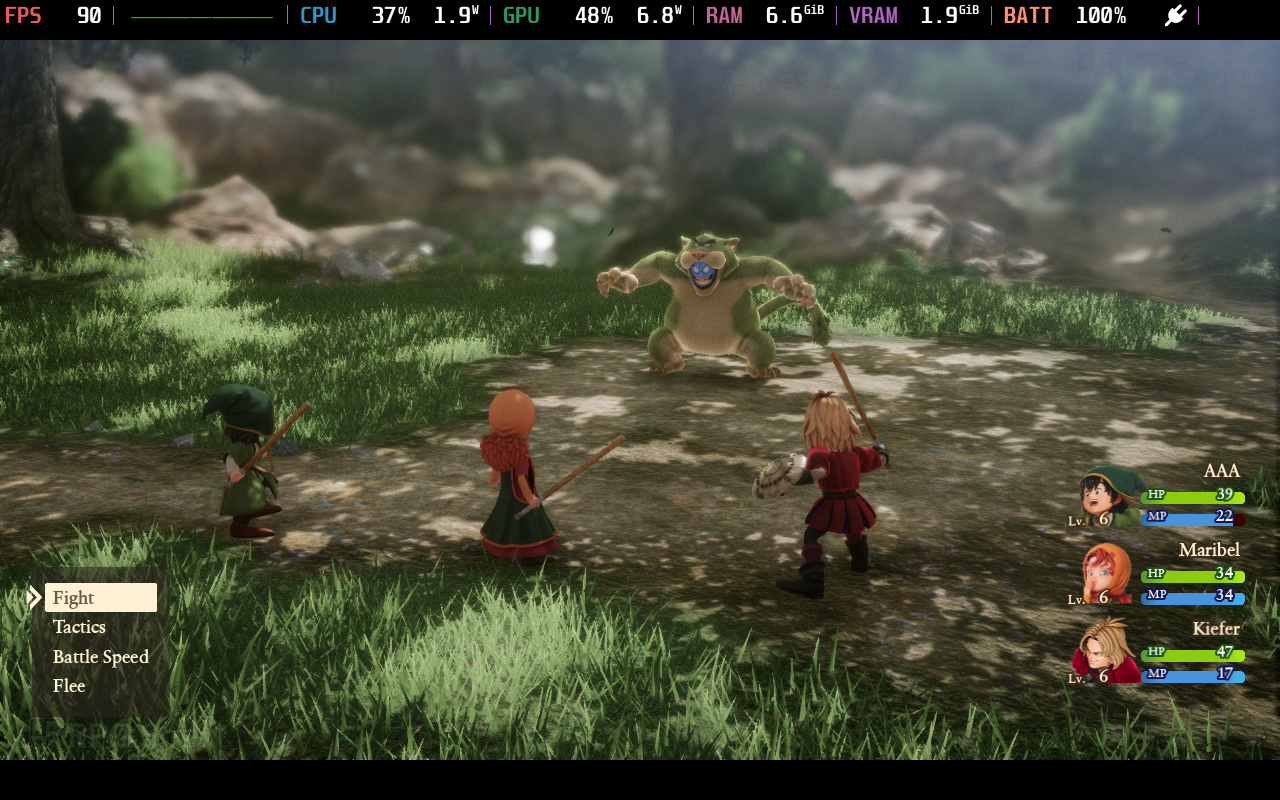
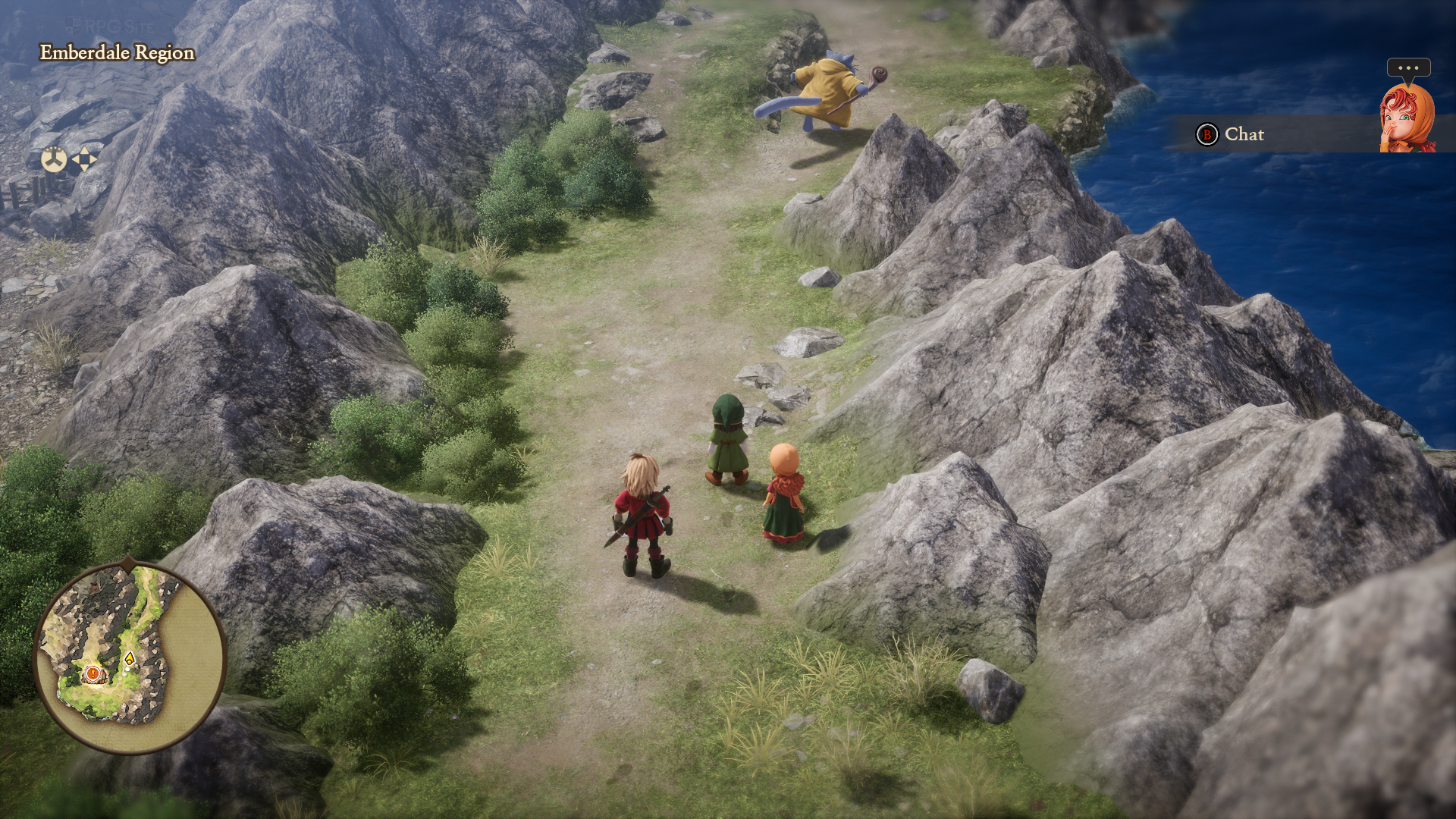
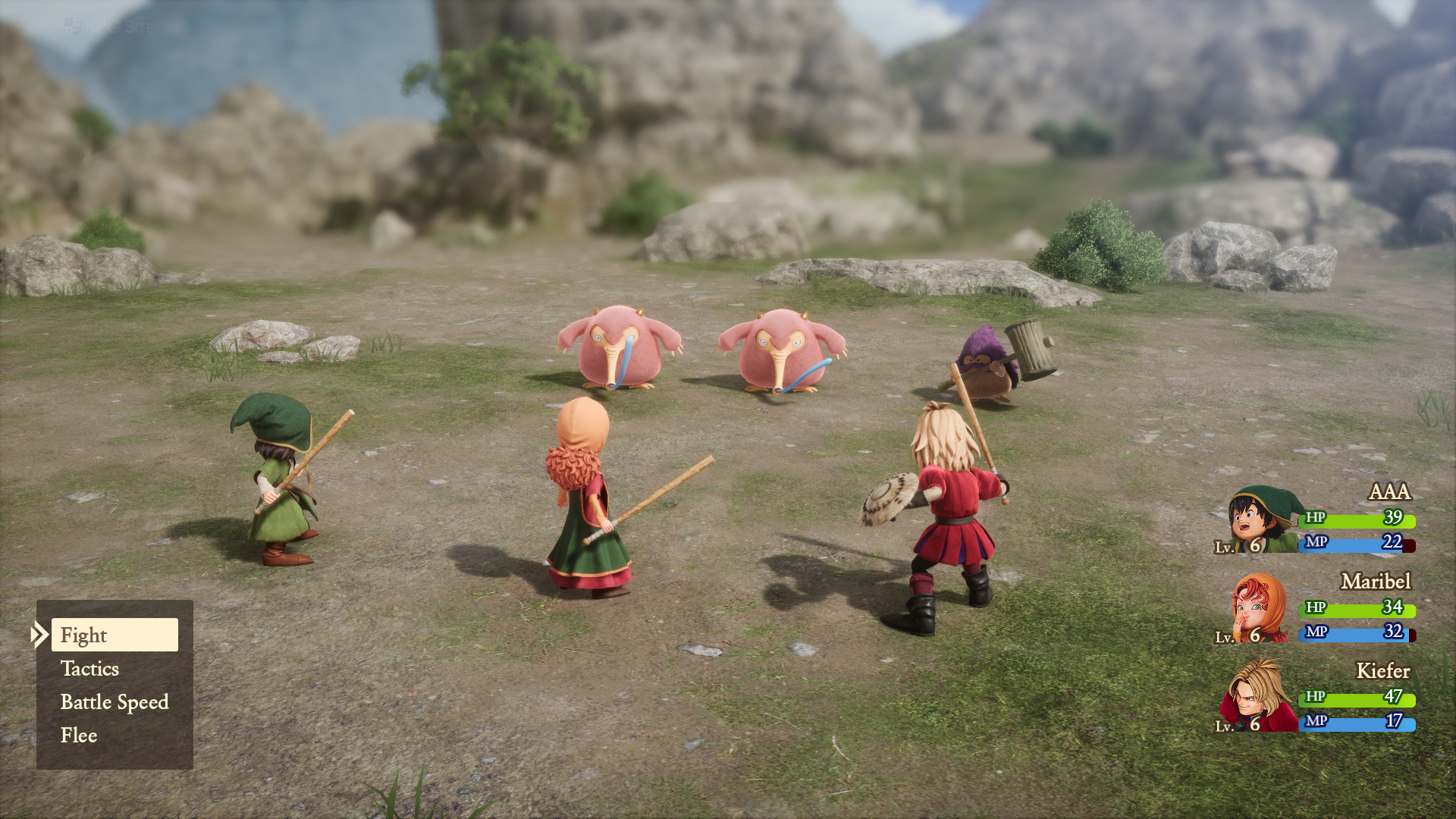
Players of the Dragon Quest VII Reimagined demo may have noticed the game initially appears blurry and unattractive on the Steam Deck. This is because the game defaults to the lowest possible graphics settings. Currently, even the full game launches this way, but it’s easily fixed to make Dragon Quest VII Reimagined look and run great on the Steam Deck. I was aiming for a smooth 90 frames per second experience in handheld mode with the OLED Steam Deck, and it’s quite achievable. Before sharing my recommended settings, I’ll briefly explain what each setting does, as the in-game labels aren’t very clear.
When it comes to visuals, setting the resolution scaling to high seems to make the game look extra sharp, while medium keeps it at its native resolution. Shadow quality also impacts how far away shadows appear. I was a little let down that Dragon Quest VII Reimagined only offers FXAA for smoothing out jagged edges. To consistently hit 90 frames per second on the Steam Deck OLED, I recommend these settings: Model LOD distance/quality on medium, resolution scaling on medium, auto-adjust quality set to prioritize performance, auto-image quality adjustment turned off, FXAA for anti-aliasing, and high settings for texture filtering, texture quality, and shadow quality. I kept fog, bloom, and ambient occlusion enabled, but feel free to customize those to your liking. Using these settings, I only saw the frame rate dip below 90fps four times in ten hours of testing, and those drops were very brief. I also preferred the ‘near’ camera distance setting – I didn’t like how the ‘far’ setting looked on any platform.
Dragon Quest VII Reimagined Steam Deck recommended settings
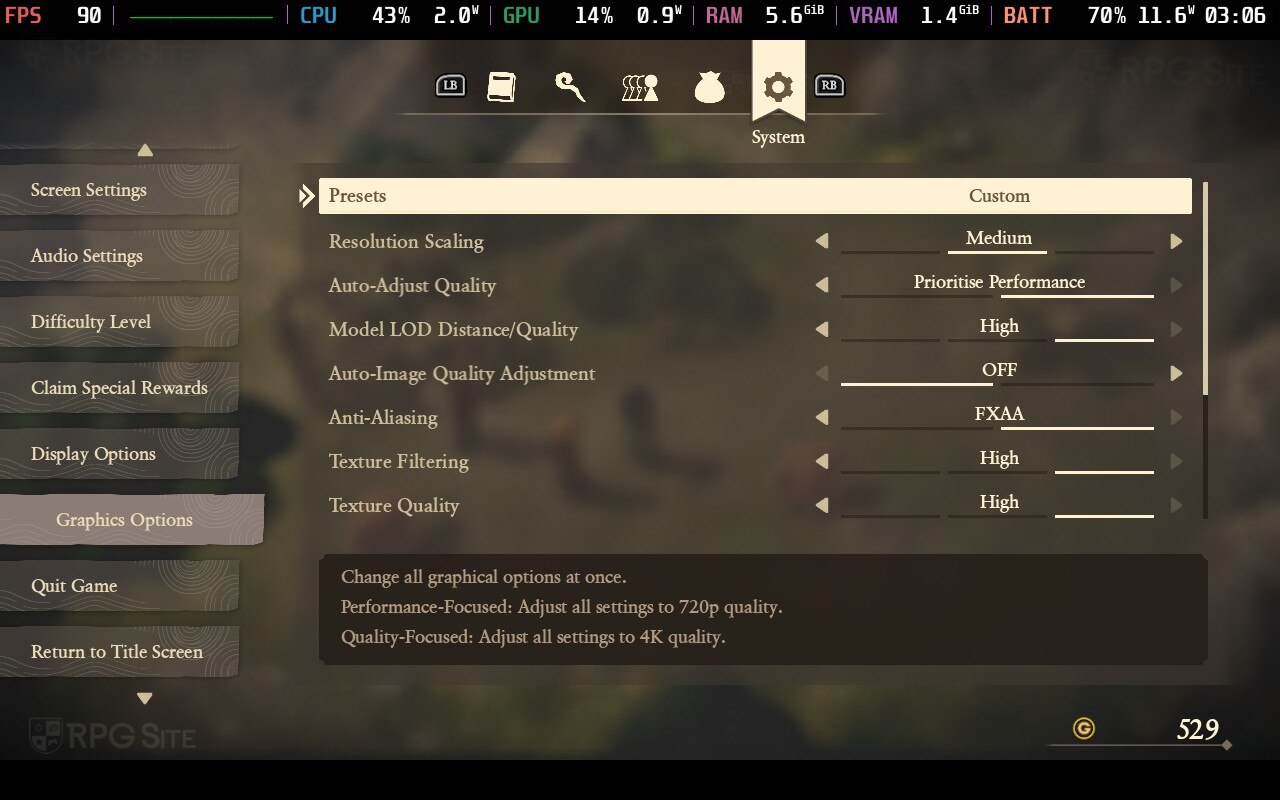
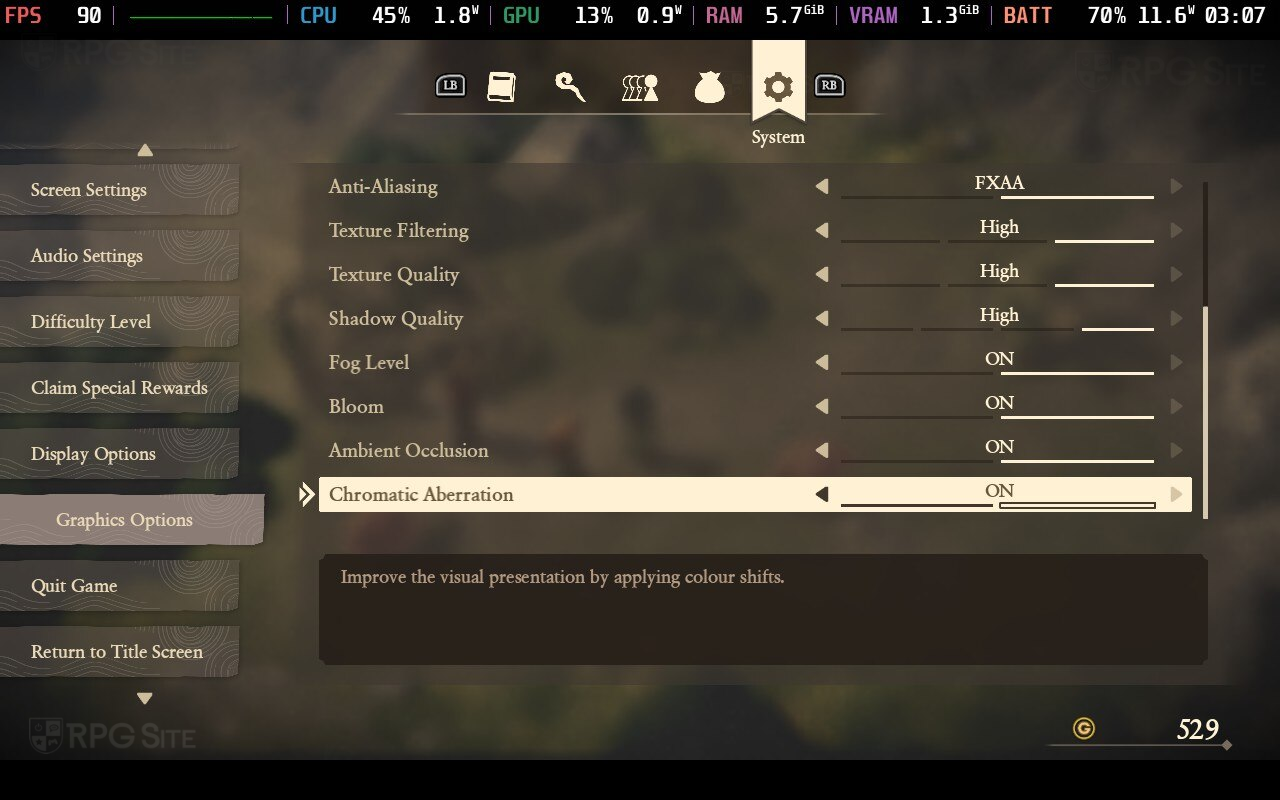
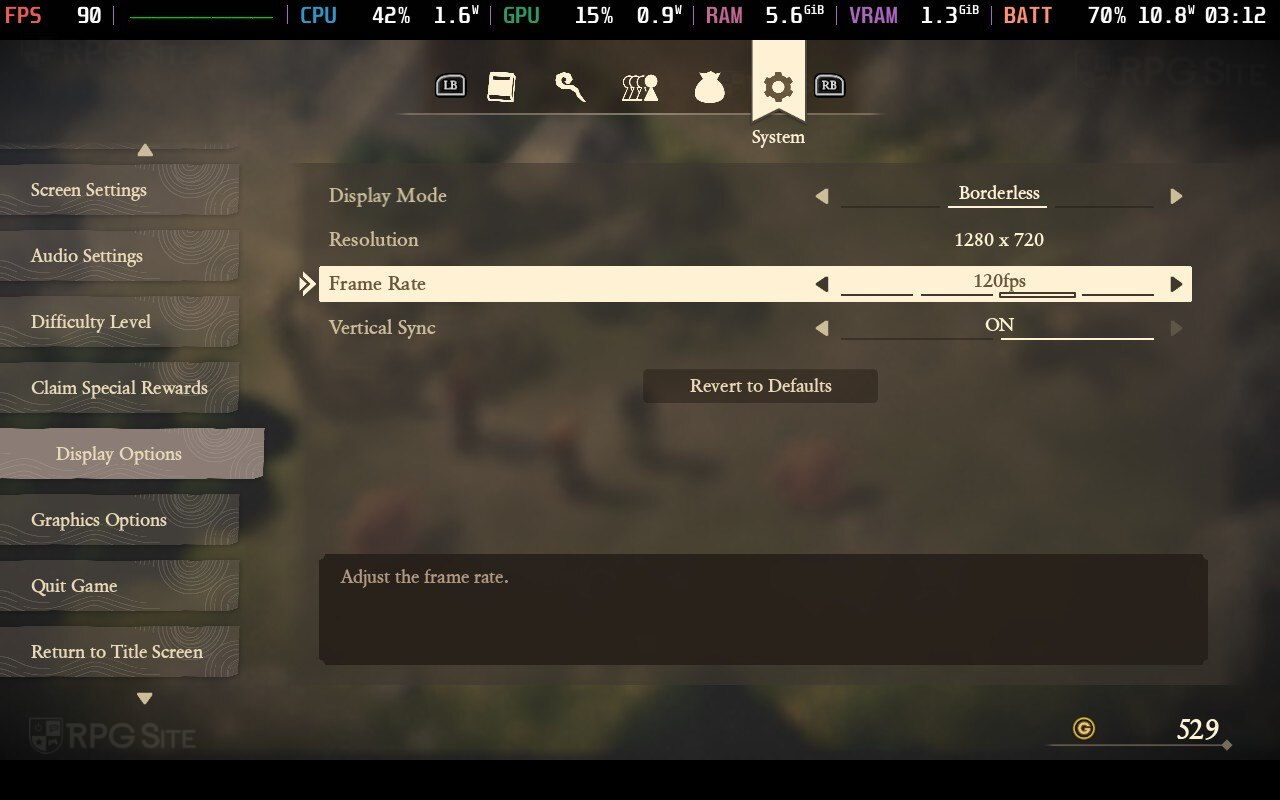
For the best graphics, choose the Quality-Focused preset, which maximizes settings and generally runs between 50-60 frames per second. I found capping the frame rate at 45fps (or 40fps on the Steam Deck’s LCD screen) provided the smoothest experience with the highest visual quality, though this is more than most handheld players will need. I primarily played at 90fps for a balance of performance and visuals.
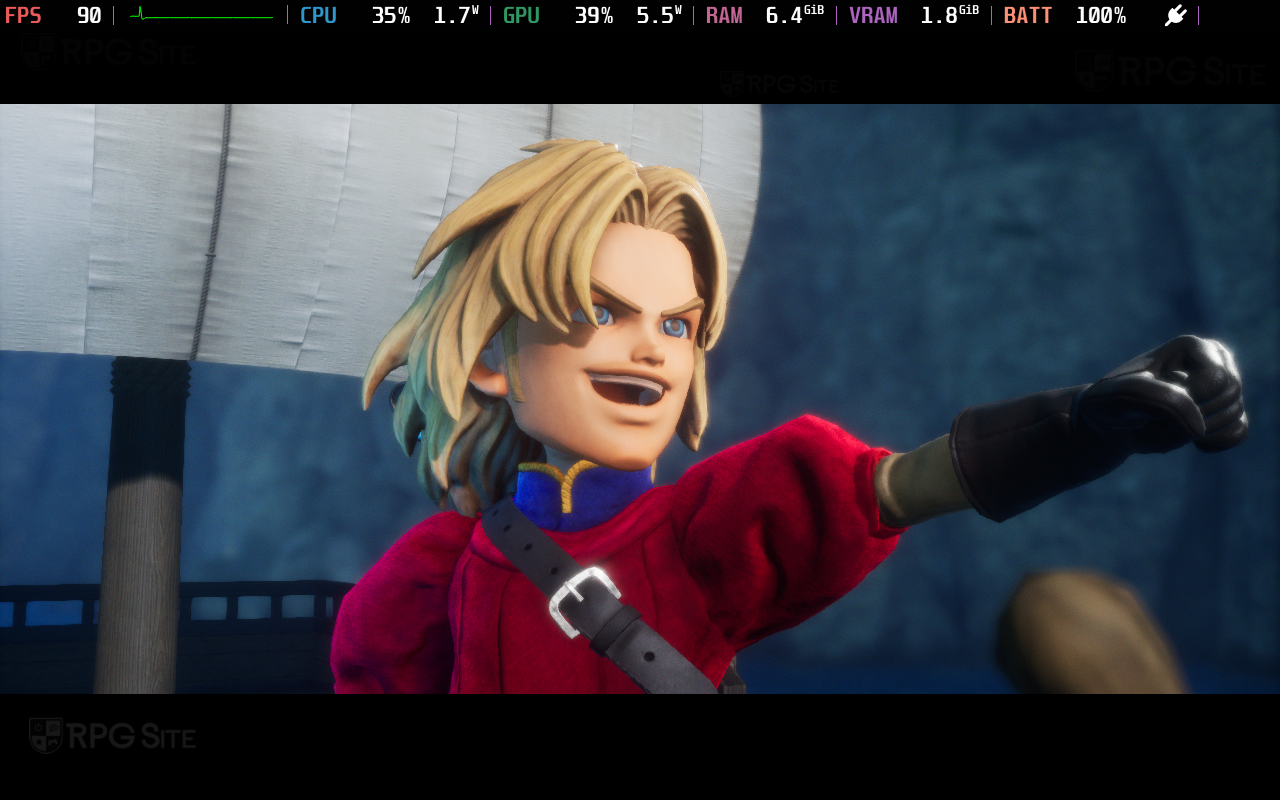
I tested Dragon Quest VII Reimagined on my Steam Deck OLED and, using my recommended settings, I consistently got around four hours of battery life while playing at full brightness and aiming for 90 frames per second. The game doesn’t put much strain on the Steam Deck; it rarely used more than 50% of the CPU or GPU, even at 90fps.
Okay, so I’ve been playing around with the Steam Deck OLED, and if you want a super smooth 60fps experience, double-check your in-game settings and make sure you adjust the screen refresh rate in the Quick Access Menu. It’s easy to get them mismatched, and that can cause problems. Also, for anyone who tried the Dragon Quest VII Reimagined demo, you might have noticed it only displays in 16:9. Don’t worry, I found a solution for that, and I’ll show you how to fix it later on!
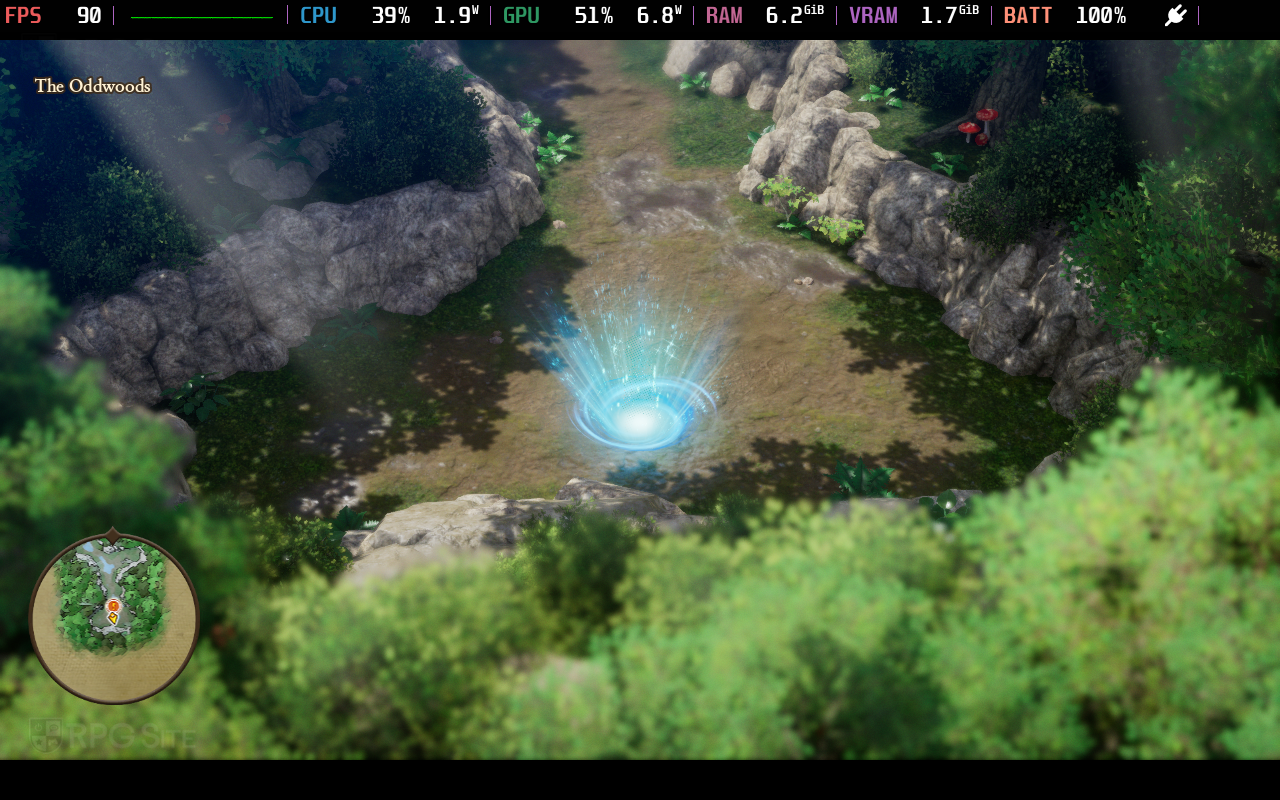
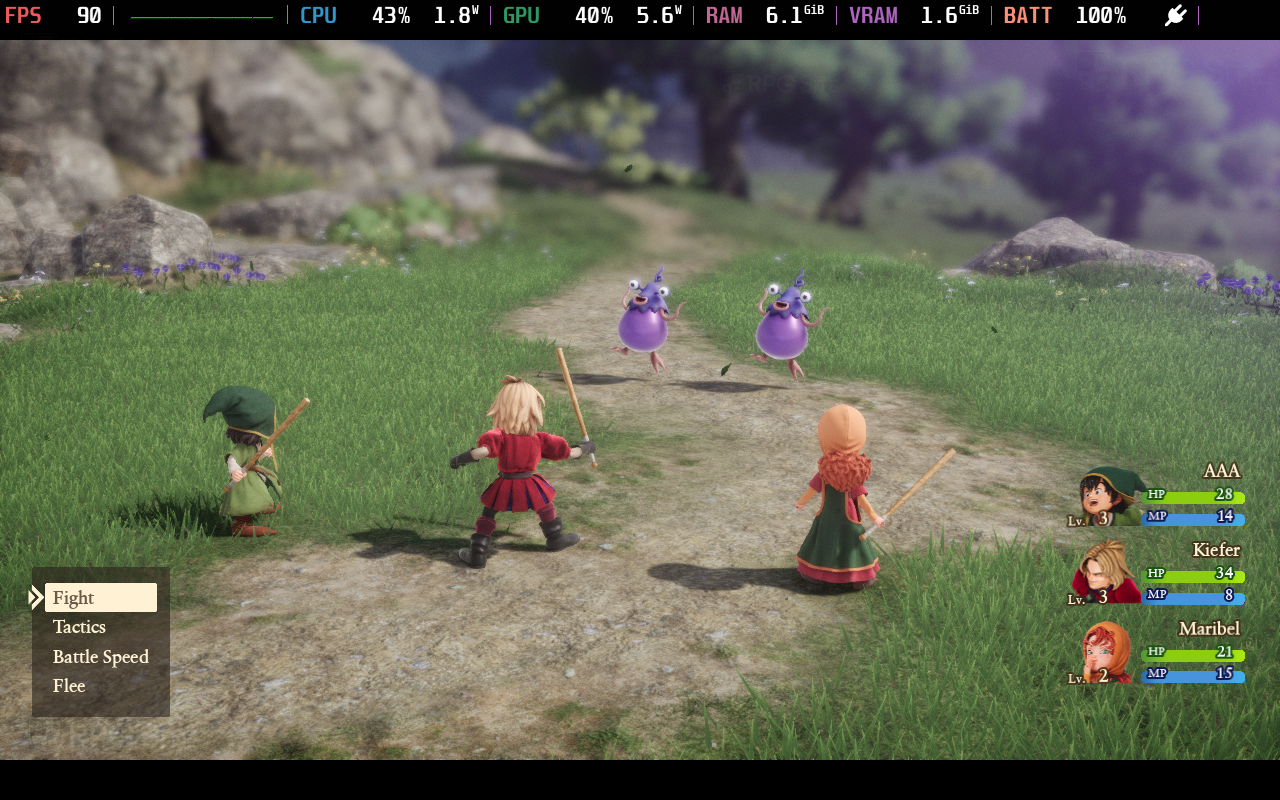
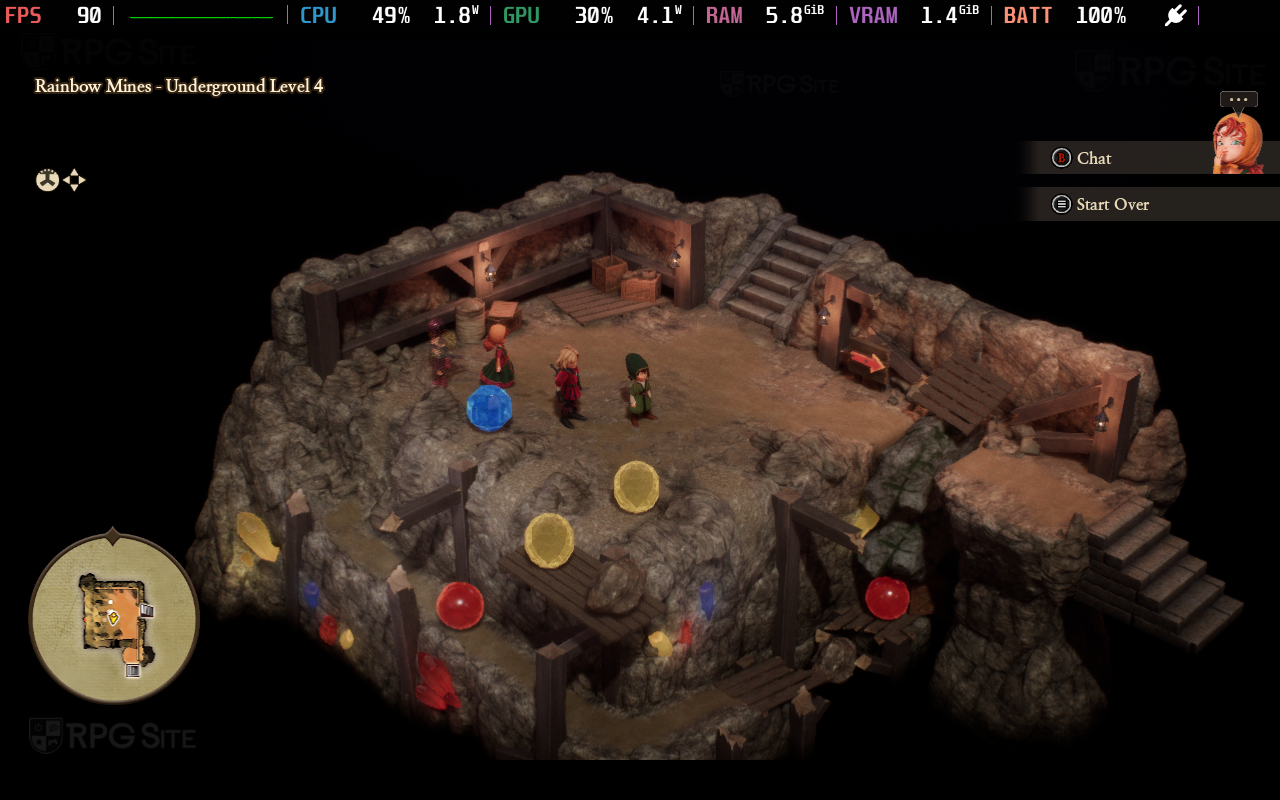
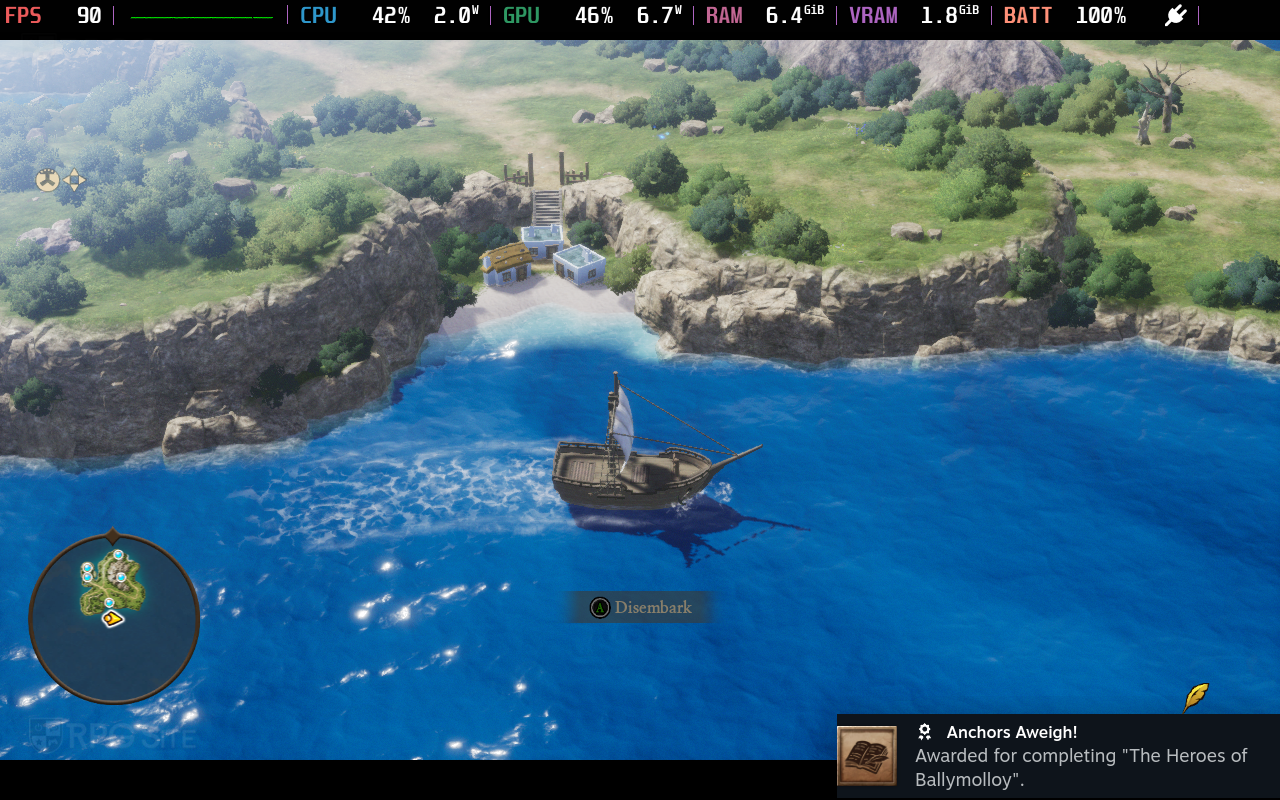
Dragon Quest VII Reimagined Nintendo Switch 2 full game impressions
The HD-2D remakes of Dragon Quest usually let you choose between better graphics or smoother performance. But Dragon Quest VII Reimagined runs at a consistent 60 frames per second whether you’re playing it on the Switch 2 docked or in handheld mode. When I first tried the demo, it was clear this game was originally made for the older Switch and then upgraded. That’s actually a positive – Hexadrive made a great game for the original Switch, and it looks and plays even better on the Switch 2 with sharper visuals and a significantly smoother frame rate. Everything just feels more responsive and loads much faster on the new system.


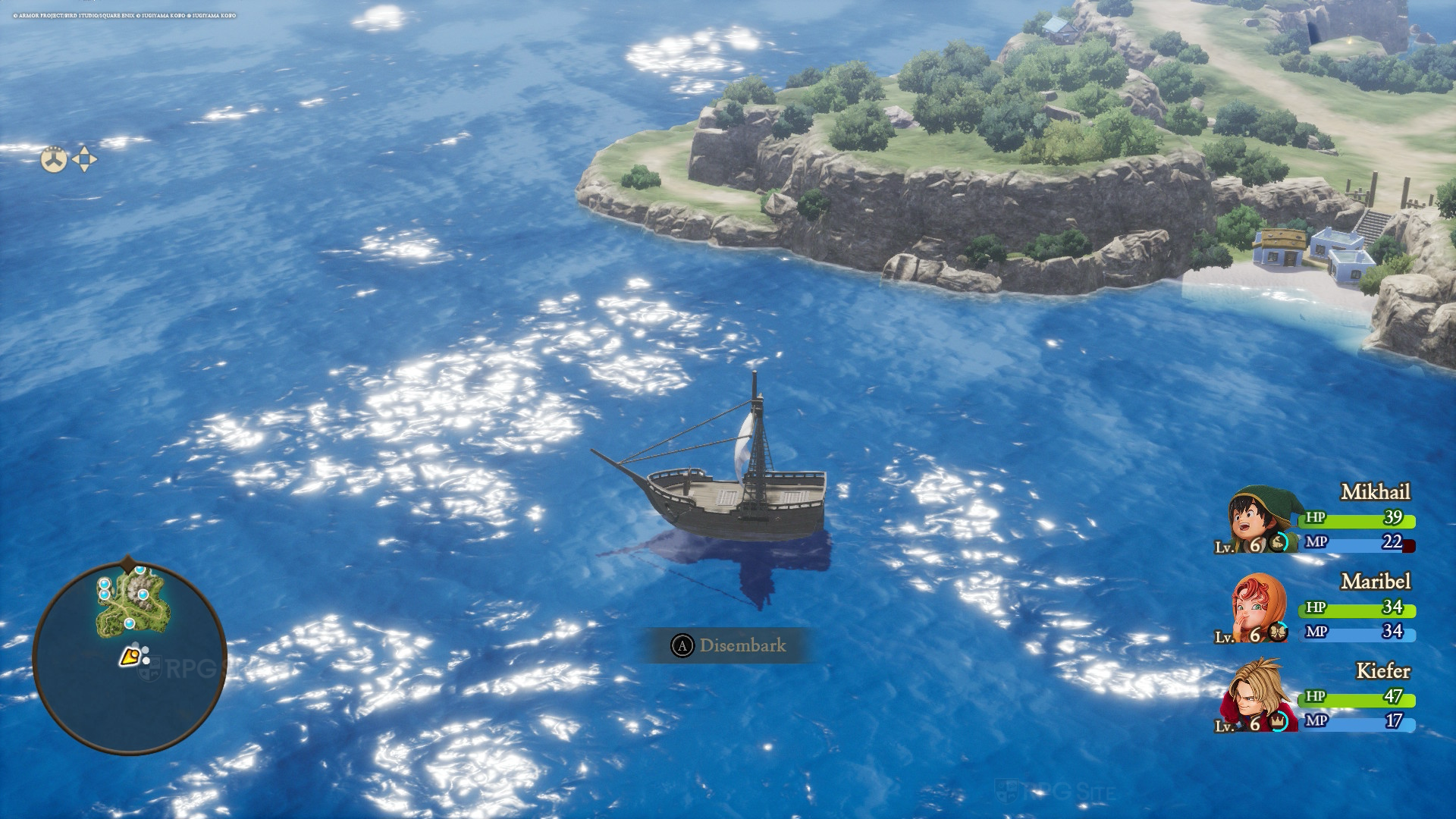
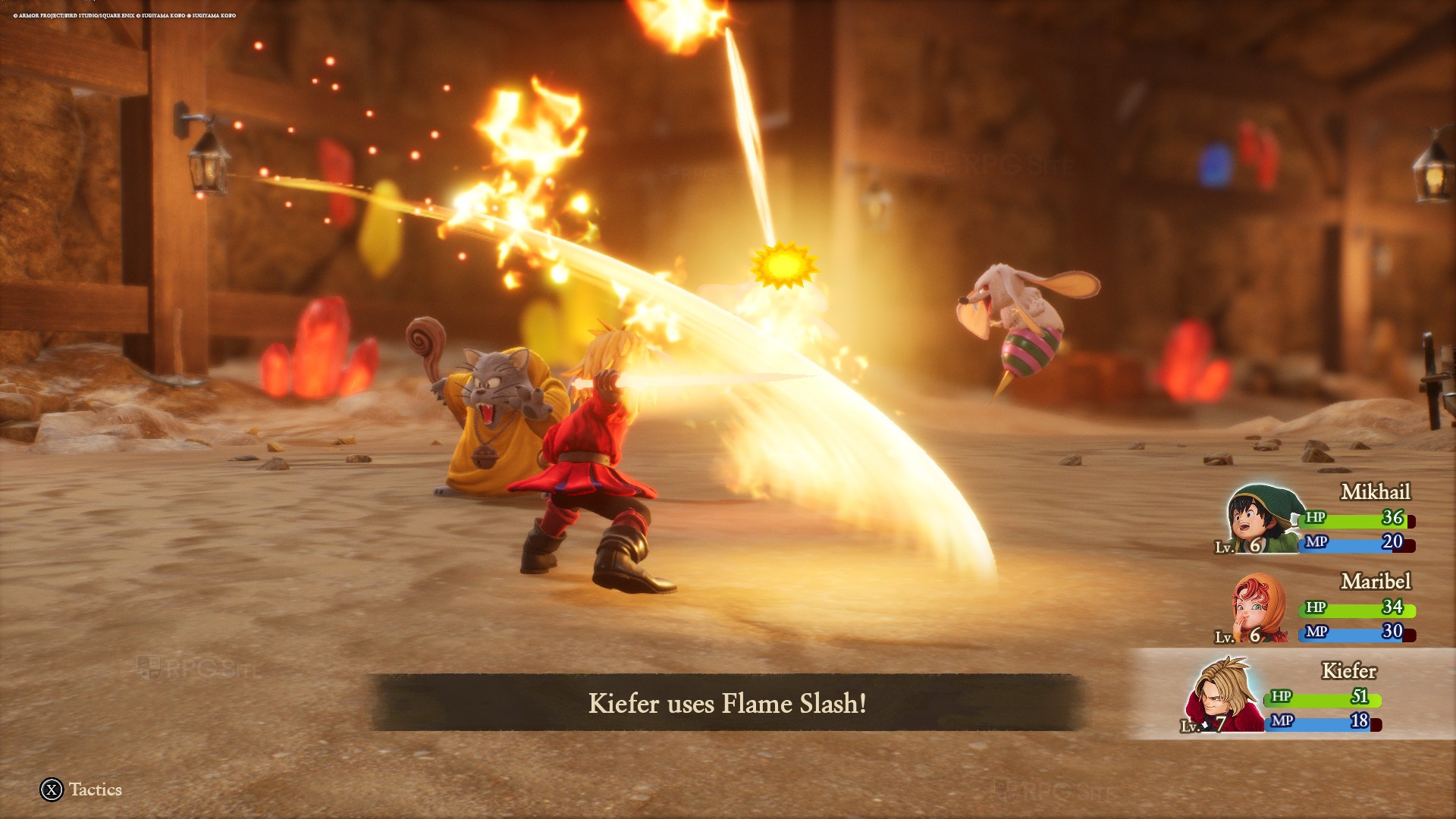
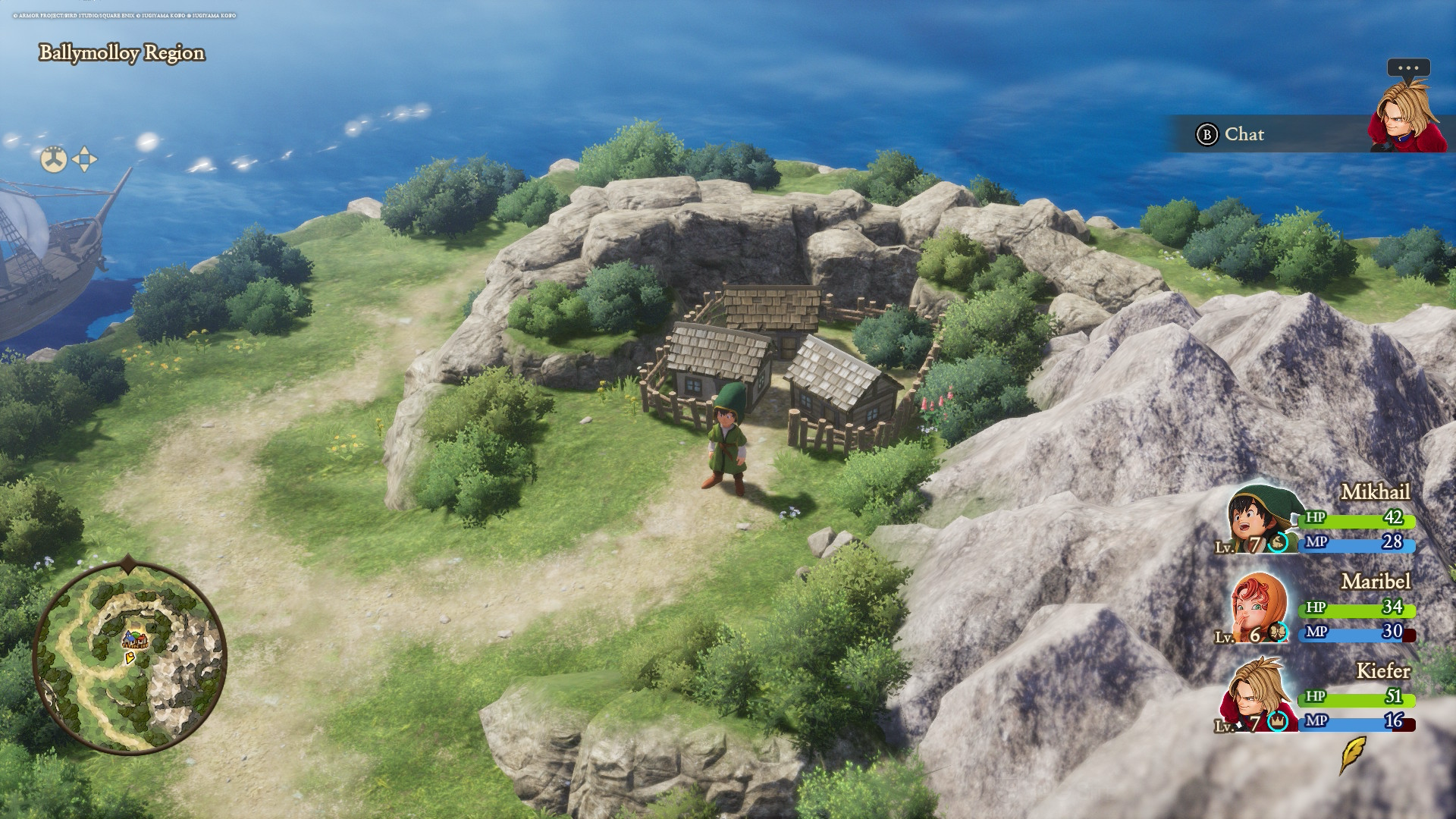
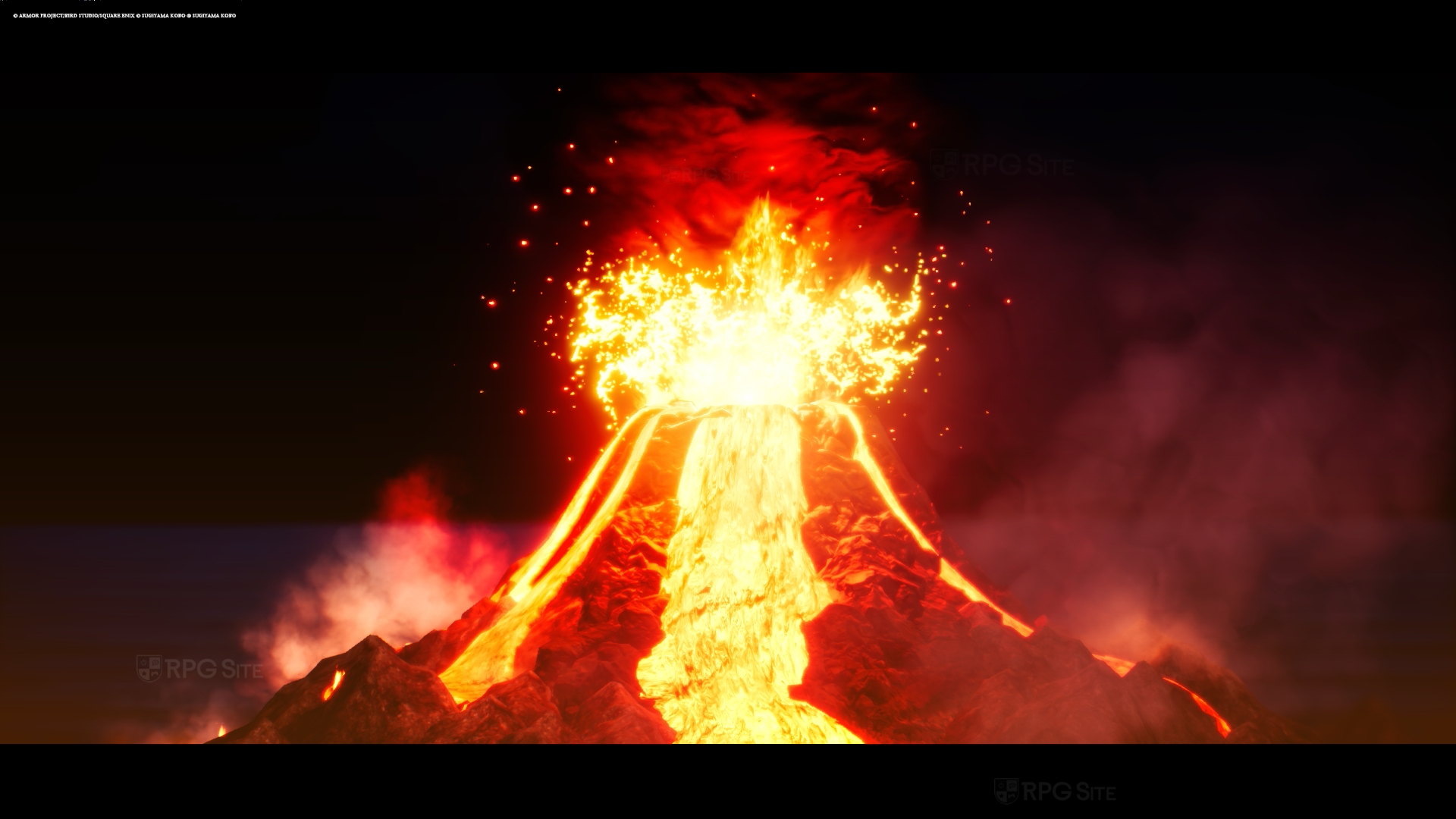
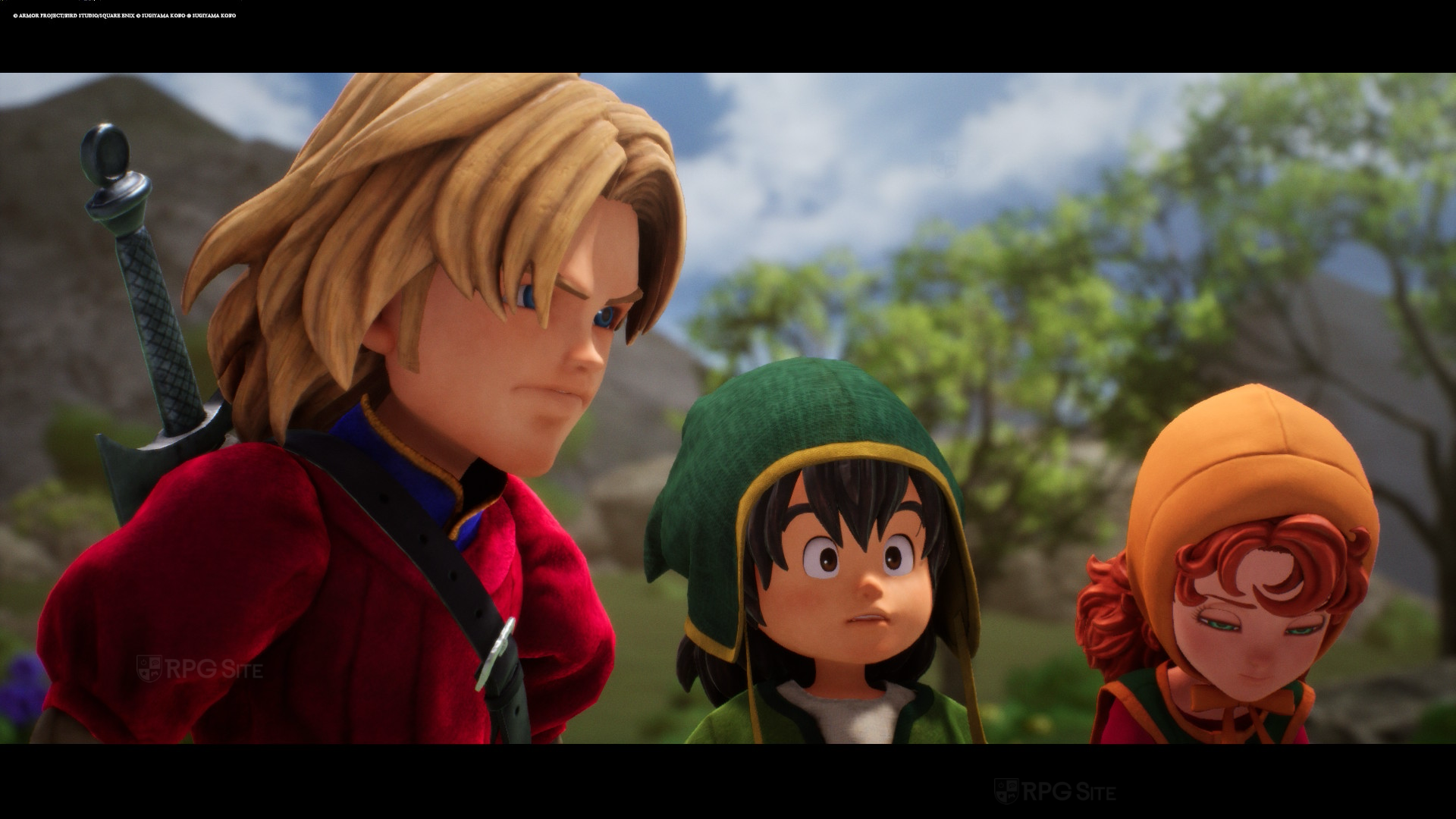
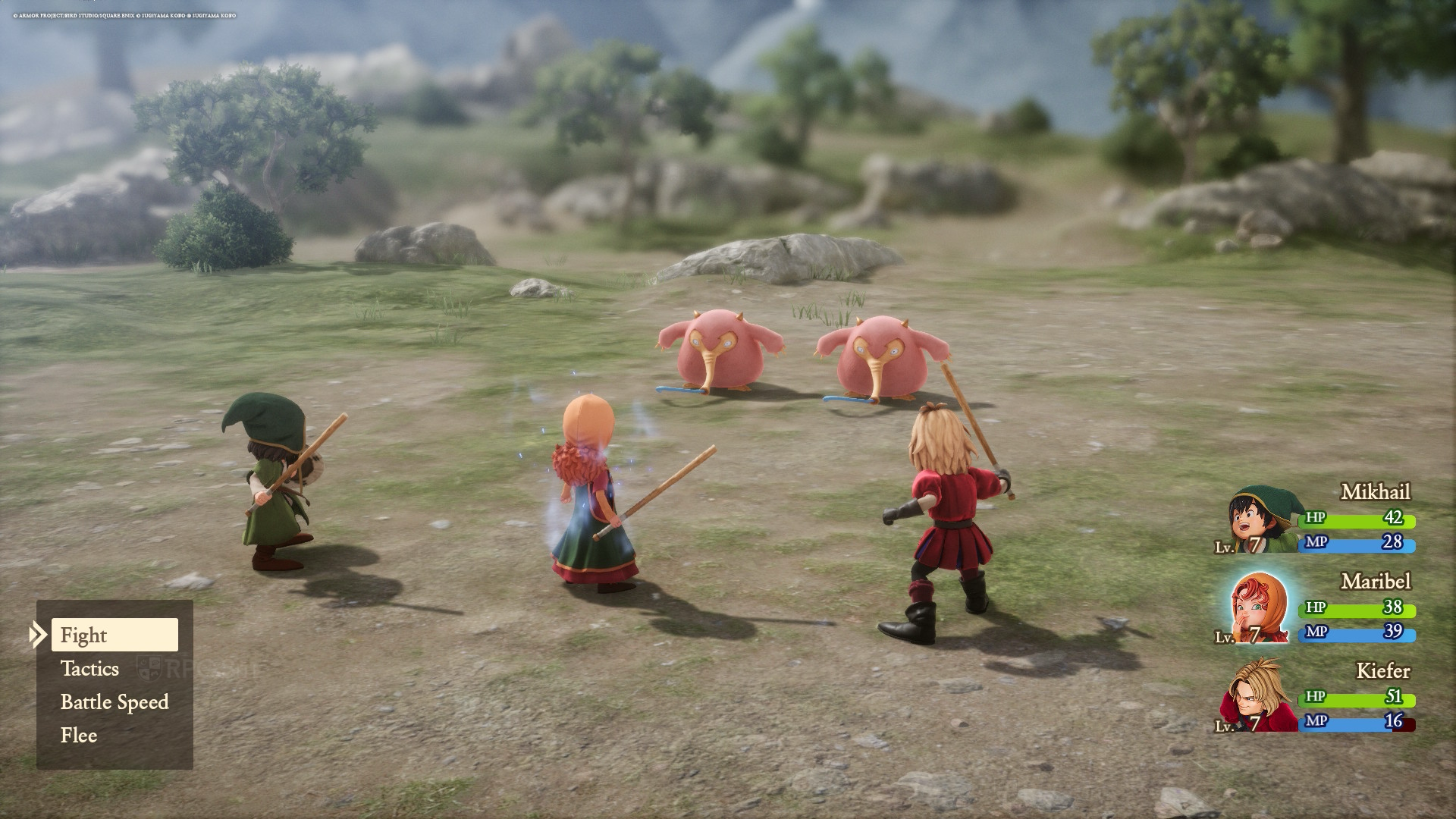
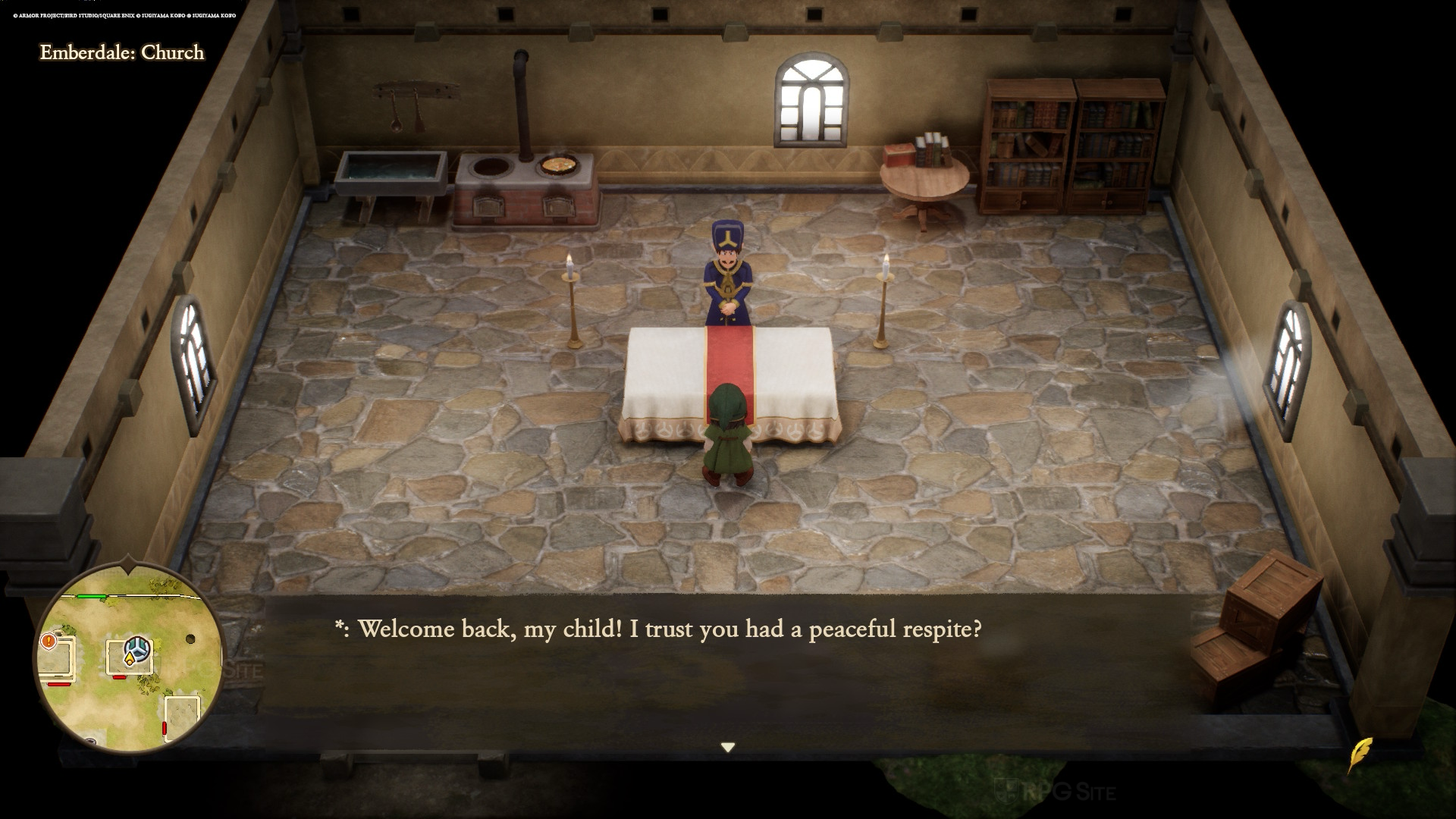
Dragon Quest VII on the Switch 2 runs similarly to the demo, maintaining a target of 60 frames per second, though with some slight timing inconsistencies. You might experience occasional, small hitches when exploring or moving the camera, but these are less frequent than on the original Switch and are generally minor. Overall, the Switch 2 provides a fantastic handheld experience and looks great, even when played on a larger 1440p monitor. The only drawback is the shadow and detail rendering, which, like on the original Switch and other platforms, appears close to the player. This is more apparent on the Nintendo consoles.
Dragon Quest VII Reimagined Nintendo Switch 1 full game impressions
Just to clarify, you can’t transfer save data or upgrade from the Nintendo Switch version of Dragon Quest VII Reimagined to the Switch 2 version. However, I’m really pleased with how the game turned out! It runs at a stable 30 frames per second (though there are some minor frame rate issues), and the graphics look great on both the Switch OLED screen and a 1080p monitor. While it’s not as sharp as the Switch 2 version when played on a TV, Switch owners aren’t getting a noticeably worse experience compared to what we’ve seen with other games released on both generations, like Octopath Traveler 0.
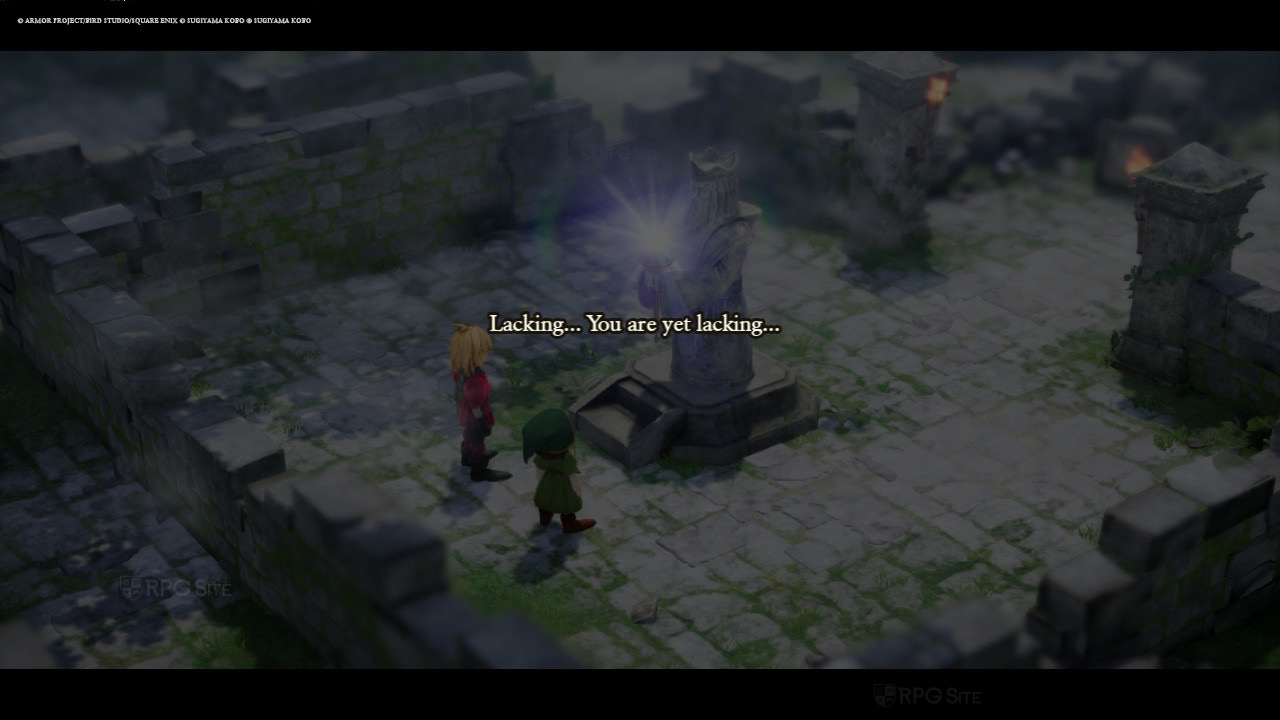
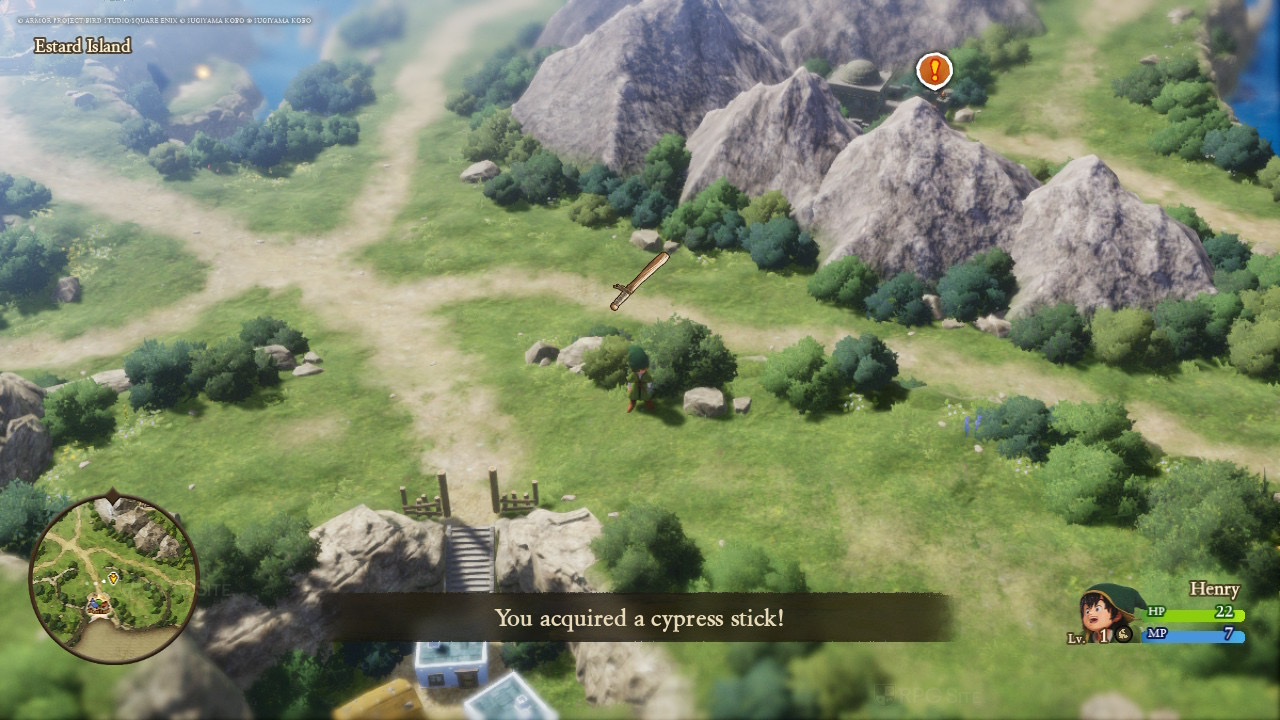
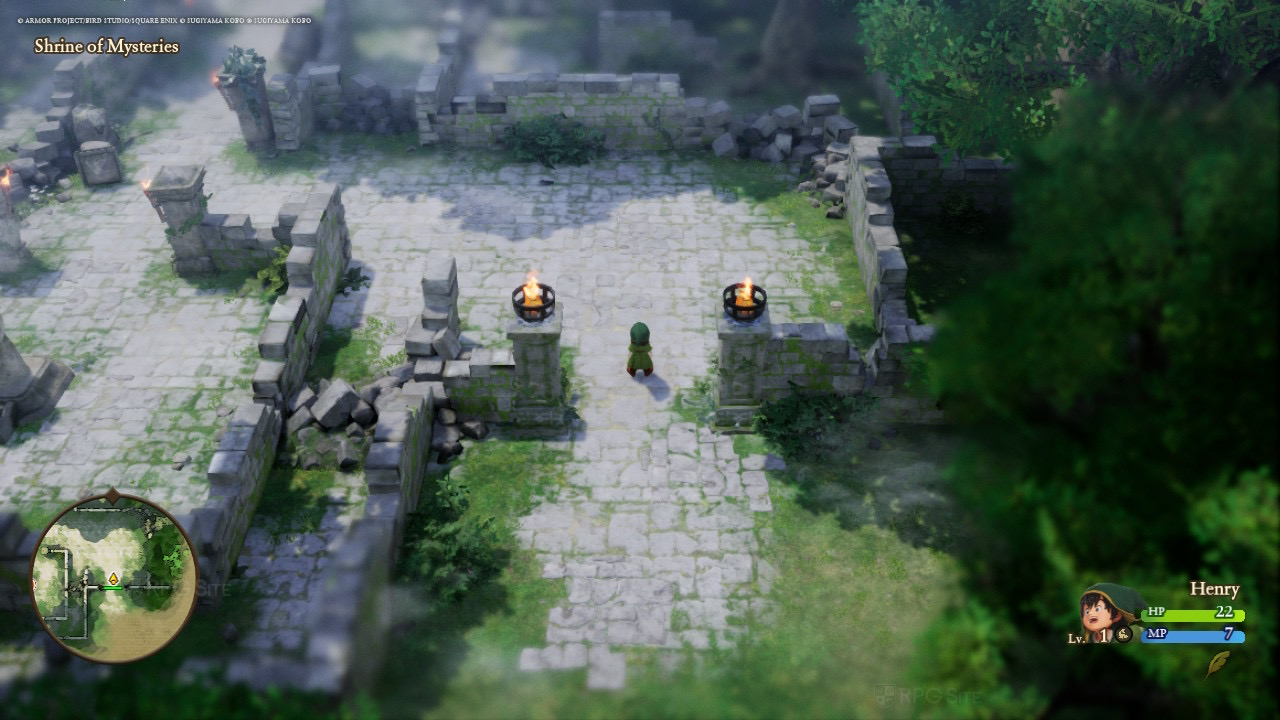
Dragon Quest VII Reimagined ROG Ally full game impressions
I was really impressed playing Dragon Quest VII Reimagined on my ROG Ally! Seeing it hit a solid 90fps on the Steam Deck OLED, I figured I could probably get some extra performance out of it. After a little tweaking, I managed to lock it at a smooth 120fps on my Z1 Extreme model running at 25W. What’s even better is that, unlike some other games I’ve tried, it didn’t stutter at all. And thanks to the Ally’s VRR screen, even if the frame rate dips slightly below 120, it still looks and plays fantastic – honestly the best portable experience I’ve had with this game.
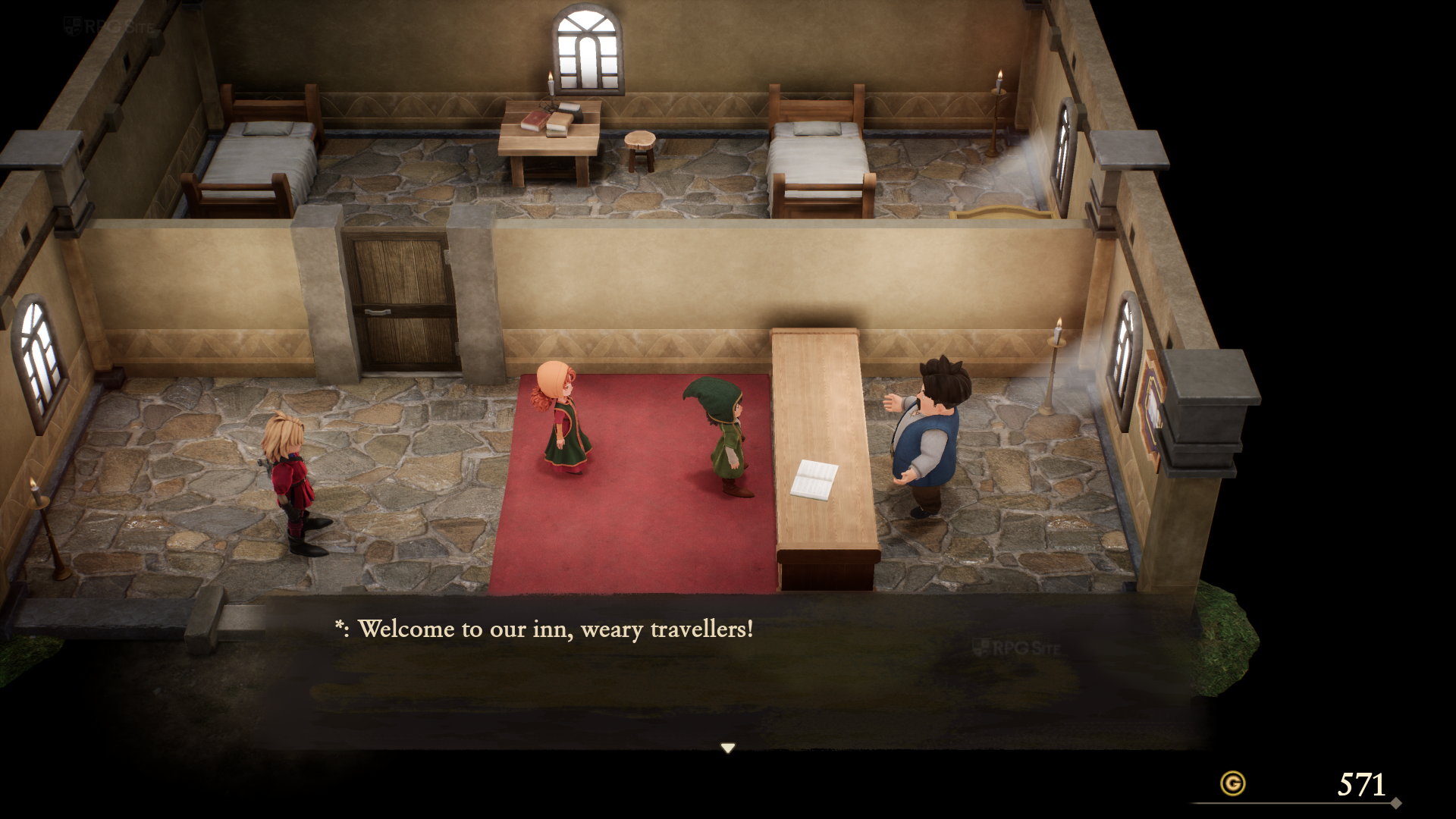
Dragon Quest VII Reimagined with the DQ7RFix mod on PC
I suggest waiting for Lyall (a talented modder) to update the DQ7RFix (demo) mod before using it with the complete game. I only briefly tested it on my Steam Deck before the full game’s release – about an hour – to check how it felt. I wanted to confirm that the 16:10 resolution works well, which it does, and that you can turn off the depth of field effect. There are a few small sound problems right now, but I expect these will be fixed when the mod is officially updated for the full game.
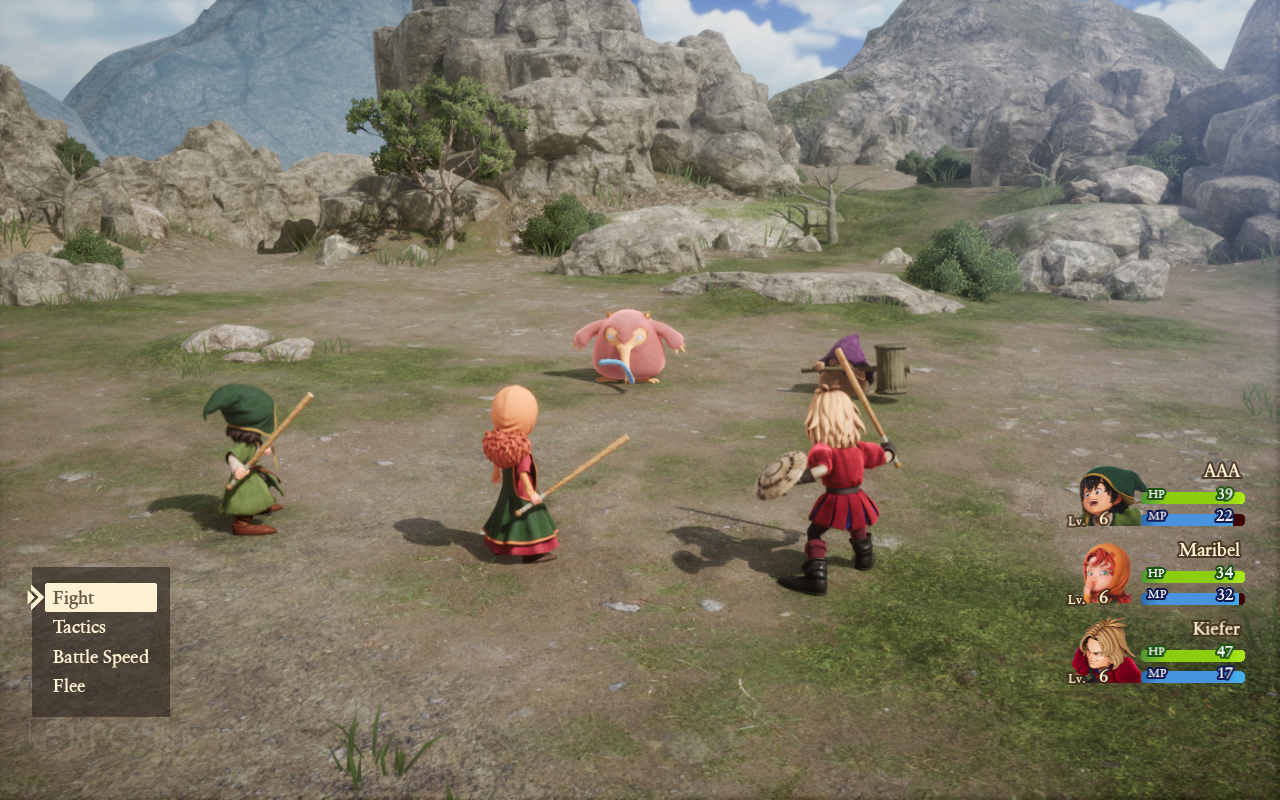
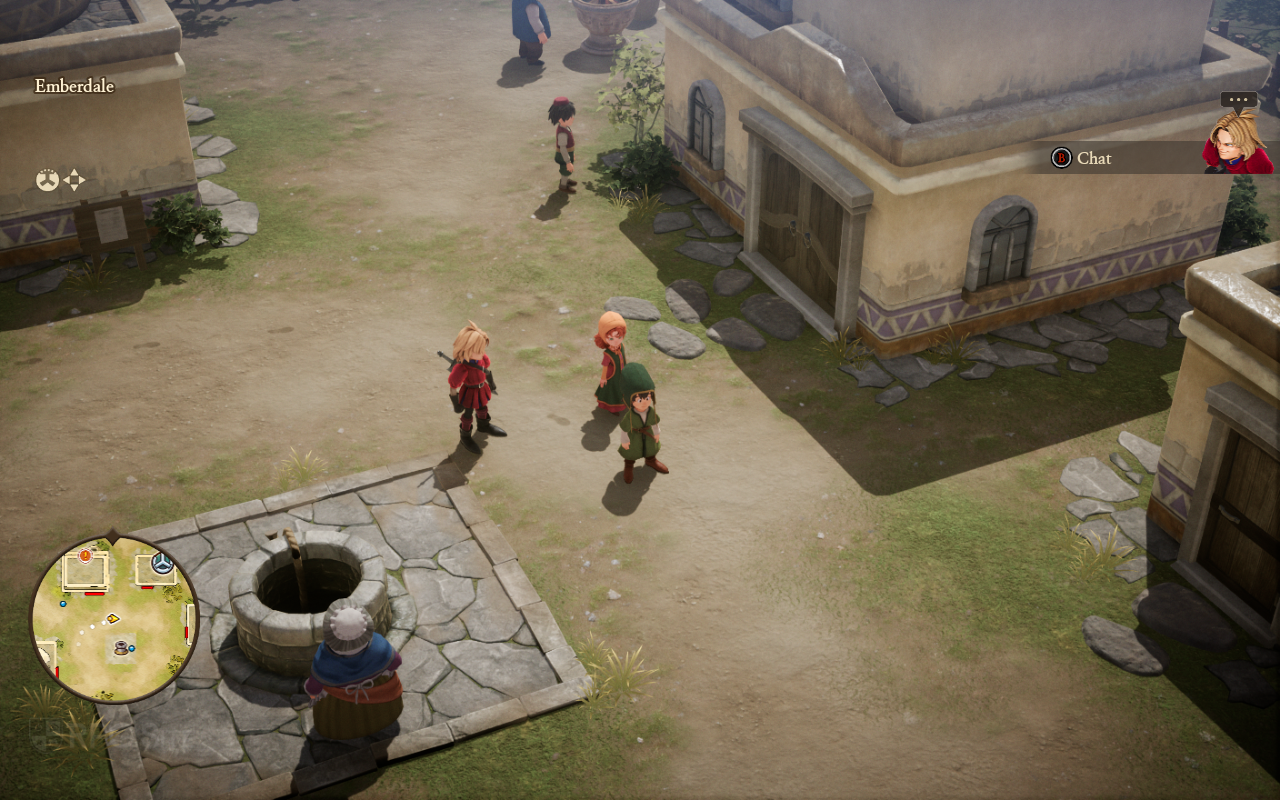
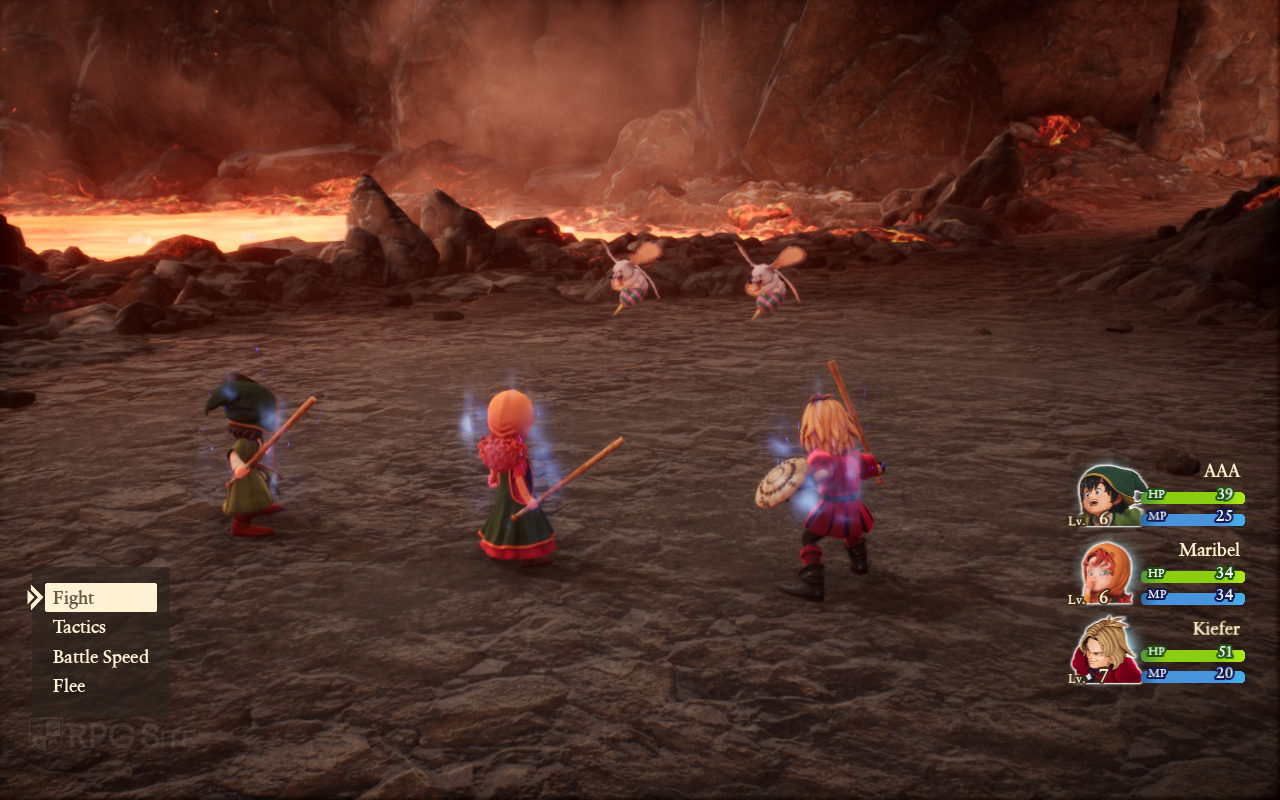
I also tested the mod on my ultrawide monitor (21:9 aspect ratio), and it worked really well both while exploring and in combat. A few of the menus haven’t been updated for ultrawide screens, but it’s still a good option if you have one, as you can see in the images below.
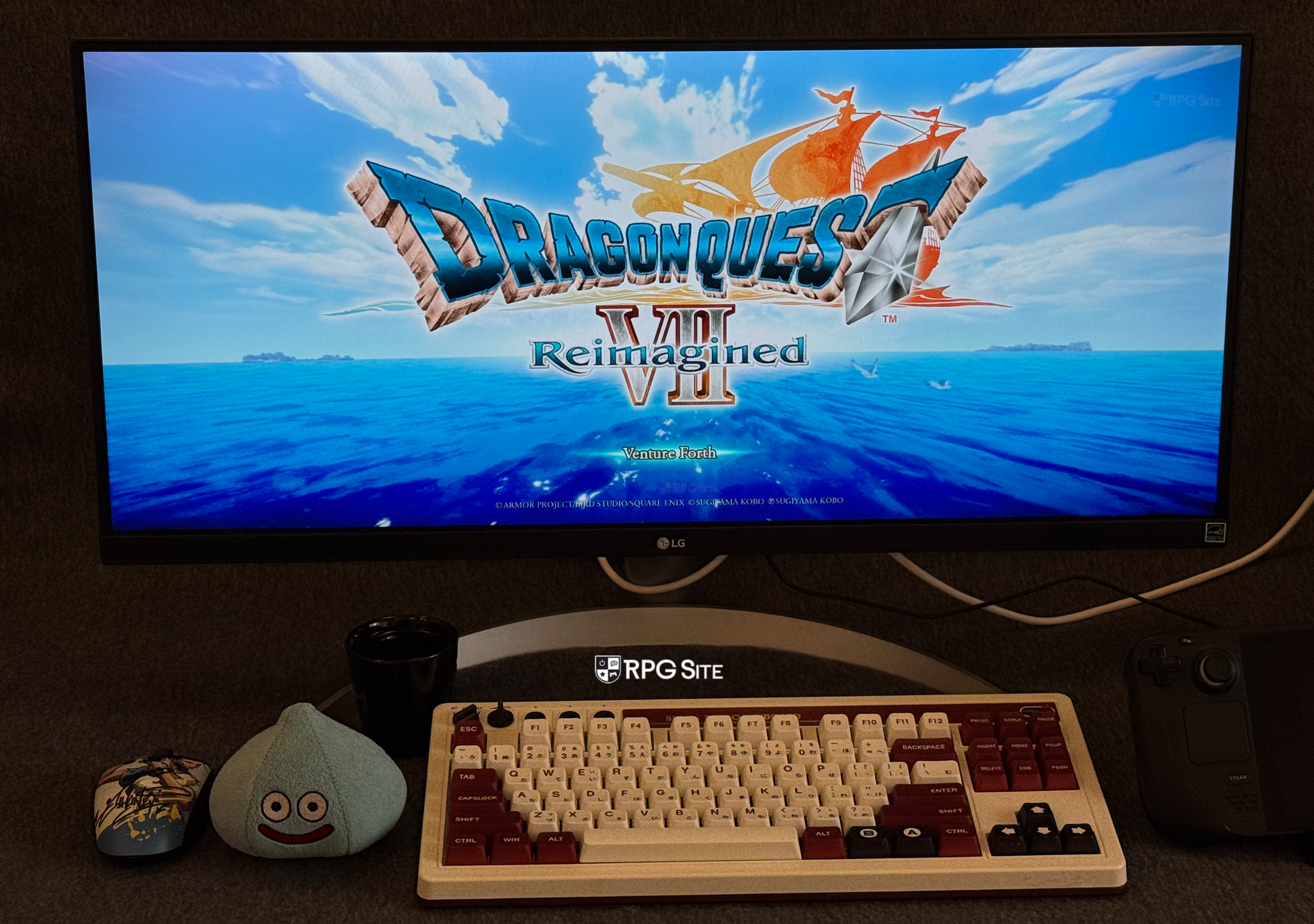
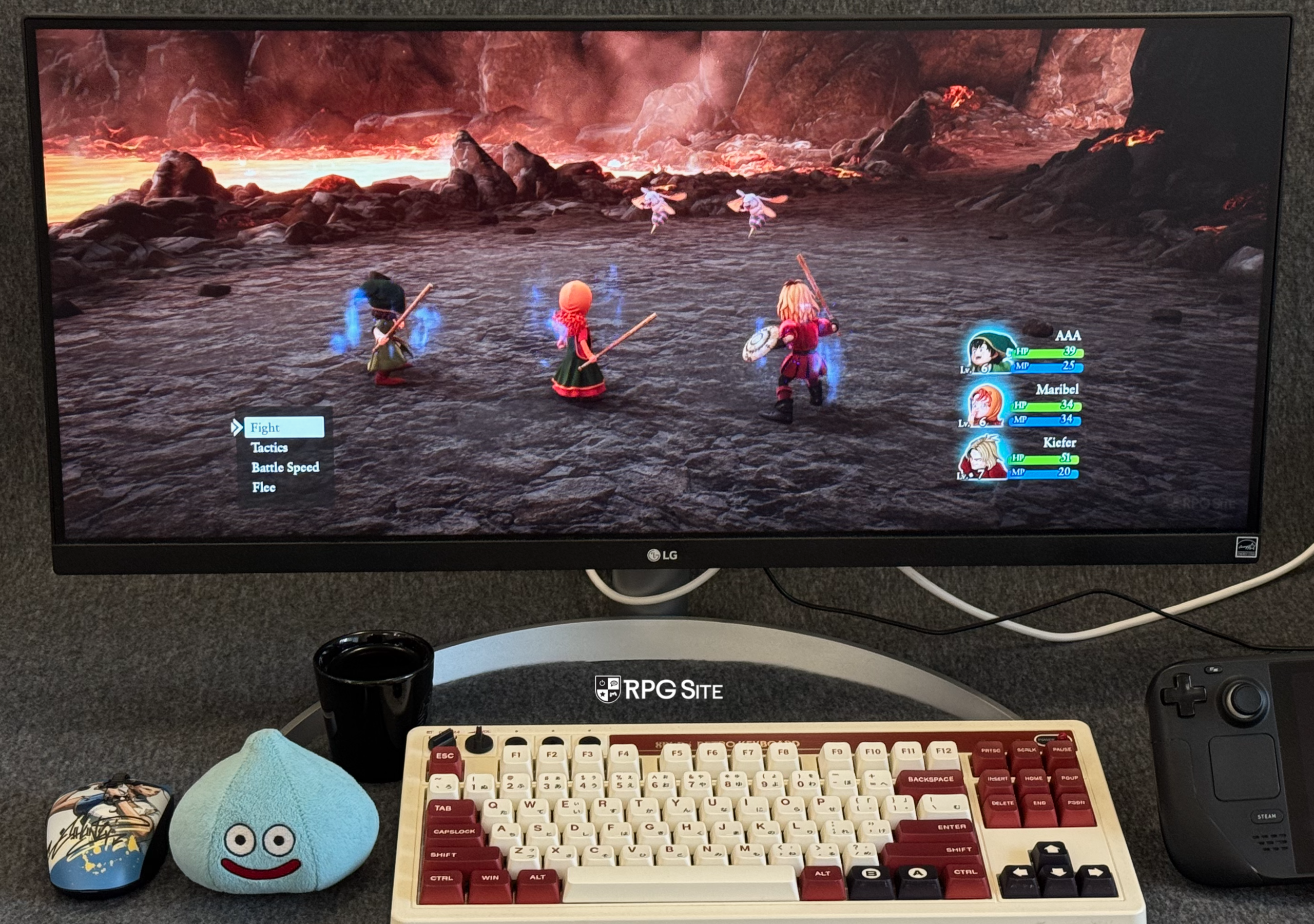
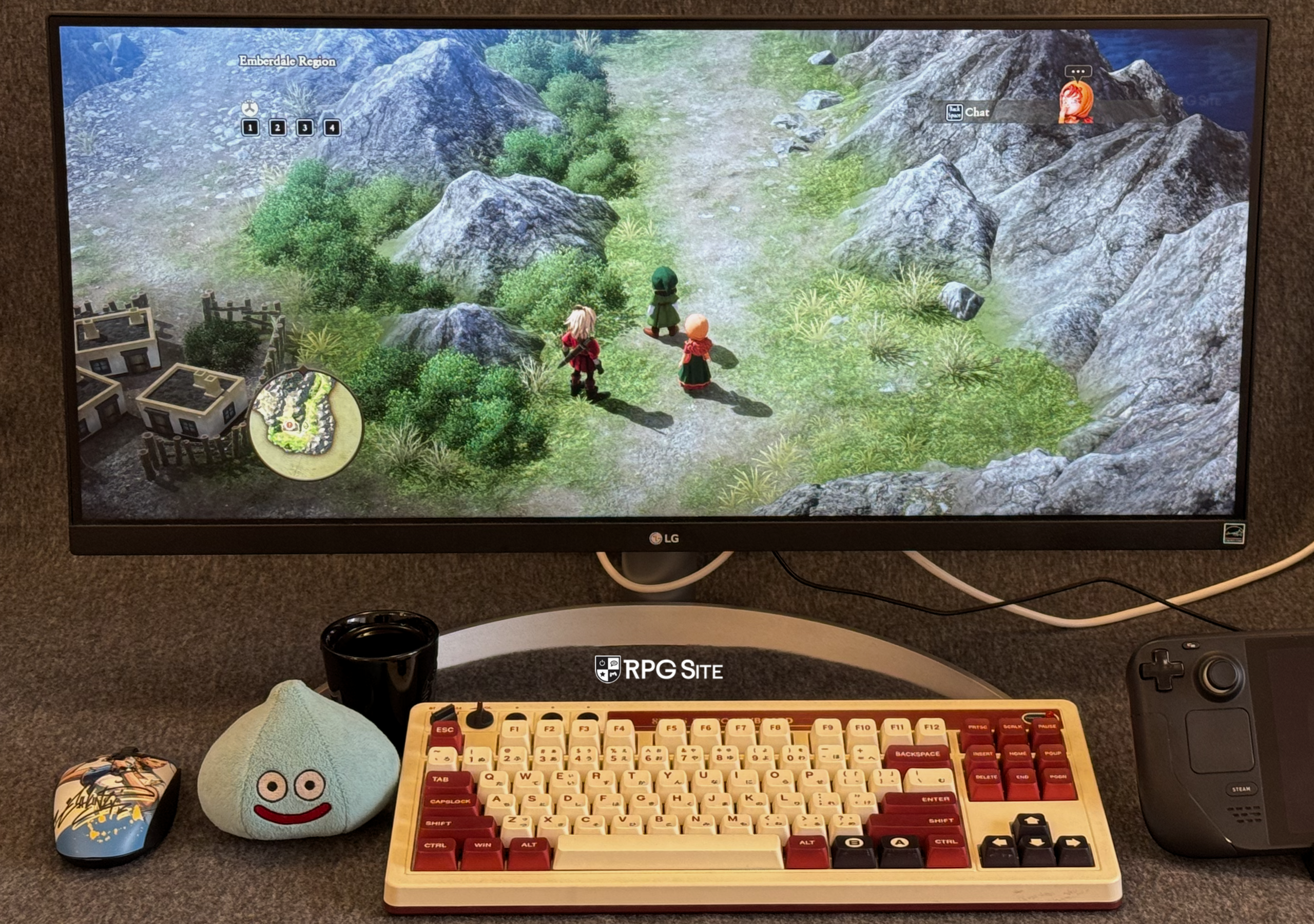
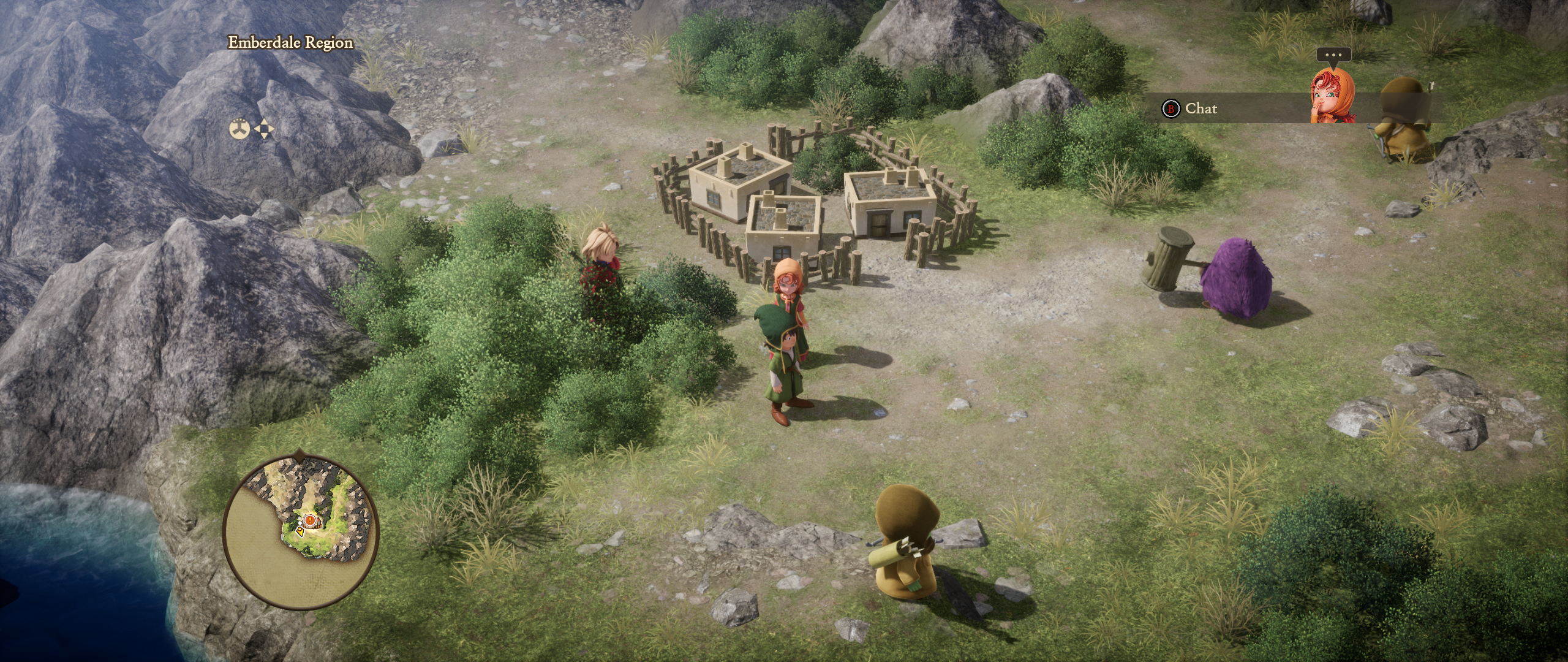
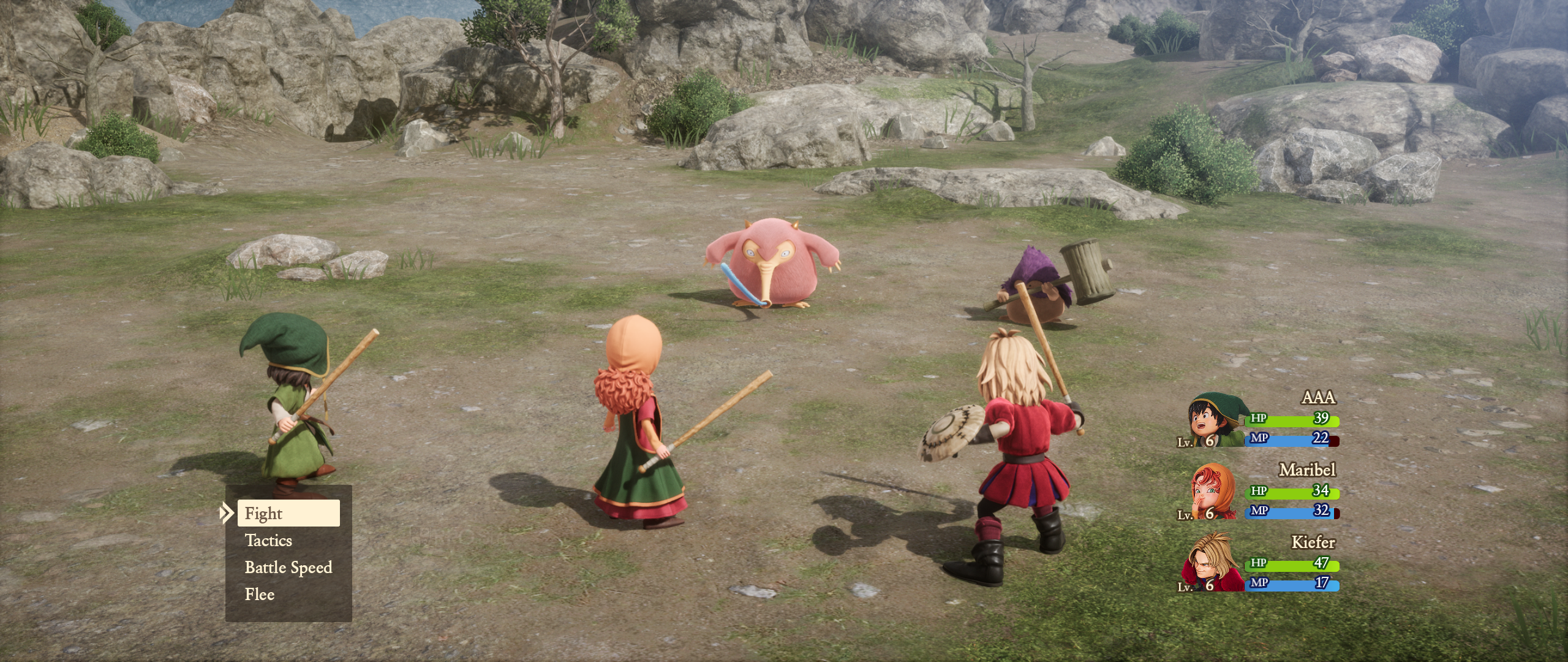
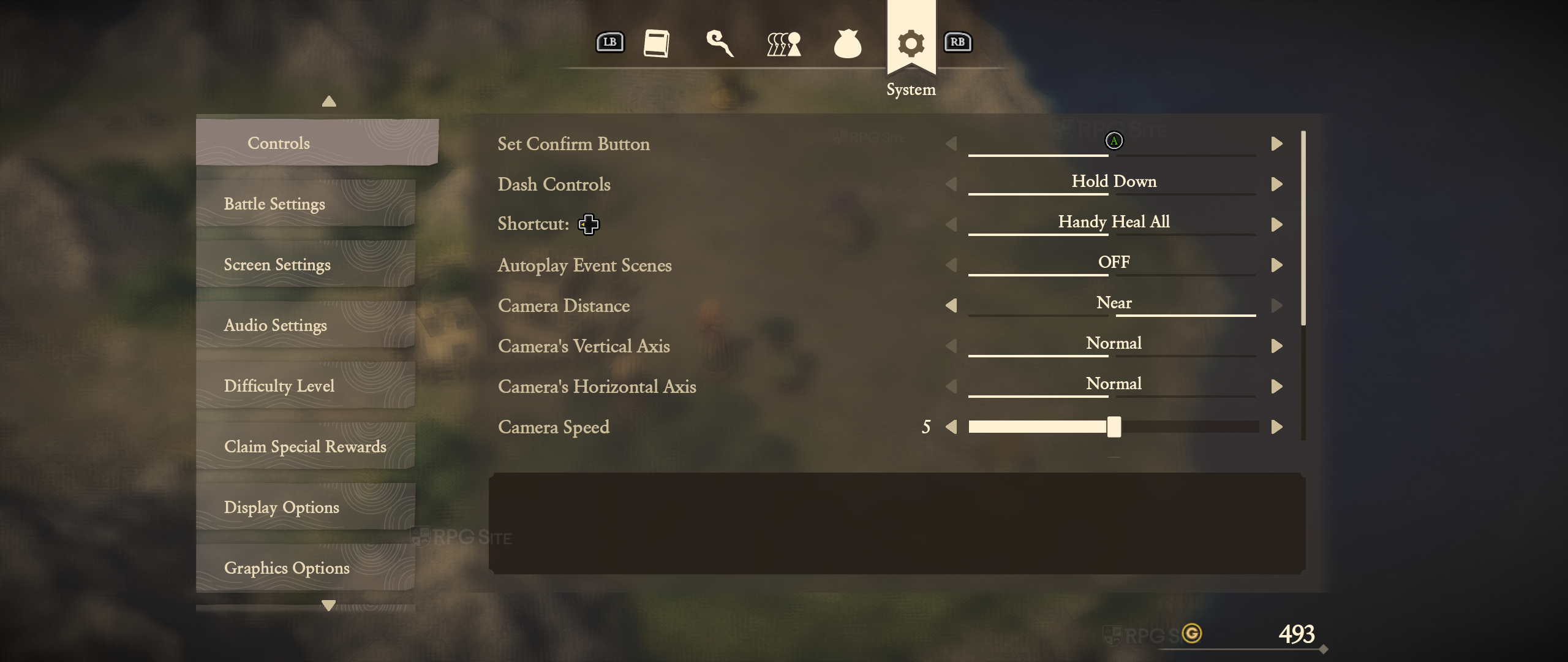
Note: Again, I do not recommend using the demo mod until Lyall has updated it for the full game.
Dragon Quest VII Reimagined features that need to be added in patches
I’d like to see Square Enix add an option to disable the strong depth of field effect, similar to how they let players turn off objective markers after the release of Raidou Remastered. While having difficulty settings is great, forcing certain visual effects isn’t ideal. It would also be fantastic if the game supported 16:10 and ultrawide monitors, but the current mod should work well once it’s finished and tested. Finally, Square Enix should really adjust the default graphics settings on the Steam Deck – many players might think the game looks bad if they don’t bother changing them. And on the Switch 2, fixing the small frame pacing problems would ensure a smooth, consistent 60fps experience.
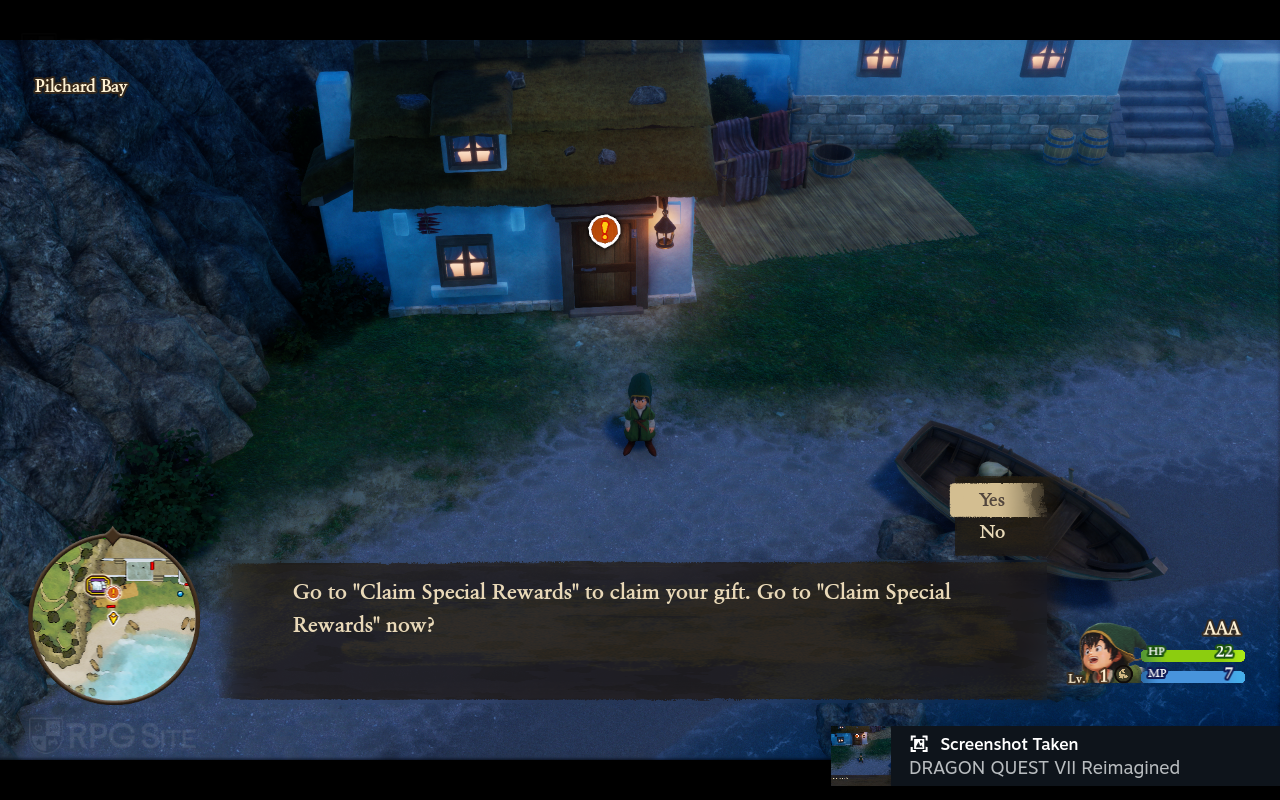
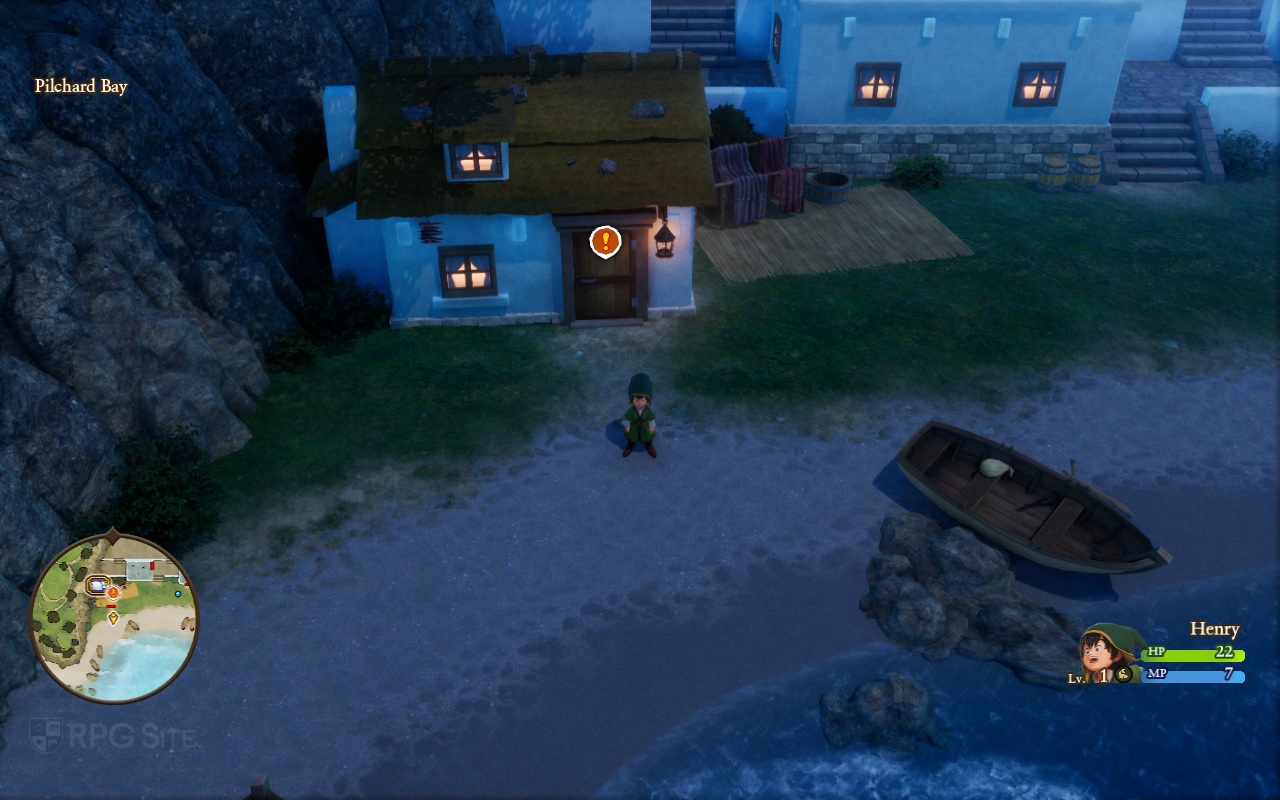
Dragon Quest VII Reimagined load times across Switch 2, Switch, Steam Deck, and ROG Ally
To check how quickly the game loads, I timed how long it took to reach the title screen from the system’s home menu and to load a saved game. I tested with Dragon Quest VII Reimagined installed in several ways: on the internal storage of both the new Switch 2 and the older Switch 1, on the Switch OLED with the older version, on the Steam Deck’s internal storage with the Steam version, and on the ROG Ally’s internal storage with the Steam version. It’s worth noting that the first time you load the Steam version, and after any updates, it takes longer to build shaders – the game displays a “preparing” message during this process.
| Platform | Dashboard to title | Loading save |
| Switch 2 | 6-7 | 2-3 |
| Switch 1 on Switch 2 | 8-9 | 2-3 |
| Switch 1 | 21 | 6-7 |
| Steam Deck | 15-19 | 1.5-2 |
| ROG Ally | 7-8 | 1.5 |
Just so you know, all the loading times mentioned are measured in seconds. If you see a range of numbers, that shows the fastest and slowest times we recorded during testing.
The Switch 2 offers the quickest start-up times and nearly as fast save loading as the Steam version on PC. Even the original Switch game plays noticeably faster when run on the Switch 2 thanks to the improved storage. The Steam version takes longer to load initially because it has to prepare the game’s graphics. Considering everything, the Switch 2 version performs remarkably well – it’s a much smoother experience than we’ve seen with many other games ported to the Switch.
Which is the best portable version of Dragon Quest VII Reimagined
Currently, all the portable versions of Dragon Quest VII Reimagined play well, though some are better than others. I’m really impressed with how Hexadrive has optimized the game – there are only a few minor problems. Even on the original Switch, the game runs at a smooth 30 frames per second with surprisingly good graphics. On the newer Switch model, it’s even better, running close to a perfect 60fps, though there are a few small hiccups with the timing of the frames. If you play on PC handhelds, the experience is even improved. After testing it on several devices, I’d say the best version is on the ROG Ally (Z1 Extreme), which consistently hits 120fps. The Steam Deck OLED is a close second, delivering 90fps and an amazing screen. If you don’t have an OLED Steam Deck, the newer Switch version is right behind the ROG Ally, and the original Switch version is the least impressive.
Considering how well Dragon Quest VII Reimagined performs on PC handhelds, a PS5, Xbox, and potential Switch 2 version could have included an option to play at 120 frames per second while connected to a TV. However, it seems the developers, Hexadrive, likely focused on ensuring a smooth 60fps experience on existing consoles.

Which version of Dragon Quest VII Reimagined should you buy (to play on the go)
- Dragon Quest VII Reimagined on Switch: Dragon Quest VII Reimagined on Switch delivers a (mostly) polished experience at 30fps with good docked and handheld visuals for the platform. Frame pacing issues aside, this is also the only Nintendo version with a proper physical release if that matters to you. If you want to buy this, note that there is no upgrade path or save transfer to the native Switch 2 version, but you can play Dragon Quest VII Reimagined’s Switch port on Switch 2 via backward compatibility. The frame pacing issues are still present when playing this on Switch 2.
- Dragon Quest VII Reimagined on Switch 2: Dragon Quest VII Reimagined on Switch 2 is an excellent version of the game delivering a near perfect 60fps experience with only minor frame pacing issues. I hope these get fixed because the Switch 2 version is a fantastic hybrid experience with great visuals when I play on my 1440p monitor and crisp handheld visuals on the device itself. If I had to pick the best version to play at home and on the go, this would be it.
- Dragon Quest VII Reimagined on Steam: If you want the best portable experience right now when it comes to performance and visuals, Dragon Quest VII Reimagined on ROG Ally or Steam Deck OLED will get you that through the Steam version. Note that you should consider the Switch 2 version if you want to play docked on your TV and handheld. The Switch 2 delivers a much better hybrid experience. As for the best pure portable experience, the Steam Deck OLED with a mod is perfect.
- Dragon Quest VII Reimagined on the Windows Store: While I didn’t have access to the full game for this version, I played the demo on ROG Ally. If you play on both PC and Xbox Series consoles, Dragon Quest VII Reimagined’s Xbox version is Play Anywhere meaning you can pick up your progress and resume between Xbox Series consoles and PC handhelds or your Windows 11 PC. That is the only reason to buy this version over Steam. The demo took a bit longer to load as well compared to the Steam (full game) version that loads much faster on the same device.
I hope this comparison helped you choose which version of the game to play. I think I’ll prefer the Steam version on the Steam Deck OLED for portable gaming, especially with a visual fix. However, I was really impressed with how great the Switch 2 version looks and runs – it consistently hit a smooth 60 frames per second whether played on the TV or in handheld mode.
Dragon Quest VII Reimagined will be available on February 5th for PlayStation 5, Xbox Series X|S, Nintendo Switch 2, Nintendo Switch, and PC via Steam.
Read More
- Netflix’s Little House On The Prairie Reboot: Release Date, Cast & Everything We Know
- Off Campus Season 1 Soundtrack Guide
- YouTuber arrested after viral AI bodycam videos spark real police complaints
- Silver Rate Forecast
- Prime Video’s New R-Rated Spy Thriller Is Officially No.1 On Streaming Despite Poor Reviews
- Brent Oil Forecast
- Gold Rate Forecast
- EUR ZAR PREDICTION
- Peaky Blinders: The Immortal Man’s Tommy Shelby Is a Better Father Than Michael Corleone
- Bulgakov’s Take: Koreans Bet the Farm on Chips, Crypto, and Chaos
2026-02-02 17:59