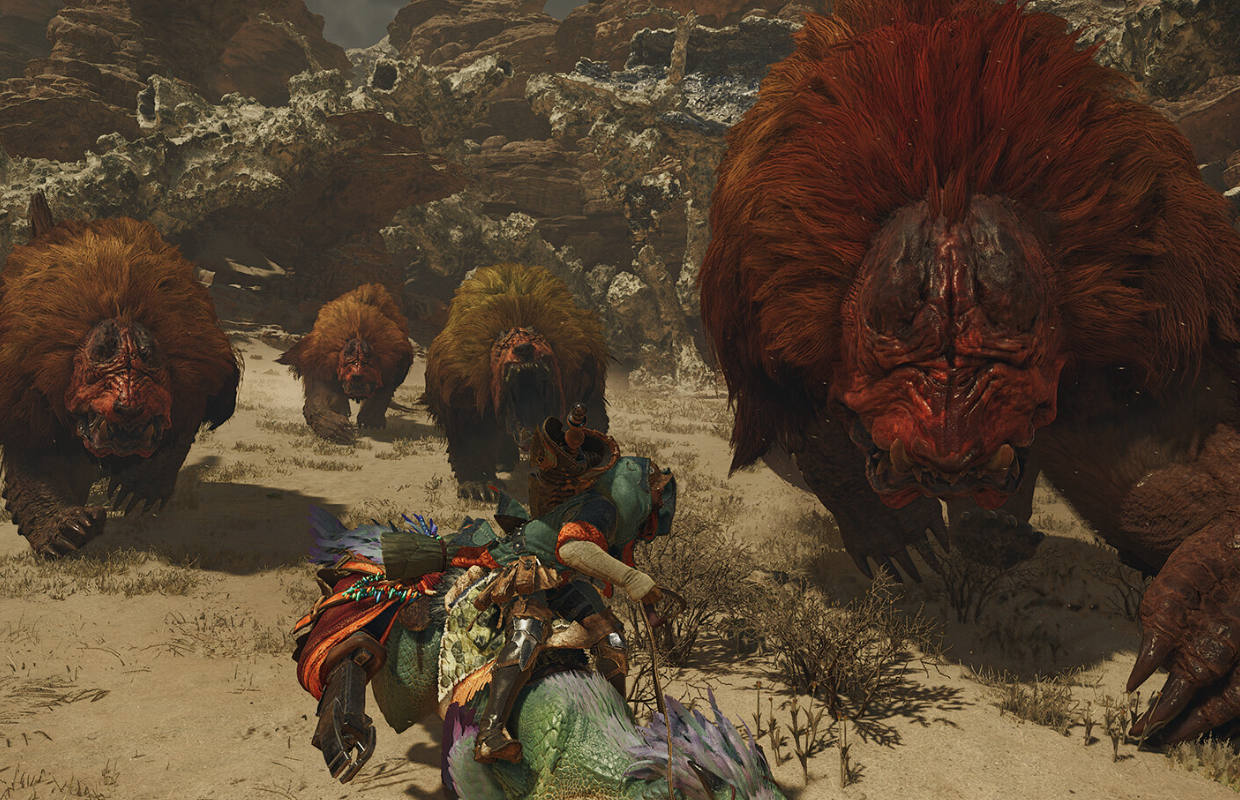
Hey everyone, just a heads-up! The Steam version of Monster Hunter Wilds is getting an update later today. They’re fixing some problems that popped up with the DLC, tweaking how textures load to help with VRAM usage (hopefully that means less stuttering!), and a bunch of other improvements. Should make for a smoother hunt!
Okay, so the new Monster Hunter Wilds update – version 1.040.03.01 – is dropping for Steam players tonight at 6 PM Pacific Time (that’s 2 AM UTC on January 28th for those of us keeping track globally). Heads up though, it looks like there are some performance hiccups with the DLC check on PC. I just saw a really helpful video from Digital Foundry explaining the issue, and I’m linking it here so you can check it out.
So, Capcom acknowledged that weird bug we’ve all been seeing and says they’re fixing it in today’s update. They’re also working on making the game run smoother by adding different detail levels for the monsters and environments – basically, letting us tweak the graphics to get better performance. They’re planning to roll out these fixes on February 18th with the Monster Hunter Wilds version 1.041 update. You can check out the full list of changes in the patch notes below.
Monster Hunter Wilds Steam update patch notes for version 1.040.03.01
Major Additions and Changes
Steam
- Improved CPU/GPU processing specific to the Steam version.
- Reduced shader warming processes performed outside the shader compilation screen to lower CPU load.
- Adjusted texture streaming to improve visual quality while reducing VRAM usage.
- Adjusted the High Resolution Texture Pack to reduce VRAM usage and overall package size.
Added a CPU tab to the Options menu, allowing players to adjust settings related to CPU load.
Added new categories to the graphics settings, along with new settings for existing options.
We’ve improved the visual settings and now show a confirmation message when your settings are automatically updated after an app update.
We’ve added more options for the Volumetric Fog setting in the graphics menu. Instead of just two levels, you can now choose from five. We’ve renamed the old “High” to “Highest” and “Low” to “High,” and added three new settings: “Medium,” “Low,” and “Lowest.”
We resolved a problem that caused a false warning message about an outdated AMD Radeon driver. This occurred when using driver version 26.1.1 or newer.
Bug Fixes and Balance Adjustments
Steam
We resolved a problem that was causing increased system strain near the Support Desk in Base Camp and the Grand Hub. This was happening because the system was repeatedly checking the status of content that had already been claimed.
We’ve made a change so Variable Rate Shading automatically turns off when upscaling images. This ensures visual effects look as intended.
Fixed other miscellaneous issues.
Monster Hunter Wilds is out now on PlayStation 5, Xbox Series X|S, and PC through Steam. You can find all of our helpful guides right here.
Read More
- Off Campus Season 1 Soundtrack Guide
- 46 Years Later, The Mandalorian & Grogu Answers A Major Empire Strikes Back Question
- X-Men ’97 Finally Gave Gambit the Hero Moment He Deserved
- 10 Worst End-Game Couples In Sitcom History
- Chainsaw Man Volume 24’s Cover Art Reveals a Brand-New Denji
- HoI4 fans harsh reactions to the announcement of another DLC pack
- Hatsune Miku cosplayer goes viral selling $15 cups of “foot juice” to thirsty anime fans
- All Golden Ball Locations in Yakuza Kiwami 3 & Dark Ties
- Emily Henry Says to ‘Trust the Vision’ For Beach Read Adaptation
- DoorDash responds after customer uses AI to make food look bad and get a refund
2026-01-27 13:27